New Trade Zone
Trade Zone is now live
Use the new Trade Zone for auctions and instant-price trades so Pokemon and item offers are easy to find.

Taloskhant
Registered User
-
Joined
-
Last visited
Everything posted by Taloskhant
-
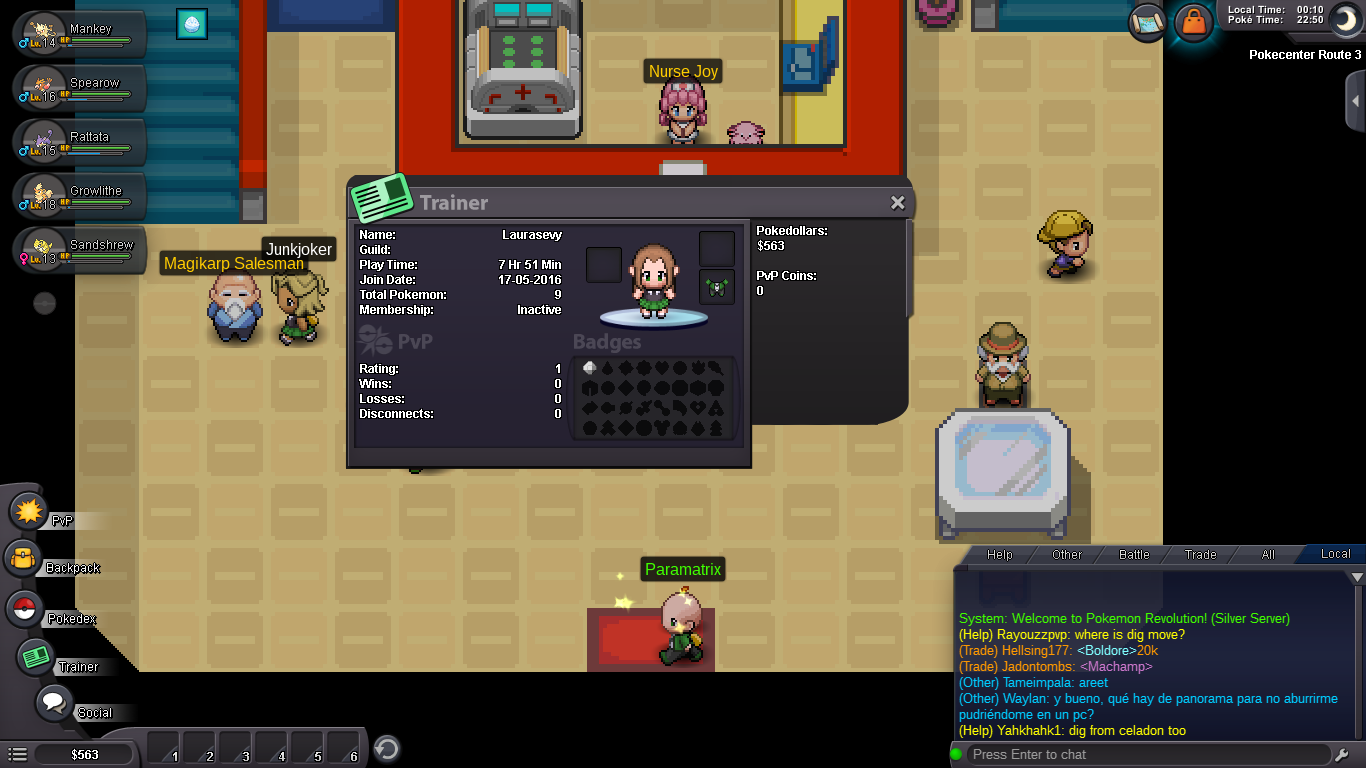
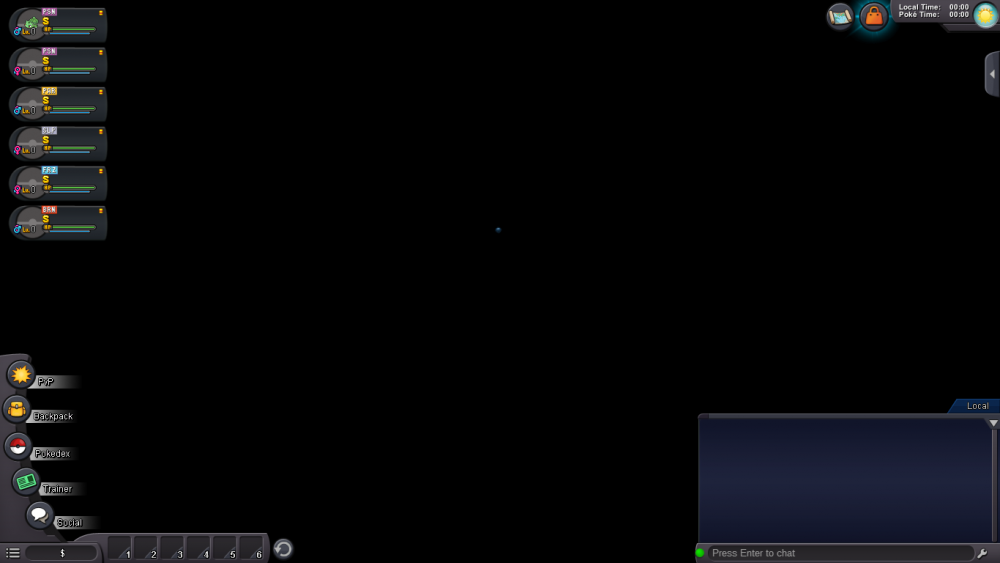
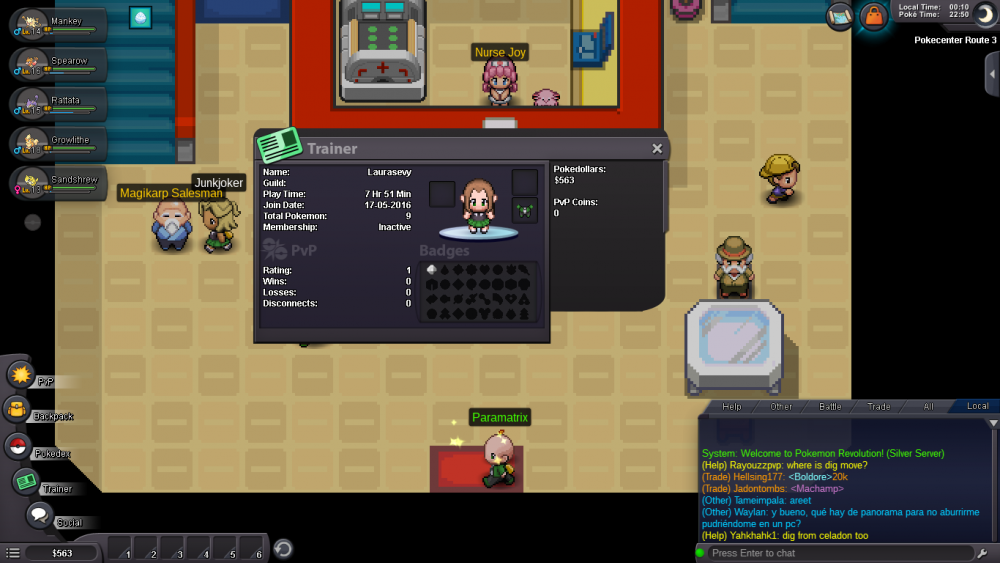
Hey Xylos! Thank you for getting back so quickly! Yeah I think it's best to reset the account if possible! We both confirm this, as there has been other bugs since (Like in the photo). Her IGN as stated is - LauraSevy (Please don't delete my progress by accident xD) The second photo is her ID card (Just incase further Validation is required!) Thank you again! - Talos
-
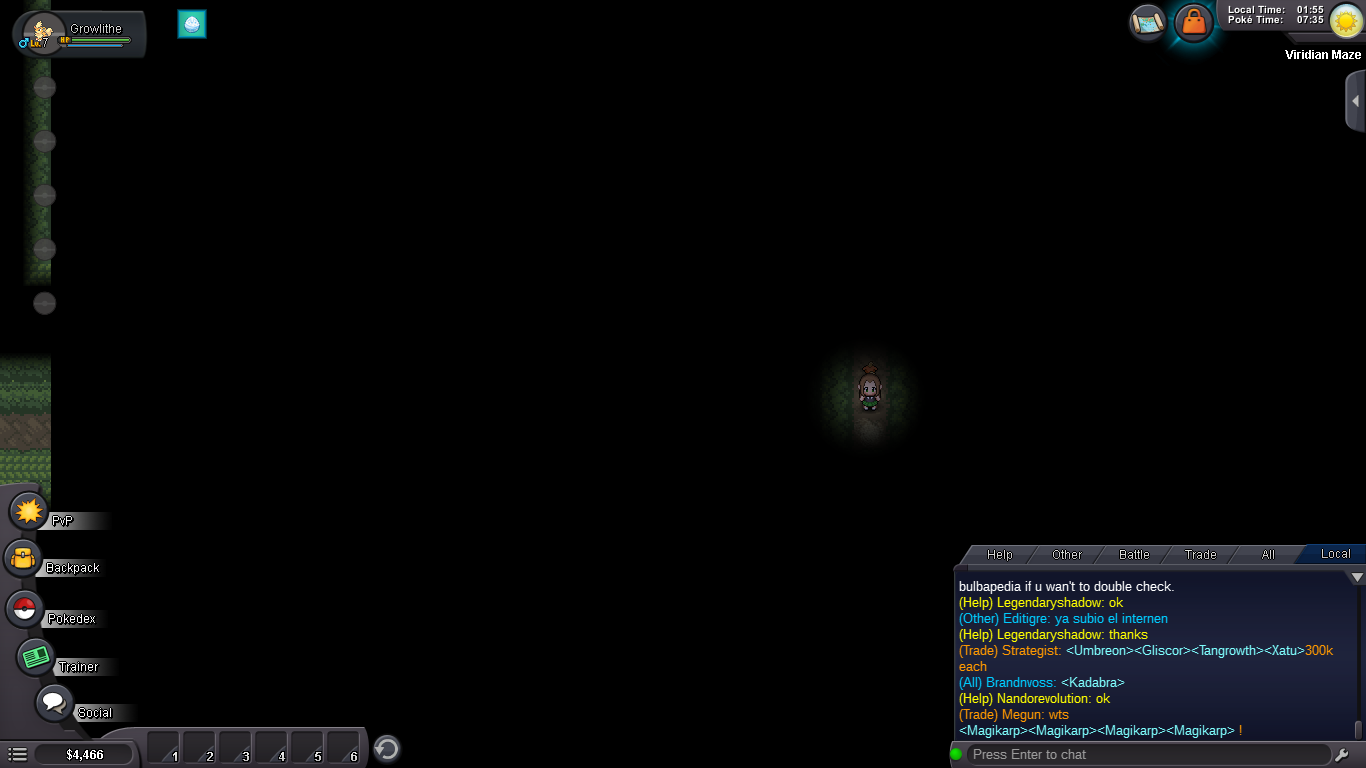
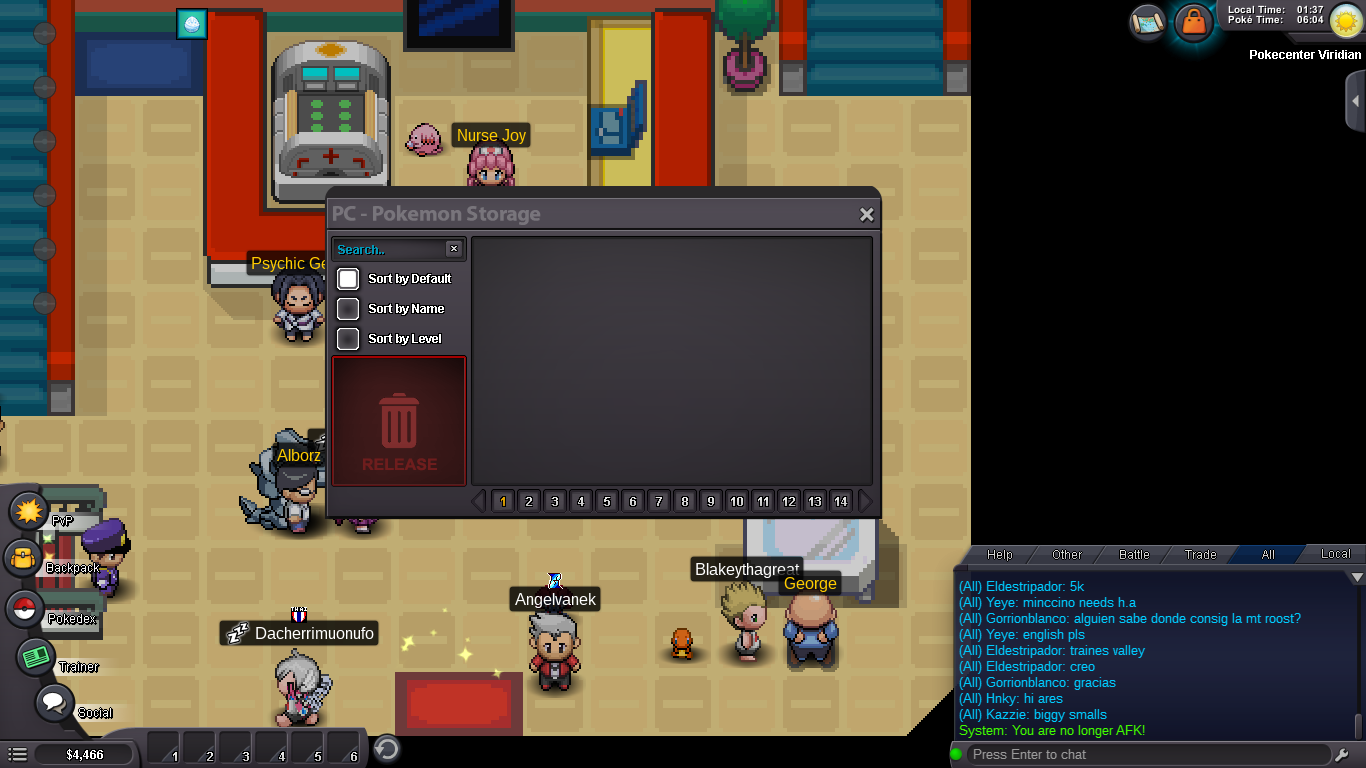
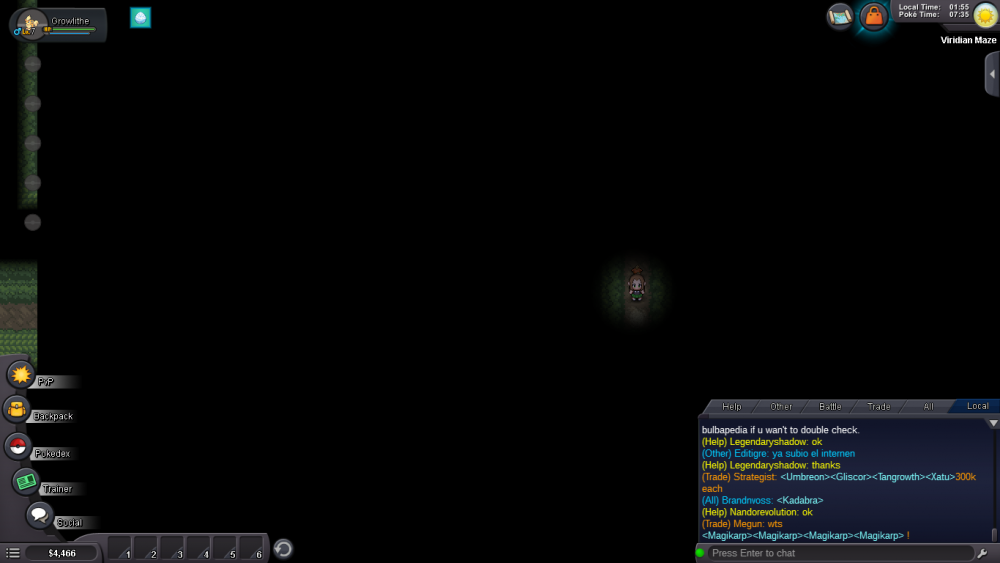
Yeah I couldn't talk, I had to run all the way to the abandoned pokemon in viridian maze to be able to speak with him
-
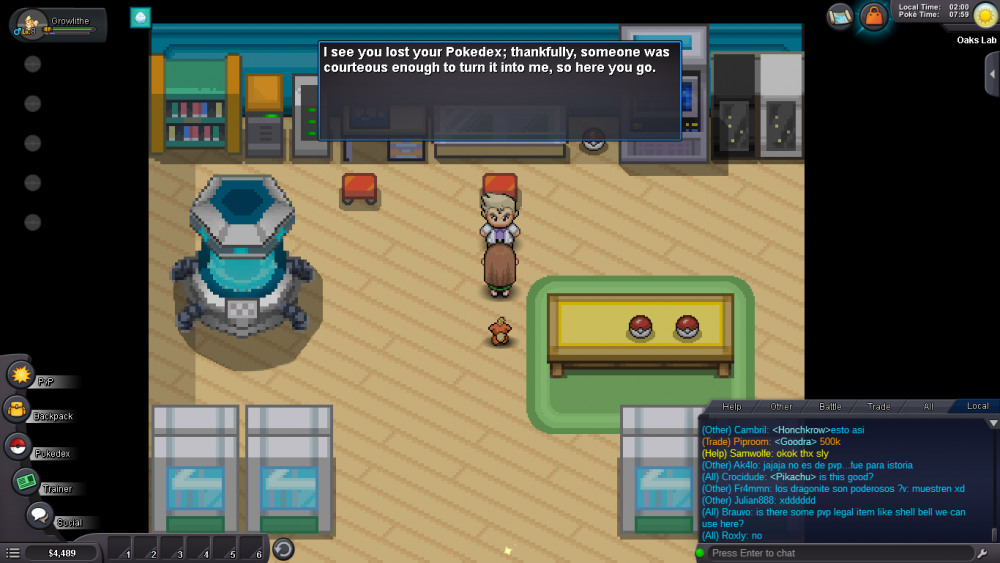
Well after over an hour of trying to get from Viridian City to Viridian Maze to get the abandoned poke I finally did it. Seems to have fixed all problems too, albeit having no other pokemon but sure!
-
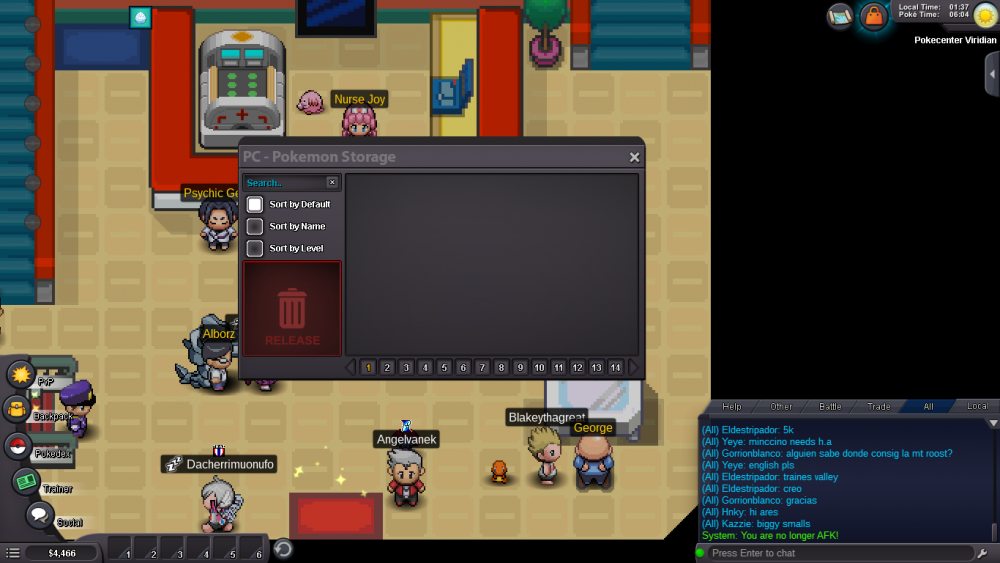
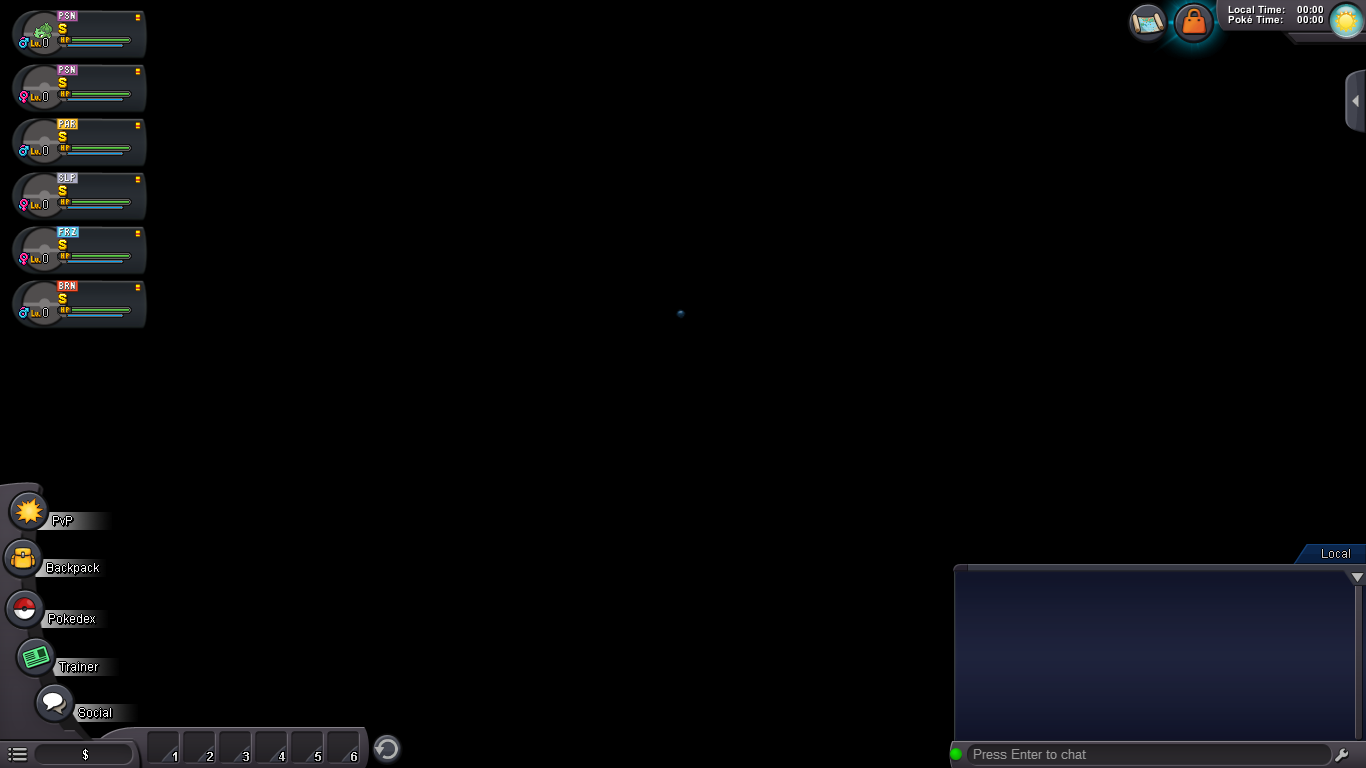
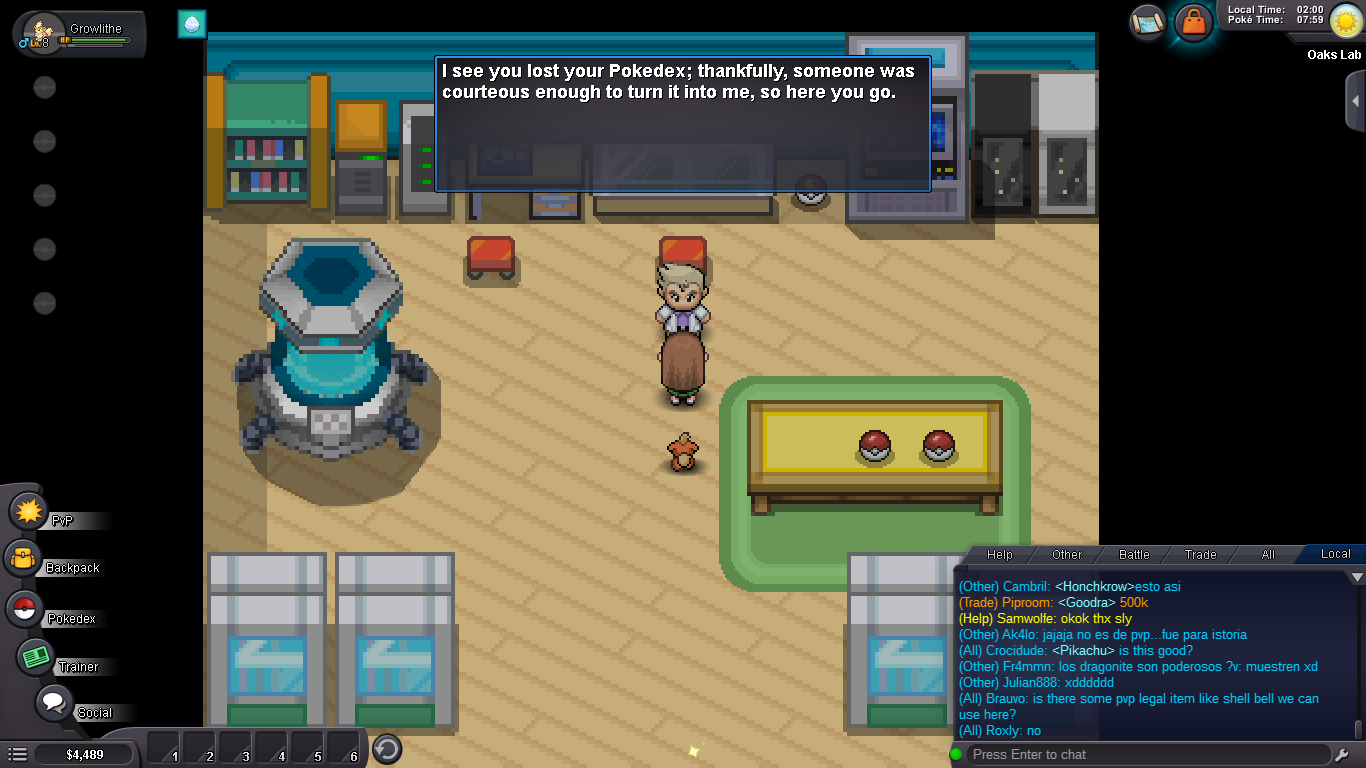
Hello there, So my girlfriends signed into her account after two years (Didn't play for that long) but is now in Viridian, with no pokemon, none in party, none in pc. When I go back to oak the bulbasaurs gone, I can't interact to get pokedex, can't leave the lab. On relogging it sets me back in viridian with no pokes again. On coming into an encounter I'm immediately teleported back to the viridian pc. Been trying to get to viridian maze to claim abandoned poke and hopefully fix things but, rng is really against me haha Her IGN - LauraSevy