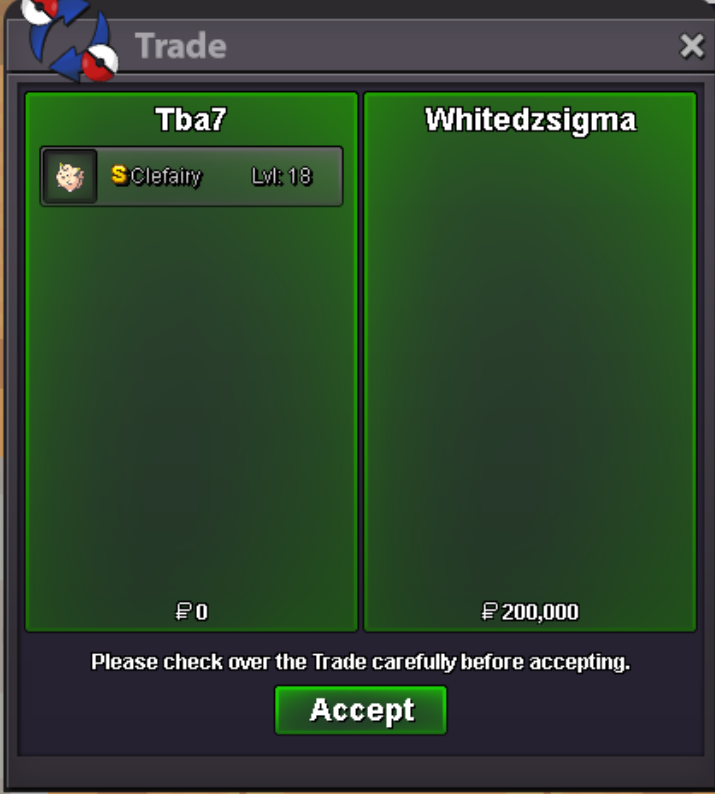
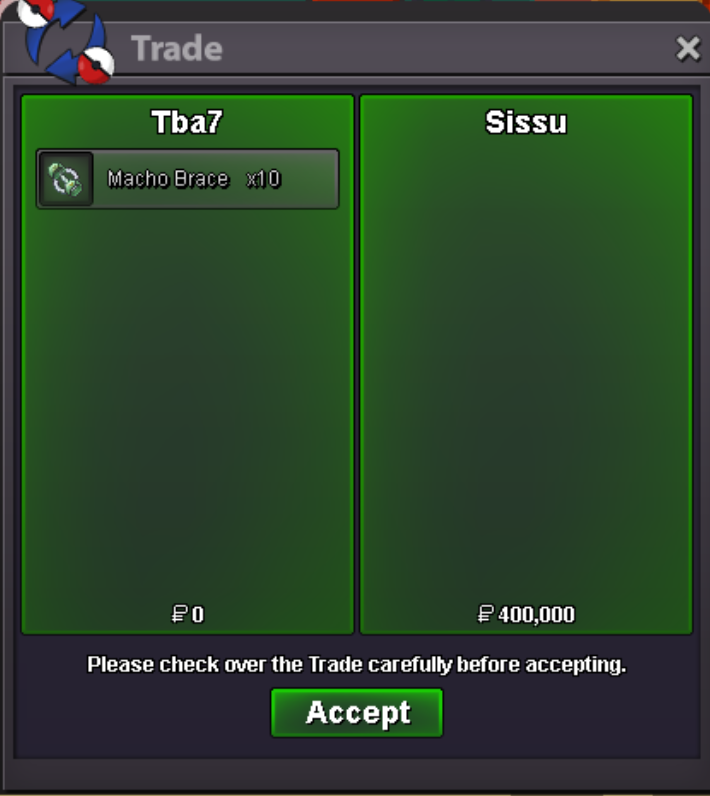
New Trade Zone
Trade Zone is now live
Use the new Trade Zone for auctions and instant-price trades so Pokemon and item offers are easy to find.

Tba7
Registered User
-
Joined
-
Last visited
-
Currently
Viewing Topic: Halloween Hunting Event (Blacephalon / Guzzlord)
-
Victini + Time Flute Dungeon Service
-
Victini + Time Flute Dungeon Service
-
Victini Dungeon Service
-
-
Yeah I did. My bad I missed your last message you sent recently..
-
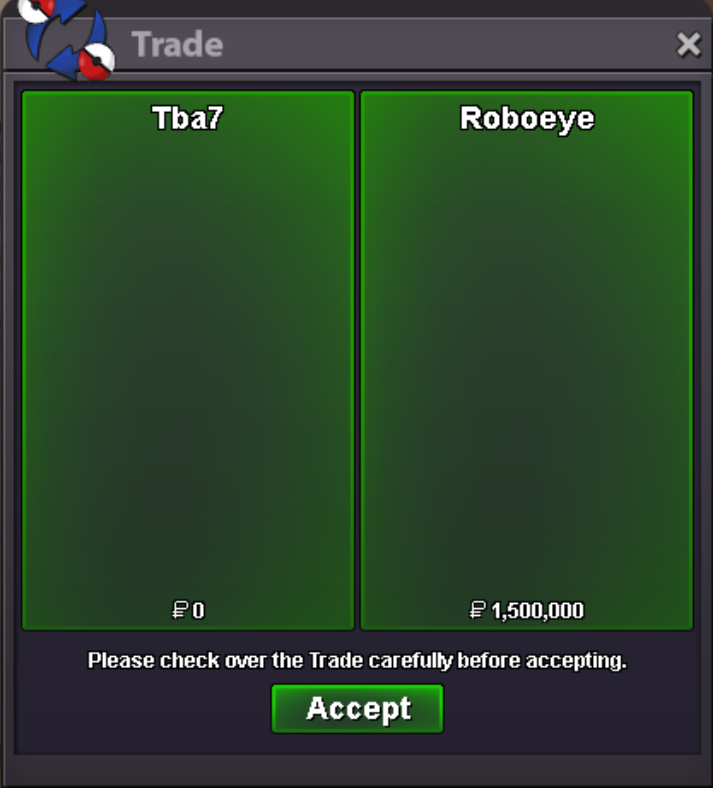
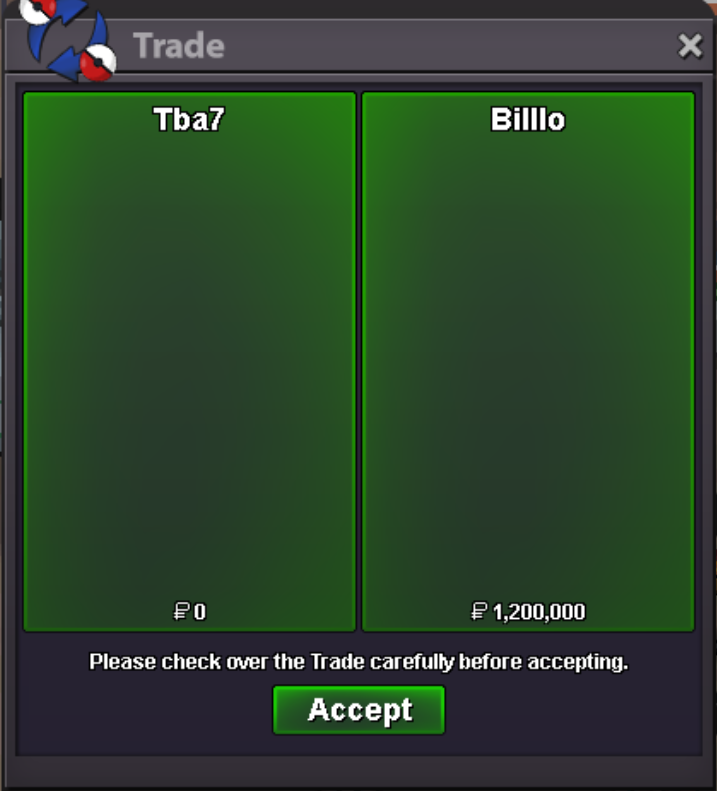
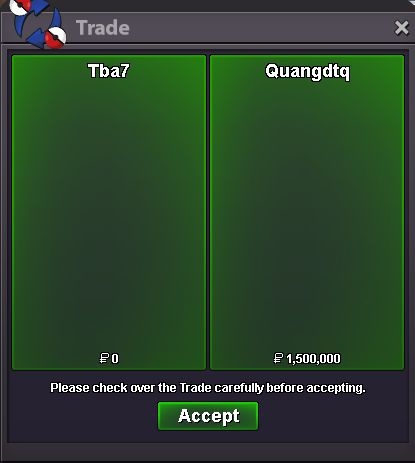
You need to first unlock the Crater town dungeon, which requires having done the Kyurem & Zekrom quest and also have seen data of all gen 5 pokemon, excluding Legendaries. When those prerequisite are met, we can do the dungeon to obtain Victini. Victini Dungeon requires at least 5 non-guild members to create a party and enter the dungeon. I will assemble a team. Inside the dungeon, you need to kill 7 starmies and successfully complete the dungeon to get Victini. You simply have to follow me and I'll show all the locations. So it will basically be a hard carry, where you only have to do the absolute minimum, while my team clears the rest. Which option would you like to purchase? 1. Victini service for 1.2m 2. Victini + Time Flute service for 1.5m More information is available here: https://pokemonrevolution.net/forum/topic/242719-dungeon-service-for-meloetta-victini-crux-of-melody-dungeon-ruins-of-the-vale-dungeon/Victini + Time Flute Dungeon Service
 Victini + Time Flute Dungeon Service
Victini + Time Flute Dungeon Service
Victini + Time Flute Dungeon Service Victini + Time Flute Dungeon Service
Victini Dungeon Service
Victini + Time Flute Dungeon Service
Victini Dungeon Service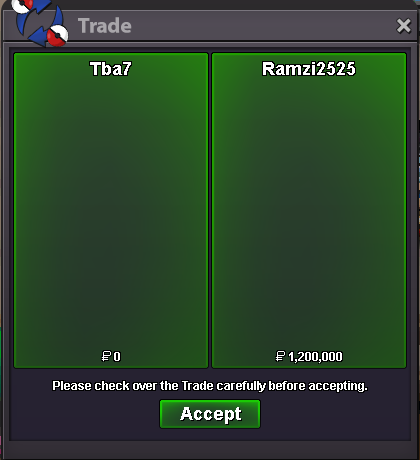 In the first post I shared links to guides on how to unlock both Dungeons, if that's what you are asking ^^