New Trade Zone
Trade Zone is now live
Use the new Trade Zone for auctions and instant-price trades so Pokemon and item offers are easy to find.

Shastie
Registered User
-
Joined
-
Last visited
-
MUDANÇA DE NOME Nome do usuário : ElizabethSyn Novo nome do usuário : Shastie Servidor para cobrar o dinheiro de : Silver
-
thank you, it really helped with the situation .. but the bug stays in the boss's house because I tried to log in again and it does not work...
-
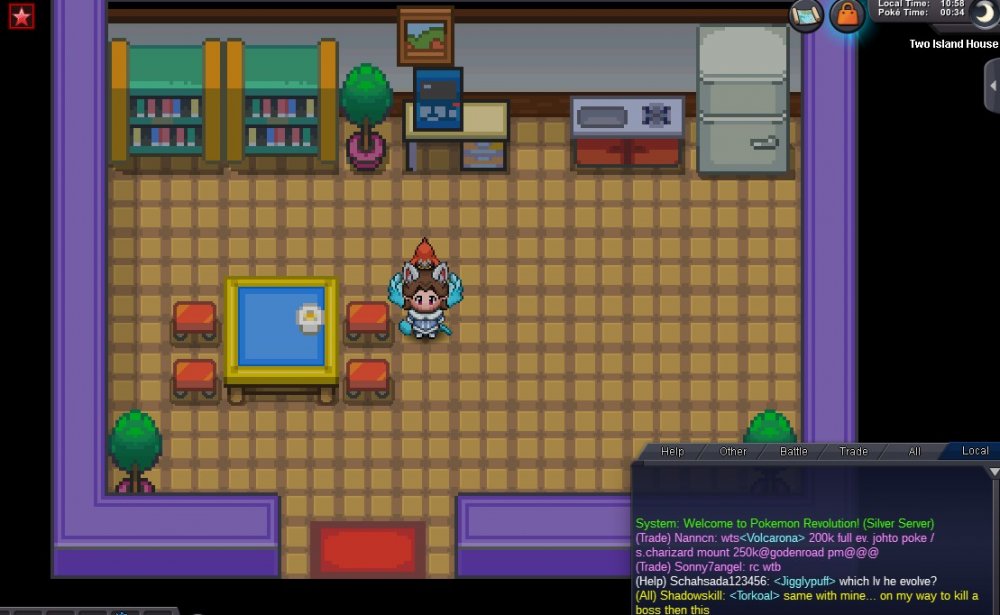
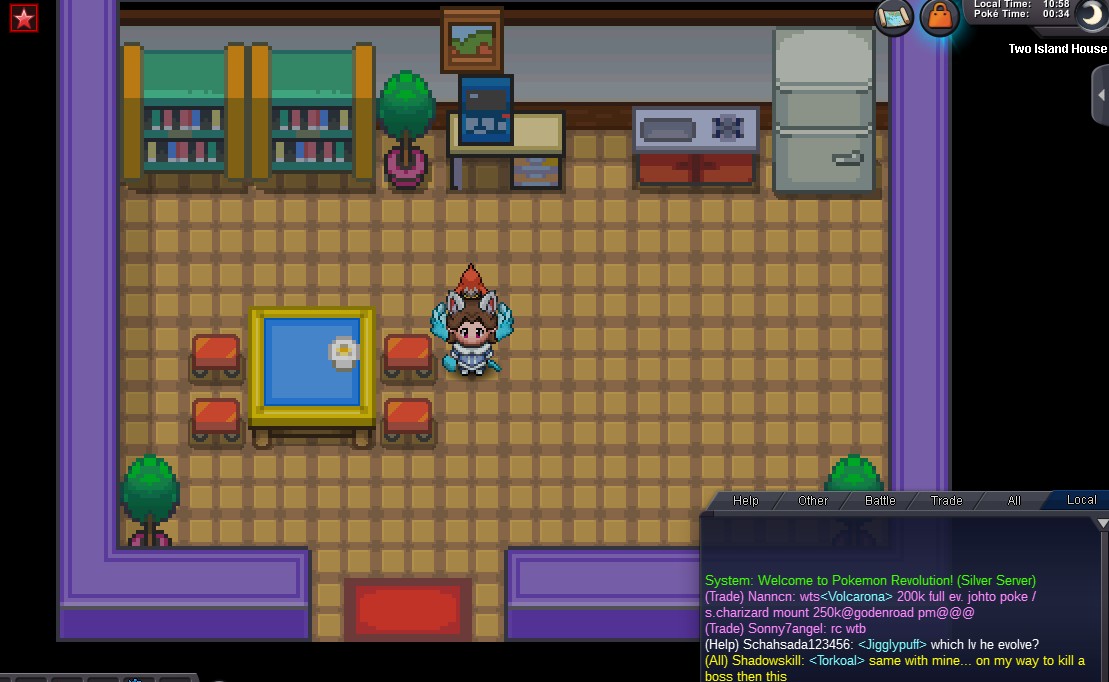
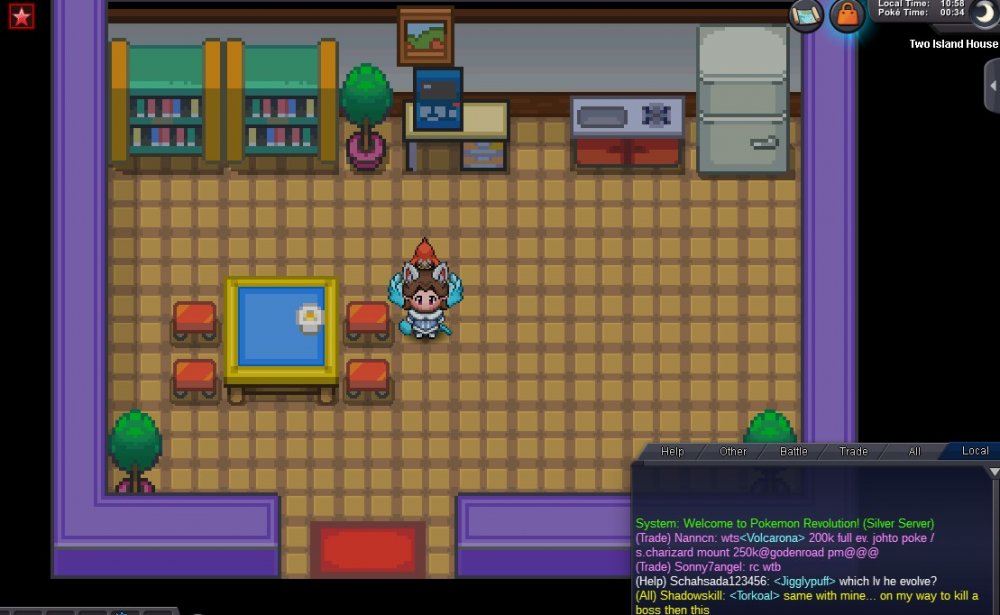
I'm stuck in the Boss PC room (two island). Resetting, logging in and out does not work :( I do not know what to do, can not leave or enter ... help pls.
-
I'm stuck in the Boss PC room (two island). Resetting, logging in and out does not work :( I do not know what to do, can not leave or enter ...
-
Hello! I would like to know if anyone can help me with this bug? I started the game and everything was normal, today I logged in "reset" the boss for another try and it happened ... you can not leave a house and not even face the boss!