




New Trade Zone
Trade Zone is now live
Use the new Trade Zone for auctions and instant-price trades so Pokemon and item offers are easy to find.

Antreas13
Registered User
-
Joined
-
Last visited
Everything posted by Antreas13
-
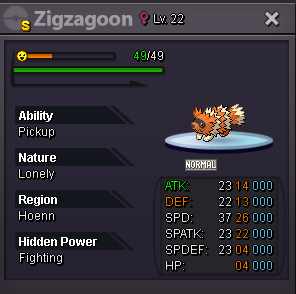
better price for this?
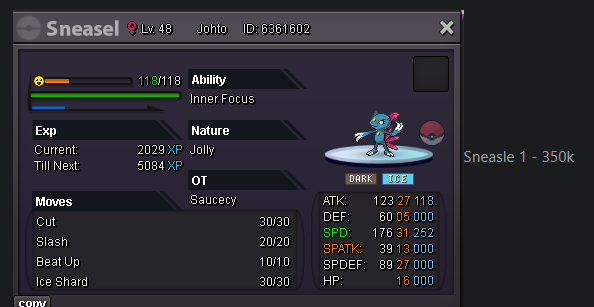 Payments Pokedollar Coin Capsule = 500k Reroll Ticket = 750k Nature Reroll Ticket = 350k Pokemons: Shiny/Forms Spoiler A - B - C Spoiler D - E - F Spoiler G - H - I Spoiler J - K - L Spoiler M - N - O Spoiler P - Q - R Spoiler S - T - U Spoiler V - W - X - Y - Z Spoiler
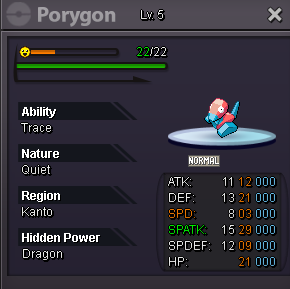
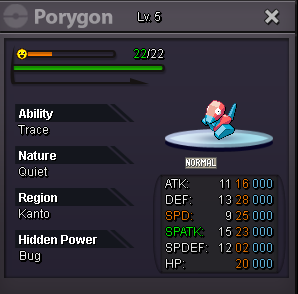
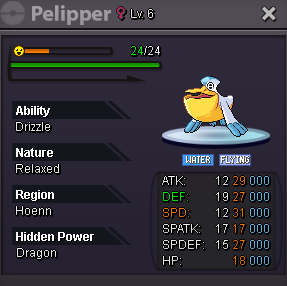
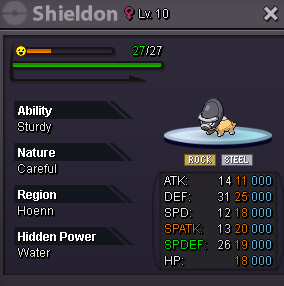
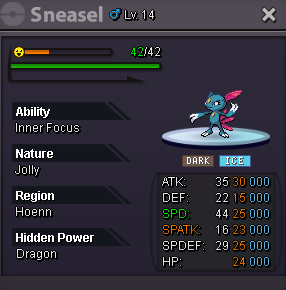
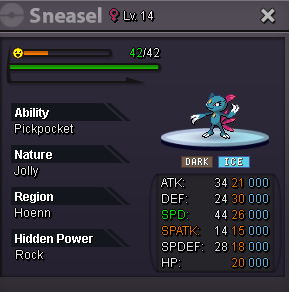
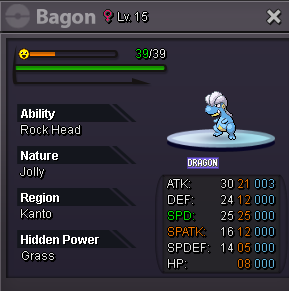
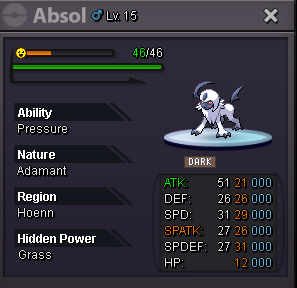
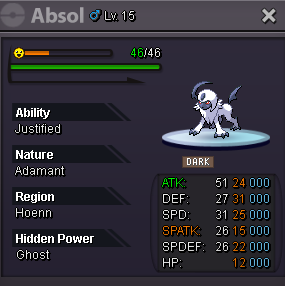
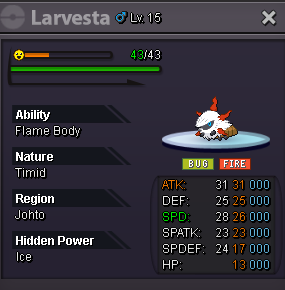
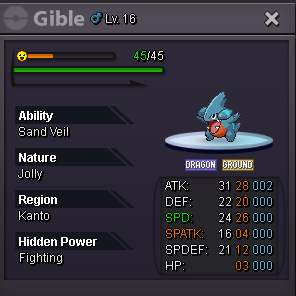
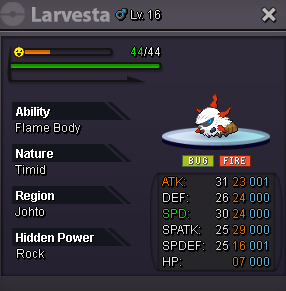
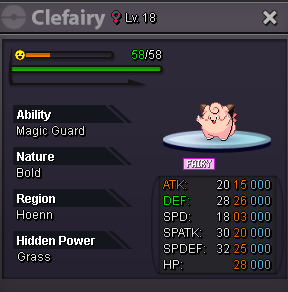
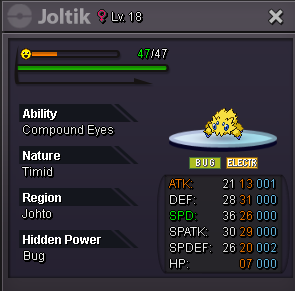
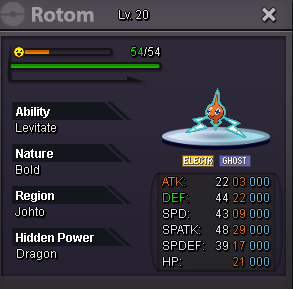
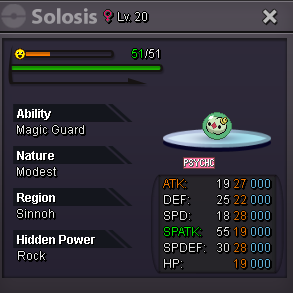
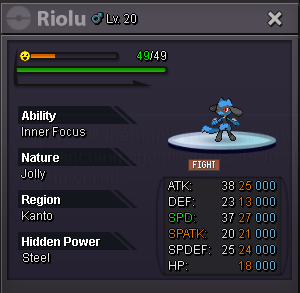
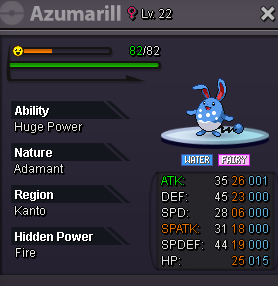
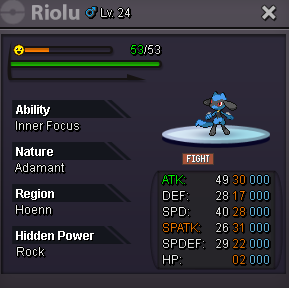
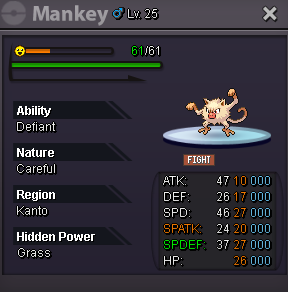
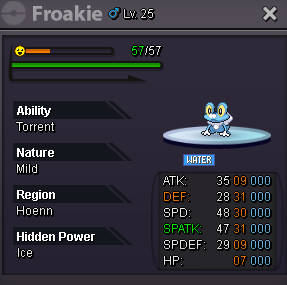
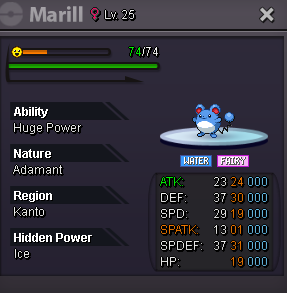
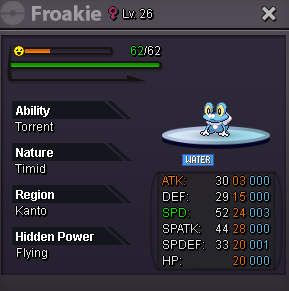
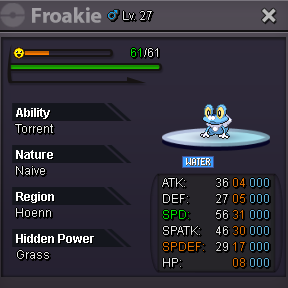
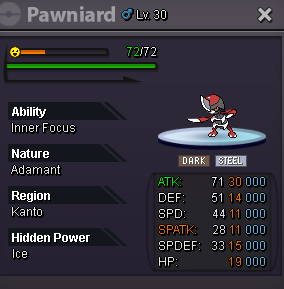
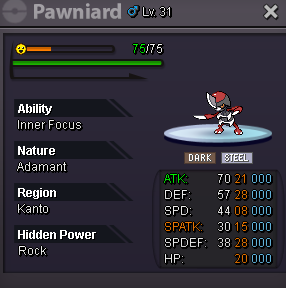
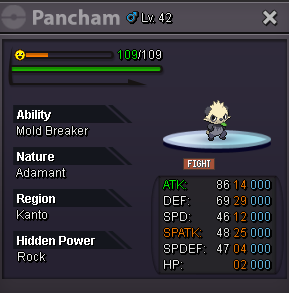
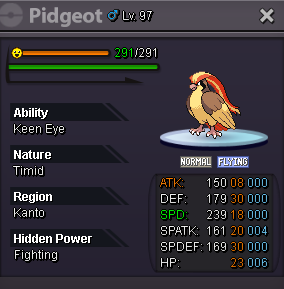
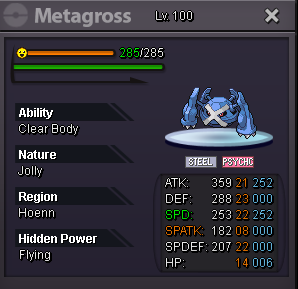
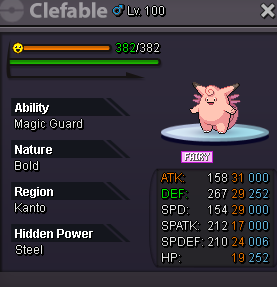
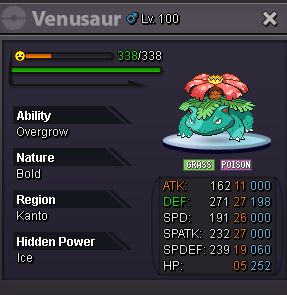
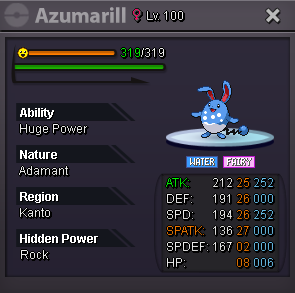
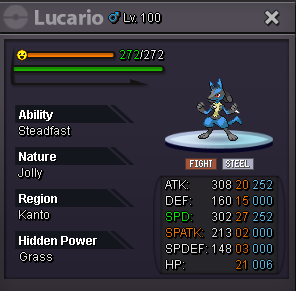
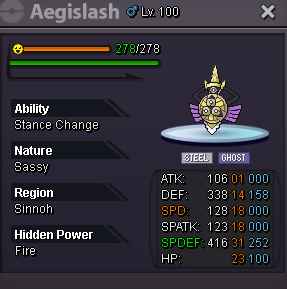
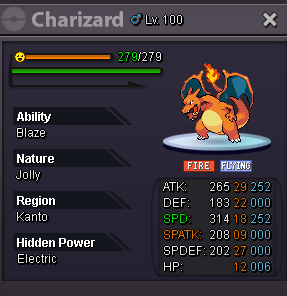
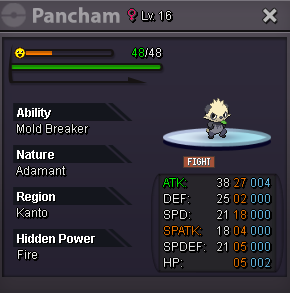
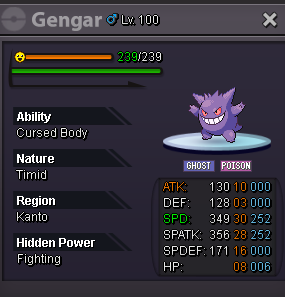
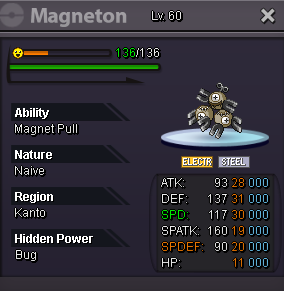
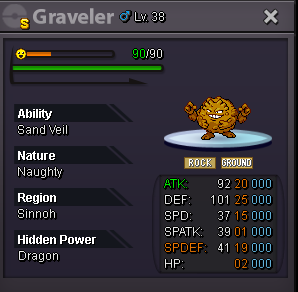
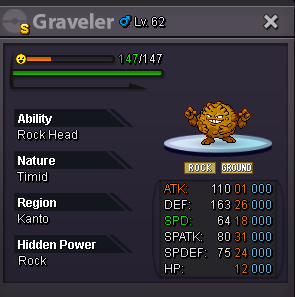
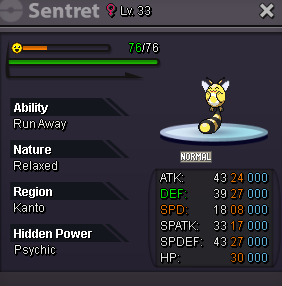
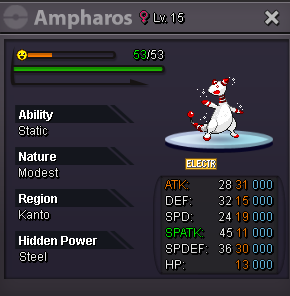
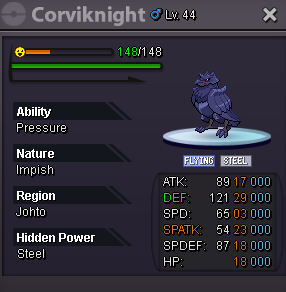
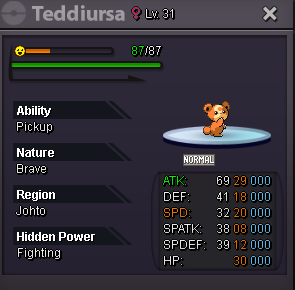
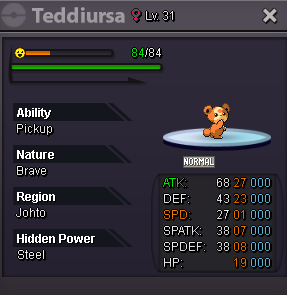
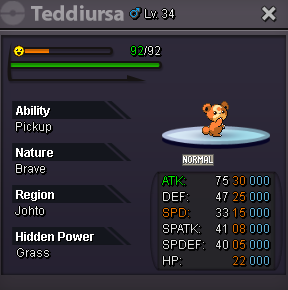
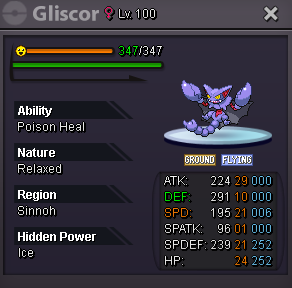
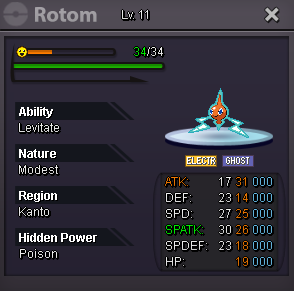
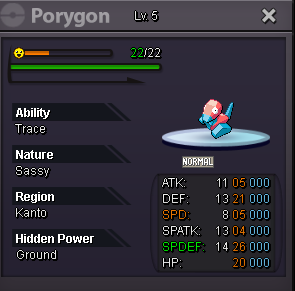
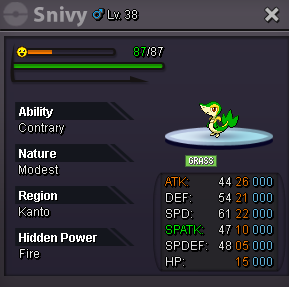
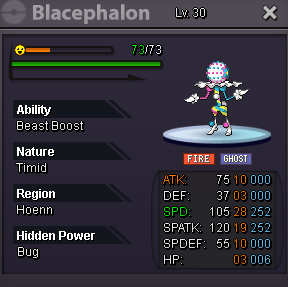
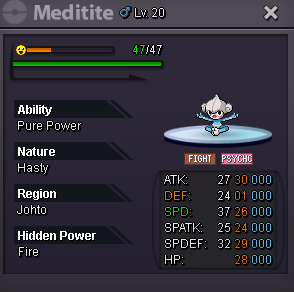
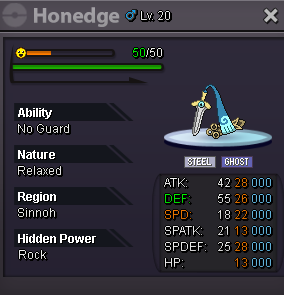
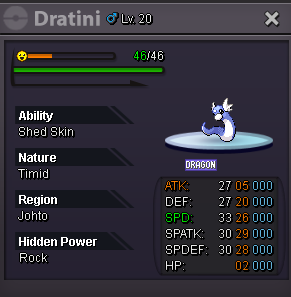
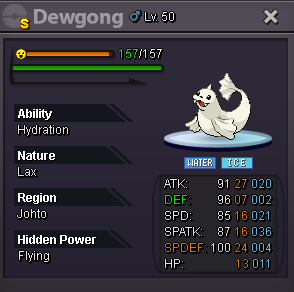
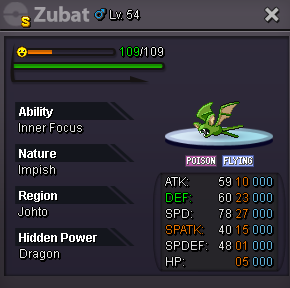
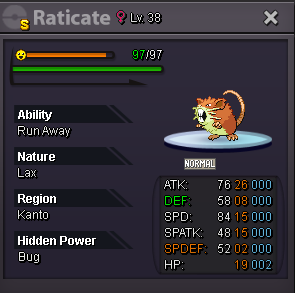
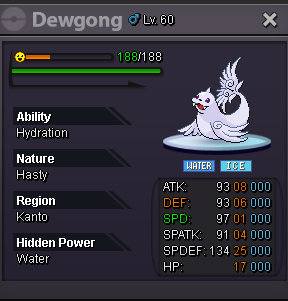
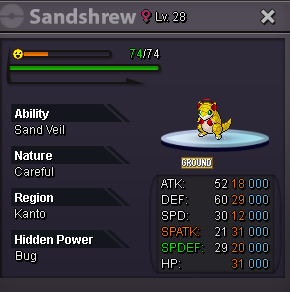
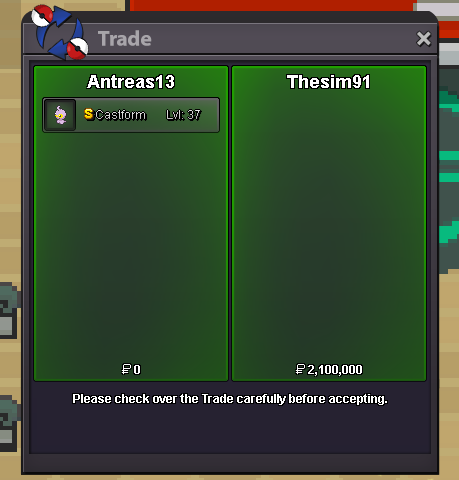
 400k tyraclod 600k250k mawilestart servine300k thenstartGood luck!!end auction
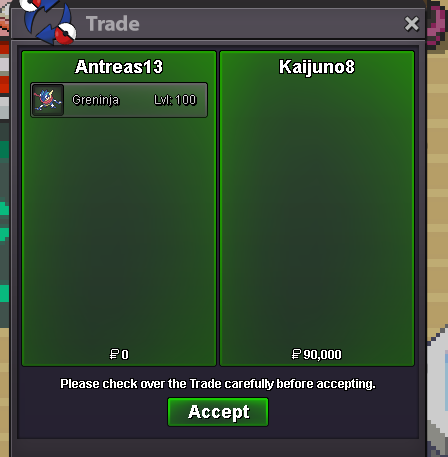
 sell only gold or and silver?
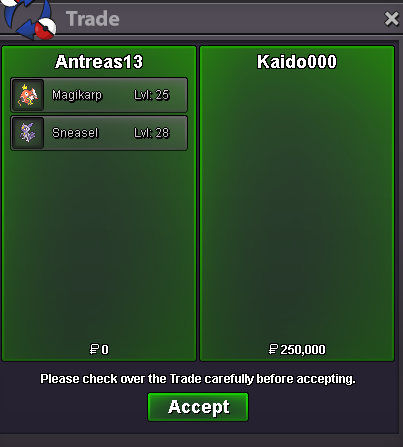
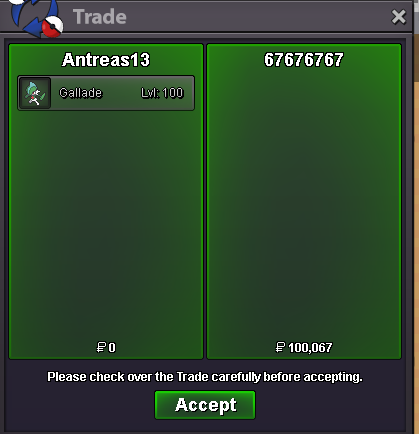

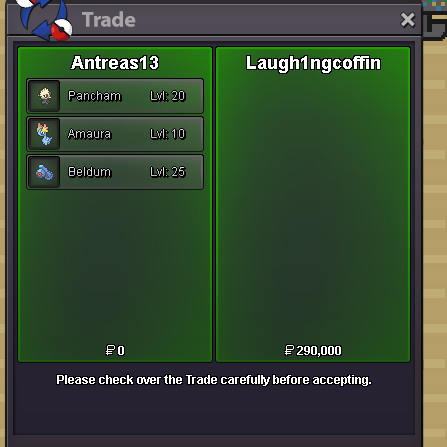
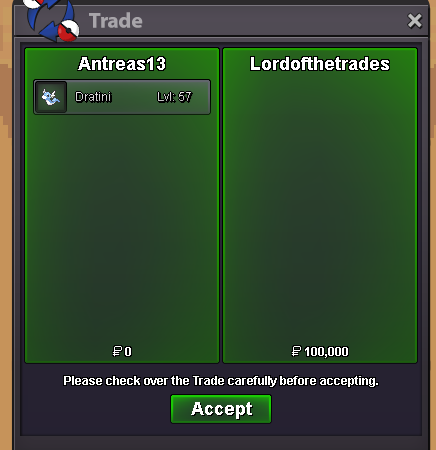

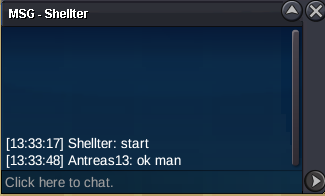
Account
Navigation
Search
Configure browser push notifications
Chrome (Android)
- Tap the lock icon next to the address bar.
- Tap Permissions → Notifications.
- Adjust your preference.
Chrome (Desktop)
- Click the padlock icon in the address bar.
- Select Site settings.
- Find Notifications and adjust your preference.
Safari (iOS 16.4+)
- Ensure the site is installed via Add to Home Screen.
- Open Settings App → Notifications.
- Find your app name and adjust your preference.
Safari (macOS)
- Go to Safari → Preferences.
- Click the Websites tab.
- Select Notifications in the sidebar.
- Find this website and adjust your preference.
Edge (Android)
- Tap the lock icon next to the address bar.
- Tap Permissions.
- Find Notifications and adjust your preference.
Edge (Desktop)
- Click the padlock icon in the address bar.
- Click Permissions for this site.
- Find Notifications and adjust your preference.
Firefox (Android)
- Go to Settings → Site permissions.
- Tap Notifications.
- Find this site in the list and adjust your preference.
Firefox (Desktop)
- Open Firefox Settings.
- Search for Notifications.
- Find this site in the list and adjust your preference.