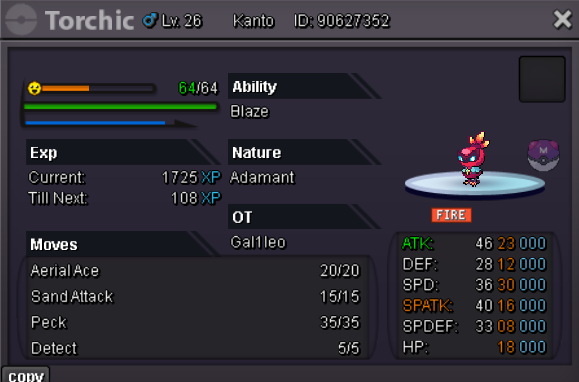
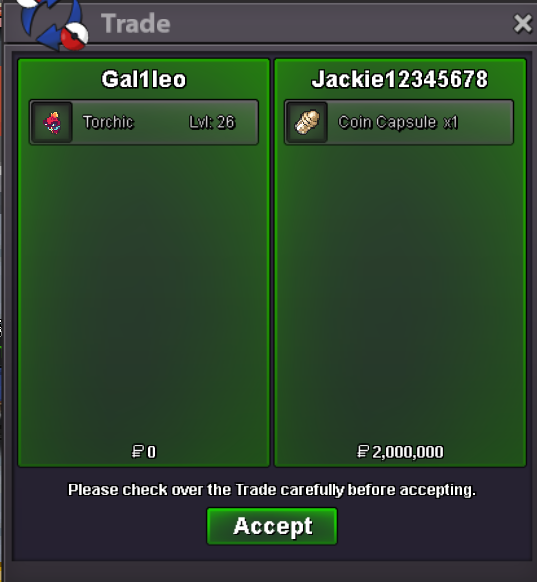
New Trade Zone
Trade Zone is now live
Use the new Trade Zone for auctions and instant-price trades so Pokemon and item offers are easy to find.

Gal1leo
Registered User
-
Joined
-
Last visited
-
Username: Gal1leo Server: Silver Country/Timezone: UK / UTC+1 (BST)
-
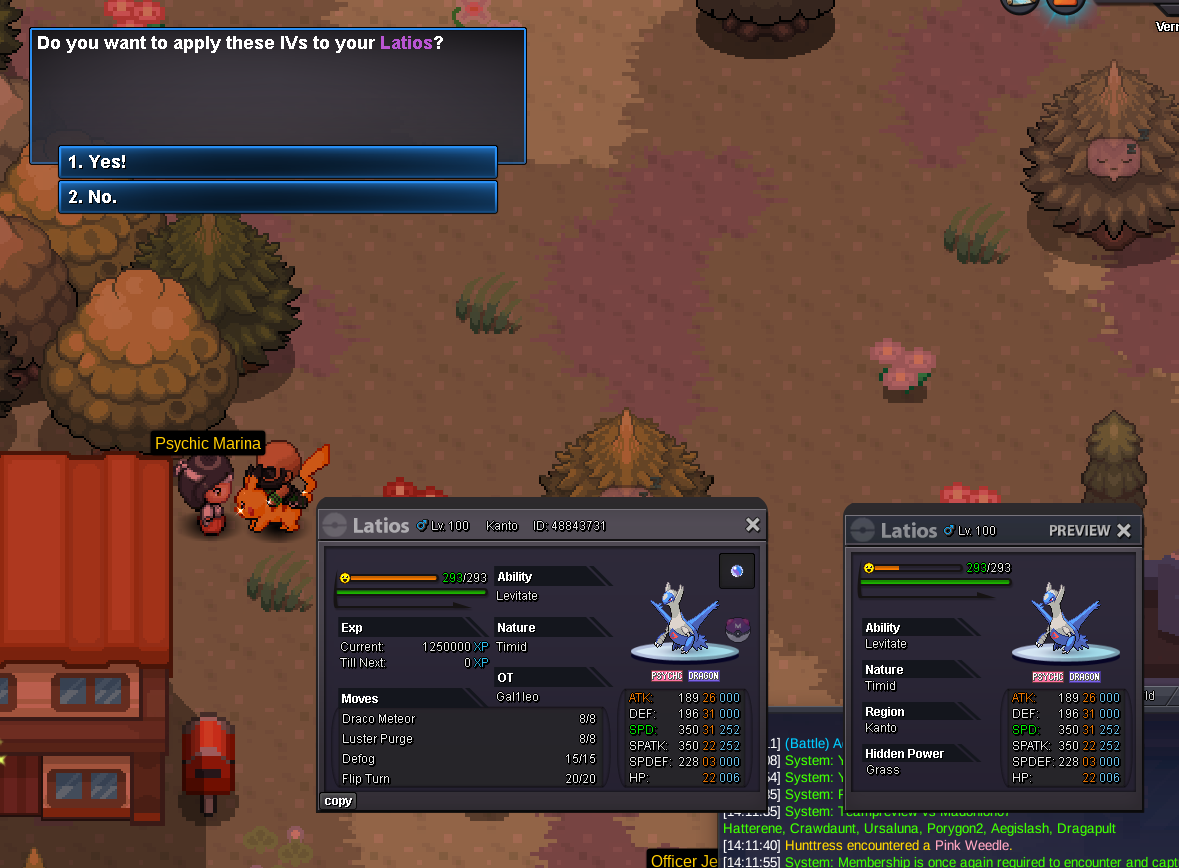
I used an IV shuffle on my Latios and the IV's stayed the same, can I get a refund? Feel like I've been shafted there haha.
-
reactions on your post boost reputation points 1 reaction = 1 reputation
-
Username: Gal1leo Server: Gold Country/Timezone: +1
-
Gal1leo GMT+1
-
im online now @Jackie12345678 or reach me on discord for faster reply - thejackieboyyes @Jackie12345678 you wonEnds in around an hourBumpS.o: 1 pokedollar Min raise: 1 pokedollar No insta 24 hour starts after the s.o is met. Accepted payment: CC: 500k Pocket dollars