New Trade Zone
Trade Zone is now live
Use the new Trade Zone for auctions and instant-price trades so Pokemon and item offers are easy to find.

Adam
Registered User
-
Joined
-
Last visited
Everything posted by Adam
-
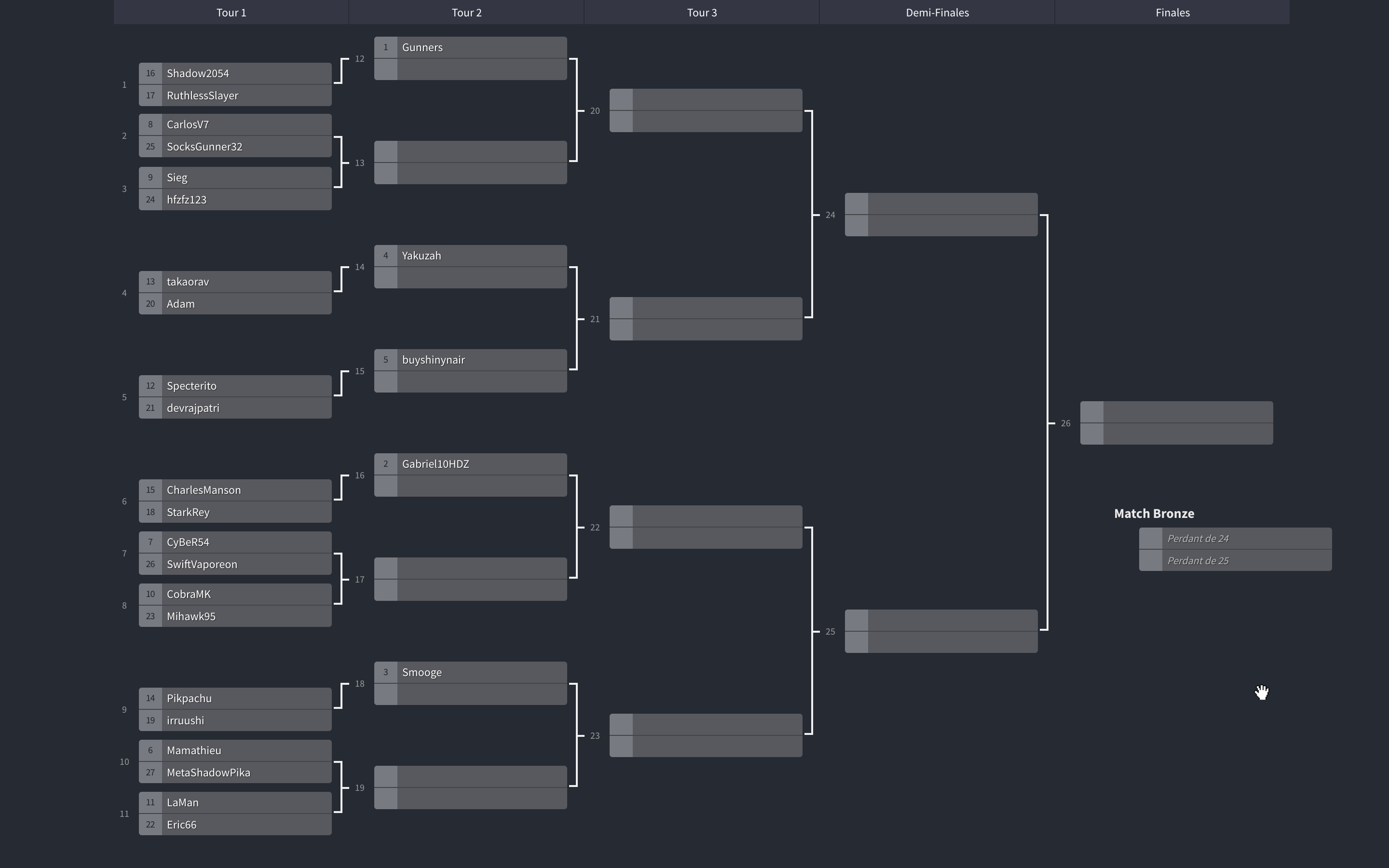
Here are the matches of the first round : @Shadow2054 VS. @RuthlessSlayer (the winner will fight @Gunners in Round 2) @CarlosV7 VS. @SocksGunner32 @Sieg VS. @hfzfz123 Me (@Adam) VS. @takaorav (the winner will fight @Yakuzah in Round 2) @Specterito VS. @devrajpatri (the winner will fight @buyshinynair in Round 2) @CharlesManson VS. @StarkRey (the winner will fight @Gabriel10HDZ in Round 2) @CyBeR54 VS. [uSER=1538499]@SwiftVaporeon[/uSER] @CobraMK VS. @Mihawk95 @Pikpachu VS. @irruushi (the winner will fight @Smooge in Round 2) @Mamathieu VS. @MetaShadowPika @LaMan VS. @Eric66 You now have 10 days to make your match against your opponent, film it and send it to me! I advise you now to contact your opponent and to plan a date for your match, if after 10 days I do not have your match in video or link, the 2 players will be disqualified!
-
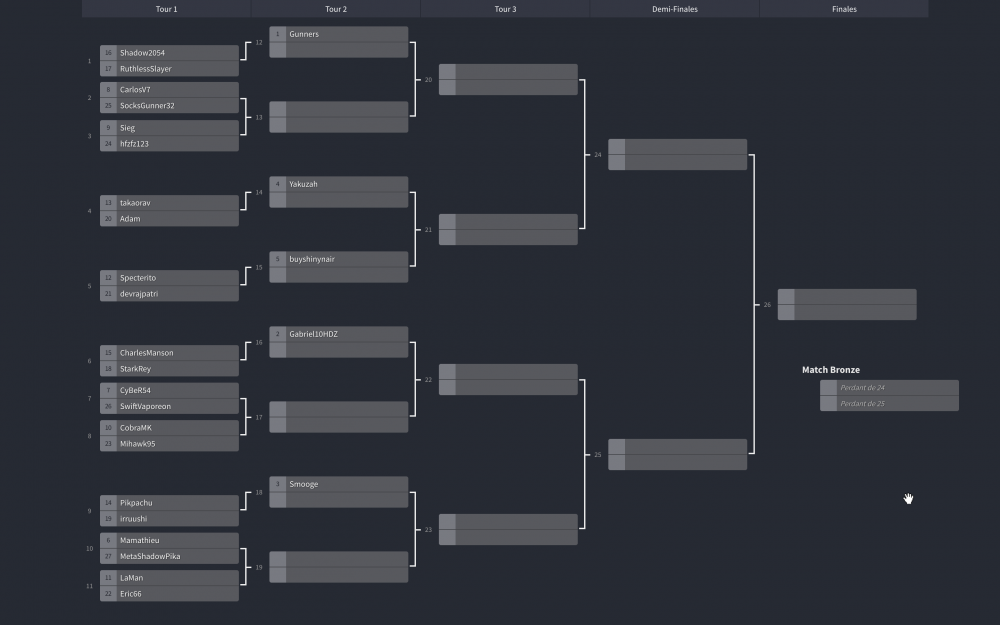
The register are now closed ! Here is the Tournament Board : You can check it just here too !
-
Register end soon, i decide to try too so : I participate The board is almost ready and the link will be open soon
-
Added, 5 hours left before starting tournament !
-
I will start with 25 players like a ladder tour, i would prefer 32 but 25 still correct for a tournament
-
Last day for register !
-
bump
-
7 register left
-
Added !
-
Double added !
-
10 enter left !
-
Sure, Adam#5119
-
Don't worry you just need to follow the rules !
-
----------- • Update Prize 2 • ----------- 1st : 5.000.000$ 6.666.666$
-
:up:
-
Added !
-
----------- • Update Prize • ----------- 1st : 5.000.000$ 2nd : 1.000.000$ 2.500.000$ 3rd : 100.000$ 500.000$ Can be up more again in the futur :)
-
Double added ! Thanks :)
-
:bump: !
-
50% register are done !
-
OMFG ADDED !!!!!!
-
Report, the god should be refunded !
-
Double added !
-
Added sir
-
Added both !