New Trade Zone
Trade Zone is now live
Use the new Trade Zone for auctions and instant-price trades so Pokemon and item offers are easy to find.

Geofrano
Registered User
-
Joined
-
Last visited
-
What is your in-game name (IGN)? Kiklan How many hours have you logged in PRO?18229 Do you know any existing members?yes What is your previous guild, if any? None What is your favorite Pokémon? Serperior Which event do you look forward to the most? Halloween What are your main interests in PRO? (PvP, PvE, Hunting, etc.) Pvp dungeon and hunting What is your highest PvP rating?448 Do you have any dungeon experience? Yes Are you comfortable using voice chat in English for dungeon runs? (needed for anyone interested in running dungeons) Sure
-
5m
-
Bump
-
Im kiklan np
-
Bro im inthe work now, later pls
-
-
-
-
-
-
-
how many time diloot
-
2.2m
-
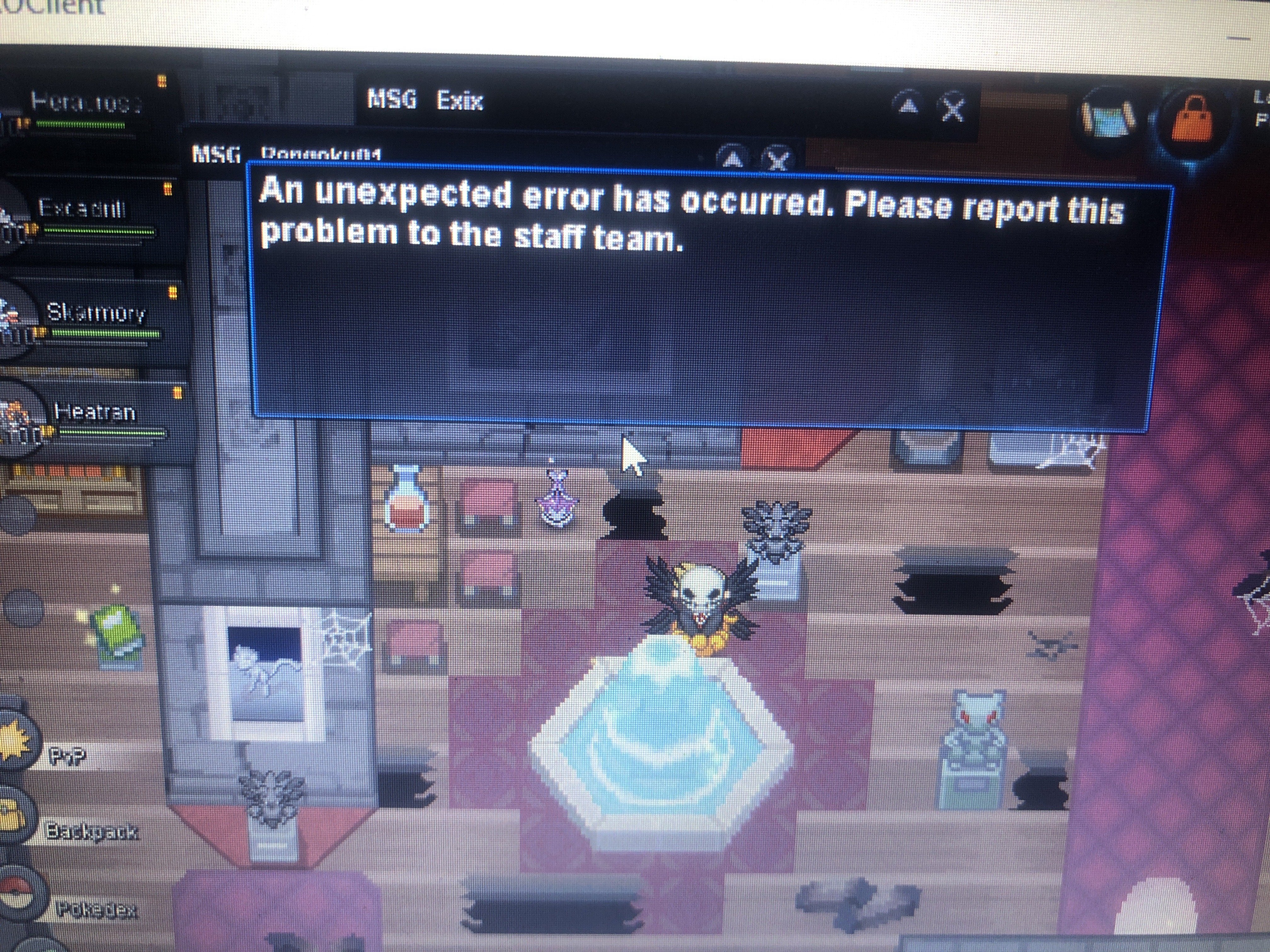
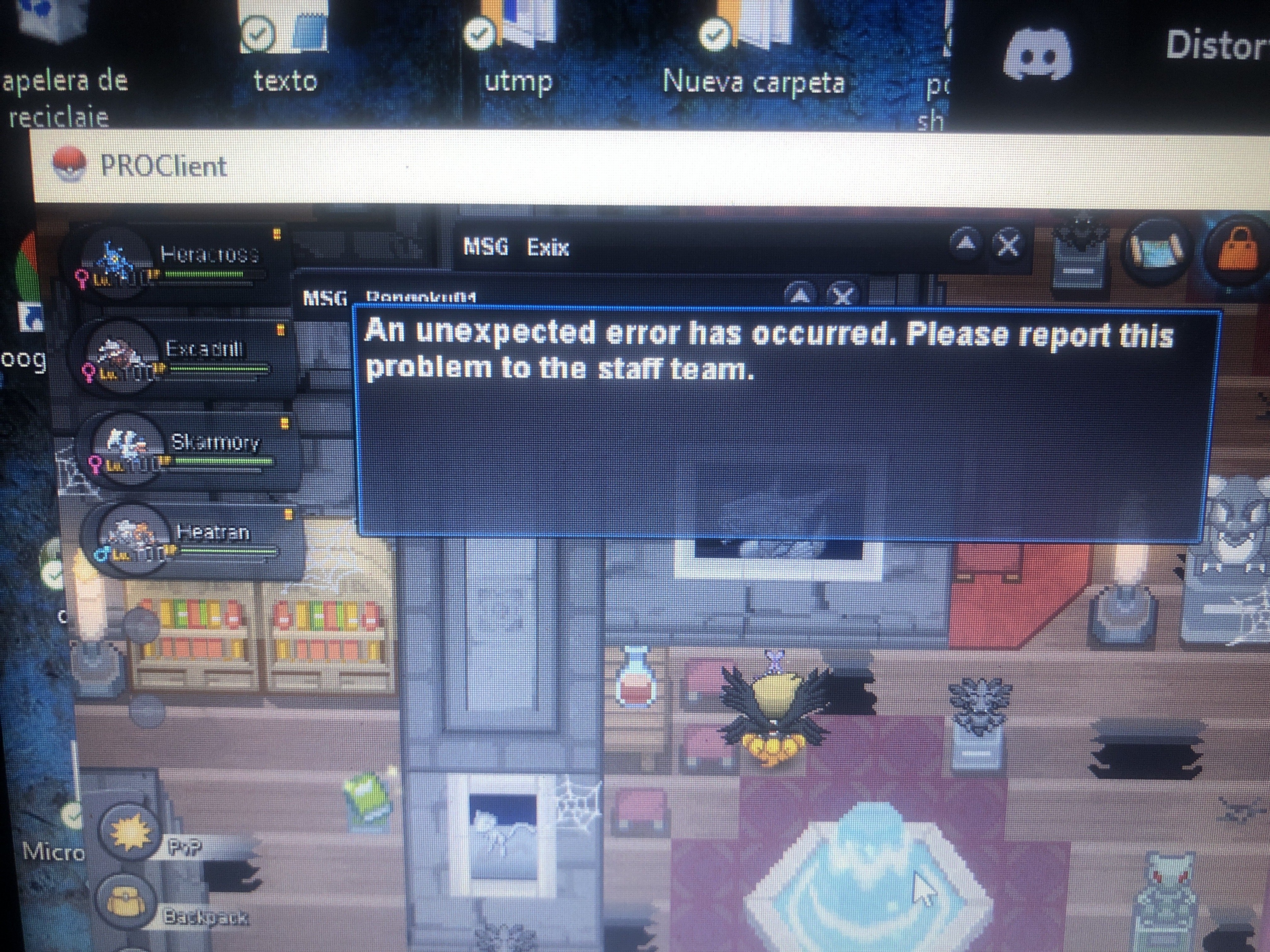
No podia obtener ninguna curacion ni de vaporeon ni de la fuente!
-
Hola miembros del staff queria reportar este problema porque perdi las dungeon por eso…. Gracias!!!