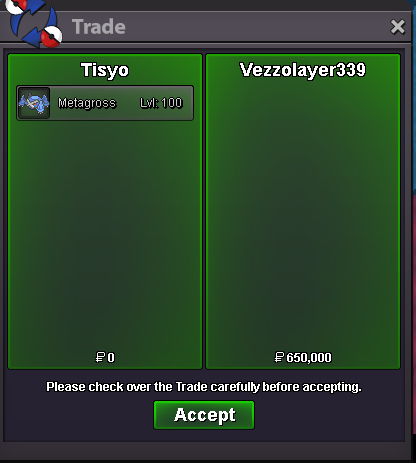
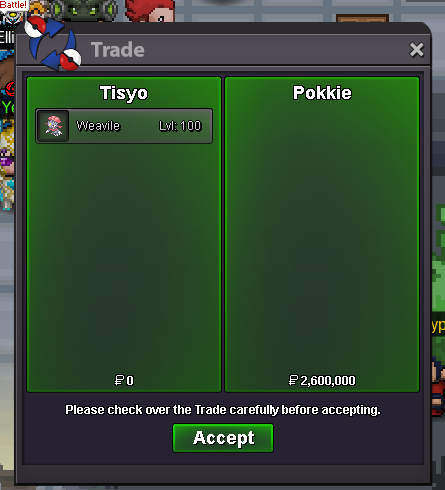
New Trade Zone
Trade Zone is now live
Use the new Trade Zone for auctions and instant-price trades so Pokemon and item offers are easy to find.

Tisyo
Registered User
-
Joined
-
Last visited
Everything posted by Tisyo
-
-
Start Price: 500k End Point: 24 hours (after start bid) Insta Price: N/A Minimum Raise: 100k Accepted Payments: Pokedollars 15 min rule is apply
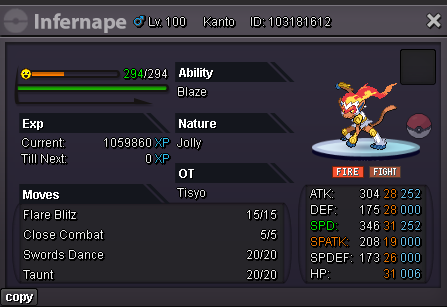
-
drillbur 180k
-
trade completed
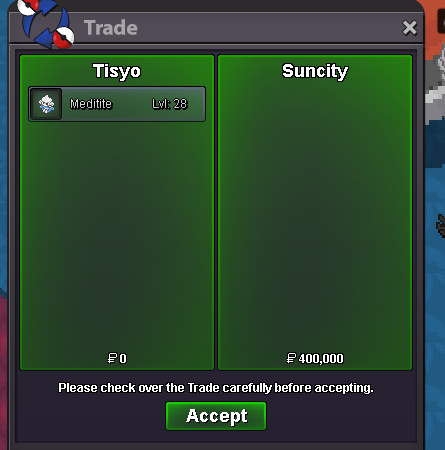
-
i am online for the trade
-
suncity won btw
-
4hours and 5 mins left
-
-
S.o: 250k Min bid: 50k insta: 2m End in 24h after the first bid

-
Wtb the kommoo with the 1m price tag
-
@Yellowsorry for tagging but this trade never happened is it count as a fake offer or is mb for answering late?
-
bro i am really sorry i forgot about that do you still want it ? add me on disc chaliotix
-
ok then @Canary2 i am at vermi if you are online if not find me on discord name: chaliotixidk how to call an admin? should we call one?yeah i guess a mod would help i really dont know how to do thisi think the winner is themagicianj idk what you guys say?find me in game i am at vermi for tradeend of auctionlast call15 mins left btw2 hours leftS.o: 500k Min bid: 100k End in 24h after the first bid
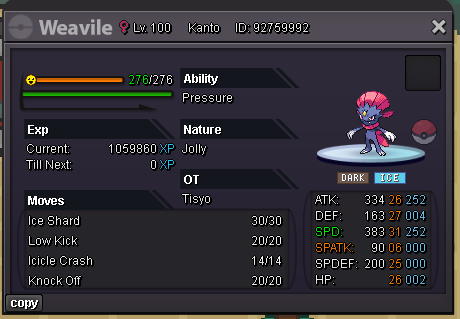 selling combee accessory from bcc multiplayer start price: 900k min bid: 50k auction end 2 hours after the first bid
 trade done