




New Trade Zone
Trade Zone is now live
Use the new Trade Zone for auctions and instant-price trades so Pokemon and item offers are easy to find.

Theotakis
Suspended
-
Joined
-
Last visited
Everything posted by Theotakis
-
after that has 79 modules i think
-
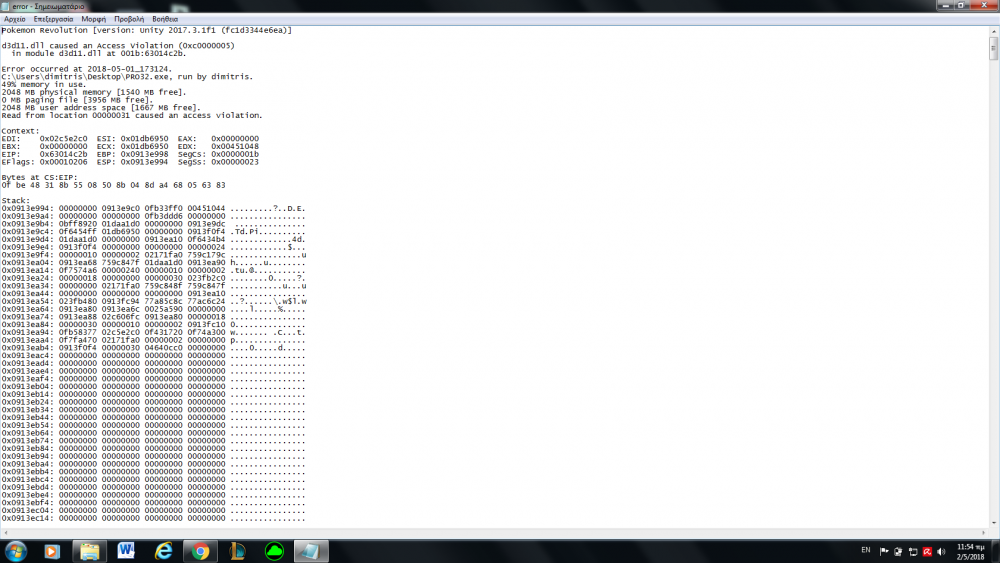
here it is. i hope this helps
-
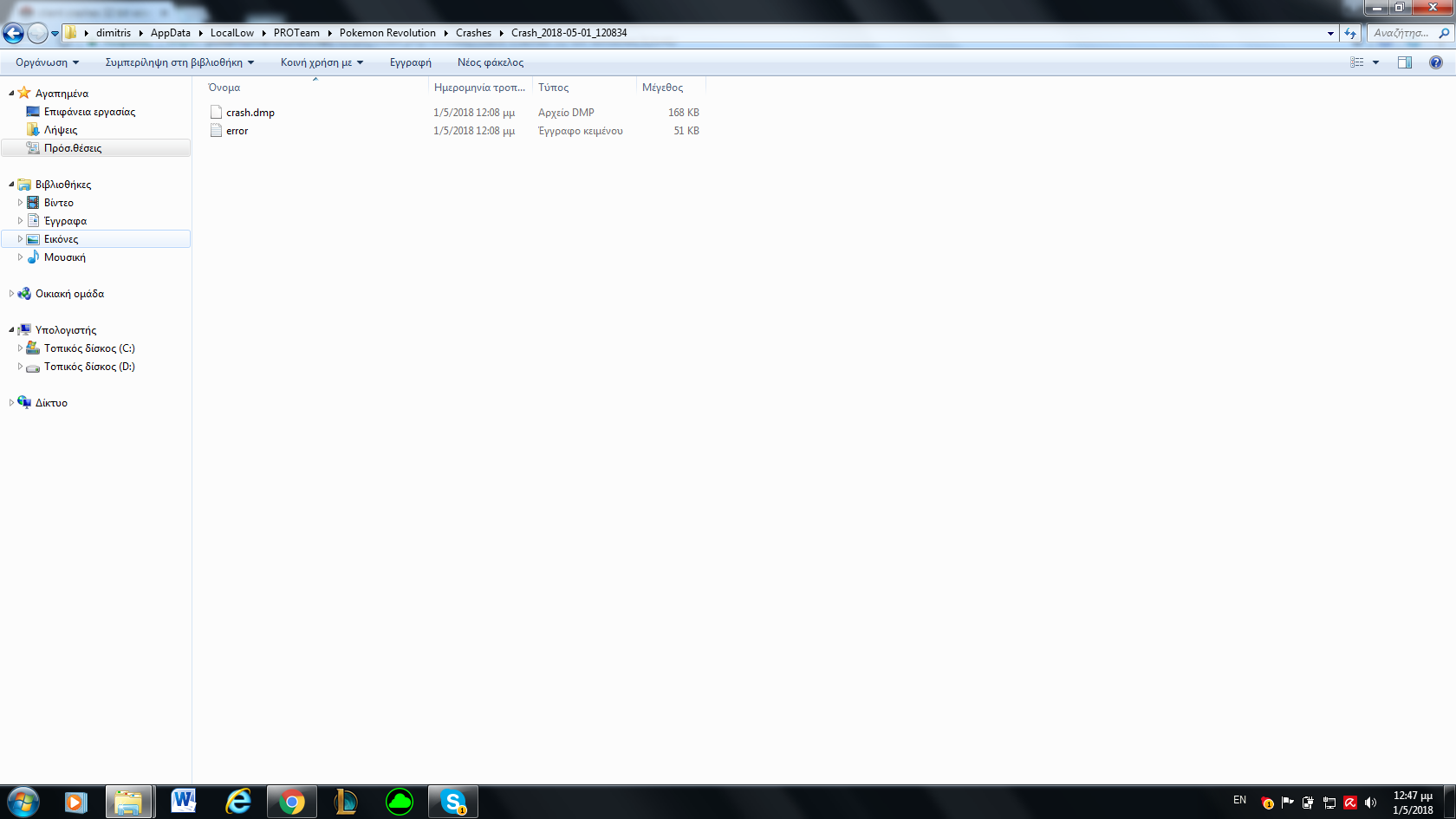
it doesnt let me send or to attach nor the error nor the crash.dmp nor the file.
-
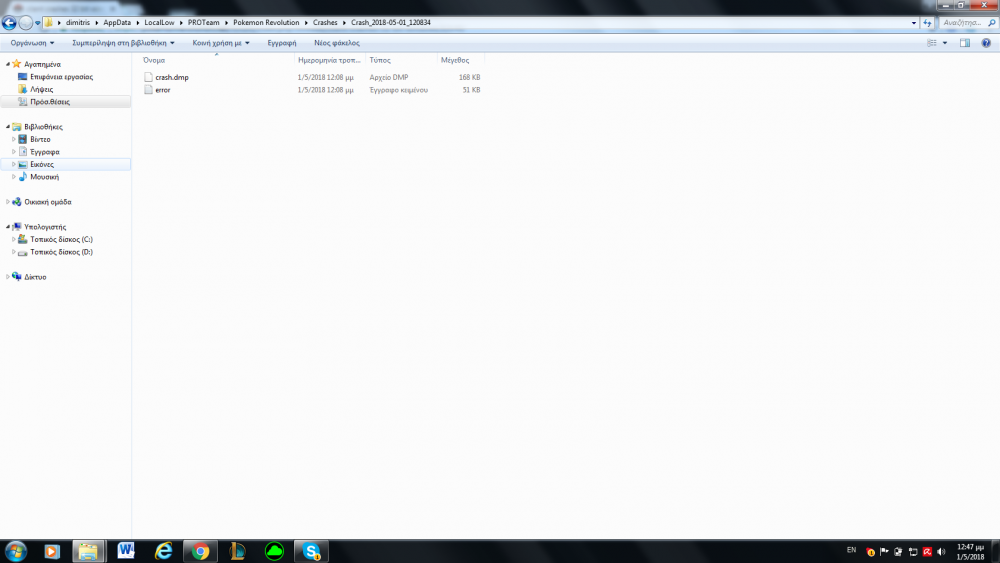
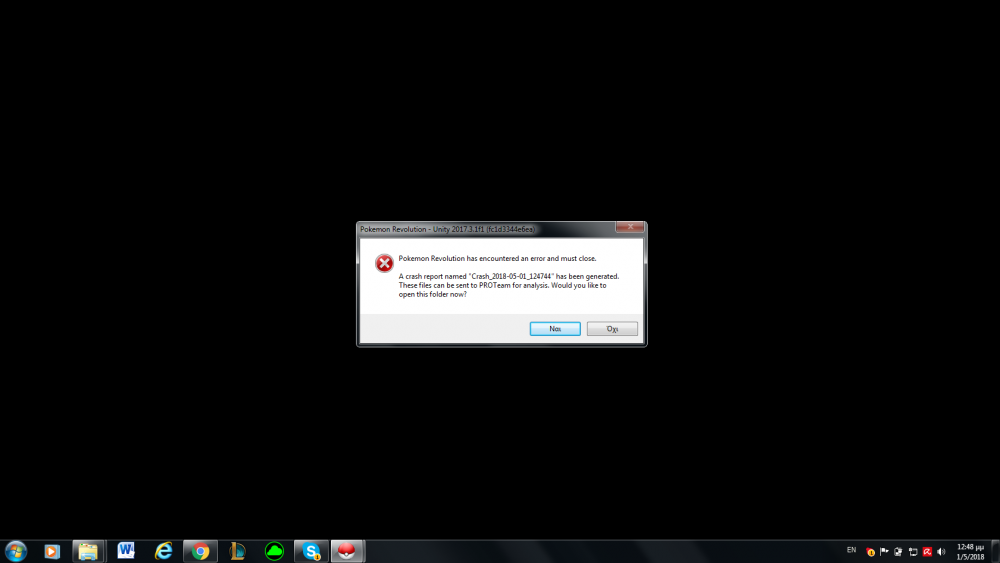
When i download the game i cant run it. Can someone help me? thats what i can show you. thanks in advance
-
u didnt man
-
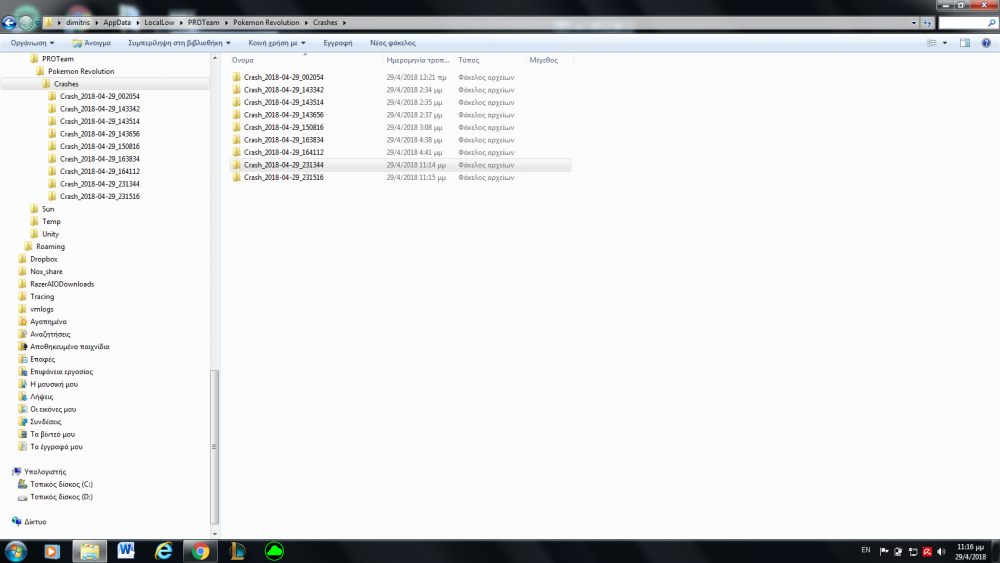
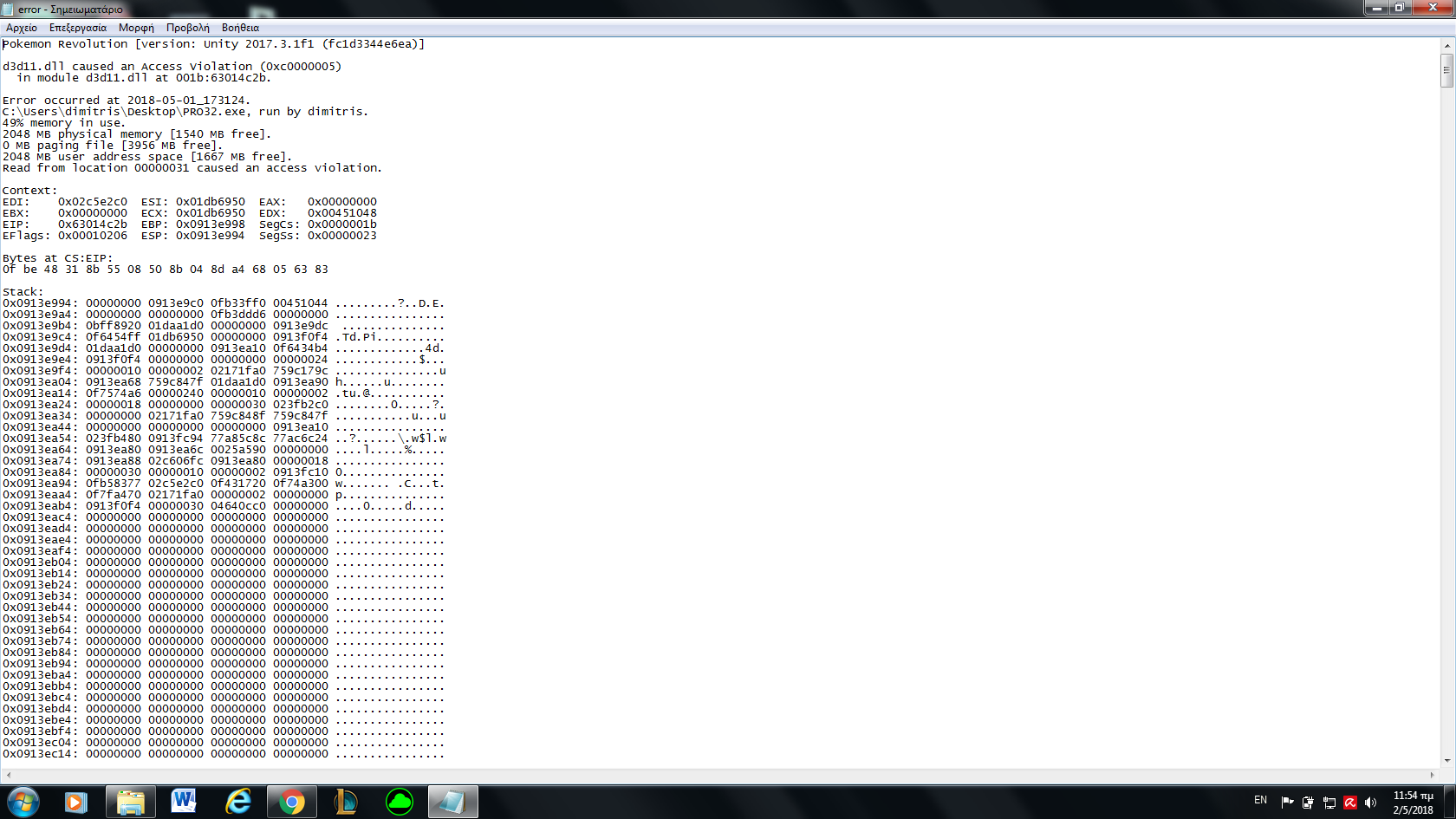
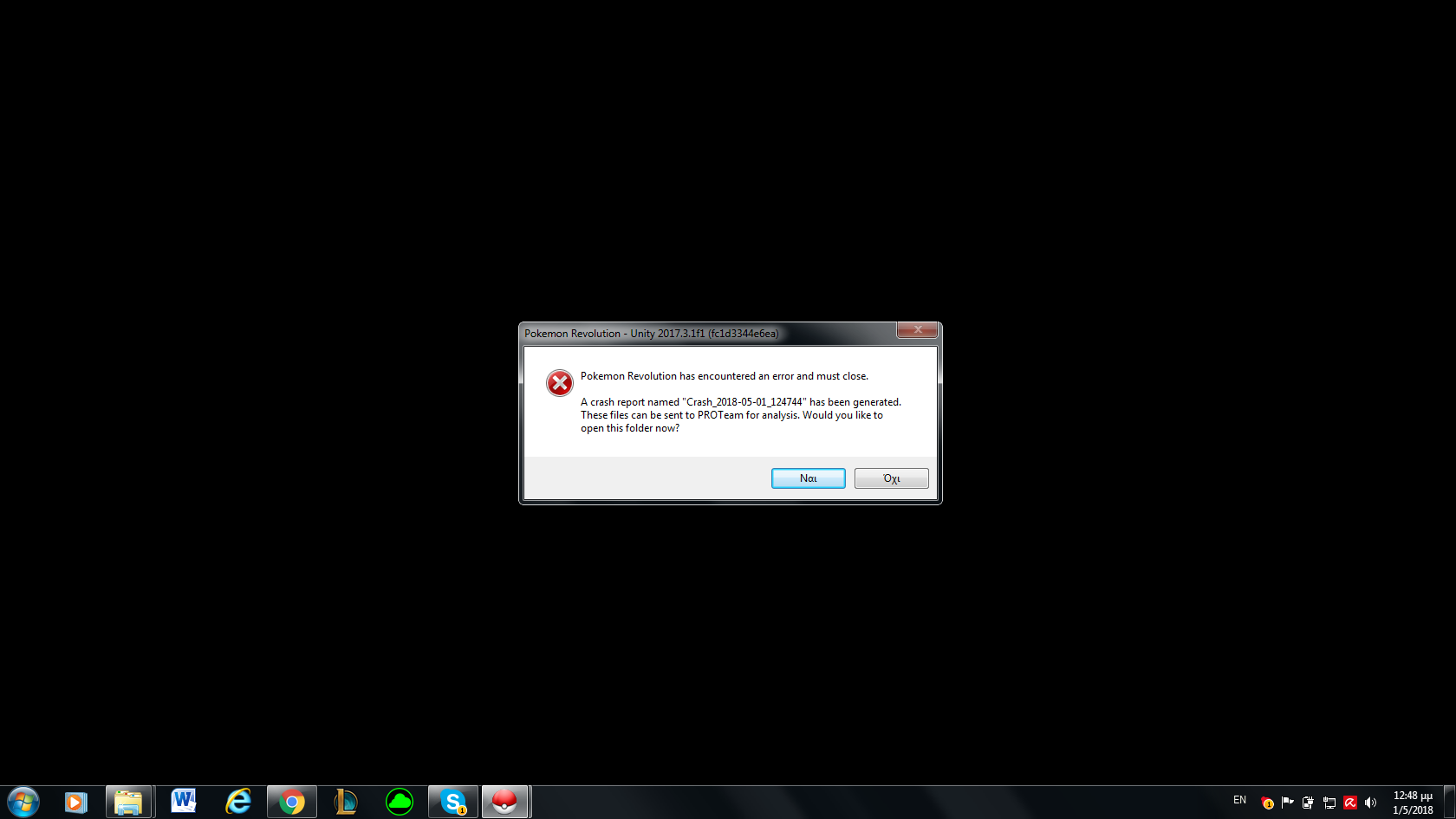
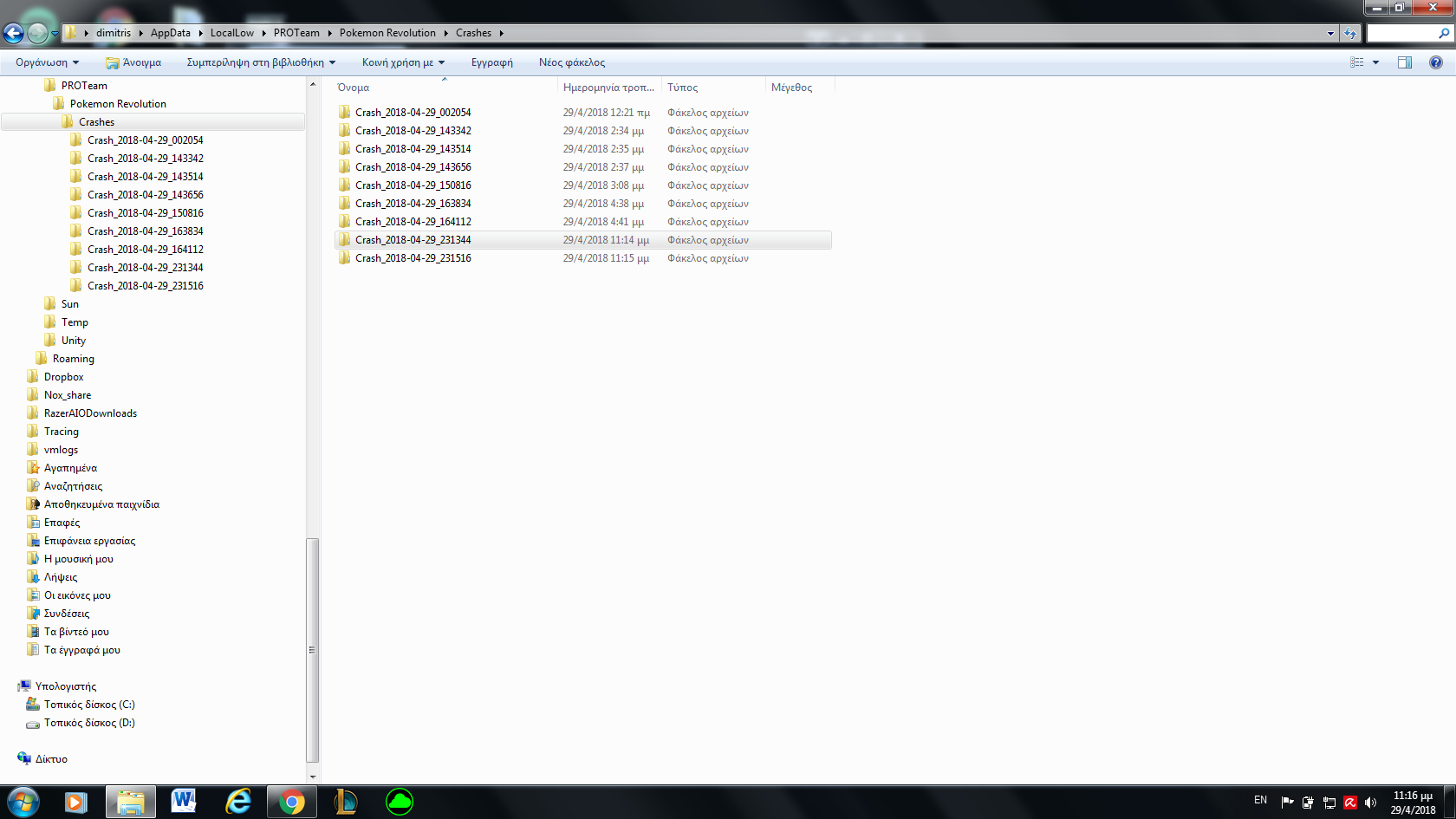
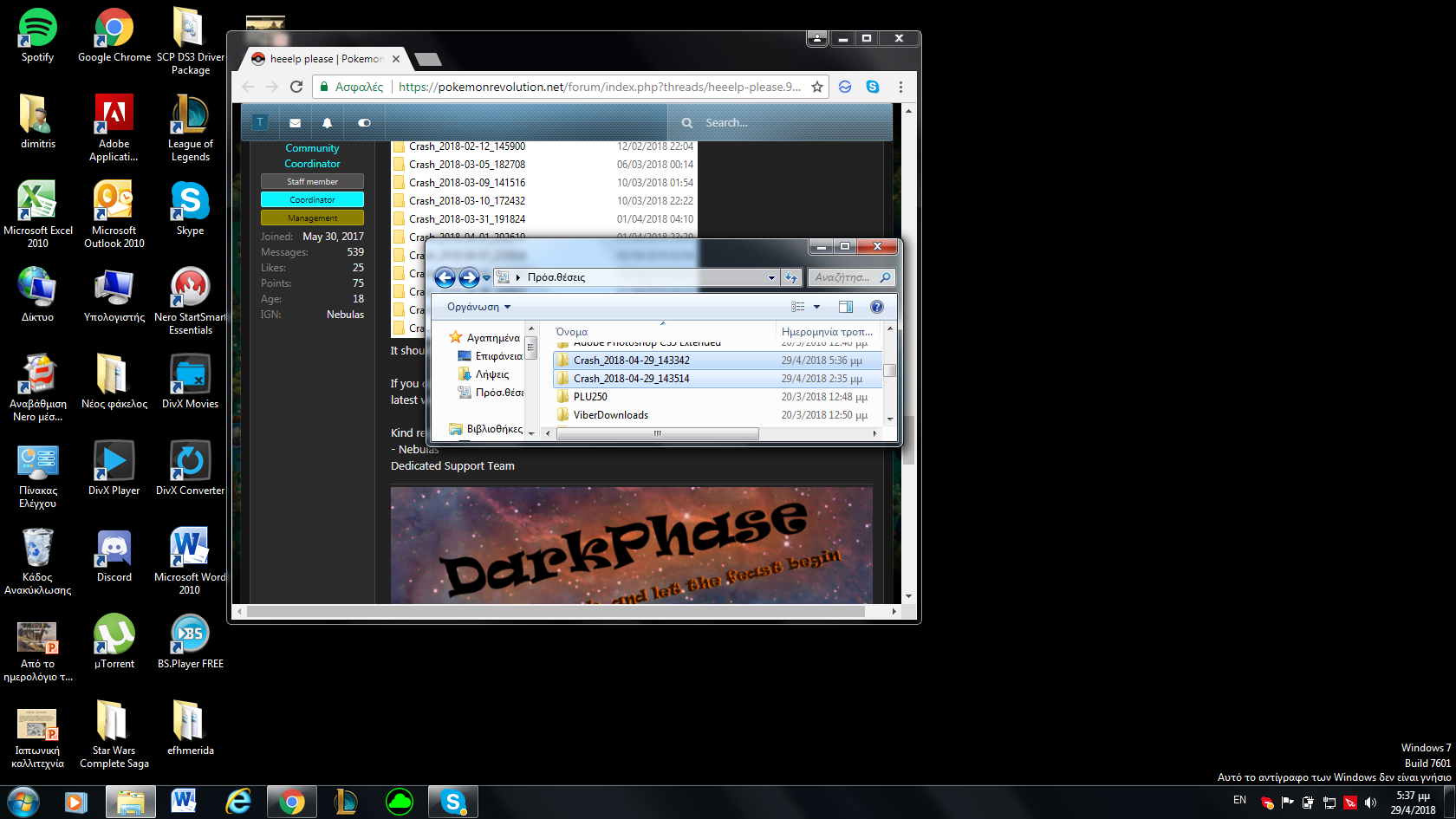
when i run the game it sends me in these files and tells me something about generating. can someone from PROTeam help? Thanks in advance
-
can u help me?
-
that is what both files have inside
-
do u mean the unityplayer.dll or the file pro32_data?i have downloaded it for 32 bit windows. And when i run it crashes. can somebody help me? thanks in advance


Account
Navigation
Search
Configure browser push notifications
Chrome (Android)
- Tap the lock icon next to the address bar.
- Tap Permissions → Notifications.
- Adjust your preference.
Chrome (Desktop)
- Click the padlock icon in the address bar.
- Select Site settings.
- Find Notifications and adjust your preference.
Safari (iOS 16.4+)
- Ensure the site is installed via Add to Home Screen.
- Open Settings App → Notifications.
- Find your app name and adjust your preference.
Safari (macOS)
- Go to Safari → Preferences.
- Click the Websites tab.
- Select Notifications in the sidebar.
- Find this website and adjust your preference.
Edge (Android)
- Tap the lock icon next to the address bar.
- Tap Permissions.
- Find Notifications and adjust your preference.
Edge (Desktop)
- Click the padlock icon in the address bar.
- Click Permissions for this site.
- Find Notifications and adjust your preference.
Firefox (Android)
- Go to Settings → Site permissions.
- Tap Notifications.
- Find this site in the list and adjust your preference.
Firefox (Desktop)
- Open Firefox Settings.
- Search for Notifications.
- Find this site in the list and adjust your preference.