




New Trade Zone
Trade Zone is now live
Use the new Trade Zone for auctions and instant-price trades so Pokemon and item offers are easy to find.

Poking
Registered User
-
Joined
-
Last visited
Everything posted by Poking
-
Bump
-
I am in
-
sold
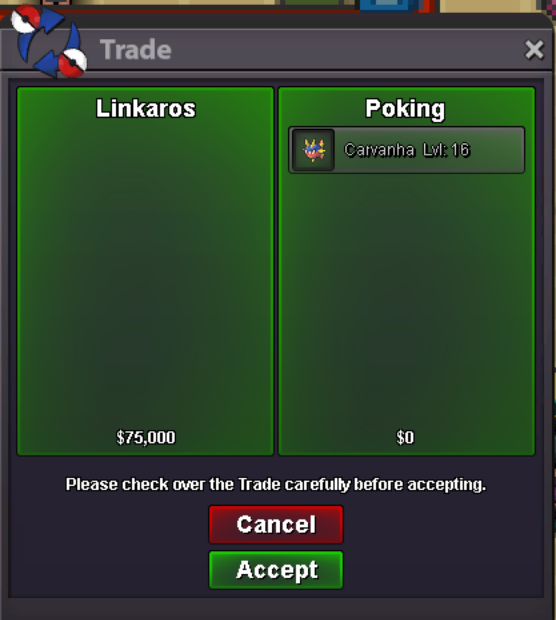
-
Bump
-
● What's your Name/IGN? Poking ● Are you active in Discord? I'm active all day ● Where are you from? Greece ● What's your playtime?/How often do you play PRO?I log in every day ● What's your goal in PRO?To become better and better ● Why do you want to be part of Chaos?I loved the description of the guild and i would like to be part of the family ● What's your favorite Pokemon and why?Charizard because I always liked the ash story ● What's your favorite animal and why?Dogs because they are very friendly and can be a good comkoany to people
-
Bumpp
-
Maybe we have different time zone so better pm on discord
-
I came kanto tell me when you come online
-
Pm me when you come online im goldenrod rn
-
Are you online now?
-
Bump
-
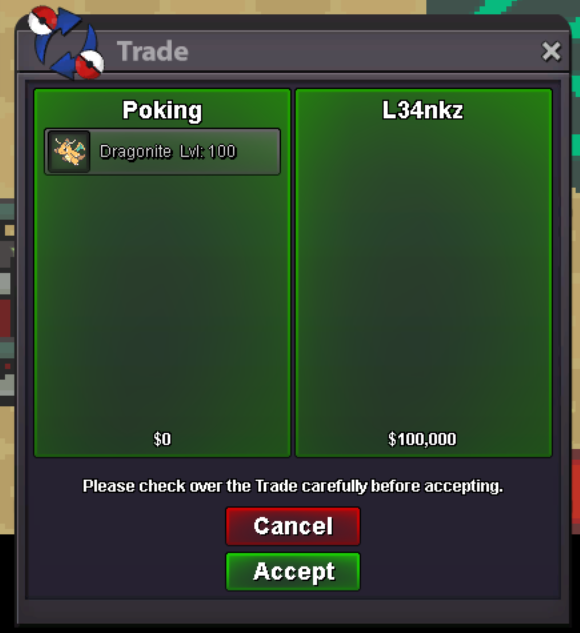
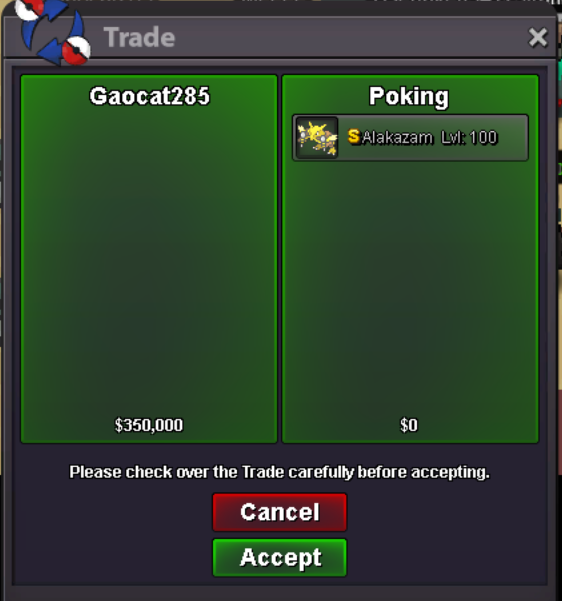
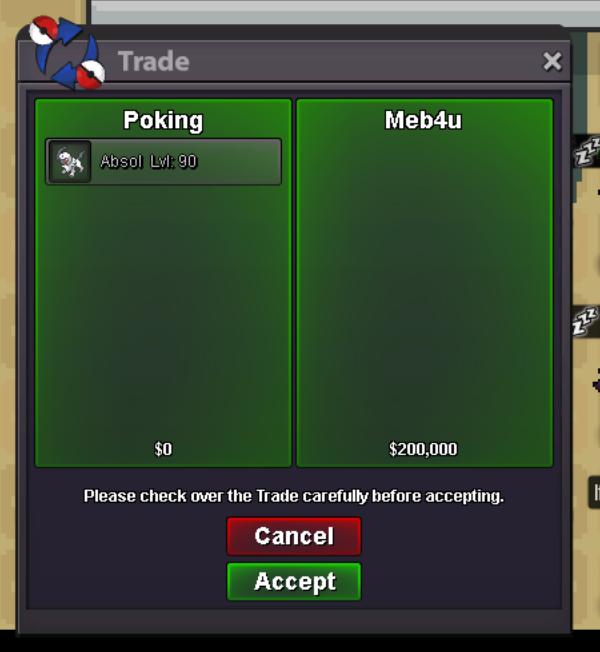
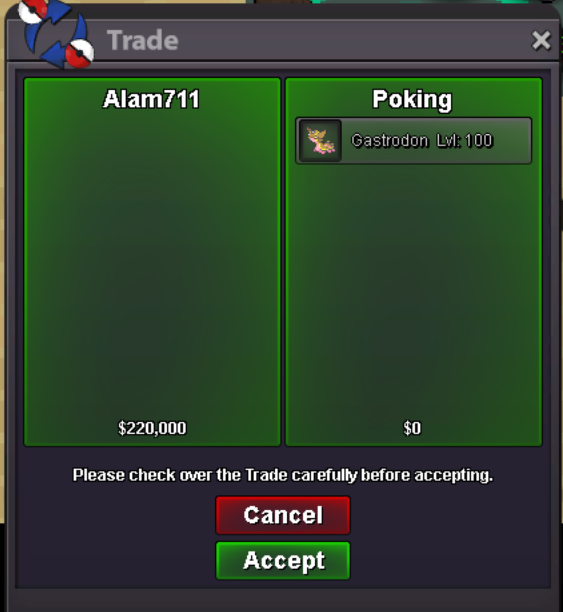
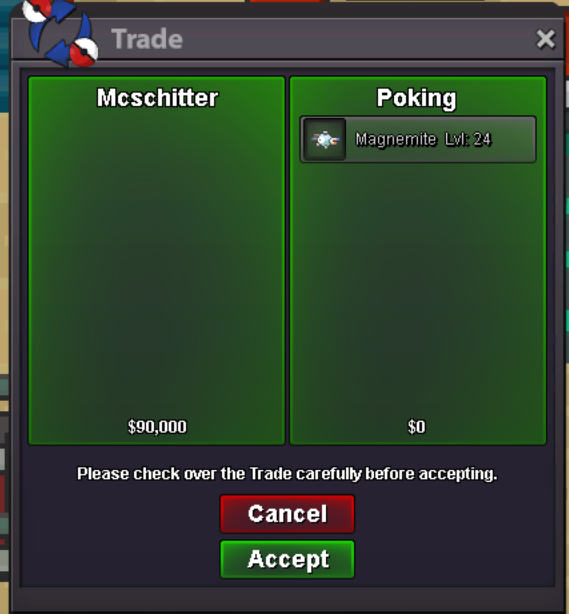
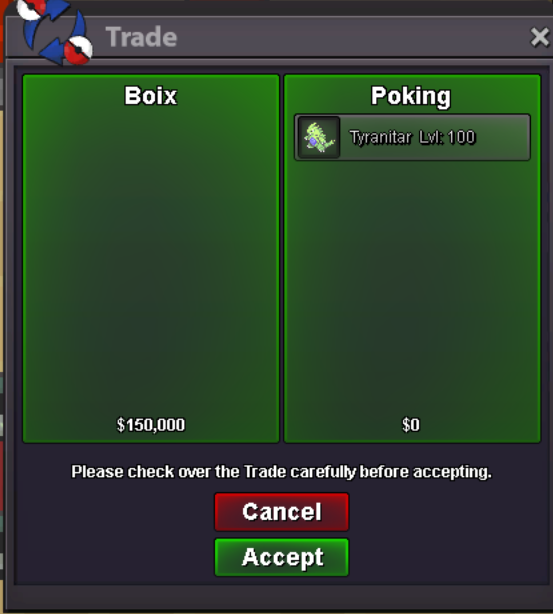
Bump Some prices changedOr maybe you just didn't saw the bid an run out of timeHahaha and whats your problem anyway?.. i pm him on discord and on the rules i dont see anything about confirmation so by the rules i started a bid and won it cause anyone else bidedI think I won garch pm me And I also start chansey now 100kNew shiny and trained pokemon addedStart garch 100kInsta changedBump..Sold
Account
Navigation
Search
Configure browser push notifications
Chrome (Android)
- Tap the lock icon next to the address bar.
- Tap Permissions → Notifications.
- Adjust your preference.
Chrome (Desktop)
- Click the padlock icon in the address bar.
- Select Site settings.
- Find Notifications and adjust your preference.
Safari (iOS 16.4+)
- Ensure the site is installed via Add to Home Screen.
- Open Settings App → Notifications.
- Find your app name and adjust your preference.
Safari (macOS)
- Go to Safari → Preferences.
- Click the Websites tab.
- Select Notifications in the sidebar.
- Find this website and adjust your preference.
Edge (Android)
- Tap the lock icon next to the address bar.
- Tap Permissions.
- Find Notifications and adjust your preference.
Edge (Desktop)
- Click the padlock icon in the address bar.
- Click Permissions for this site.
- Find Notifications and adjust your preference.
Firefox (Android)
- Go to Settings → Site permissions.
- Tap Notifications.
- Find this site in the list and adjust your preference.
Firefox (Desktop)
- Open Firefox Settings.
- Search for Notifications.
- Find this site in the list and adjust your preference.