New Trade Zone
Trade Zone is now live
Use the new Trade Zone for auctions and instant-price trades so Pokemon and item offers are easy to find.

Mexicannoob
Suspended
-
Joined
-
Last visited
-
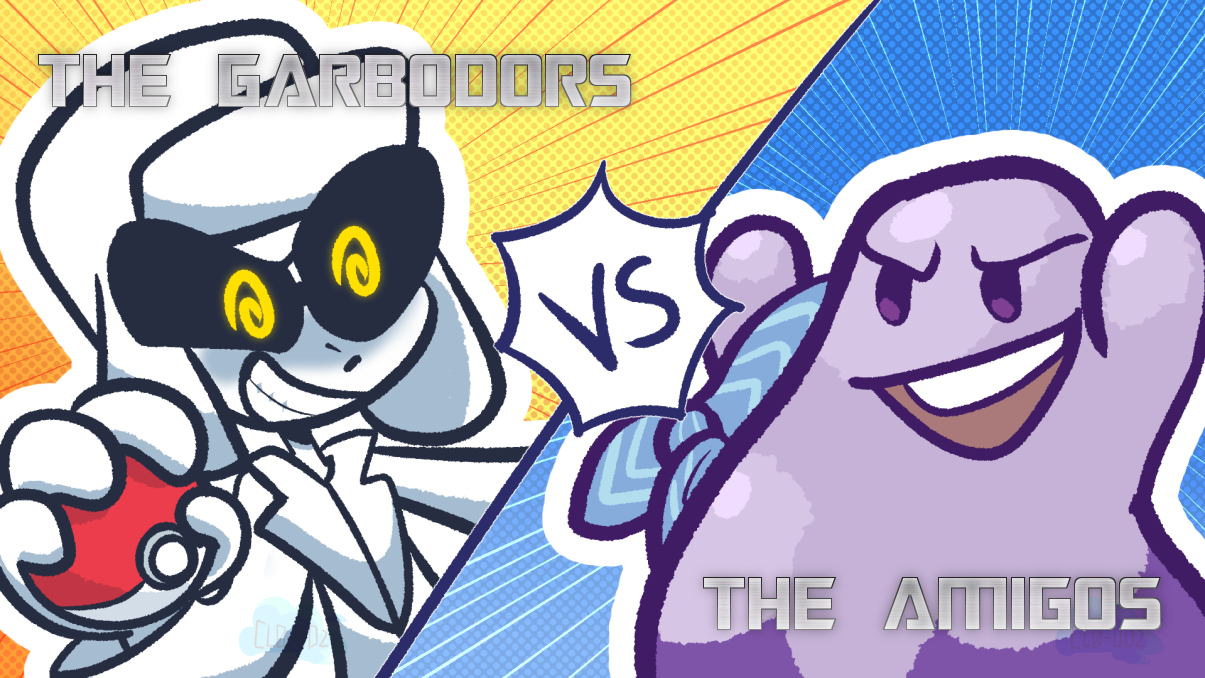
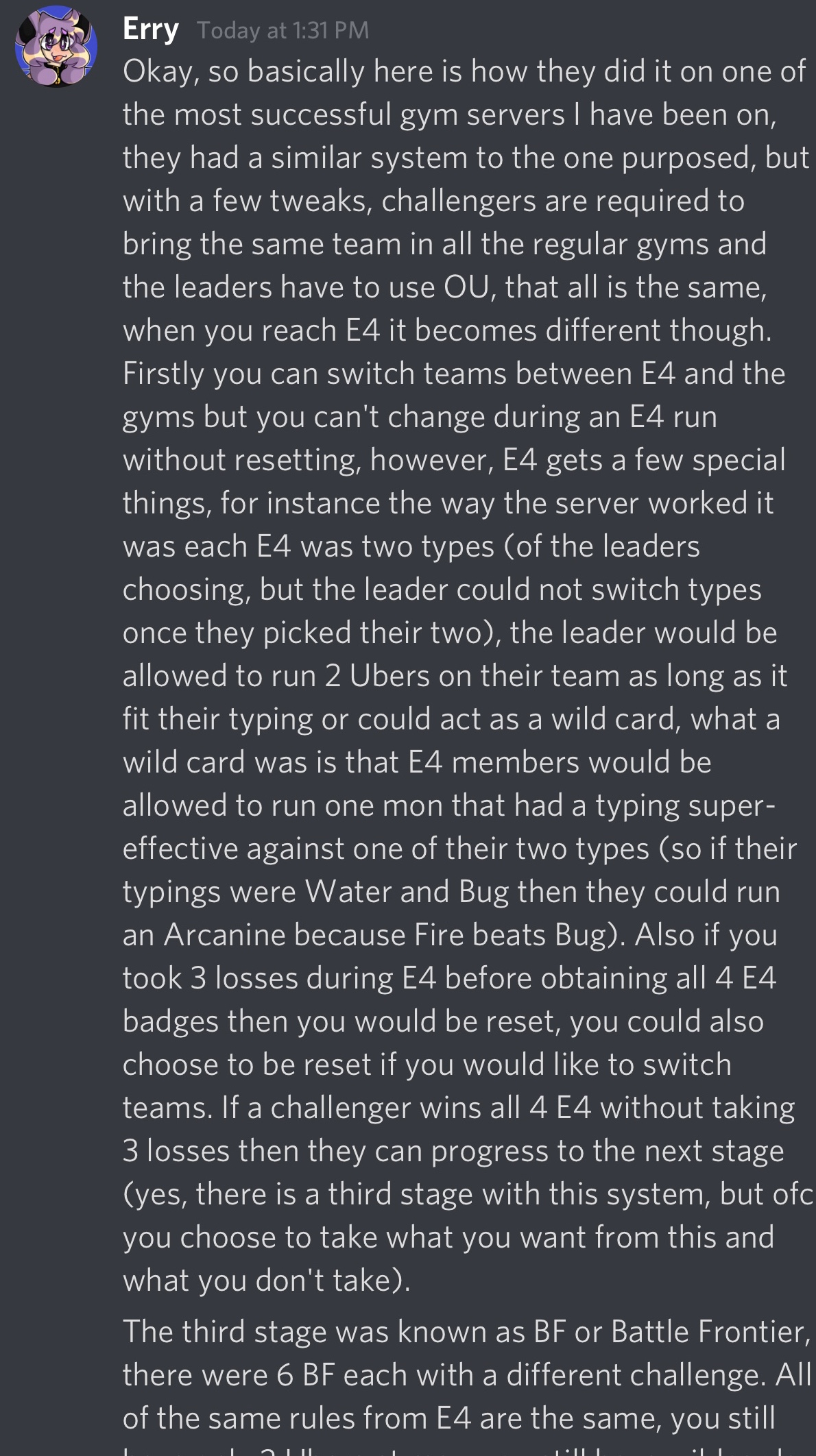
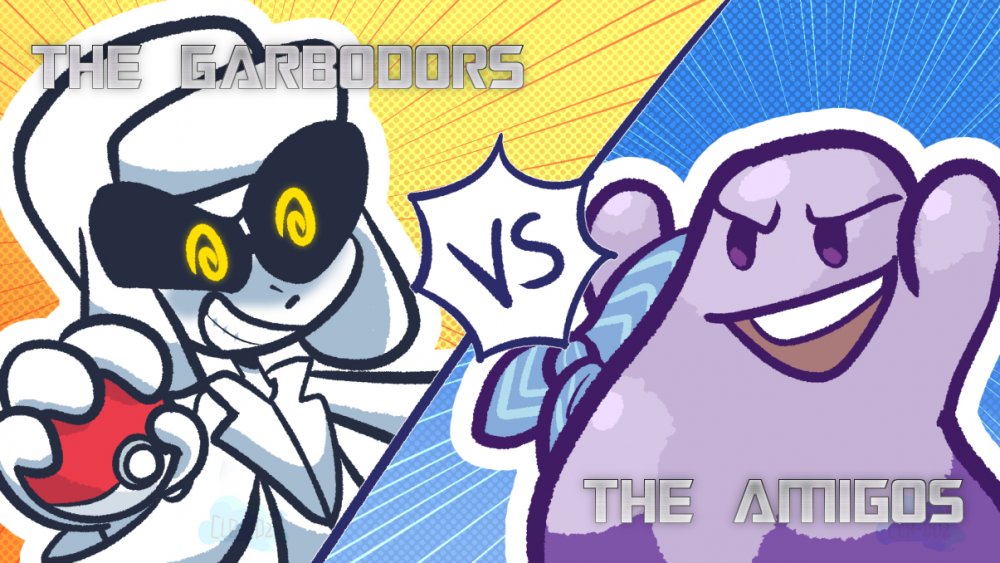
The Amigos Discord Server will be hosting yet another Pokemon Showdown Tournament and other Pokemon Events! Event 1 of 4 The Amigos VS The Garbodors Discord Server WAR! ✅ Format: National Dex OU! ✅ Battles are best of 3 ✅ Maximum of 64 participants ONLY! sign up ASAP! ✅ How will battles be made ? so structure would be something like: > Block A 16 People from the Garbodors > Block B 16 People from the Amigos Winner of Block A VS Winner of Block B > Block C 16 People from the Garbodors > Block D 16 People from the Amigos Winner of Block C VS Winner of Block D > Block E 16 People from the Garbodors > Block F 16 People from the Amigos Winner of Block E VS Winner of Block F > Block G 16 People from the Garbodors > Block H 16 People from the Amigos Winner of Block G VS Winner of Block H The Quarter Finals will be the best from Amigos against the best from the Garbodors ✅ PRIZES? (For The Amigos Participants Only) 1st Place —-> $15 USD PayPal (Minus Fees) or 3 CC or 3 Discord Nitros 2nd Place —-> $5 USD PayPal (Minus Fees) or 1 CC or 1 Discord Nitro 3rd Place —-> $5 USD PayPal (Minus Fees) or 1 CC or 1 Discord Nitro to participate you will need to sign up at this forum post below CLICK HERE TO SIGN UP! and remember! only maximum of 64 participants to represent The Amigos and maximum of 64 participants to represent The Garbodors ——————————————————————— Event 2 of 4 NEW MOVIE EVENT! Starts Sunday June 14 at approximately 12pm Californian Time Simply watch a Pokemon Movie (link will be provided when the event starts) and answer the quiz questions as fast as possible first to answer the quiz 100% correctly will win... 1st place —-> 1 Discord Nitro or $5 USD PayPal (minus PayPal fees) or 1 CC 2nd place —-> 1 Discord Nitro or $5 USD PayPal (minus PayPal fees) or 1 CC 3rd place —-> 1 Discord Nitro or $5 USD PayPal (minus PayPal fees) or 1 CC last movie event there where only 2 prizes listed in the forum post but we ended up having 4 prizes! so very possibly they MIGHT be more prizes for this movie event :) ——————————————————————— Event 3 of 4 Mee6 Event! This event Starts NOW the user with the highest mee6 level (I don’t count) by June 16 at around 6pm Californian Time will get 1 Discord Nitro! Event 4 of 4 NEW POKEMON SHOWDOWN GYM CHALLENGE! ✅ How will it works ? Explanations? details ? Please read the following from Erry Confused ? is okay! simply DM Erry and he can explain everything with you! ^___^ Discord ID: Erry#6508 ✅ PRIZES: First 6 to collect ALL GYM Badges will each get 1 discord nitro or 1 CC or $5 USD paypal minus paypal fees We hope you come participate! Join our Discord Server simply click below! CLICK HERE TO JOIN OUR DISCORD! Please show some support by subscribing to my YouTube Channel! I would deeply Appreciate it! CLICK HERE TO SUBSCRIBE :) THANKS!


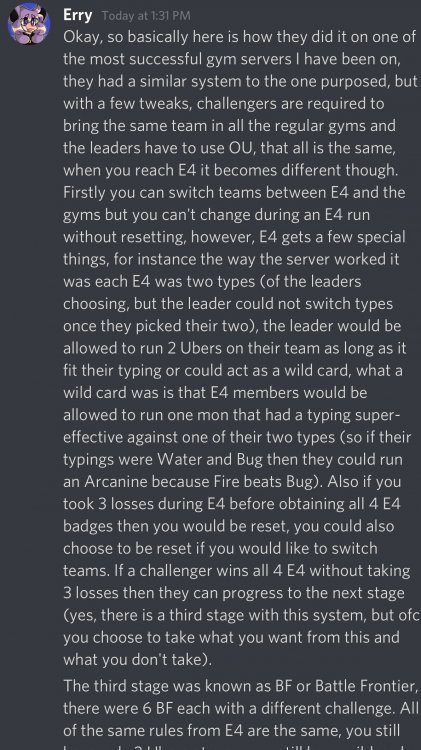
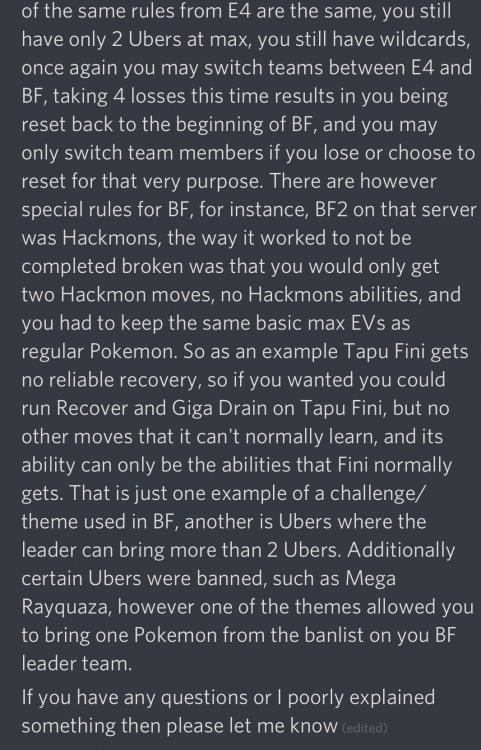

-
bump
-
bump
-
bump
-
bump
-
bump
-
bump
-
bump
-
bump
-
welcome
-
I agree with what @0danobunaga said 100000%
-
bump
-
bump
-
Final Bump
-
bump