New Trade Zone
Trade Zone is now live
Use the new Trade Zone for auctions and instant-price trades so Pokemon and item offers are easy to find.

Derping
Registered User
-
Joined
-
Last visited
Everything posted by Derping
-
Any trade mods able to trade the ralts with kishin2214, hasn't responded to the forum in a bit.
-
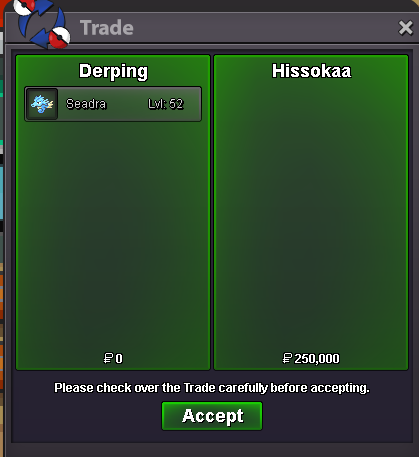
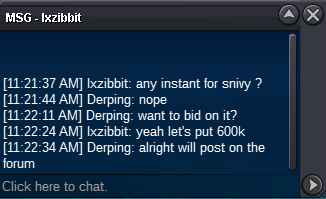
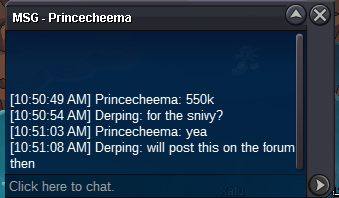
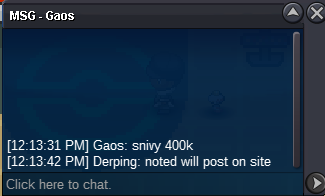
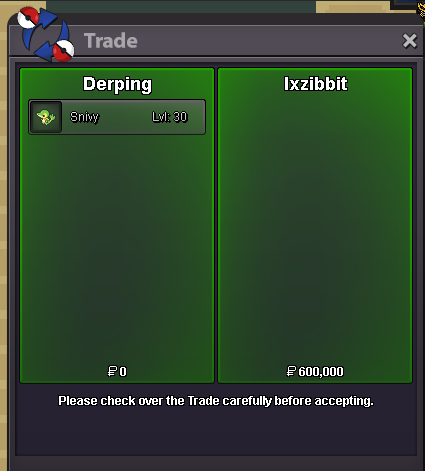
@Kishin2214@Firasking I will be online in a couple hours from now if you want to do the trade then for the ralts and seadra. The snivy has been sold
 ElectricThe ralts is already at 300k, you need to bid 50k or more to partake in the auctionElectricends 6/21/2023 @ 12:27AM https://www.tickcounter.com/countdown/4223569/my-countdown ends 6/21/2023 @ 02:33AM https://www.tickcounter.com/countdown/4223572/my-countdown ends 6/21/2023 @ 02:33AM https://www.tickcounter.com/countdown/4223572/my-countdown Starting Price for each is 50k Min Bid 50k No Insta Auction Ends 72h after first bid CC= 350k RR= 510k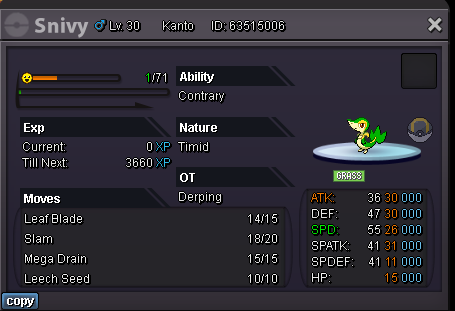
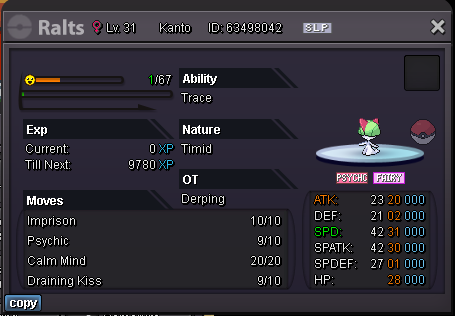
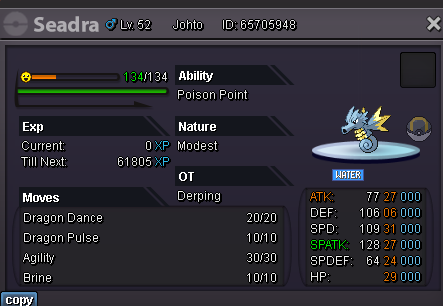 Sold
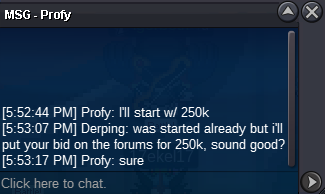
Sold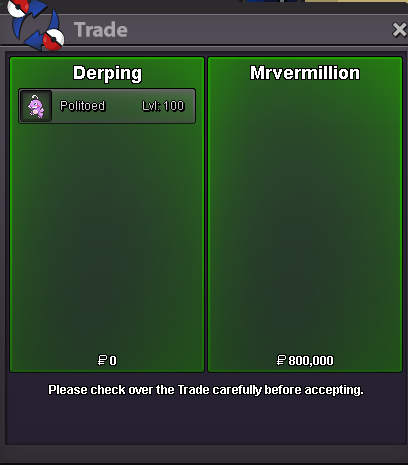 @Uxxelmonyou've won the auction, let me know when you're online550k Politoed
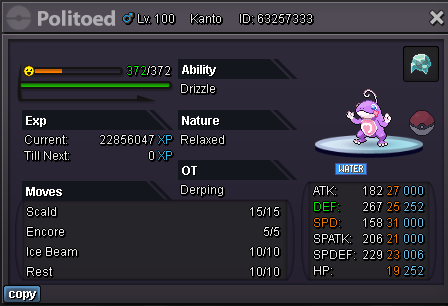
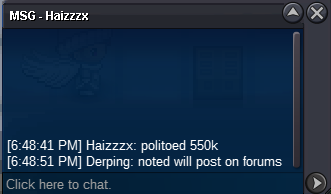 s.o 500k min offer 50k no insta payment accepted: 350k CC 600k reroll 300k nature reroll Auction ends March 14th 5:09pm GMT-5/EST
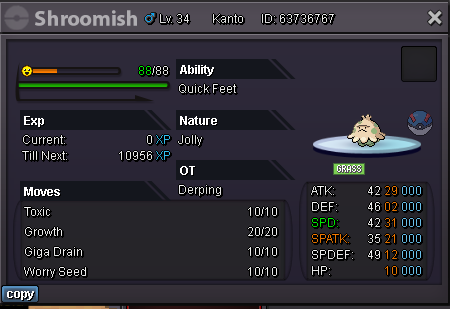
 s.o 1k min offer 25k insta 1m accepted payment: cc 350 nat rr 300k iv rr 600k Auction ends 11:22pm gmt-5 March 10th
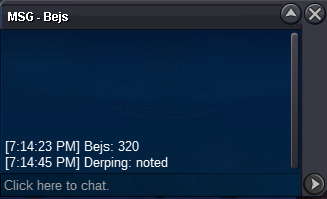
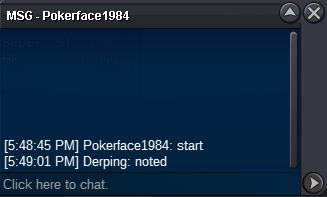
 s.o 1k min offer 5k no insta accepted payment: cc 350 Auction ends 5:48pm est/gmt-5 March 8th
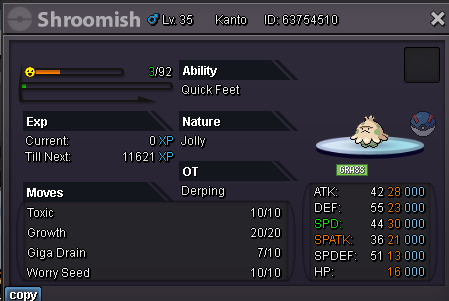 No need for force trade i guess, got it traded over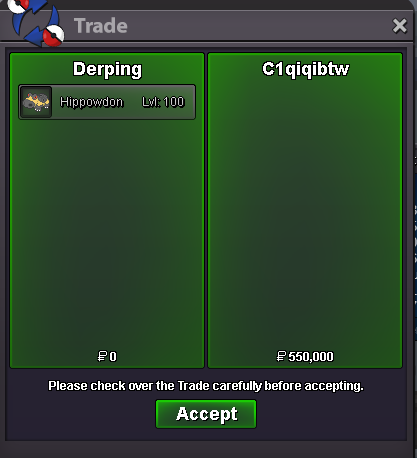
Account
Navigation
Search
Configure browser push notifications
Chrome (Android)
- Tap the lock icon next to the address bar.
- Tap Permissions → Notifications.
- Adjust your preference.
Chrome (Desktop)
- Click the padlock icon in the address bar.
- Select Site settings.
- Find Notifications and adjust your preference.
Safari (iOS 16.4+)
- Ensure the site is installed via Add to Home Screen.
- Open Settings App → Notifications.
- Find your app name and adjust your preference.
Safari (macOS)
- Go to Safari → Preferences.
- Click the Websites tab.
- Select Notifications in the sidebar.
- Find this website and adjust your preference.
Edge (Android)
- Tap the lock icon next to the address bar.
- Tap Permissions.
- Find Notifications and adjust your preference.
Edge (Desktop)
- Click the padlock icon in the address bar.
- Click Permissions for this site.
- Find Notifications and adjust your preference.
Firefox (Android)
- Go to Settings → Site permissions.
- Tap Notifications.
- Find this site in the list and adjust your preference.
Firefox (Desktop)
- Open Firefox Settings.
- Search for Notifications.
- Find this site in the list and adjust your preference.