




New Trade Zone
Trade Zone is now live
Use the new Trade Zone for auctions and instant-price trades so Pokemon and item offers are easy to find.

Derping
Registered User
-
Joined
-
Last visited
Everything posted by Derping
-
Could a trade mod be able to force trade? Thank you
-
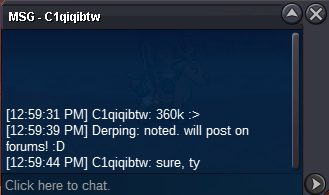
@C1qiqibtw msg me when youre online, you won!
-
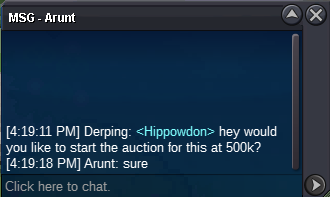
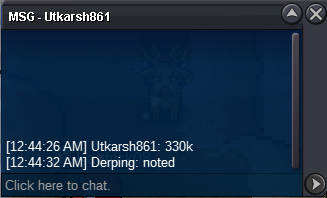
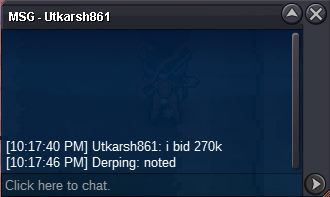
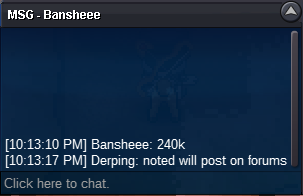
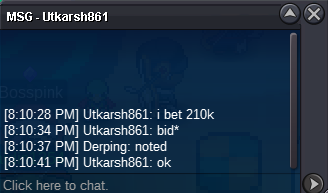
Starting offer : 500k Minimum bid : 50k 2m insta Accepted payment CC = 350k Reroll ticket = 650k Auction ends 4:19pm (GMT-5) March 6th
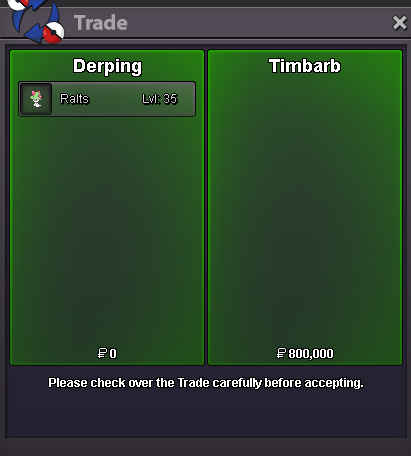
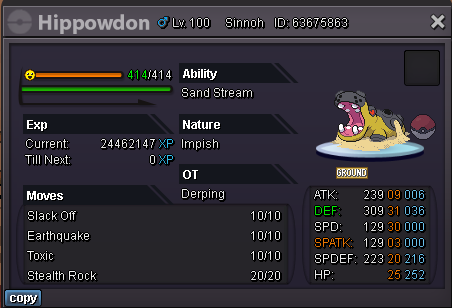 The auction ends in 5 hours and 30 minutes from now @TimbarbYeah it's still at 800knoted auction ends 72 hours from now at 1:59 AM gmt-5 on Feb 25thStarting offer : 450k Minimum bid : 50k no insta Accepted payment CC = 350k Reroll ticket = 650k Auction ends 72h after first bid (1:59 AM gmt-5 on Feb 25th)
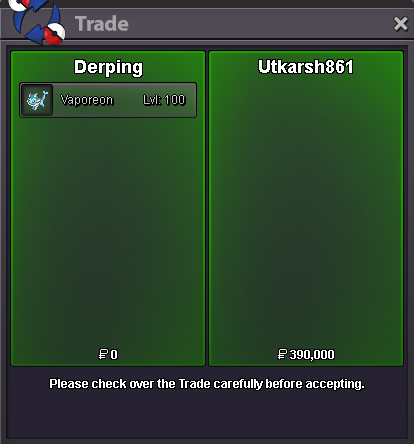
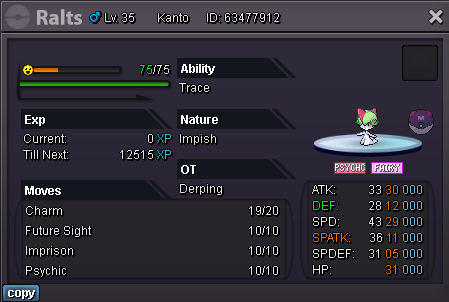 @Utkarsh861You won, let me know when you're online!Starting offer : 150k Minimum bid : 30k no insta Accepted payment CC = 350k Reroll ticket = 650k Auction ends 24h after first bid
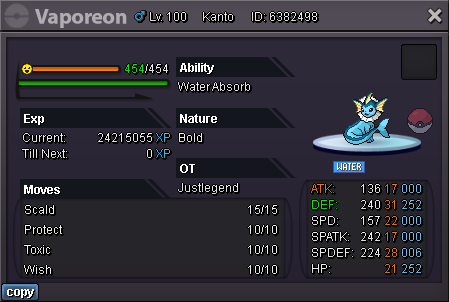 S.O: 300k Min Raise: 50k No Insta Duration: 72h after first bid Accepted Payment: CC (350K) or Pokedollars
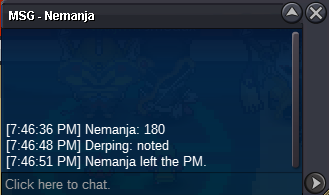
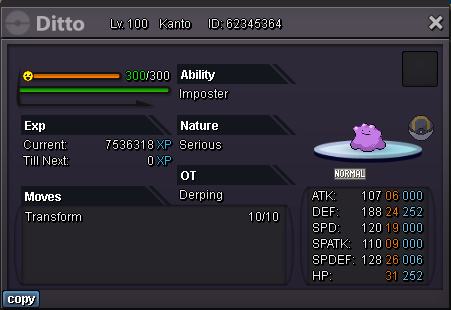 There was a misunderstanding with timezones so lelouche actually got the deal. Sorry for any inconveniencesThats the highest offer right now, offer ends in about 3 hoursstarting bid 400k insta 800k ms=200k 48 hour auction

Account
Navigation
Search
Configure browser push notifications
Chrome (Android)
- Tap the lock icon next to the address bar.
- Tap Permissions → Notifications.
- Adjust your preference.
Chrome (Desktop)
- Click the padlock icon in the address bar.
- Select Site settings.
- Find Notifications and adjust your preference.
Safari (iOS 16.4+)
- Ensure the site is installed via Add to Home Screen.
- Open Settings App → Notifications.
- Find your app name and adjust your preference.
Safari (macOS)
- Go to Safari → Preferences.
- Click the Websites tab.
- Select Notifications in the sidebar.
- Find this website and adjust your preference.
Edge (Android)
- Tap the lock icon next to the address bar.
- Tap Permissions.
- Find Notifications and adjust your preference.
Edge (Desktop)
- Click the padlock icon in the address bar.
- Click Permissions for this site.
- Find Notifications and adjust your preference.
Firefox (Android)
- Go to Settings → Site permissions.
- Tap Notifications.
- Find this site in the list and adjust your preference.
Firefox (Desktop)
- Open Firefox Settings.
- Search for Notifications.
- Find this site in the list and adjust your preference.