




New Trade Zone
Trade Zone is now live
Use the new Trade Zone for auctions and instant-price trades so Pokemon and item offers are easy to find.

Justbillionare
Registered User
-
Joined
-
Last visited
Everything posted by Justbillionare
-
Bro i got usuable naive conke
-
I didnt said i will update i told u say on forumu said u will buy cc tommorowU will bid navn;Sold insta close please thnxNonenoffered close pleaseSold
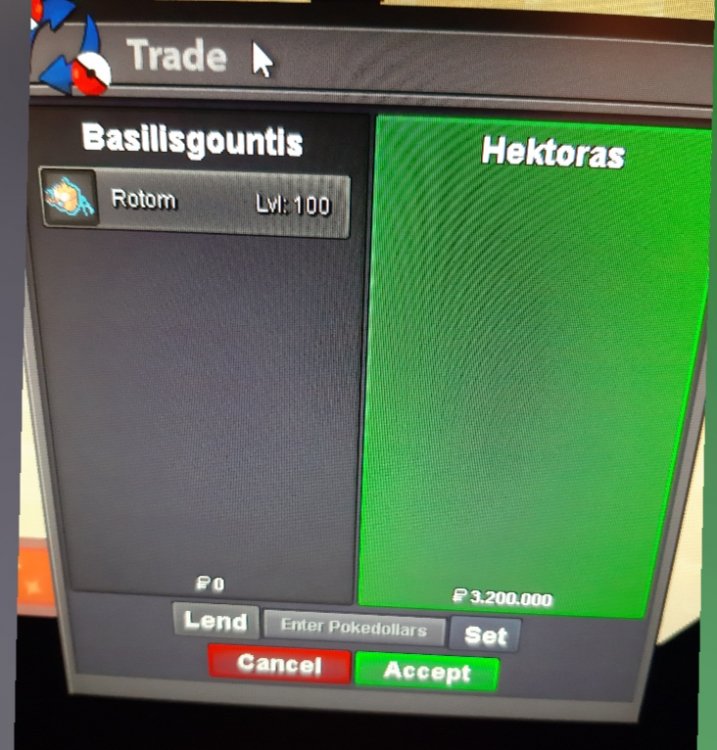 None started auction close pleaseRemove none offeredHectoras i think u wonBumpB.o. hectoras.. hp grass bro[ATTACH type=full" alt="20200220_022400.jpg]128048[/ATTACH]I bought last days before forum i thinkHello sir i got one of the best tyranitar in server i sell for 65m let me know if u see other better on sale. Offers i had in past is 40/45m but i am not okei with that price.
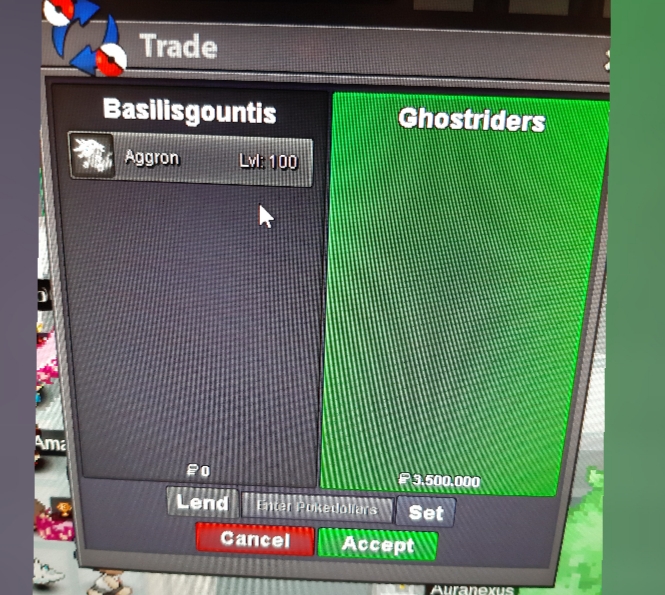
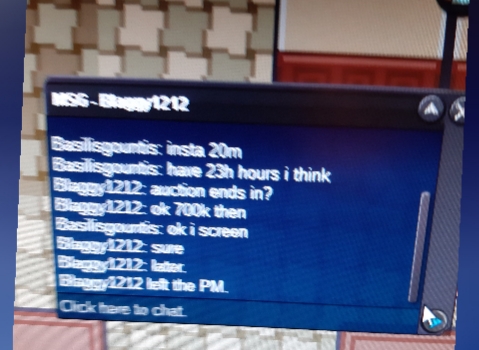
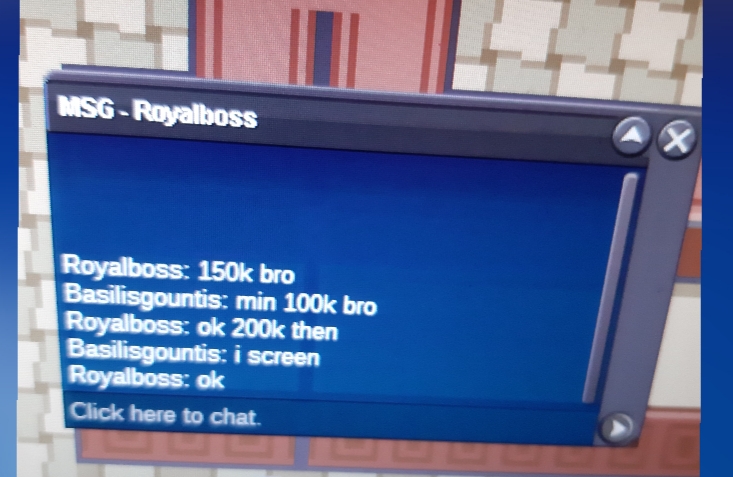
 2m1 5m20m hereI will online later ingame2.5mKkk do i come;4m vermilionI want cancel because auction didnt started for my pokenons and no offers too thnx u.


Account
Navigation
Search
Configure browser push notifications
Chrome (Android)
- Tap the lock icon next to the address bar.
- Tap Permissions → Notifications.
- Adjust your preference.
Chrome (Desktop)
- Click the padlock icon in the address bar.
- Select Site settings.
- Find Notifications and adjust your preference.
Safari (iOS 16.4+)
- Ensure the site is installed via Add to Home Screen.
- Open Settings App → Notifications.
- Find your app name and adjust your preference.
Safari (macOS)
- Go to Safari → Preferences.
- Click the Websites tab.
- Select Notifications in the sidebar.
- Find this website and adjust your preference.
Edge (Android)
- Tap the lock icon next to the address bar.
- Tap Permissions.
- Find Notifications and adjust your preference.
Edge (Desktop)
- Click the padlock icon in the address bar.
- Click Permissions for this site.
- Find Notifications and adjust your preference.
Firefox (Android)
- Go to Settings → Site permissions.
- Tap Notifications.
- Find this site in the list and adjust your preference.
Firefox (Desktop)
- Open Firefox Settings.
- Search for Notifications.
- Find this site in the list and adjust your preference.