New Trade Zone
Trade Zone is now live
Use the new Trade Zone for auctions and instant-price trades so Pokemon and item offers are easy to find.

Haribo
Registered User
-
Joined
-
Last visited
-
It does not matter, I will play on my cell phone or tablet while waiting to renew my pc this summer. I would like to thank you for all your very valuable help and suggestions. I'll let you know if I ever have any hope that I can start the game. Thanks for everything.
-
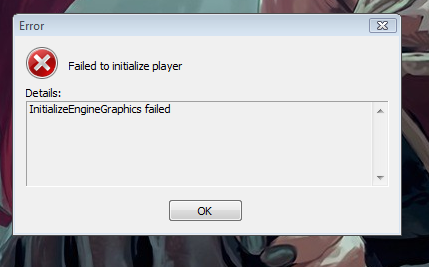
I do not have an antivirus and my firewall was open when I downloaded it. I deleted everything and reloaded the 64 and 32 version. I tried the manip of earlier but still does not work. when I put -force-opengl on version 64 I have a new message ...
-
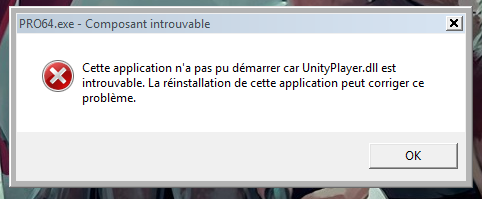
I tried it and it does not work ... for version 64 it gives me another message: for version 32 it puts me the other mistake
-
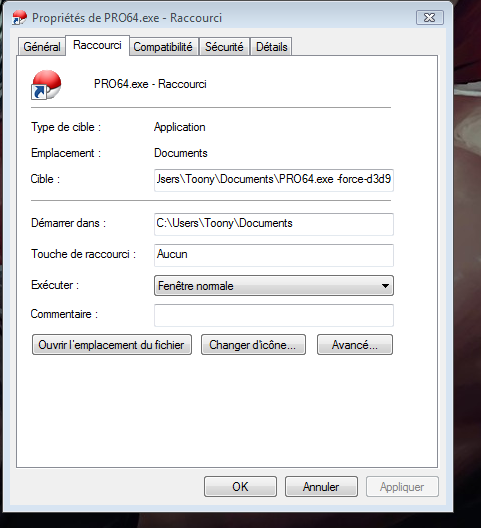
it does not work ... yet I did the right thing
-
where should I put it?

-
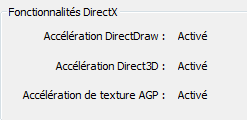
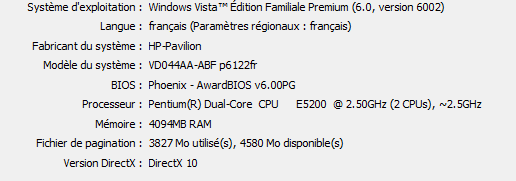
hello, here are some pictures, can to show you, sorry i'm french..xD i try to reinstall direct x ..sa does not change anything. I have an old pc too, yet I always managed to play PRO .. for the right click of PRO, I can not find how to force on direct x .. Thanks for your help

-
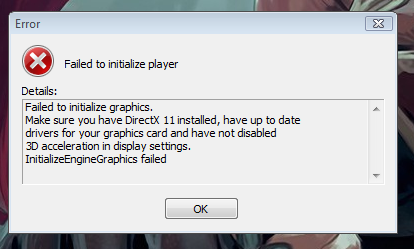
Hi, I wanted to resume the game, so I installed the last update, and here is the result: What should I do? thank you for helping me knowing that everything is up to date...I just made them