New Trade Zone
Trade Zone is now live
Use the new Trade Zone for auctions and instant-price trades so Pokemon and item offers are easy to find.

Vaggelis3ftw
Registered User
-
Joined
-
Last visited
Everything posted by Vaggelis3ftw
-
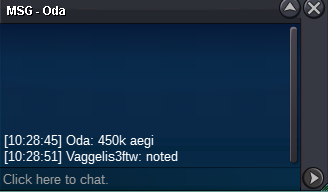
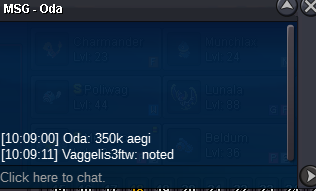
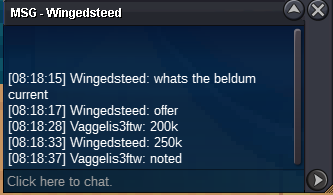
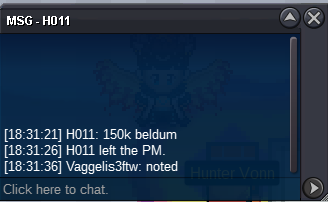
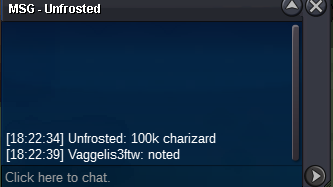
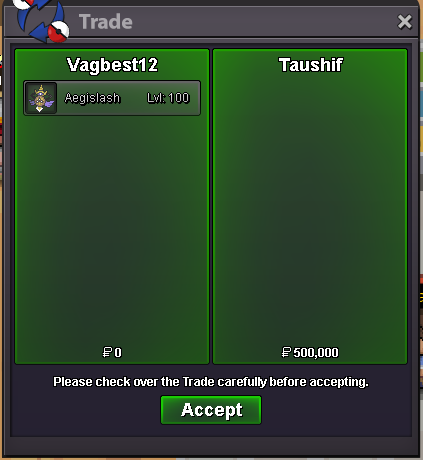
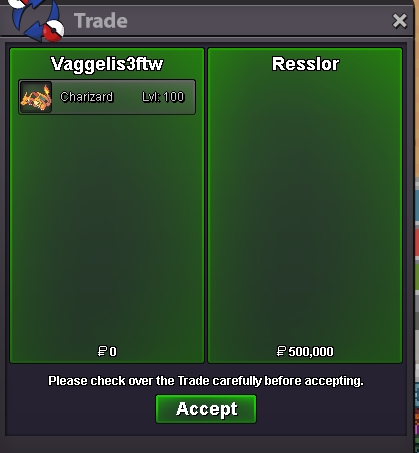
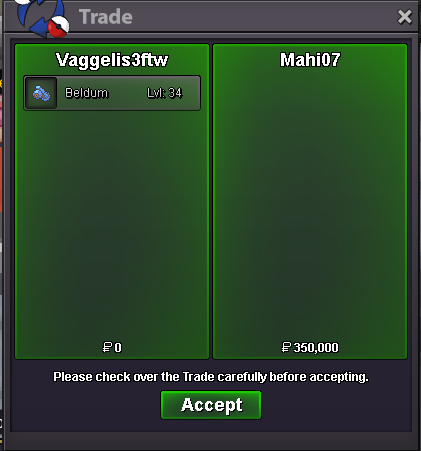
Aegisalsh auction ended: winner: @Taushif Trade done by my alt account on gold to help the player who doesnt have account on silver Beldum auction ended : winner @Tushar07Trade completed by an alt of the player cause he was from gold server Charizard auction ended : winner @Resslor
-
The bid from @Taushif is for aegislash. Please make sure to write the name of pokemon that you gonna bid
-
Bump 8hours approx leftNOT A BUNDLE Starting price: 100k each Min bid: 50k each No insta 48h Auction( Starts after first bid on each) 15min Auction rule: ON Payment methods: Pokedollars Coin Capsule:470k Aegislash auction ends :17:42PM Beldum auction ends :17:52PM Charizard auction ends :18:23PM
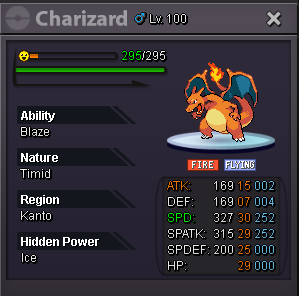
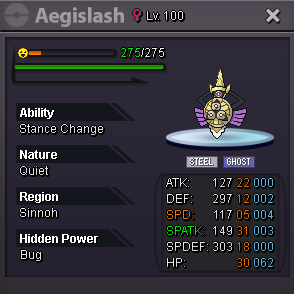
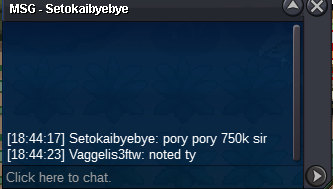
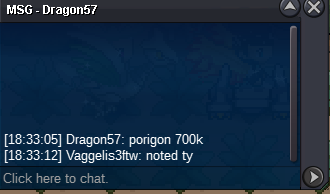
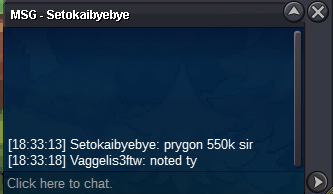
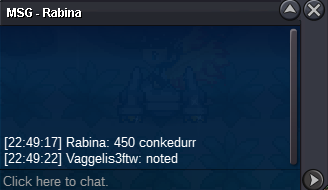
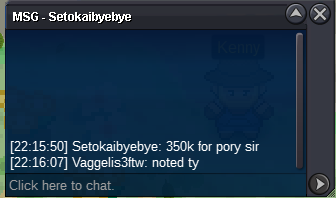
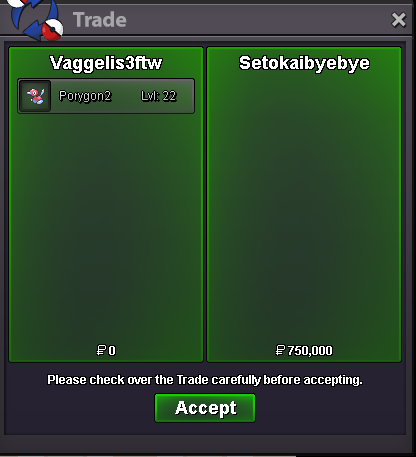
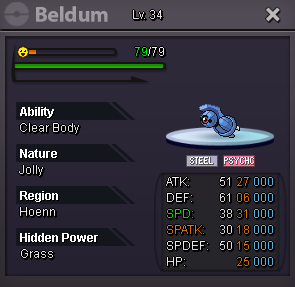 50kStartStartstartAuction ended 20:54 @Laviter sorrystartAuction ended for conkeldurr winner @Beverr Auction for porygon2 ended winner @Setokaibyebye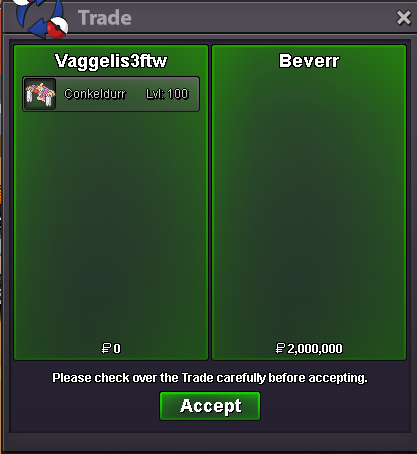
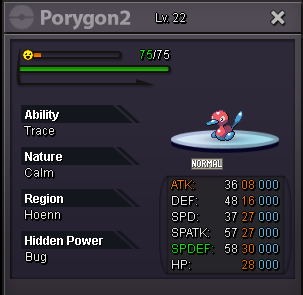
 NOT A BUNDLE Starting Price: 300k each Min bid: 50k each No insta 48h Auction (Start after first bid on each Pokemon) 15min Auction rule:Enabled Payment methods: Pokedollars Coin Capsule :470k Conkeldurr Auction ends:13-05-2025 19:12 PM Porygon Auction ends:13-05-2025:20:54 PM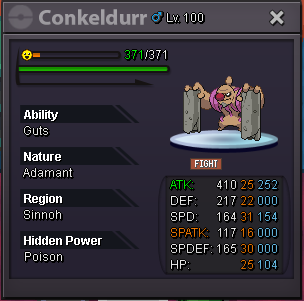
Account
Navigation
Search
Configure browser push notifications
Chrome (Android)
- Tap the lock icon next to the address bar.
- Tap Permissions → Notifications.
- Adjust your preference.
Chrome (Desktop)
- Click the padlock icon in the address bar.
- Select Site settings.
- Find Notifications and adjust your preference.
Safari (iOS 16.4+)
- Ensure the site is installed via Add to Home Screen.
- Open Settings App → Notifications.
- Find your app name and adjust your preference.
Safari (macOS)
- Go to Safari → Preferences.
- Click the Websites tab.
- Select Notifications in the sidebar.
- Find this website and adjust your preference.
Edge (Android)
- Tap the lock icon next to the address bar.
- Tap Permissions.
- Find Notifications and adjust your preference.
Edge (Desktop)
- Click the padlock icon in the address bar.
- Click Permissions for this site.
- Find Notifications and adjust your preference.
Firefox (Android)
- Go to Settings → Site permissions.
- Tap Notifications.
- Find this site in the list and adjust your preference.
Firefox (Desktop)
- Open Firefox Settings.
- Search for Notifications.
- Find this site in the list and adjust your preference.