New Trade Zone
Trade Zone is now live
Use the new Trade Zone for auctions and instant-price trades so Pokemon and item offers are easy to find.

Nergal
Registered User
-
Joined
-
Last visited
Everything posted by Nergal
-
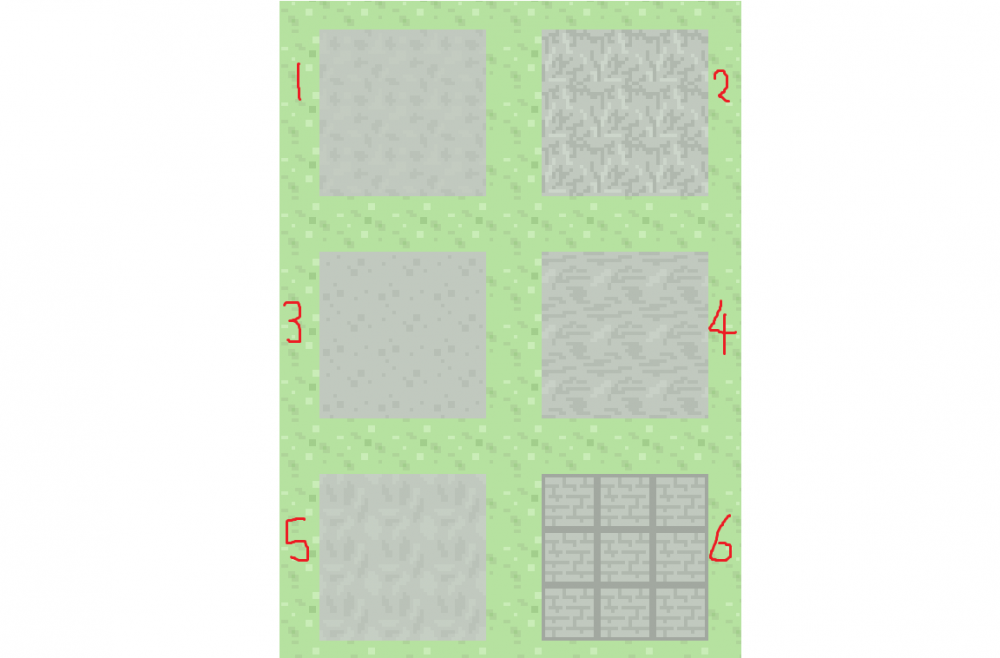
Nergal here, which is your favourite?
-
Thanks for advice @Shinohara! I've already tested before and after resetting router, so I've updated the post to reflect this. With regards to using a VPN, I would really rather not use that as a long-term solution - but I may in the near future try that, which may help in identifying the problem! Problem with VPNs is that they're often unsafe software and can be untrustworthy, so when I do attempt that solution I'll use your recommended to avoid any malicious software!
-
Hi, I'm Nergal, good to meetcha! So since downloading PRO, I've had problems connecting unfortunately! This appears to be completely on my end as I know no-one else that's been getting this problem in the same way. Nature of the problem Connecting to the Gold Server which I play on (Silver Server has been tested and encounters the same problem) causes me to get a "Connecting to server..." message for about 5-10 seconds, then "Can not connect to server" after that. It usually takes about 5-10 minutes before I am able to log on, receiving the prompt "Logging in...". The access condition to the server seems to be random with respect to time, as I cannot identify what allows me into the server. Solutions I have tried / Notes - Checked for previous threads, one member had an issue due to country, as he was connecting from the UAE, I am residing in the UK. - I have redownloaded the client fully, same issues. - Have disabled realtime protection with my antivirus and firewall, Windows Defender. - Have added the PRO client application to the list of allowed apps through Windows Defender Firewall. - Have run the PRO client application through administrator on my desktop. - Restarting router Extra Information - Firewall & Antivirus: Windows Defender - Network: Home, private network wifi - no VPN - Location: England, UK - Hardware: Acer Nitro laptop Any suggestions are welcome, no matter how ridiculous! ..Well maybe not sprinkling garlic over my router, that's far beyond ridiculous. Many thanks! Nergal (Master Dan)