New Trade Zone
Trade Zone is now live
Use the new Trade Zone for auctions and instant-price trades so Pokemon and item offers are easy to find.

Joahjoahjoah
Suspended
-
Joined
-
Last visited
-
PLAYER CATEGORY Smartest: Brulee Friendliest: Drakun399 Funniest: Gilior Coolest: Huyzus Comeback Player of the Year: Cateto21plus Most Talkative: Longlakenby Most Trustworthy: Noname7 Most Helpful: Keopeo Most Missed: Binh123 Most Influential: Suri Most Intriguing: Kalpin Most Experienced Player: Daicamax Best/Funniest Username: Con21trymto Most Professional Guide Maker: Kentro Most Professional Discord Moderator: Darumaka STAFF CATEGORY Best Mapper: Dusky Best Artist: Aeolus Best Community Coordinator: Brannon Best Moderator: Hercules Best Trade Moderator: Hercules Best Game Master: Noisia Best Admin: Shaui Best Staff Username: Hercules Most Professional Staff: Noisia Most Dedicated Staff: Noisia Funniest Staff: Nikola Friendliest Staff: Eaty Most Honorable Former Staff: Kagawa Most Missed Former Staff: Kagawa
-
Thank you. Pl pm me ingame Joahjoahjoah
-
Oh thank you so much
-
I'm joahjoahjoah
-
What's shiny pokemon? Pl tell me
-
Instant 30m 2 days
-
Pl tell me ingame
-
Add me ingame Joahjoahjoah
-
Pl tell me
-
Thank you
-
Oh that's great thank you
-
Oh add me in game
-
Oh thank you wait me
-
Thank you. Wait me pk
-
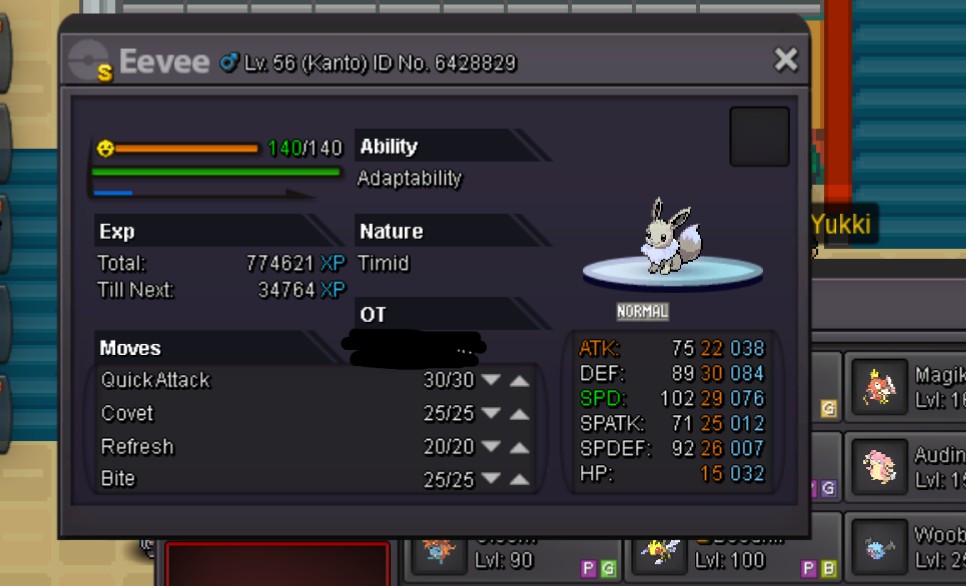
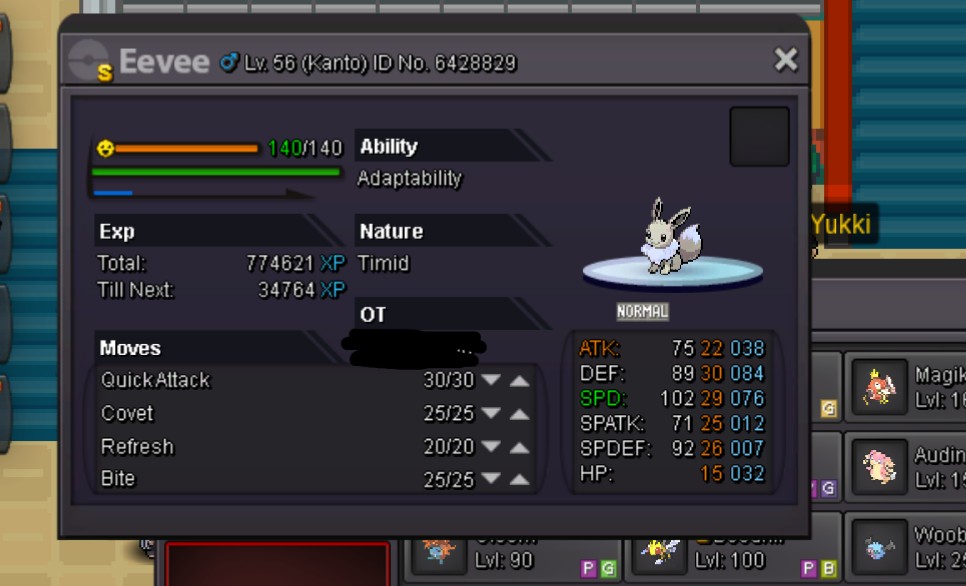
Wts my baby shiny eevee