




New Trade Zone
Trade Zone is now live
Use the new Trade Zone for auctions and instant-price trades so Pokemon and item offers are easy to find.

Lugario
Registered User
-
Joined
-
Last visited
Everything posted by Lugario
-
Bye, again.
-
The best way about it, it would be to add a level training area in the Safari Zone (similar to how we have an area for ev training) and there to have common spawns of high level Chansey/Blissey because they give the best exp amount. Different grass paths for different level. And remove player balls when entering that area, so it will not be abused for catching them since normally they are rare encounters.
-
Bye
-
-1 Players will feel forced to hunt without sleep for 24 hours in order to make the full use of it.
-
-
-
Hmm
-
-
-
WTB: Masterball All Special Ball Goomy Hat All PP Up
-
Hey there @Waig906 , try to unistall PRO via app info, download the legacy edition and install it to see if that works for you? To find app info, you can open your phone settings, then apps, then app management, find and click on PRO and there you can unistall it correctly. The path may be different in some phones, but should be similar.
-
Sorry but -1 ✌️ I get where you are coming from, especially when you want to rush from one place to another, but those NPCs are kinda what makes every map alive and not empty. So removing them would take that away. (you crossed with x and circle, like you want then gone) And about changing the interaction I think it could bring some bugs if it's done the way you mentioned because there are so many maps with different NPCs and different interactions that are there for a reason.
-
There should be an option for both, but I don't think it will be added in the near future because of the long time it takes to find an opponent. Maybe after the merge it's a possibility.
-
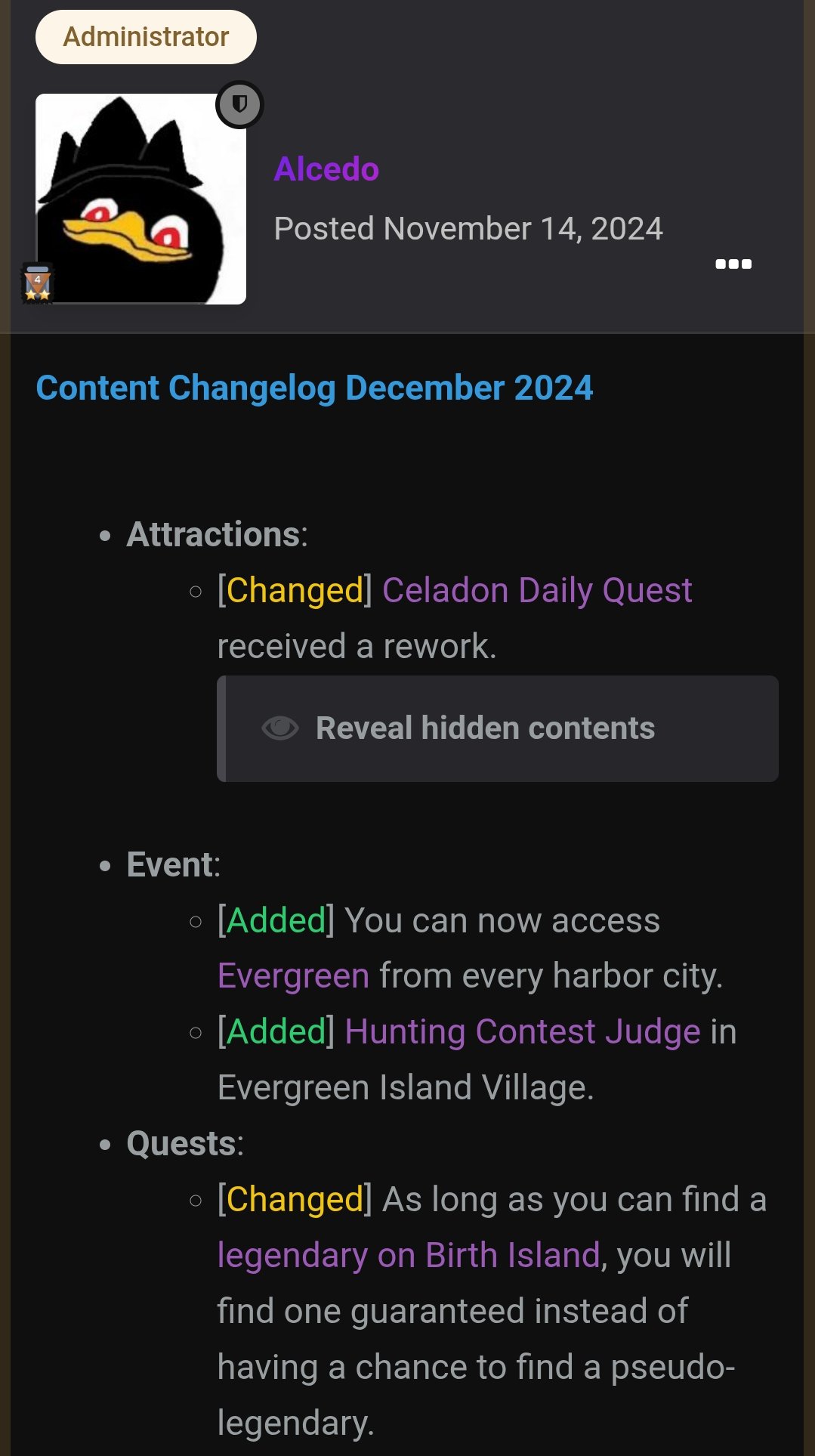
Hello @Satellar , As of November 14th 2024 that is not true anymore. It was changed to as long as you can find a legendary on Birth Island, you will find one guaranteed instead of having a chance to find a pseudo-legendary. Source: https://pokemonrevolution.net/forum/topic/165223-content-update-logs/page/4/#findComment-1491779
-
-
I am the true winner!
-
Hello @Adiuvo , yes it is there! Thank you very much, you are awesome! 😁 Kind Regards, Lugario
-
Hello @Adiuvo , yes, that's it. Sorry if it was trouble to find it with so few information given. I'll try to be more careful in the future. Could you please restore it? Thank you very much! Kind Regards, Lugario
-
Hello everyone, I can't find my Charizard Clone. I do not think I would trade it to someone because it is rare, but I think that maybe I accidentally released it the day the pc rework came out or arround that time when massive deleting. Could you please look what happened to it? Thanks in advance! Kind Regards, Lugario
-
Bump - Wishlist Updated 31/03/2026
-
no u didnt win
-
-
-
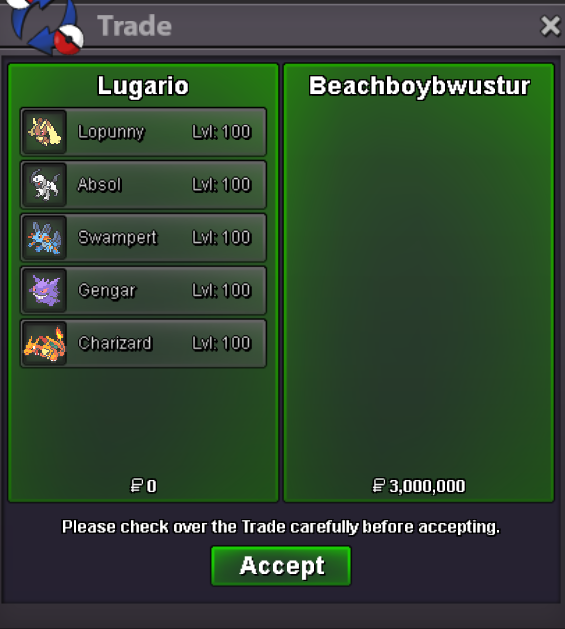
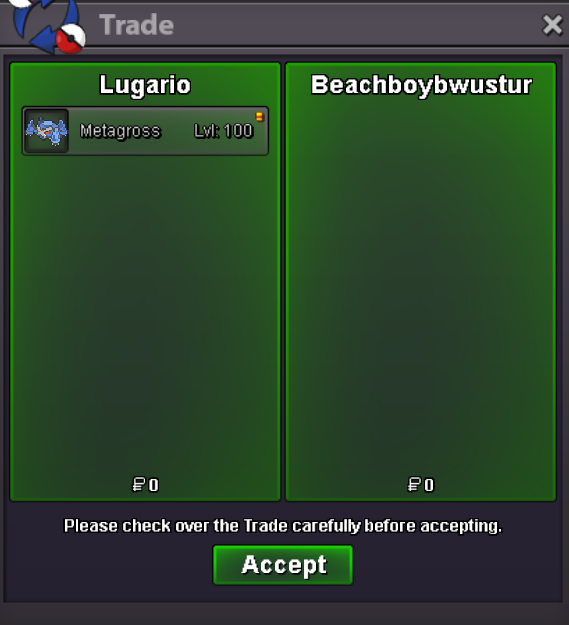
Hello, thanks everyone for participating in the auction! The 15 minute rule was triggered when Beachboybwustur placed a bid (1.4m) within the final 10 minutes of the auction (based on UTC+0). This extended the auction window. Ten minutes later, Battou16 submitted a bid of 1.5m, and the bidding continued, eventually reaching 3m by Beachboybwustur. All bids were placed within the valid time extensions under the 15 minute rule (no late submissions). Beachboybwustur rightfully wins the auction at 3m. Thank you very much, good luck, have fun! Enjoy @Beachboybwustur!
-
Bump

