New Trade Zone
Trade Zone is now live
Use the new Trade Zone for auctions and instant-price trades so Pokemon and item offers are easy to find.

Muguer
Registered User
-
Joined
-
Last visited
Everything posted by Muguer
-
-
hey, i want to buy the nidoking, i'm from gold and my name in the game is muguer.
-
Gracias por la info
-
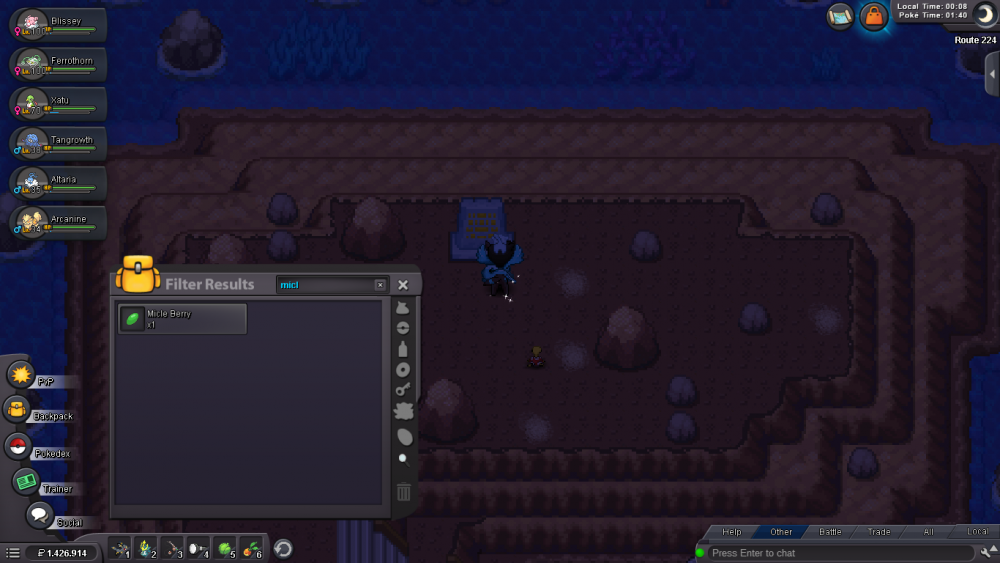
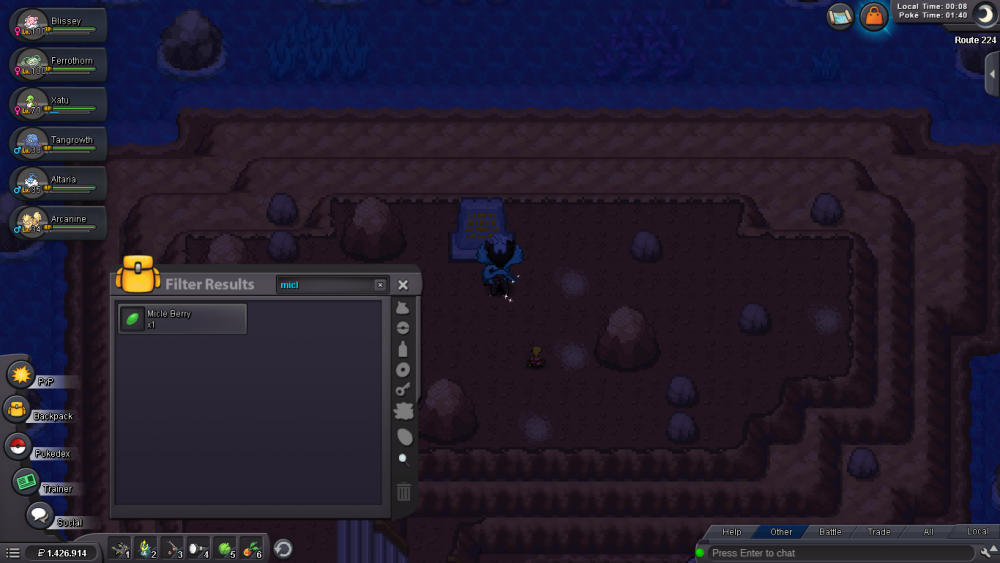
I have a Blissey with serene grace and 252 in DEF, xatu with roost and 31 in SPD, Tangrowth with chlorophyll, ferrothorn with leech seed, altaria with natural cure and arcanine. I also have the micle berry and spoke to the mysterious NPC, the problem is that I interact with the sanctuary but nothing happens. What am I doing wrong?
-
Hi, I have a problem with the Cresselia Quest, I spoke with the teacher in Eterna, he tells me to return to Canalave, I spoke with Sailor Dark but nothing happens, he does not let me advance the Quest.
-
Help, what happens is that actualize the new version, appeared in a school "Prof. Antibans Classroom" answer questions and I won a pokeball but not let me out, I'm there myself, and I lost count how many times I said, help.
-
Ayuda, lo que sucede es que actualize la nueva versión, apareci en una escuela "Prof. Antibans Classroom" respondo las preguntas y me gano una pokeball pero no me dejan salir, sigo hay mismo, ya perdí la cuenta cuantas veces respondí, ayuda por favor.