New Trade Zone
Trade Zone is now live
Use the new Trade Zone for auctions and instant-price trades so Pokemon and item offers are easy to find.

Monstercreaek
Registered User
-
Joined
-
Last visited
Everything posted by Monstercreaek
-
sorry your bid is invalid, min bid is 50k, so your bid has to be 425k
-
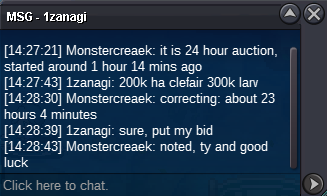
sorry, your bid is invalid for both larvitar and clefairy mg. Time left for Auction: About 2 hours and 35 minutes
-
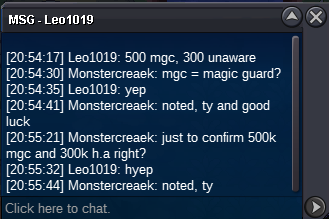
Clefairy Magic Guard c.o 500k
-
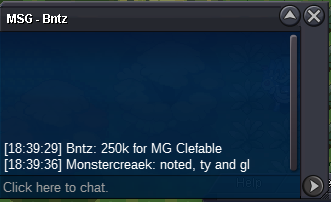
Clefairy MG c.o 250k
-
Bold Clefairy magic guard c.o 200k
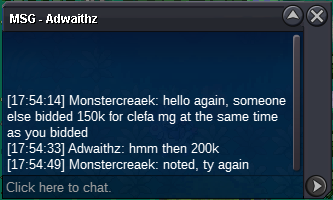
-
clefairy magic guard c.o 150k
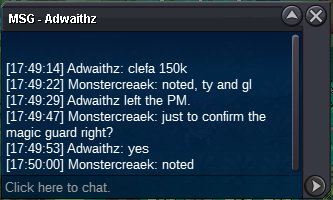
-
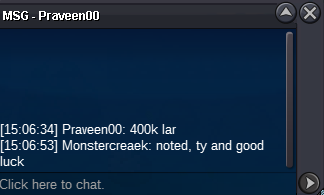
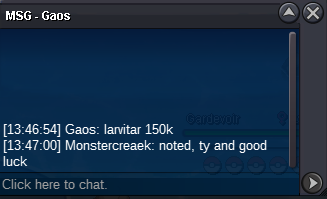
clefairy h.a c.o 250k and larvitar c.o 450k
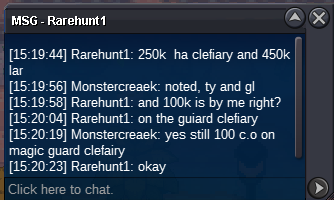
-
clefairy h.a c.o 50k and larvitar c.o 50k
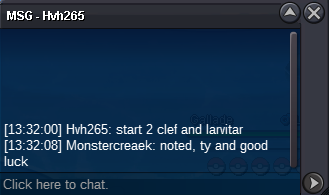 Epic Bold Clefairy Magic Guard (20+ IVs) - C.O 850k by Royalboss S.O : 50k Min bid : 50k Time Auction : 24 hours after first bid Started: 1:33 PM GM +7 (March 15) Ends: 1:33 PM GM +7 (March 16) Epic Bold Clefairy H.A (22+ IVs) - C.O 500k by Royalboss S.O : 50k Min bid : 50k Time Auction : 24 hours after first bid Started: 1:32 PM GM +7 (March 15) Ends: 1:32 PM GM +7 (March 16) Epic Ada Ursaring Guts (22+ IVs) - C.O 500k By Napolion22n S.O : 50k Min bid : 50k Time Auction : 24 hours after first bid Started: 1:33 PM GM +7 (March 15) Ends: 1:33 PM GM +7 (March 16) Epic Ada Larvitar (20+ IVs) - C.O 1m 150k by Royalboss S.O : 50k Min bid : 50k Time Auction : 24 hours after first bid Started: 1:32 PM GM +7 (March 15) Ends: 1:32 PM GM +7 (March 16) Reminder: 1) This is not a bundle 2) if bid is placed within last 15 mins of the auction, auction end time will be extended by 15 mins from that bid ACCEPT: - Pokedollar -cc (500k) - IV Reroll (500k) - Nature Reroll (250k)
.png.7ce835abb9a874592490f3c77d356792.png)
.png.23130649aa9c99e8d225c6e4b3f10aca.png)
.png.69178a05f27aed8bcf25bd8467fdcbe4.png)
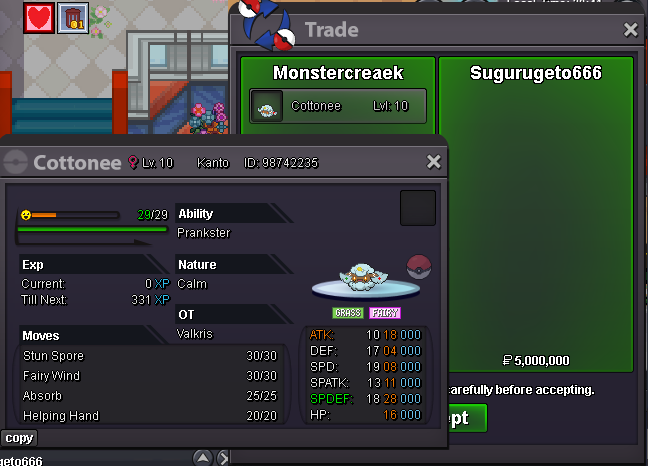
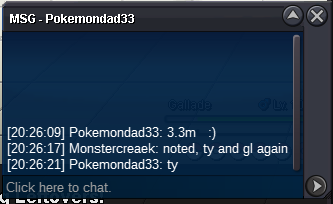
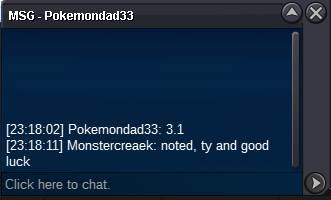
.png.6a718984c41b07acfffefb1c685404f6.png) 1m780k@Sugurugeto666 congrats, you won. Pm me in game to arrange the tradec.o 3.8m
1m780k@Sugurugeto666 congrats, you won. Pm me in game to arrange the tradec.o 3.8m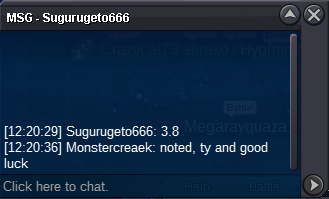 c.o 3.2m
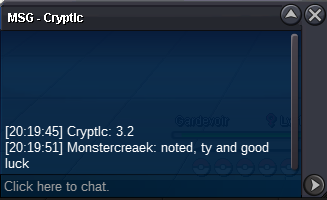 started by thodo (c.o 2m)
Account
Navigation
Search
Configure browser push notifications
Chrome (Android)
- Tap the lock icon next to the address bar.
- Tap Permissions → Notifications.
- Adjust your preference.
Chrome (Desktop)
- Click the padlock icon in the address bar.
- Select Site settings.
- Find Notifications and adjust your preference.
Safari (iOS 16.4+)
- Ensure the site is installed via Add to Home Screen.
- Open Settings App → Notifications.
- Find your app name and adjust your preference.
Safari (macOS)
- Go to Safari → Preferences.
- Click the Websites tab.
- Select Notifications in the sidebar.
- Find this website and adjust your preference.
Edge (Android)
- Tap the lock icon next to the address bar.
- Tap Permissions.
- Find Notifications and adjust your preference.
Edge (Desktop)
- Click the padlock icon in the address bar.
- Click Permissions for this site.
- Find Notifications and adjust your preference.
Firefox (Android)
- Go to Settings → Site permissions.
- Tap Notifications.
- Find this site in the list and adjust your preference.
Firefox (Desktop)
- Open Firefox Settings.
- Search for Notifications.
- Find this site in the list and adjust your preference.