New Trade Zone
Trade Zone is now live
Use the new Trade Zone for auctions and instant-price trades so Pokemon and item offers are easy to find.

Monstercreaek
Registered User
-
Joined
-
Last visited
Everything posted by Monstercreaek
-
SOLD - 500k by Pandathis S.O : 50k Min bid : 50k INSTA : N/A Time Auction : 24 hours after first bid Started: 8:54 PM GMT +7 (December 27) Ends: 8:54 PM GMT +7 (December 28) SOLD - 750k By Autobots S.O : 50k Min bid : 50k INSTA : N/A Time Auction : 24 hours after first bid Started: 8:54 PM GMT +7 (December 27) Ends: 8:54 PM GMT +7 (December 28) SOLD - 200k by Demiansaga S.O : 50k Min bid : 50k INSTA : N/A Time Auction : 24 hours after first bid Started: 8:54 PM GMT +7 (December 27) Ends: 8:54 PM GMT +7 (December 28) SOLD - 100k by Demiansaga S.O : 50k Min bid : 50k INSTA : N/A Time Auction : 24 hours after first bid Started: 8:54 PM GMT +7 (December 27) Ends: 8:54 PM GMT +7 (December 28) Reminder: 1) This is not a bundle 2) if bid is placed within last 15 mins of the auction, auction end time will be extended by 15 mins from that bid 3) Gold players can bid however please state that you will be transferring ACCEPT: - Pokedollar - CC = 500k
.png.f76fcfa591fa0d5cae8f925426f09770.png)
.png.7540754ef4183e54d43b487a2b427789.png)
.png.b4f85fd2bf46b710cb567bf9f5adbd92.png)
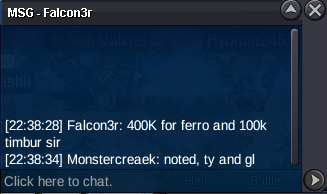
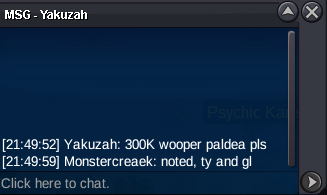
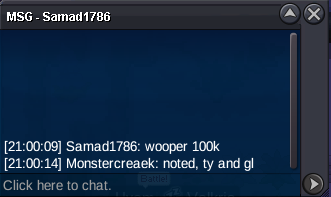
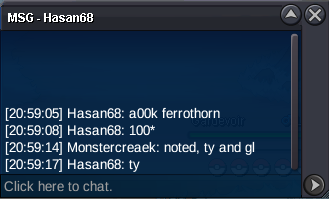
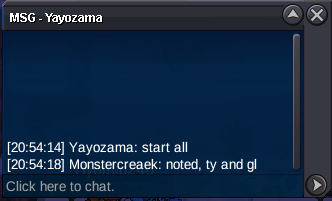
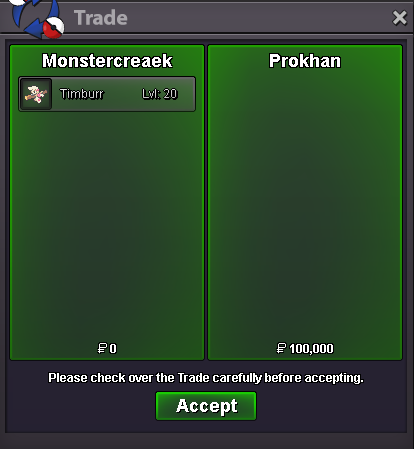
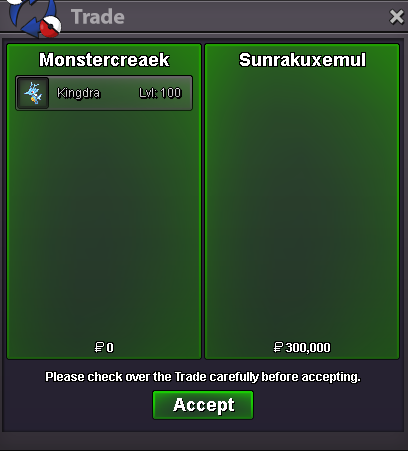
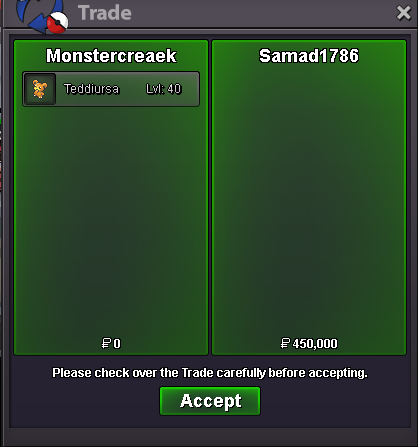
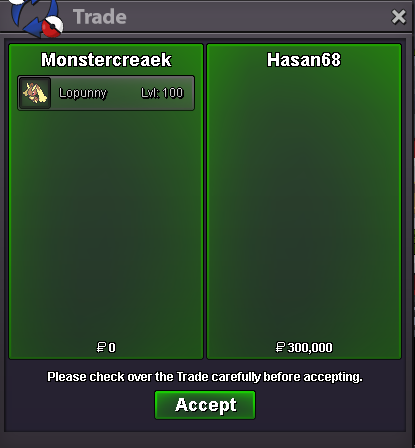
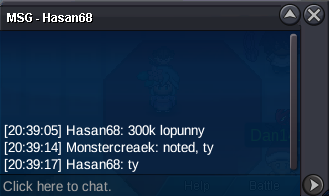
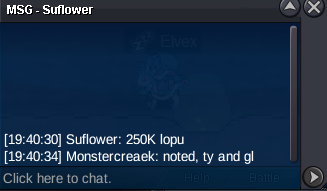
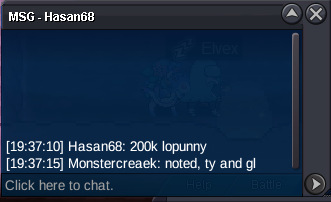
.png.d4c6ea1beba3d337bf274928e5addeb6.png) 18.2m17.2m16.2m15.4m15m13.212.2m11.2m9.7m7.6mMonstercreaek, silver serverThe auction for Kingdra, Lopunny, Teddiursa and Timburr are over. Congrats to the winners - @Sunrakuxemul for winning Kingdra (300k) - @Hasan68 for winning Lopunny (300k) - @Samad1786 for winning Teddiursa (450k) - @Prokhan for winning Timburr (100k) Please contact me ingame or my discord: ra1kyo so we can arrange the trade. Ty all for bidding
18.2m17.2m16.2m15.4m15m13.212.2m11.2m9.7m7.6mMonstercreaek, silver serverThe auction for Kingdra, Lopunny, Teddiursa and Timburr are over. Congrats to the winners - @Sunrakuxemul for winning Kingdra (300k) - @Hasan68 for winning Lopunny (300k) - @Samad1786 for winning Teddiursa (450k) - @Prokhan for winning Timburr (100k) Please contact me ingame or my discord: ra1kyo so we can arrange the trade. Ty all for biddingAccount
Navigation
Search
Configure browser push notifications
Chrome (Android)
- Tap the lock icon next to the address bar.
- Tap Permissions → Notifications.
- Adjust your preference.
Chrome (Desktop)
- Click the padlock icon in the address bar.
- Select Site settings.
- Find Notifications and adjust your preference.
Safari (iOS 16.4+)
- Ensure the site is installed via Add to Home Screen.
- Open Settings App → Notifications.
- Find your app name and adjust your preference.
Safari (macOS)
- Go to Safari → Preferences.
- Click the Websites tab.
- Select Notifications in the sidebar.
- Find this website and adjust your preference.
Edge (Android)
- Tap the lock icon next to the address bar.
- Tap Permissions.
- Find Notifications and adjust your preference.
Edge (Desktop)
- Click the padlock icon in the address bar.
- Click Permissions for this site.
- Find Notifications and adjust your preference.
Firefox (Android)
- Go to Settings → Site permissions.
- Tap Notifications.
- Find this site in the list and adjust your preference.
Firefox (Desktop)
- Open Firefox Settings.
- Search for Notifications.
- Find this site in the list and adjust your preference.