New Trade Zone
Trade Zone is now live
Use the new Trade Zone for auctions and instant-price trades so Pokemon and item offers are easy to find.

Dnark123
Registered User
-
Joined
-
Last visited
-
Morning from Brasil! I fixed my problem in the end of day it wasn't my connection as well. It was my Kaspersky that was blocking PRO on firewall settings. Thanks for you supporting <3
-
Damn, i can't login to any :/ I tried to send a DM to a staff member... but no answers yet.
-
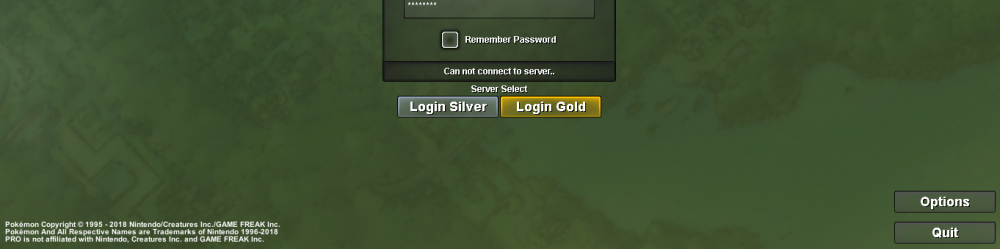
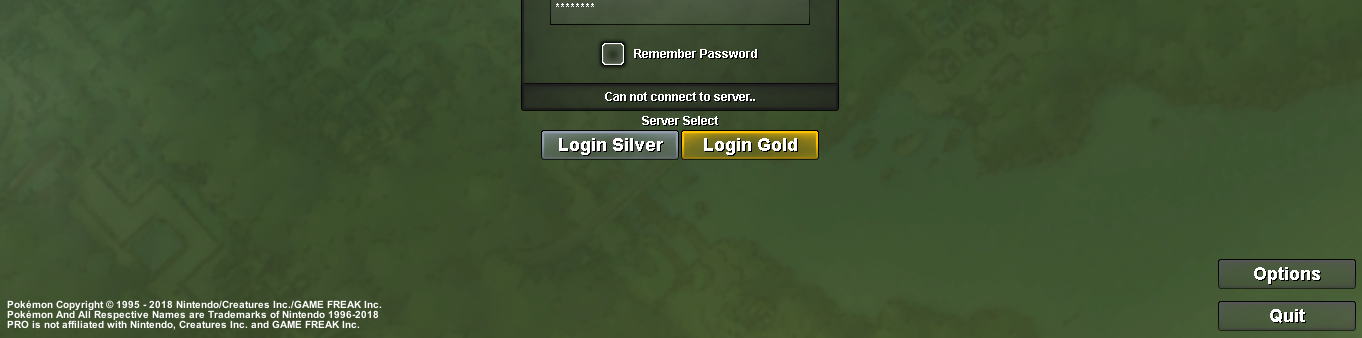
Hey guys i'm having a little trouble with my login. I merged my account today from the old redsv to the new Silver sv and i'm getting this error "can not connect to the server..." [spoiler=Image] obs: already changed my password/already checked the version of the game that i'm using, it's 64x btw/already excluded all the game content from my pc and re-installed. obs: sorry for my broken english. obs: already checked this [spoiler=Thread about common issues ]https://pokemonrevolution.net/forum/index.php?threads/▶︎-read-this-before-making-a-support-topic-◀︎.28250/ MY PC SPECS[spoiler=pc specs] !SOLVED! My problem was solved by unblocking the PRO firewall permissions on my Kaspersky Internet Security. So if you have some software on your pc that manages the firewall rules you need to unblock PRO rules. [spoiler=BEFORE] [spoiler=AFTER]