New Trade Zone
Trade Zone is now live
Use the new Trade Zone for auctions and instant-price trades so Pokemon and item offers are easy to find.

Lameeerek
Registered User
-
Joined
-
Last visited
-
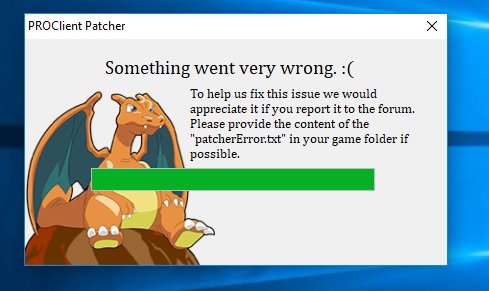
Unfortunately, this tutorial you write to almost everyone doesn't work. I tried this method three times and without success. Could you create a torrent file with an already updated feature game or the entire installation package as a single unit? 04.04.2019 The game works for me, but I had to do something different than what you wrote in the instructions. I had to completely overwhelm everything in the registers and in all the corners of the PC so that there was nothing left. then I pulled it again and everything worked as it should. but we will see for how long
-
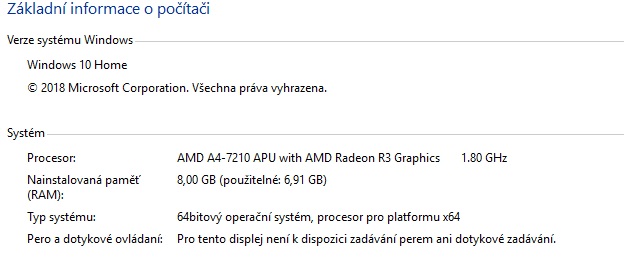
Hi, I have a little problem installing the latest game updates. Even if I follow the instructions for putting the game into operation for the third day I am still at the beginning of the problem. Firewall off (I use AVG) .Net framework - I have the latest version installed I have also downloaded the latest game client So I don't know where I'm making a mistake patcherError.txt