




New Trade Zone
Trade Zone is now live
Use the new Trade Zone for auctions and instant-price trades so Pokemon and item offers are easy to find.

Darkhaehnchen
Registered User
-
Joined
-
Last visited
Everything posted by Darkhaehnchen
-
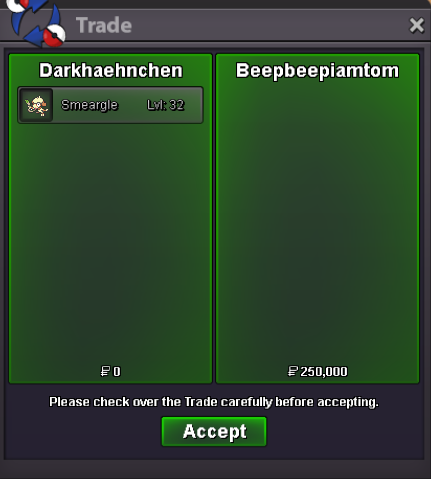
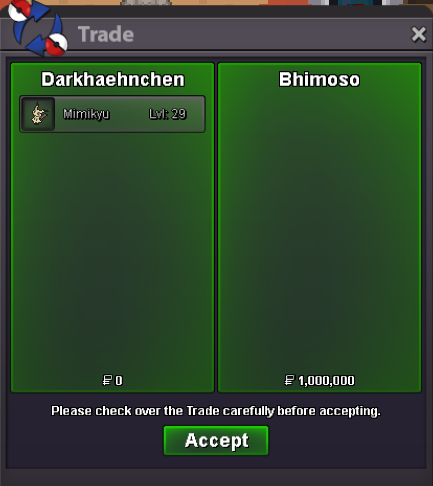
Welcome to the Auction for: Current offer: 16M by Riddoe Start offer: 1M$ Min bid: 100K$ Payment: Pokedolllar Ends 3 days(72h) -> 26.11.2023 7:00PM (GMT+1) Good luck! This Auction is on behalf of "Claude9" This Pokemon is currently in my posession and will be traded from my Shop-Account "ShopHaehnchen" Excerpt from the Rules:
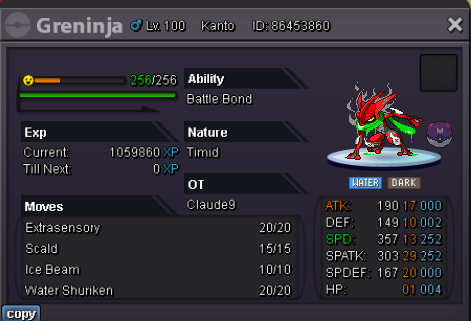

-
Can be Closed 🙂

-
Congratulations @Kartikssg8 . PM me whenever you are aviable for the Trade!
-
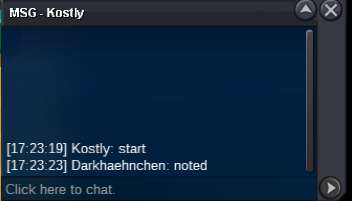
Start Gengar 31spdWelcome to the Auction for: Current offer: 1M Start offer: 250K Min bid: 1K Paymet: Pokedolllar Ends 3 days(72h) -> 17.11.2023 17:24 GMT+1 [ 11.17.2023 9:24pm 5:24pm GMT+1 ] (honest mistake on my Side. Wrong Endtime on pm Side Good luck!
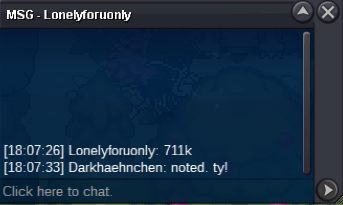
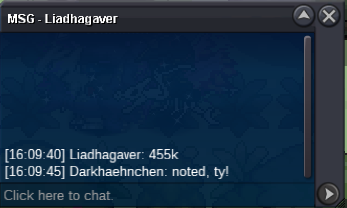
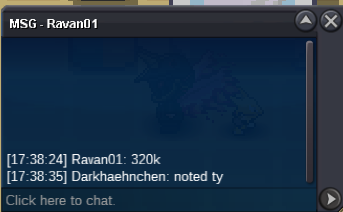
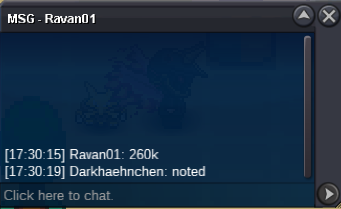
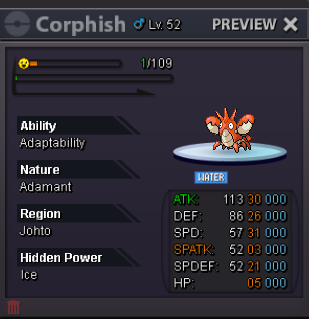 1.m110k1.1m1mup278k270k260k18k10k1. What's your Player name (IGN)? ShopHaehnchen 2. Number of hours played? ~100 3. What's your favorite Pokemon? Smeargle 4. What do you enjoy doing the most in PRO? (Hunting, PvP, trading, etc) Hunting 5. How long have you been playing Pokemon? (Optional) 1999omw back to be online ^^Auction ended. Winner's Bhimoso. Please pm me so we can arrange to meet 🙂Removed and added a bunch of pokemon


Account
Navigation
Search
Configure browser push notifications
Chrome (Android)
- Tap the lock icon next to the address bar.
- Tap Permissions → Notifications.
- Adjust your preference.
Chrome (Desktop)
- Click the padlock icon in the address bar.
- Select Site settings.
- Find Notifications and adjust your preference.
Safari (iOS 16.4+)
- Ensure the site is installed via Add to Home Screen.
- Open Settings App → Notifications.
- Find your app name and adjust your preference.
Safari (macOS)
- Go to Safari → Preferences.
- Click the Websites tab.
- Select Notifications in the sidebar.
- Find this website and adjust your preference.
Edge (Android)
- Tap the lock icon next to the address bar.
- Tap Permissions.
- Find Notifications and adjust your preference.
Edge (Desktop)
- Click the padlock icon in the address bar.
- Click Permissions for this site.
- Find Notifications and adjust your preference.
Firefox (Android)
- Go to Settings → Site permissions.
- Tap Notifications.
- Find this site in the list and adjust your preference.
Firefox (Desktop)
- Open Firefox Settings.
- Search for Notifications.
- Find this site in the list and adjust your preference.