New Trade Zone
Trade Zone is now live
Use the new Trade Zone for auctions and instant-price trades so Pokemon and item offers are easy to find.

Exoforce
Registered User
-
Joined
-
Last visited
Everything posted by Exoforce
-
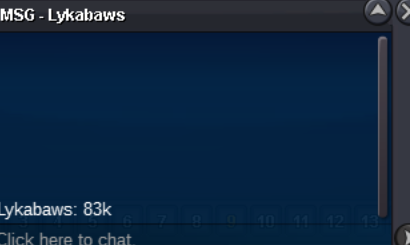
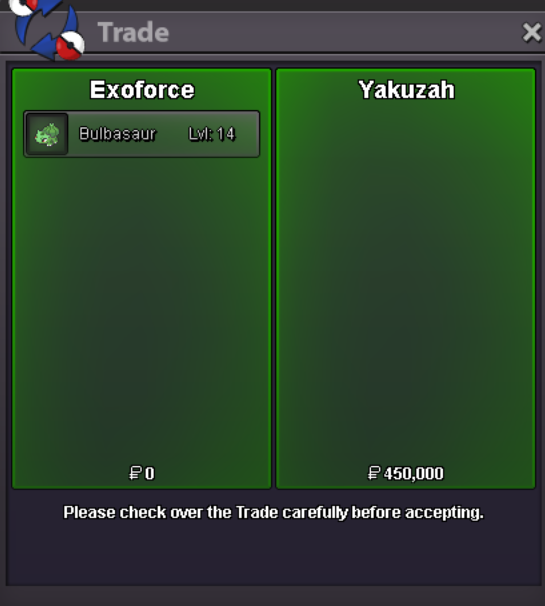
3h leftMaybe someone can find some use for this guy 🙂 -starting price 1k -min raise 1k -auction last for 24h after start -payments: pokedollar only
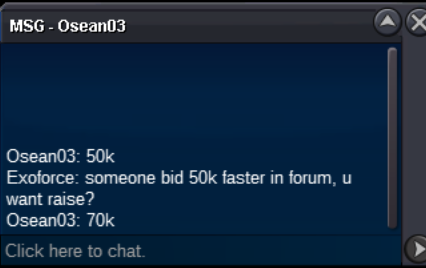
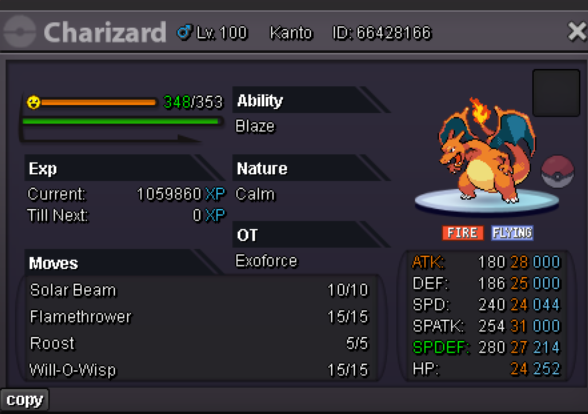 -starting price 150k -50k min raise -auction last for 48h after start -payments: pokedollar, cc=450k, rr=250k/500k
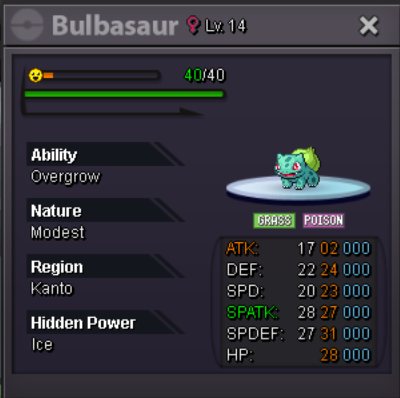 -starting price 150k -50k min raise -auction last for 48h after start -payments: pokedollar, cc=450k , nature reroll=250k
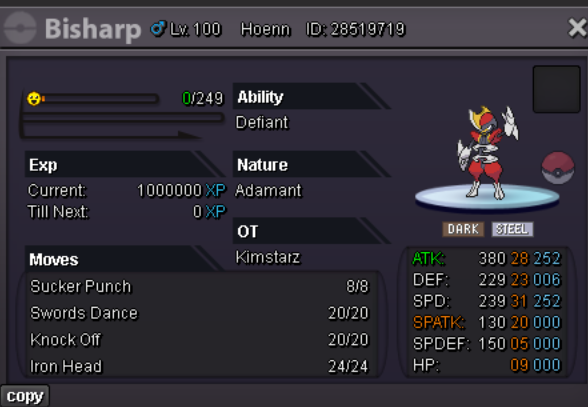 starting price 100k 50k min raise last for 48h after start payments: pokedollar, cc=450k ,rr=500k
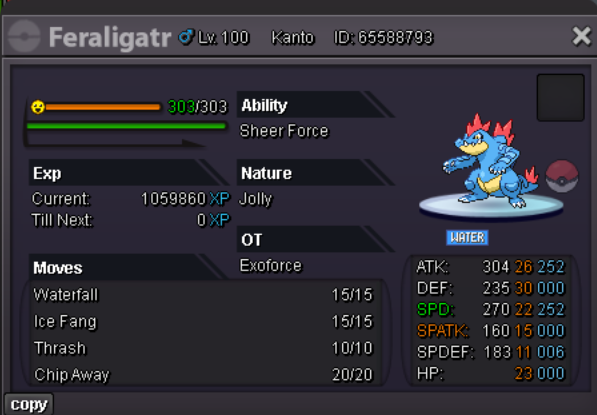 starting price 200k 50k min raise auction last for 48h after start payments: pokedollar, cc=450k, rr=500k
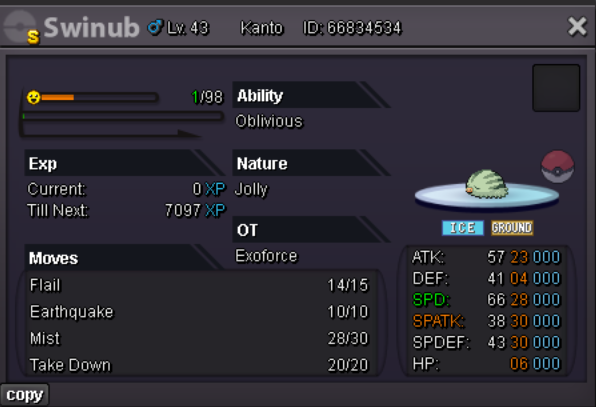 A set a bit outside the box but arguably even stronger as spatk Sceptile, once Scale Shot releases this gets even better. starting price 250k min raise 50k auction last for 48h after start payments: pokedollar, cc=450k, rr=500k
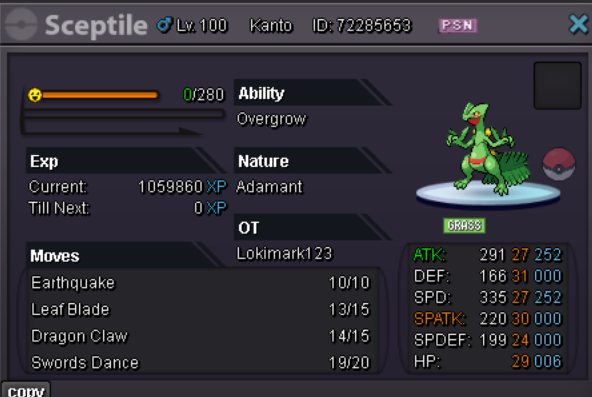 aprox 1h leftstarting price 200k 50k min raise auction last for 48h after start payments: pokedollar, cc=450k, rr=500k
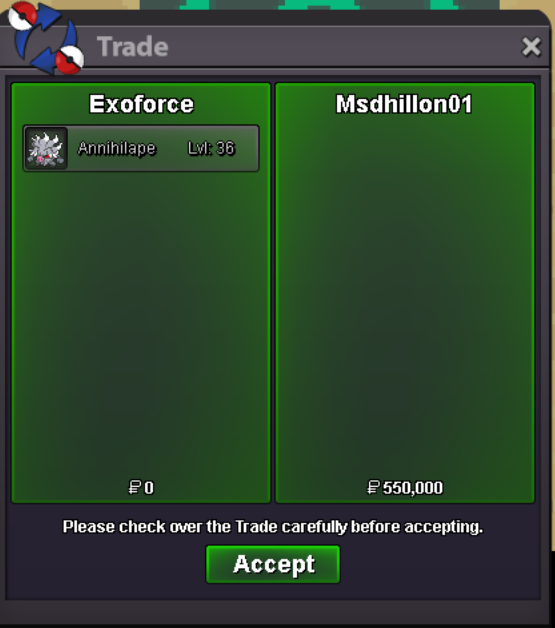
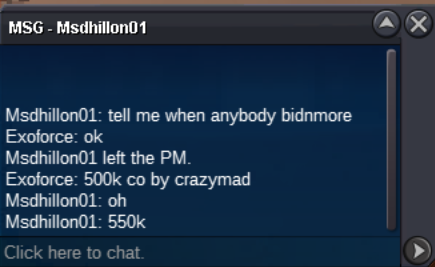
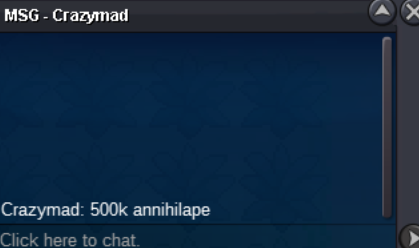
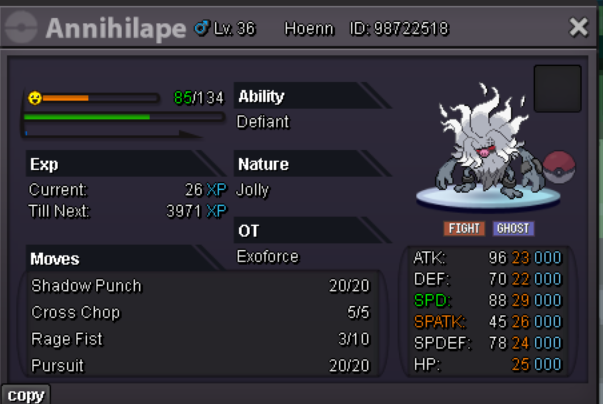 Want to sell this beauty Auction rules: -the auction last for 48h after start -starting price is 600k min raise is 100k -payments: pokedollar, cc=450k, rr=500k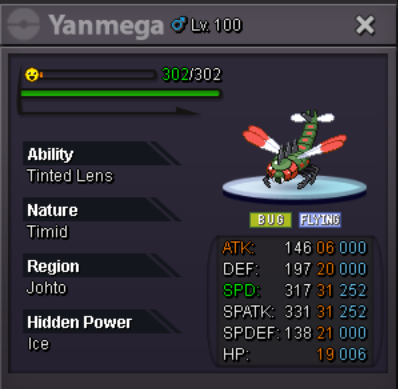
Account
Navigation
Search
Configure browser push notifications
Chrome (Android)
- Tap the lock icon next to the address bar.
- Tap Permissions → Notifications.
- Adjust your preference.
Chrome (Desktop)
- Click the padlock icon in the address bar.
- Select Site settings.
- Find Notifications and adjust your preference.
Safari (iOS 16.4+)
- Ensure the site is installed via Add to Home Screen.
- Open Settings App → Notifications.
- Find your app name and adjust your preference.
Safari (macOS)
- Go to Safari → Preferences.
- Click the Websites tab.
- Select Notifications in the sidebar.
- Find this website and adjust your preference.
Edge (Android)
- Tap the lock icon next to the address bar.
- Tap Permissions.
- Find Notifications and adjust your preference.
Edge (Desktop)
- Click the padlock icon in the address bar.
- Click Permissions for this site.
- Find Notifications and adjust your preference.
Firefox (Android)
- Go to Settings → Site permissions.
- Tap Notifications.
- Find this site in the list and adjust your preference.
Firefox (Desktop)
- Open Firefox Settings.
- Search for Notifications.
- Find this site in the list and adjust your preference.