New Trade Zone
Trade Zone is now live
Use the new Trade Zone for auctions and instant-price trades so Pokemon and item offers are easy to find.

Filthypanda
Registered User
-
Joined
-
Last visited
-
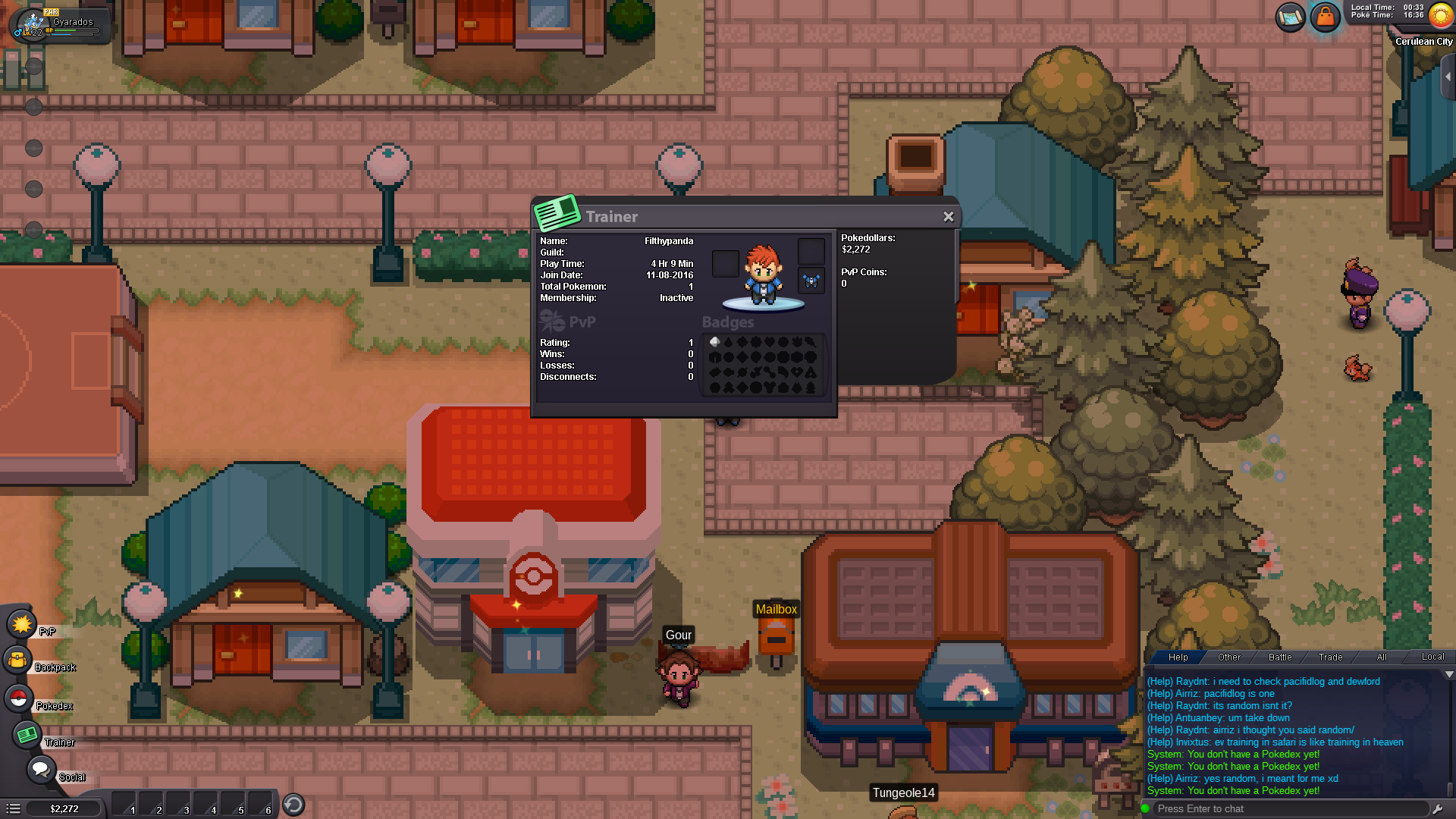
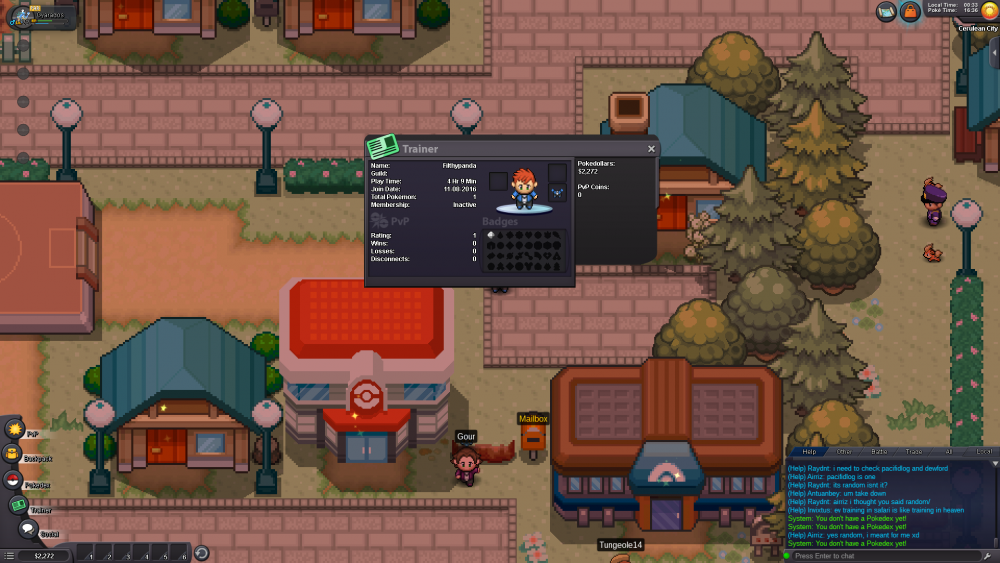
If you see the 3rd picture, I have no pokedex. If I click the button it says in chat that "You don't have a pokedex yet!"
-
Update Pt 3: Not sure what to do, or if there will be any large bugs in the coming times. But I've beat Brock and made it to the next city.. though I'm not sure I have a rival since I never went to pallet town.. will go back tomorrow and see what happens.. (still dont have a pokedex) Btw how I have so much time is that I played ages ago on a different server.
-
Here's an update
-
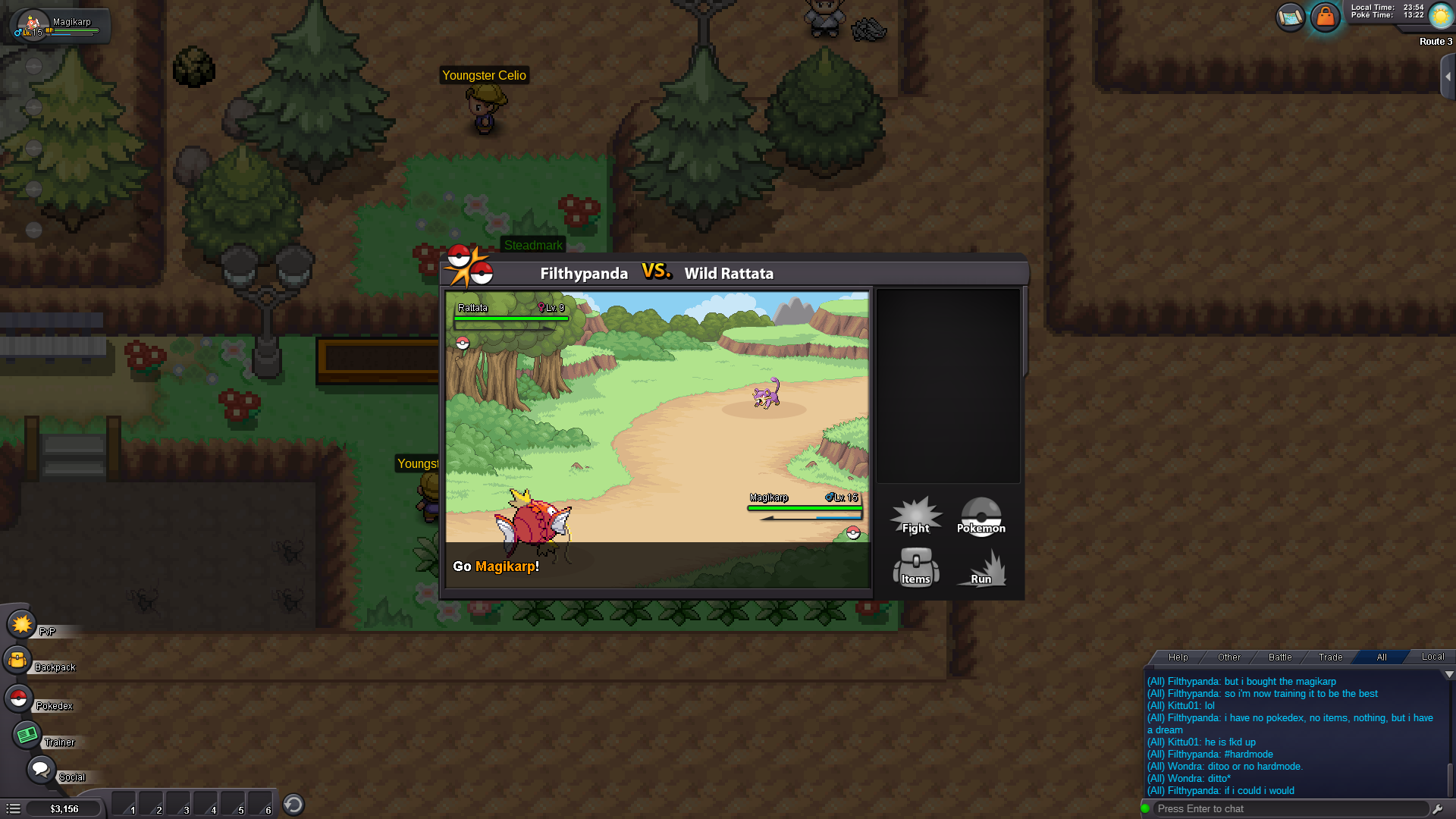
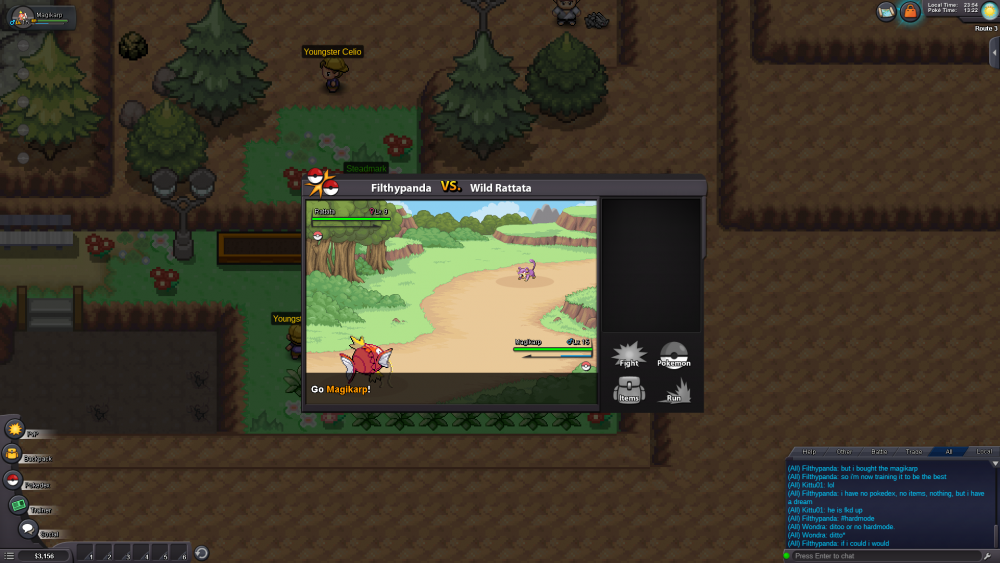
UPDATE: Bought the magikarp... He will be the best there ever was Can I have him have good IV's or a shiny one instead of a starter? I'm playing this game on hard mode
-
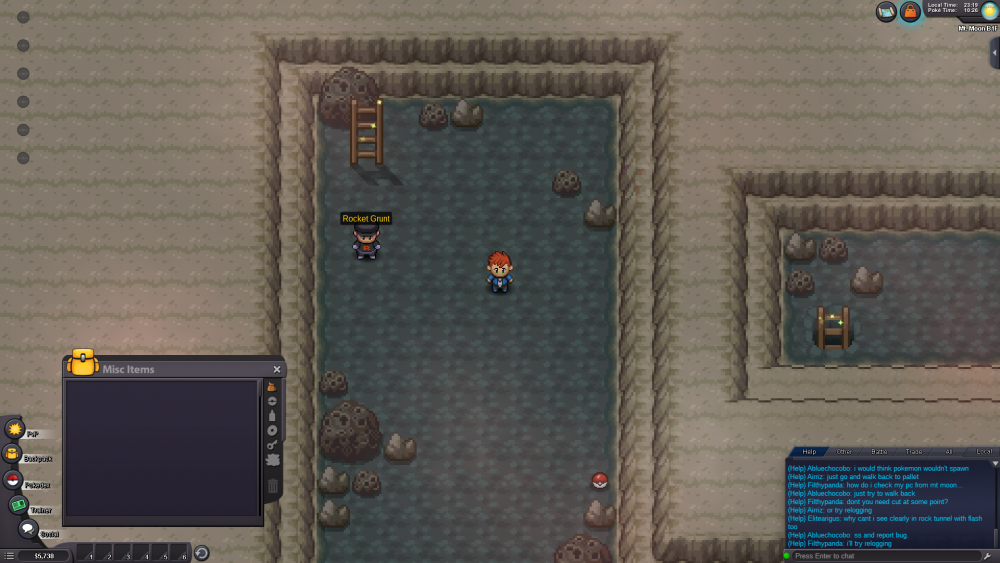
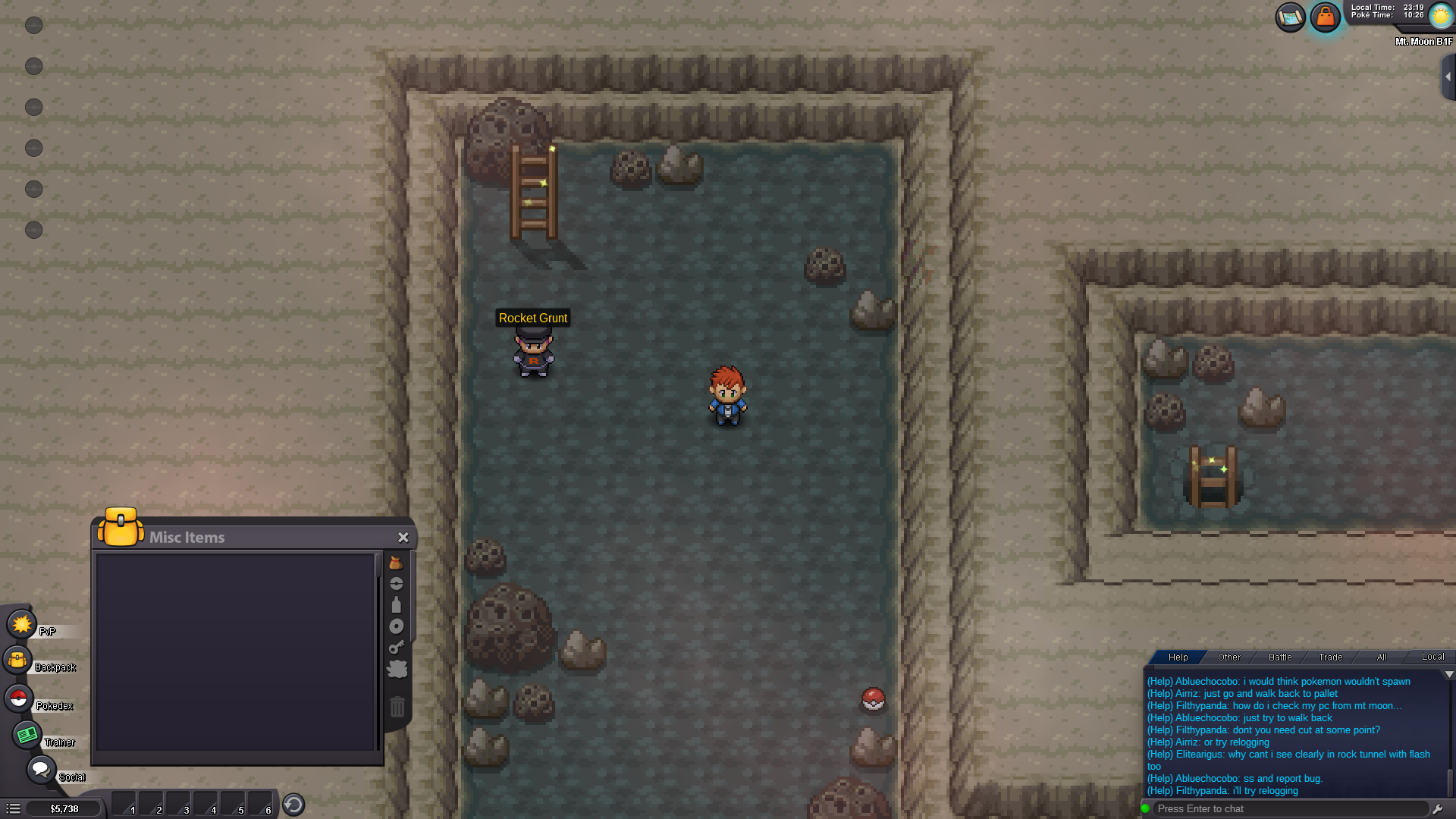
Just as the title states... started in Mt. Moon with no pokedex, no pokeballs, no items, no pokemon, nothing! At the basement level. I'm currently trapped at the Mt. Moon Pokecenter because the trainers trigger sending me back and the pokemon in Mt. Moon send me back. On the bright side I found a star piece, 3 leppa berries, and 3 oran berries... but I'm now a walking NPC! Also my character's appearance was randomized :o