New Trade Zone
Trade Zone is now live
Use the new Trade Zone for auctions and instant-price trades so Pokemon and item offers are easy to find.

Anykillador
Registered User
-
Joined
-
Last visited
-
31 speed is great since u dont need to use evs from def to give it the 240 speed (needed to outspeed bisharp) and base 70 speed without positive nature.
-
so, what i've to do? he's not online, he should contact me in game tomorrow? (sry, i'm not used with it yet!)
-
I would like to know how many time left, I've got to work tomorrow morning, its 11:59 here...
-
actually i dont know how to check the time left, could u please tell me or contact in game?
-
"just to check the time left" dont mind me
-
1.35m
-
S.O 1.2m my nick is the same: "Anykillador"
-
feel free to offer here, or pm me in game.


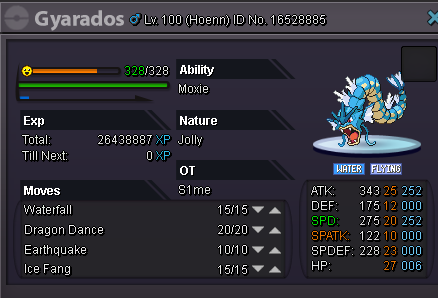
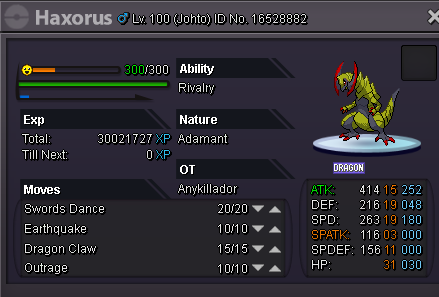
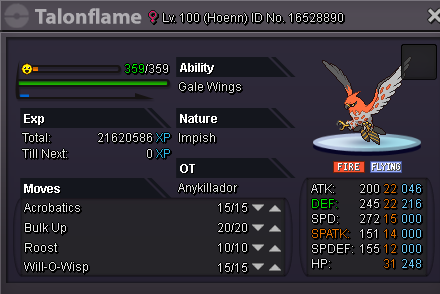

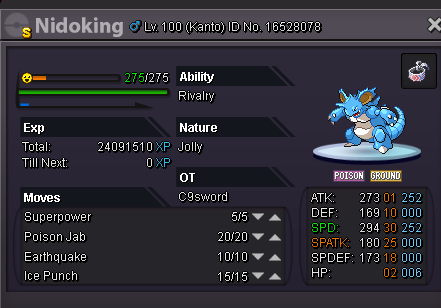
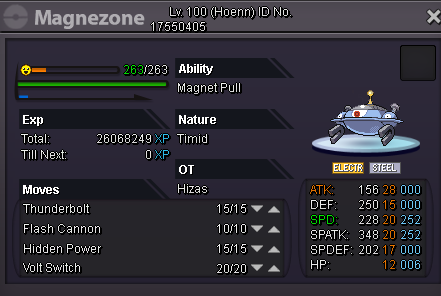
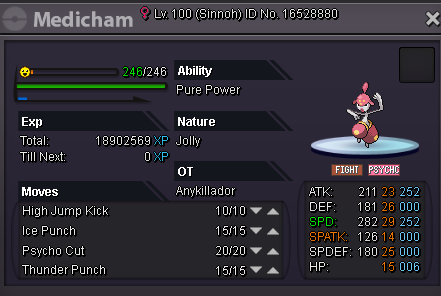
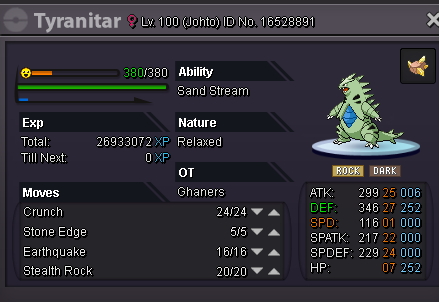
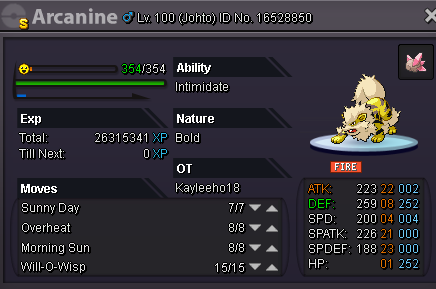
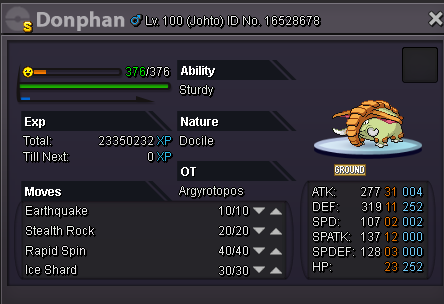
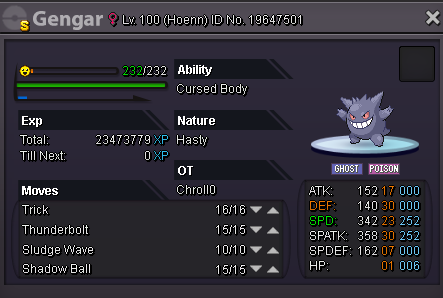
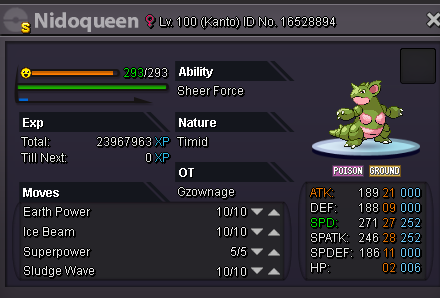

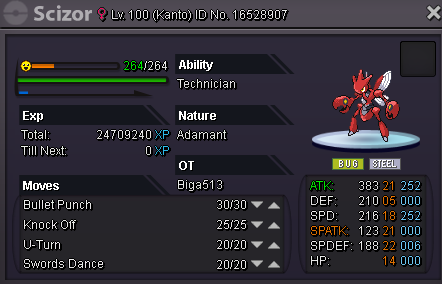
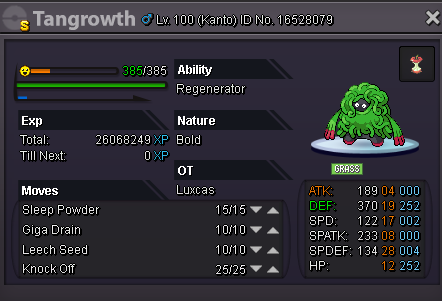

-
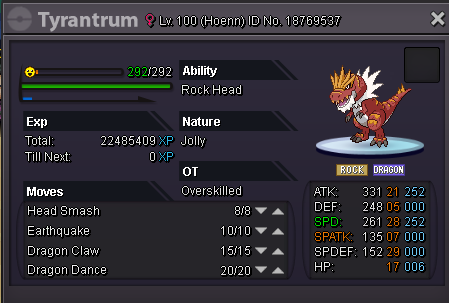
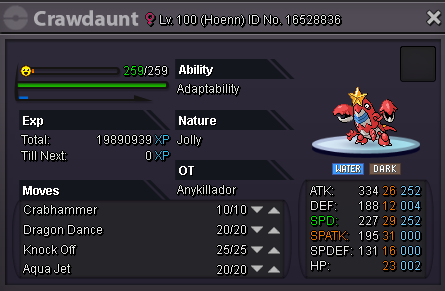
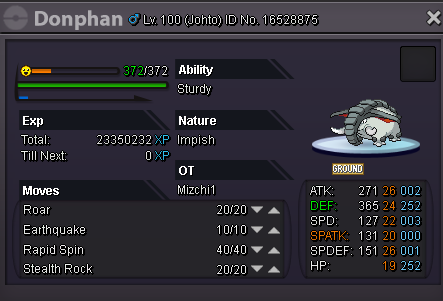
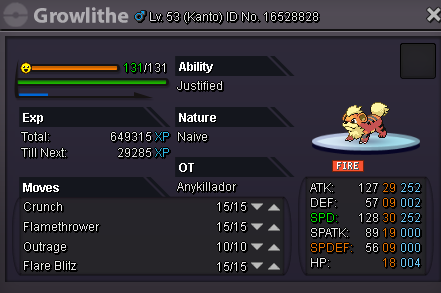
Trained or not. Pm in game or leave a print here. Nick in game: Anykillador :P
-
1:30 hours left
-
14 hours left
-
in 24 hours, starting now!
-
900k insta, but u can start the auction with 300k
-
300k :D