




New Trade Zone
Trade Zone is now live
Use the new Trade Zone for auctions and instant-price trades so Pokemon and item offers are easy to find.

Miccim
Registered User
-
Joined
-
Last visited
Everything posted by Miccim
-
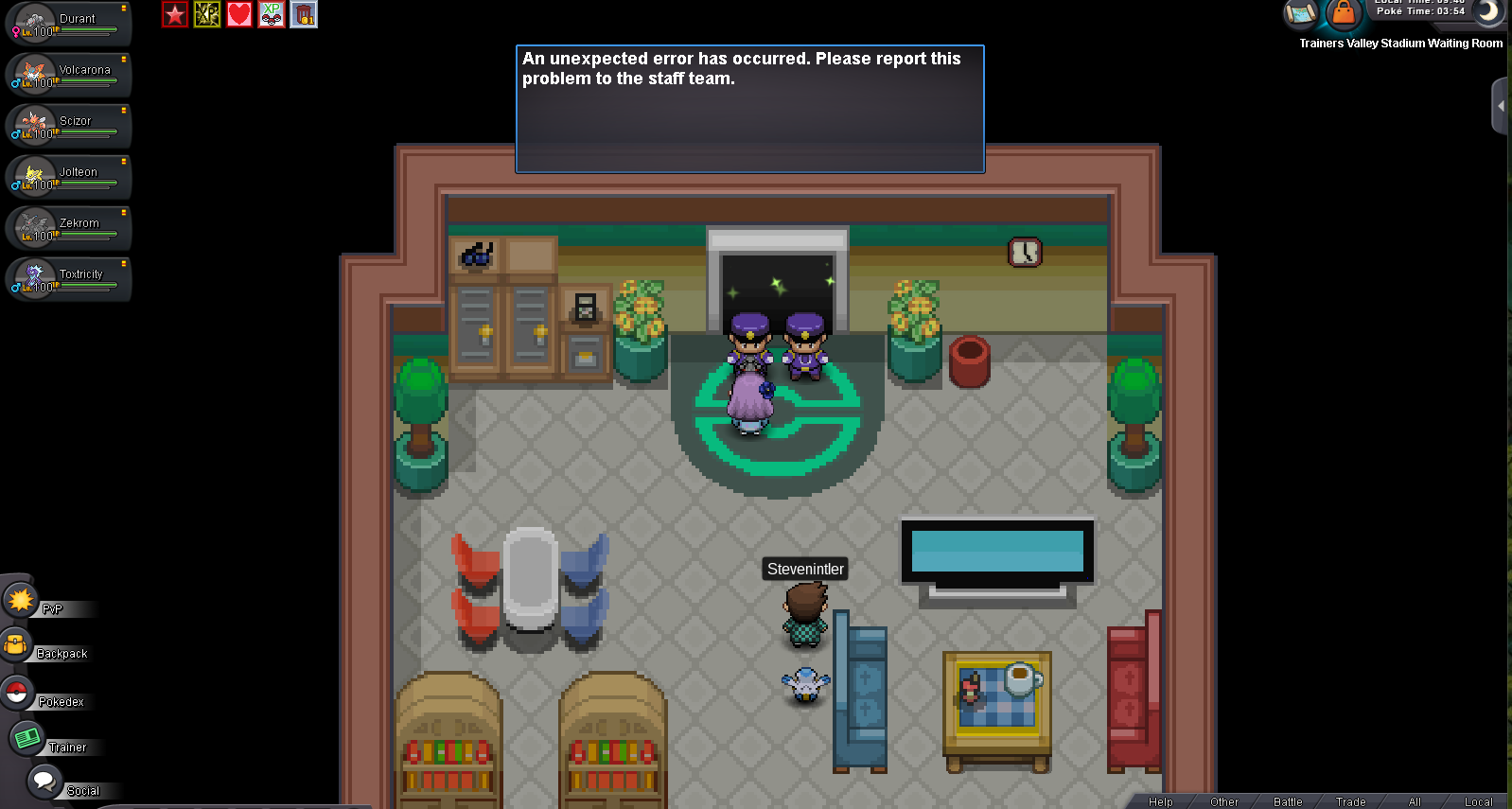
Couldn't enter the battle with my Electric team, but it worked fine with my Bug team. Yesterday same issue happened but i forgot to screenshot.
-
Hi @Zarachi I saw this dialogue too today when i try to bring my electric team to fight but succussed to enter when i chose the bug team.
-
Re: Memoire [international guild] all servers! <t>1. How many hours of gameplay do you have?<br/> 380hrs<br/> 2. Tell us a little about yourself.<br/> 20 years old student from Hong Kong. Love Pokemon<br/> 3. Are you able to visit Discord?<br/> Yes<br/> 4. Are you going to be online daily?<br/> try my best to...<br/> 5. What do you look for in a guild?<br/> Help each others and make friends<br/> 6. Are you a PvE or a PvP type of person?<br/> PvE<br/> 7. Which server do you play?<br/> Yellow</t>