




New Trade Zone
Trade Zone is now live
Use the new Trade Zone for auctions and instant-price trades so Pokemon and item offers are easy to find.

Lorun
Registered User
-
Joined
-
Last visited
Everything posted by Lorun
-
Hello, Since we are getting the opportunity to catch a lot of cool special poke forms (valentines, christmas, clones, ...) it is getting hard to spot them in your Poke-Box. I live in a constant fear of accidentally releasing one so it would be very awesome if the developers could add a small Symbol next to the pokemon like the golden "S" that shinys already have. Also being able to search for "Special" or "Shiny" in the Box search bar would be a nice feature. This small change would make me very happy Sincerely Lorun!
-
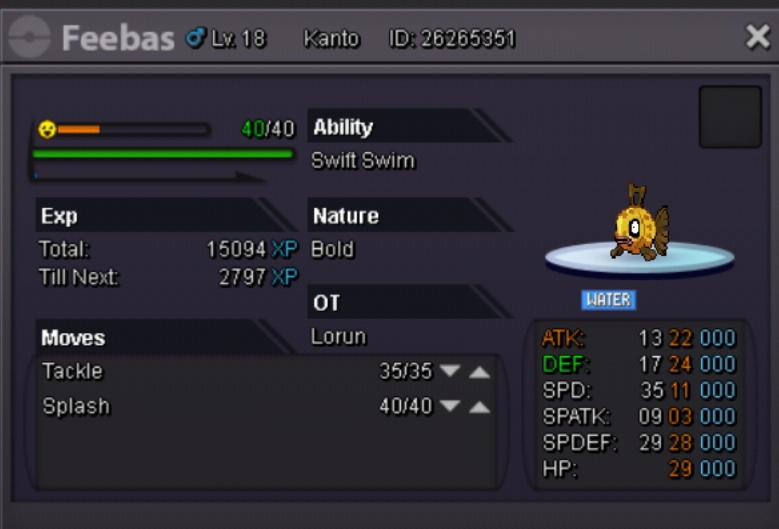
Auction is closed. Winner is Luky91 with 5m :)
-
Last chance
-
20 minutes left
-
Last hour begins in 10 minutes
-
Reminder: in 2 hours and 45 minutes the auction is closed. If the winner isn't contacting me/ if he doesnt come online in the first 24 hours after he/she won, the auction goes to the second highest bidder. Every bid after 17:00 CET isnt valid.
-
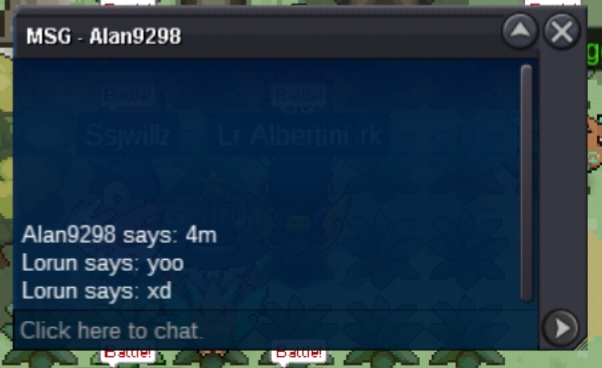
Okay so this dude apperantly lied. Bid is at 4m again (Alan9298)
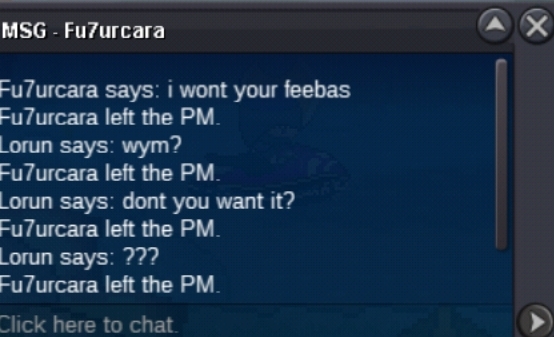 !!THIS BID WAS A TROLL!!
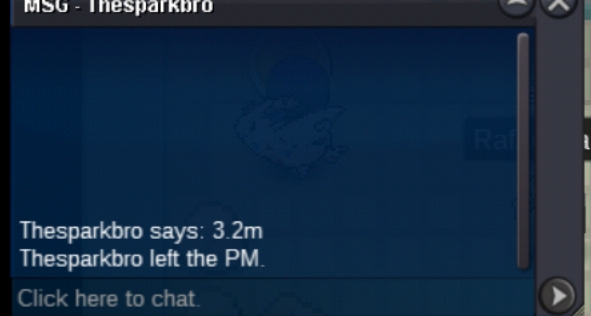
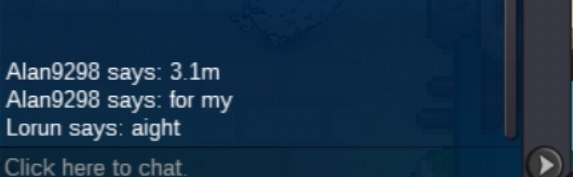
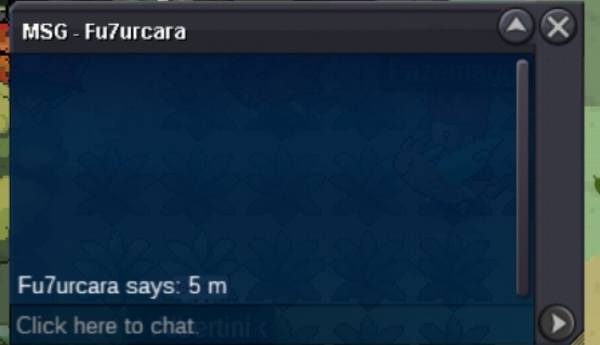 Huh i didnt know that. Gonna do it from now on2.8m by Alan92982.7m by Sadness042.5m by Sadness042.1m by Ashes55
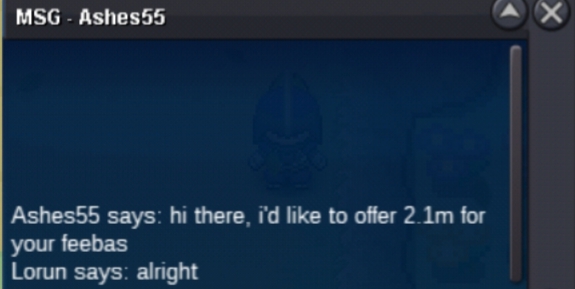 2m starting bid by Sadness04AUCTION IS CLOSED

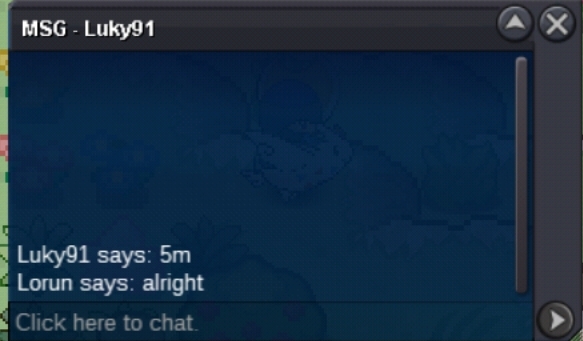
Account
Navigation
Search
Configure browser push notifications
Chrome (Android)
- Tap the lock icon next to the address bar.
- Tap Permissions → Notifications.
- Adjust your preference.
Chrome (Desktop)
- Click the padlock icon in the address bar.
- Select Site settings.
- Find Notifications and adjust your preference.
Safari (iOS 16.4+)
- Ensure the site is installed via Add to Home Screen.
- Open Settings App → Notifications.
- Find your app name and adjust your preference.
Safari (macOS)
- Go to Safari → Preferences.
- Click the Websites tab.
- Select Notifications in the sidebar.
- Find this website and adjust your preference.
Edge (Android)
- Tap the lock icon next to the address bar.
- Tap Permissions.
- Find Notifications and adjust your preference.
Edge (Desktop)
- Click the padlock icon in the address bar.
- Click Permissions for this site.
- Find Notifications and adjust your preference.
Firefox (Android)
- Go to Settings → Site permissions.
- Tap Notifications.
- Find this site in the list and adjust your preference.
Firefox (Desktop)
- Open Firefox Settings.
- Search for Notifications.
- Find this site in the list and adjust your preference.