




New Trade Zone
Trade Zone is now live
Use the new Trade Zone for auctions and instant-price trades so Pokemon and item offers are easy to find.

Darkpiece2002
Registered User
-
Joined
-
Last visited
Everything posted by Darkpiece2002
-
Yesterday I activated my bms, but it seems that due to an error, I was not really active, I lost time and money, trying to capture a foongus, I hope and I resolve this, and please return my 40 wasted repellents, thanks!
-
the server is still down? or in maintenance? I can not enter ...
-
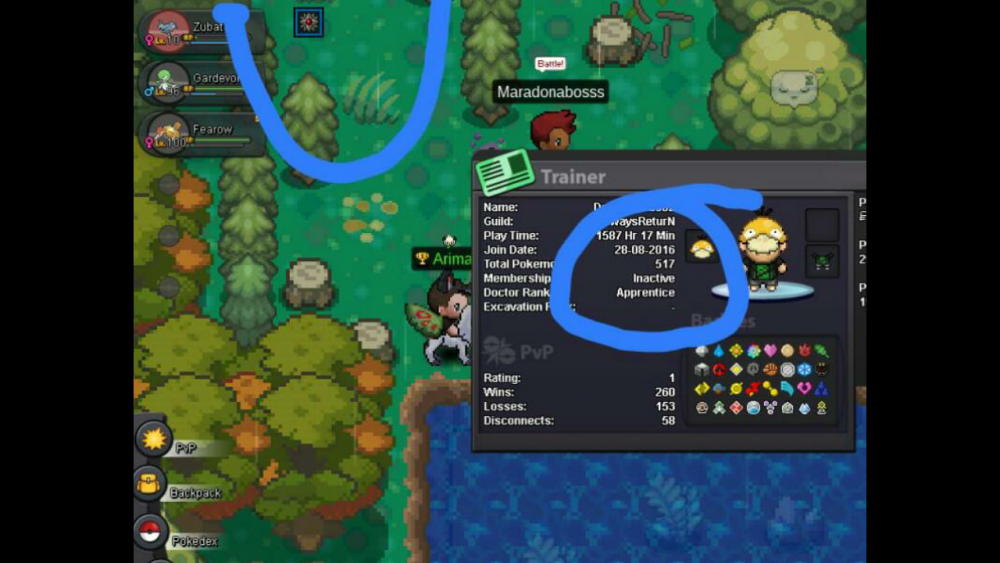
However, I complain about this error in the forum, as there are rumors that people have been sanctioned for connecting and disconnecting very s ... which I think has caused such an error.
-
Hello ^^ game in the Android system I uninstalled the game, and I installed it but the problem persisted ... so wait and I can login and play, however, the error sometimes appears, but not insistently
-
When I log in, the screen goes black and automatically pulls me out of the server ... I've already connected 25 times and I still can not play ...


-
tazarox i from yellow sever :p1 month ago I'm looking for sableye h.a ... I've been in all areas for farm and it takes at least 5-6 hours to get 1 single sableye ... I understand that the rate of pokemon is low but it is too much, I would like it Please raise the rate a little more. :thanks: :confused: :y:

