New Trade Zone
Trade Zone is now live
Use the new Trade Zone for auctions and instant-price trades so Pokemon and item offers are easy to find.


Dizzyboy97
Registered User
-
Joined
-
Last visited
-
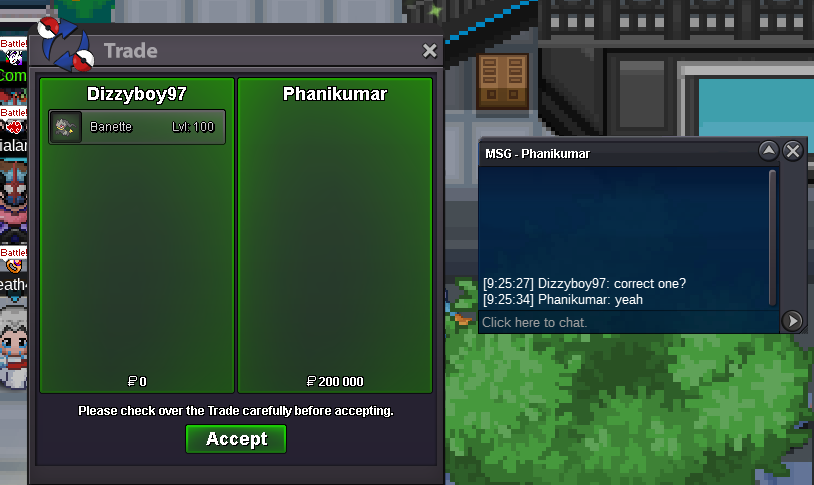
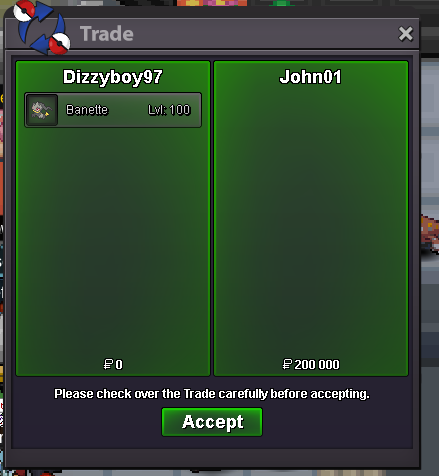
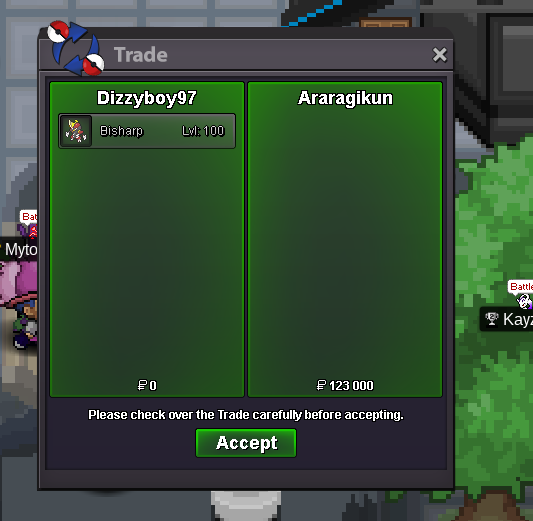
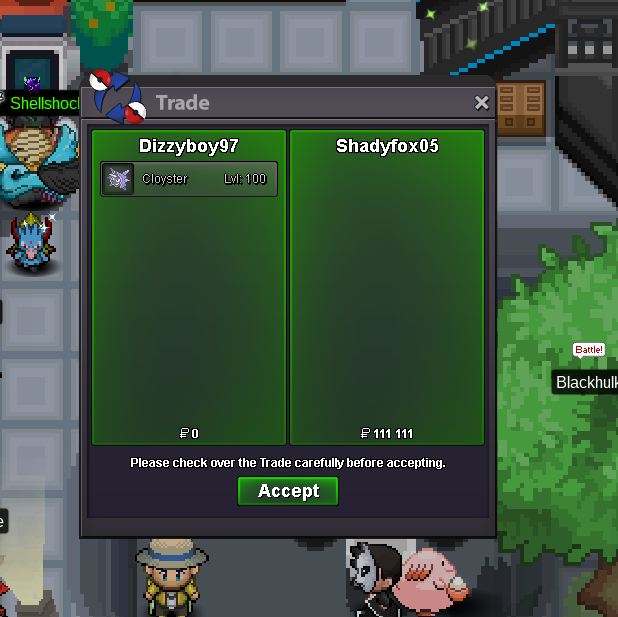
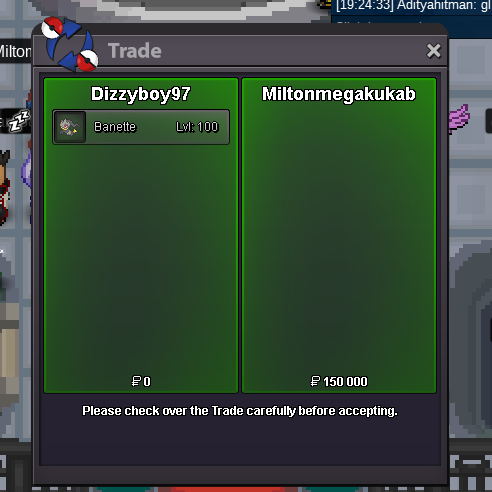
Bisharp SOLD Cloyster SOLD Banette SOLD
-
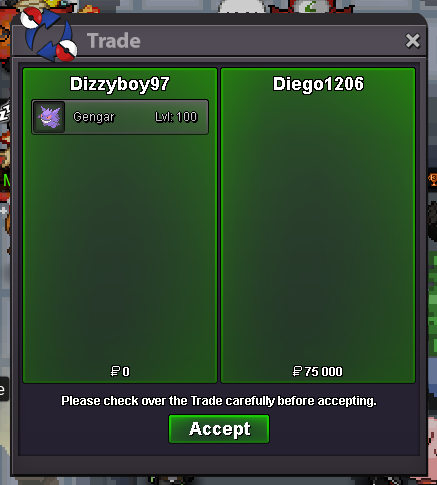
gengar sold
-
Alright, when can we trade? I recommend to add me on discord for a faster trade Ok, when can we trade? Add me on discord for a faster trade My discord is dizzyboy97#7271
-
bump
-
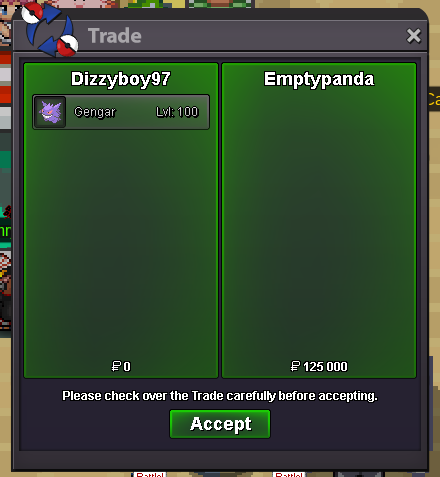
Gengar SOLD
-
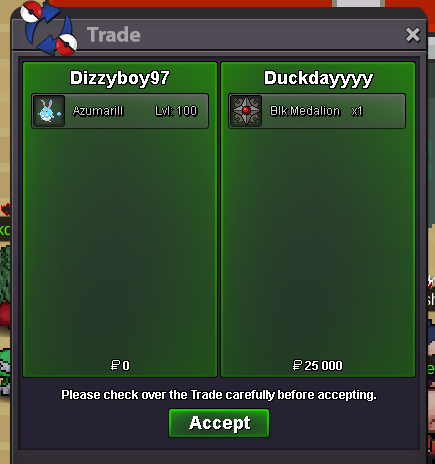
Azumarill SOLD
-
Thanks for your reply. Already found a clef. Sorry for my late reply
-
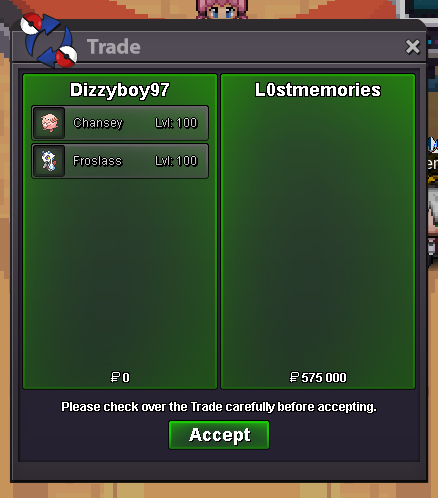
Chansey SOLD Froslass SOLD
-
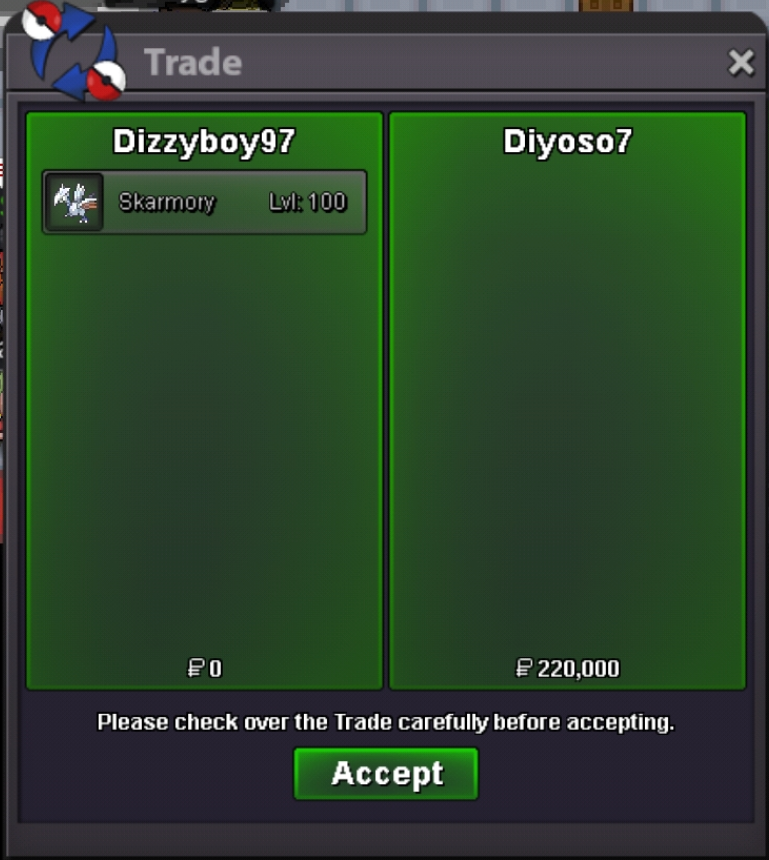
Skarmory SOLD
-
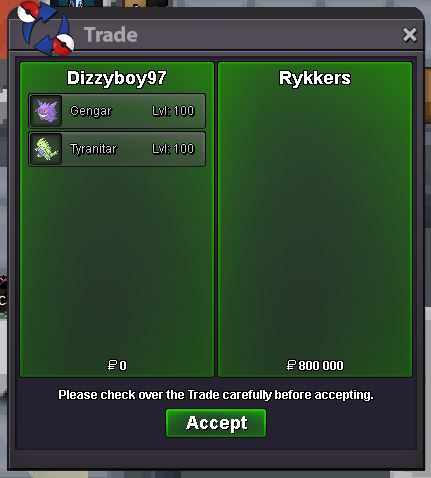
Gengar SOLD Tyranitar SOLD
-
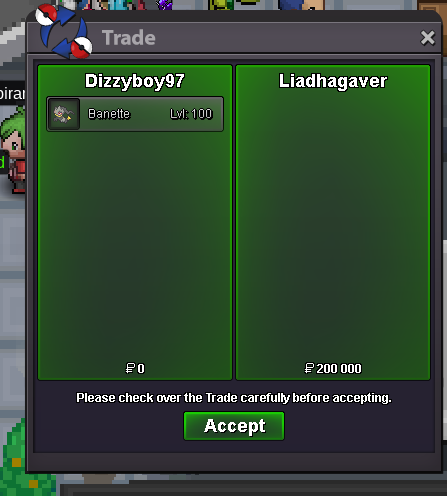
Banette SOLD
-
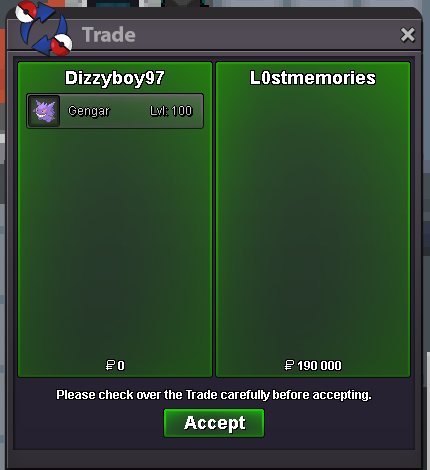
Gengar SOLD
-
Bump
-
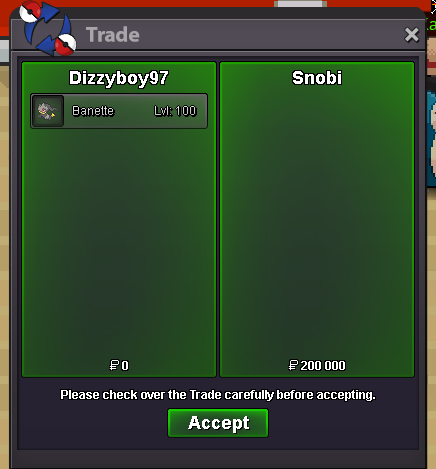
Banette SOLD
-
Banette SOLD Banette SOLD