New Trade Zone
Trade Zone is now live
Use the new Trade Zone for auctions and instant-price trades so Pokemon and item offers are easy to find.

Tsushma
Registered User
-
Joined
-
Last visited
-
100k 100k 180k SOLD:
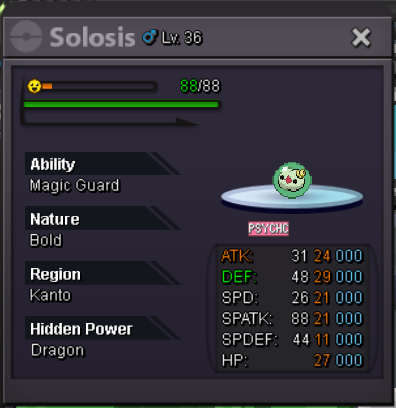
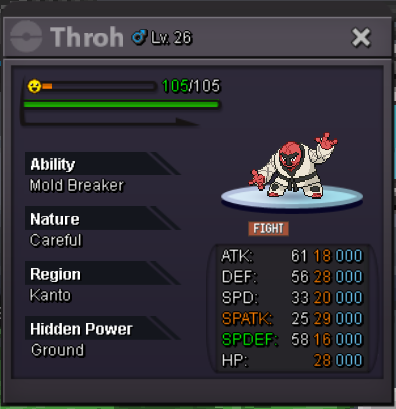
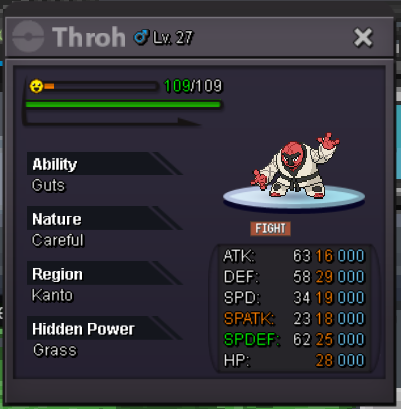
-
100k 600k 800k 100k
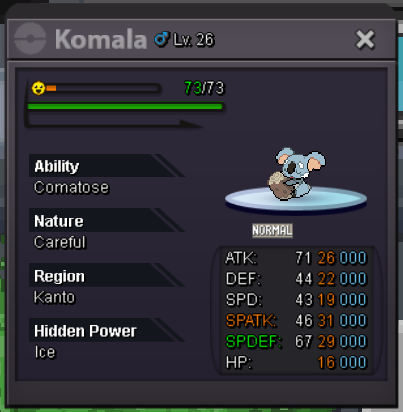
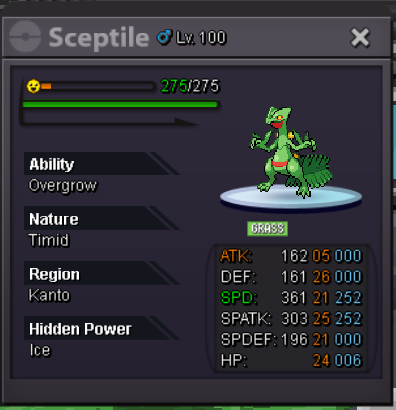
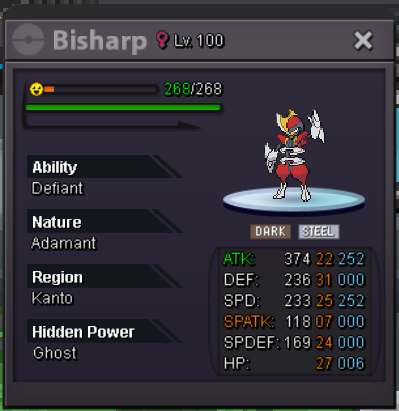
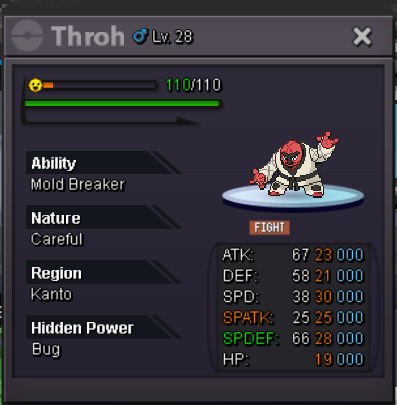
-
-
WELCOME TO THE SHOP 50K EA 100K EA 150K EA 200K EA 750K EA Accepting CC (400K) Buy 3+ and have 10% off Sold:
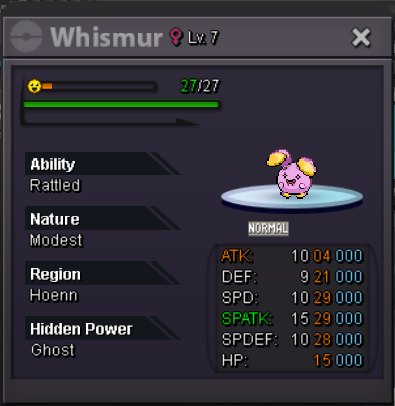
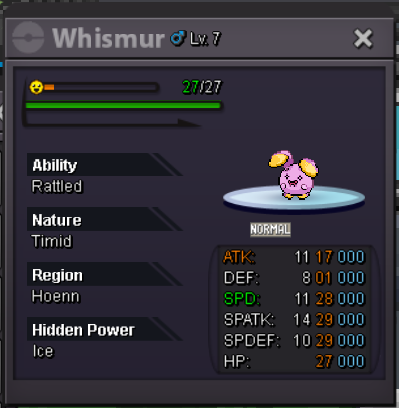
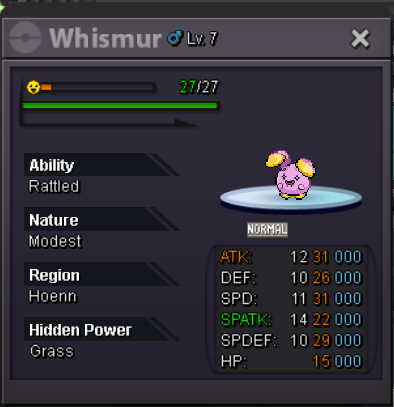
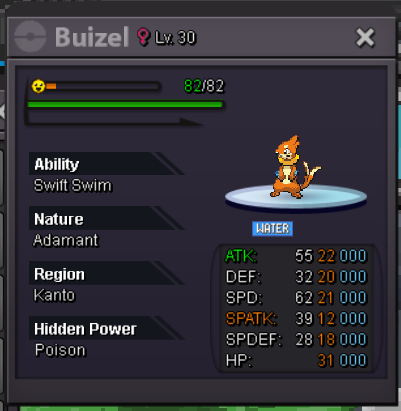
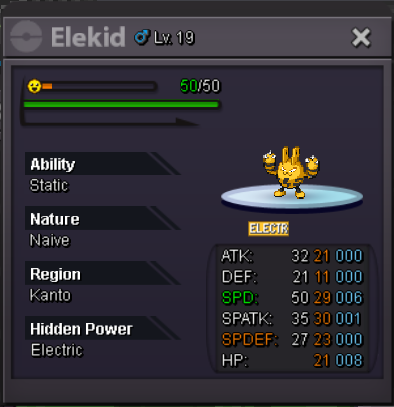
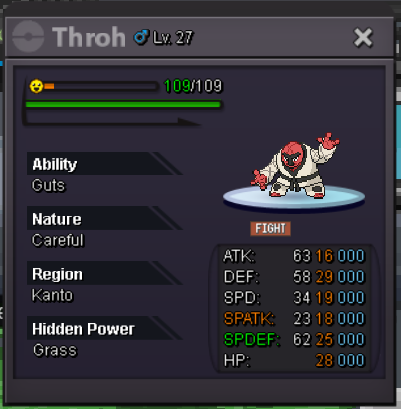
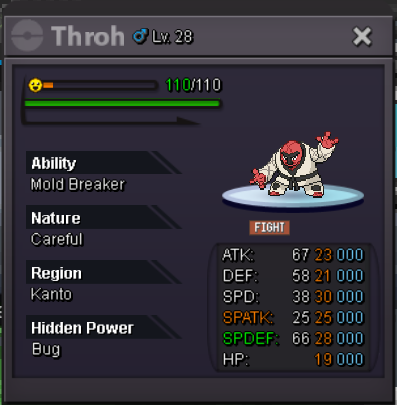
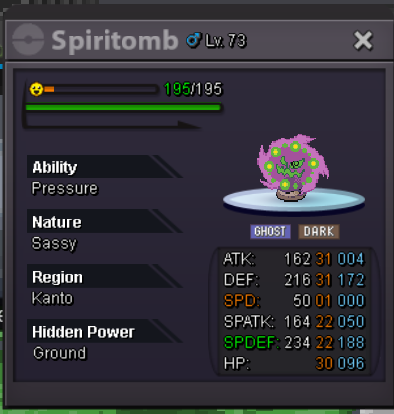
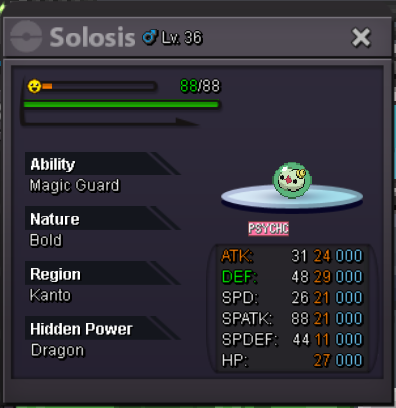
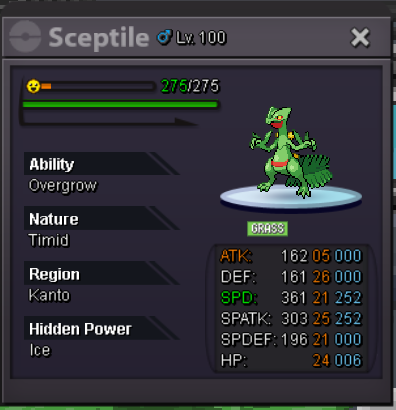
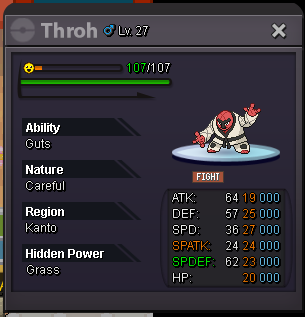 Is it possible to change the pokeball skin that was used to capture a pokemon? I used the master and wanted to use the normal pokeball skin, it's a legendary pokemon
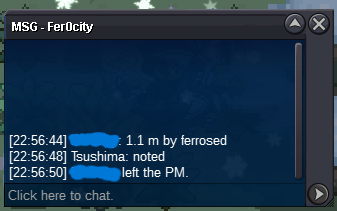
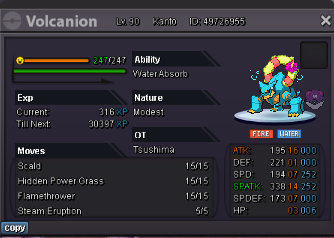 And here are the attempts I'm trying to get in touch with. I'm also using the /pm command, but the game says it's off.
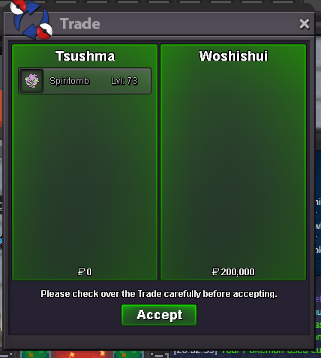
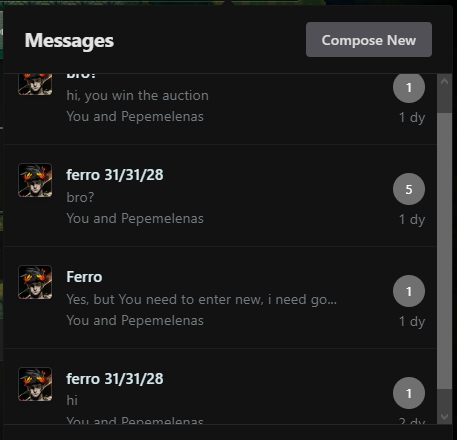 @Zoruani here is the offer of 1.1m, I had paid his name because I thought I couldn't say who the offer was from, but luckily my stupidity made me leave the name visible at the top