




New Trade Zone
Trade Zone is now live
Use the new Trade Zone for auctions and instant-price trades so Pokemon and item offers are easy to find.

Jeffreyrtk
Suspended
-
Joined
-
Last visited
-
NAME CHANGE Username: JeffreyRTK New Username: Raygnarok Server to charge the money from:Silver
-
Buy shiny/pink pidgey timid epic and Weedle jolly epic shiny/pink
-
bump
-
what is the offer for now?
-
The best Guild uwu my family :3
-
sure bro my sableye for 300k :D
-
SOLD!!
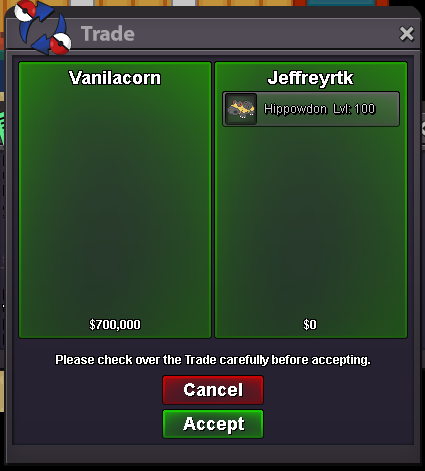
-
sure brother, when I see you connect in the guild I'll pass it xD
-
300k for abra h.a hasty
-
400k and it's yours
-
800k bro, I can't decrease more
-
150k for gible h.a 26 def
-
We, Claymore, want to rent the bot! We want to rent following features: ● Basic commands We are willing to pay 200k monthly for it!
-
750K xd
-
I told him that if I wanted to fight and I get out I lost, wtf Wait the waiting time, I told him if I wanted to fight, and then I get that I have to wait again, what happened? and I have team lvl 50 and also says that they are 2 days of waiting but in realdiad are 3 that I have to wait :Nervous: :Frown: