




New Trade Zone
Trade Zone is now live
Use the new Trade Zone for auctions and instant-price trades so Pokemon and item offers are easy to find.

Xerzex
Registered User
-
Joined
-
Last visited
Everything posted by Xerzex
-
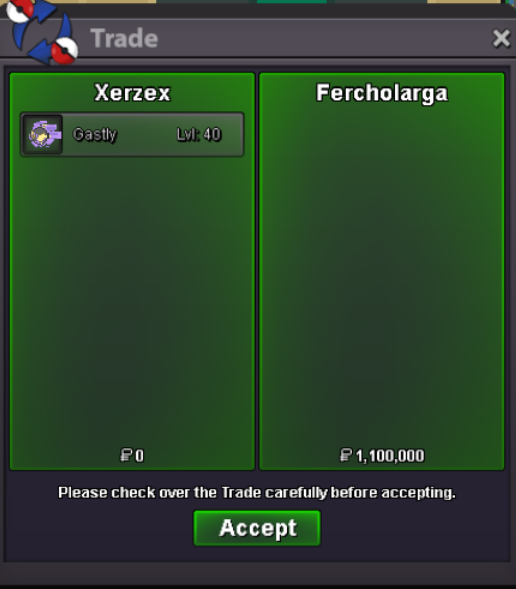
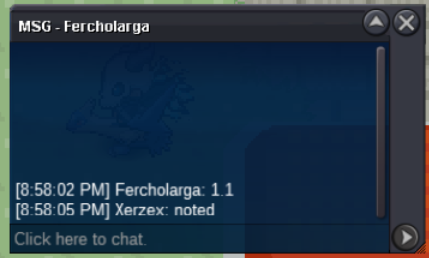
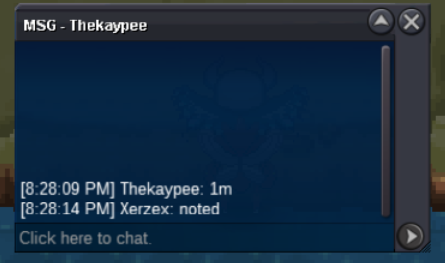
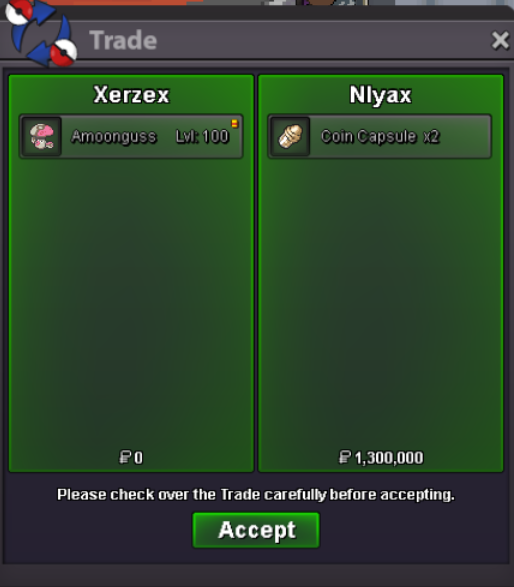
Auction closed Winning bid 3.6m by Marky700 -S.o 1m Min bid 100k Insta 8m Duration 48h after first bid Accepted methods: Cash OnlyClosed @Fercholargawins the auction by 1.1m please contact me in-game.UpUpUpUp40k for zoru/200k for jangAuction closed Winning bid 1.1m by fercholargas.o 400k min raise 100k no insta duration 48hrs after first bid accepted methods: cash only@EonHey it's been past 24hrs since the auction is complete? can u complete the trade or give me back so i can trade with the winner? I have other mons to sell as well (now that im aware of the rules).Alright bro, I apologize from my end since it was the first time I ever tried forum auction since I don't play a lot. Sorry to anyone I caused Inconvenience.Thank you everyone for participating and apologies for the confusions and mistakes, have a nice day thanks.
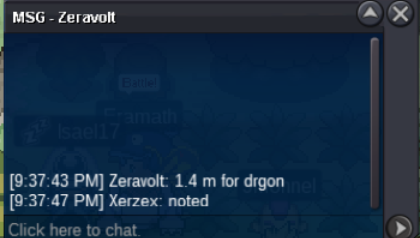
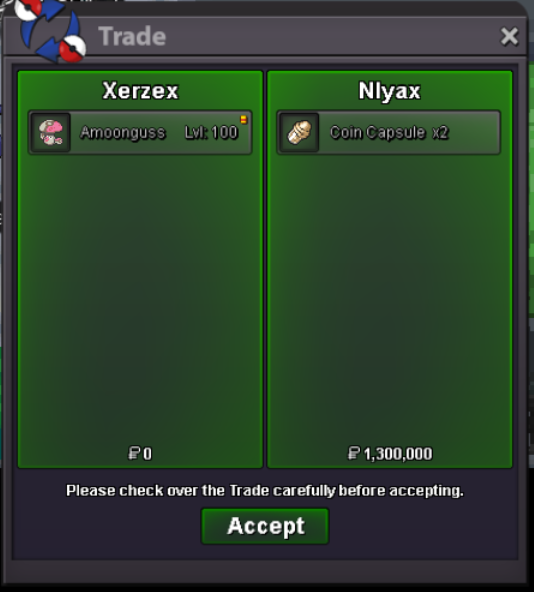 @Zoruami Alright and thanks@Zoruami Hi, so uhmm where does this trade stands at this point?Nylax won the auctionClosedAuction will end in 10mins any bids made after that will be cancelledAuction will end in 1h Any bids made after an hour will be cancelled.

Account
Navigation
Search
Configure browser push notifications
Chrome (Android)
- Tap the lock icon next to the address bar.
- Tap Permissions → Notifications.
- Adjust your preference.
Chrome (Desktop)
- Click the padlock icon in the address bar.
- Select Site settings.
- Find Notifications and adjust your preference.
Safari (iOS 16.4+)
- Ensure the site is installed via Add to Home Screen.
- Open Settings App → Notifications.
- Find your app name and adjust your preference.
Safari (macOS)
- Go to Safari → Preferences.
- Click the Websites tab.
- Select Notifications in the sidebar.
- Find this website and adjust your preference.
Edge (Android)
- Tap the lock icon next to the address bar.
- Tap Permissions.
- Find Notifications and adjust your preference.
Edge (Desktop)
- Click the padlock icon in the address bar.
- Click Permissions for this site.
- Find Notifications and adjust your preference.
Firefox (Android)
- Go to Settings → Site permissions.
- Tap Notifications.
- Find this site in the list and adjust your preference.
Firefox (Desktop)
- Open Firefox Settings.
- Search for Notifications.
- Find this site in the list and adjust your preference.