New Trade Zone
Trade Zone is now live
Use the new Trade Zone for auctions and instant-price trades so Pokemon and item offers are easy to find.

Intergalax
Registered User
-
Joined
-
Last visited
-
use ccleaner on win 10 is not good, last time this software erased some important register on the system that i had to reset my O.S.
-
mine pc is windows 10 32... this is the first time this sort of thing happen.
-
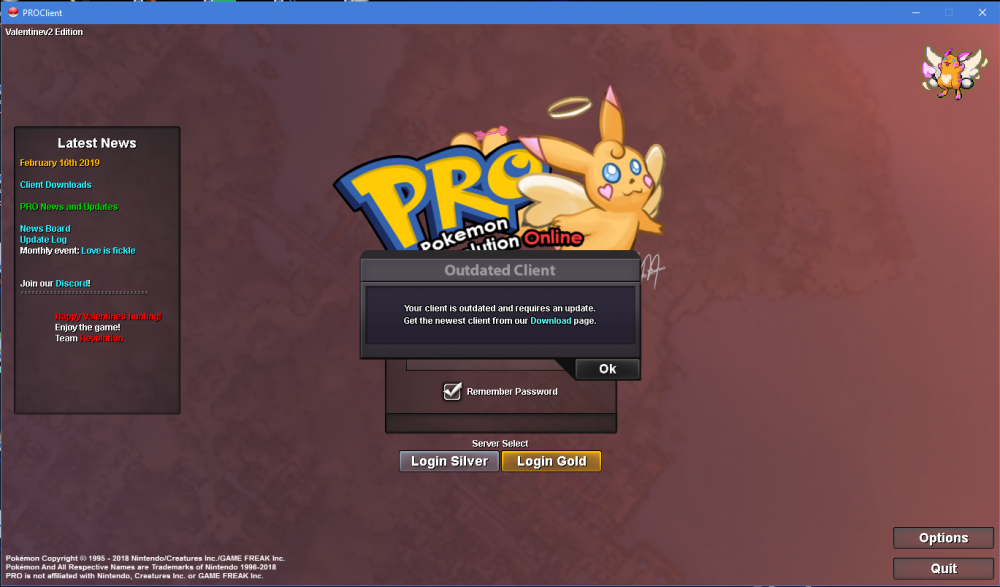
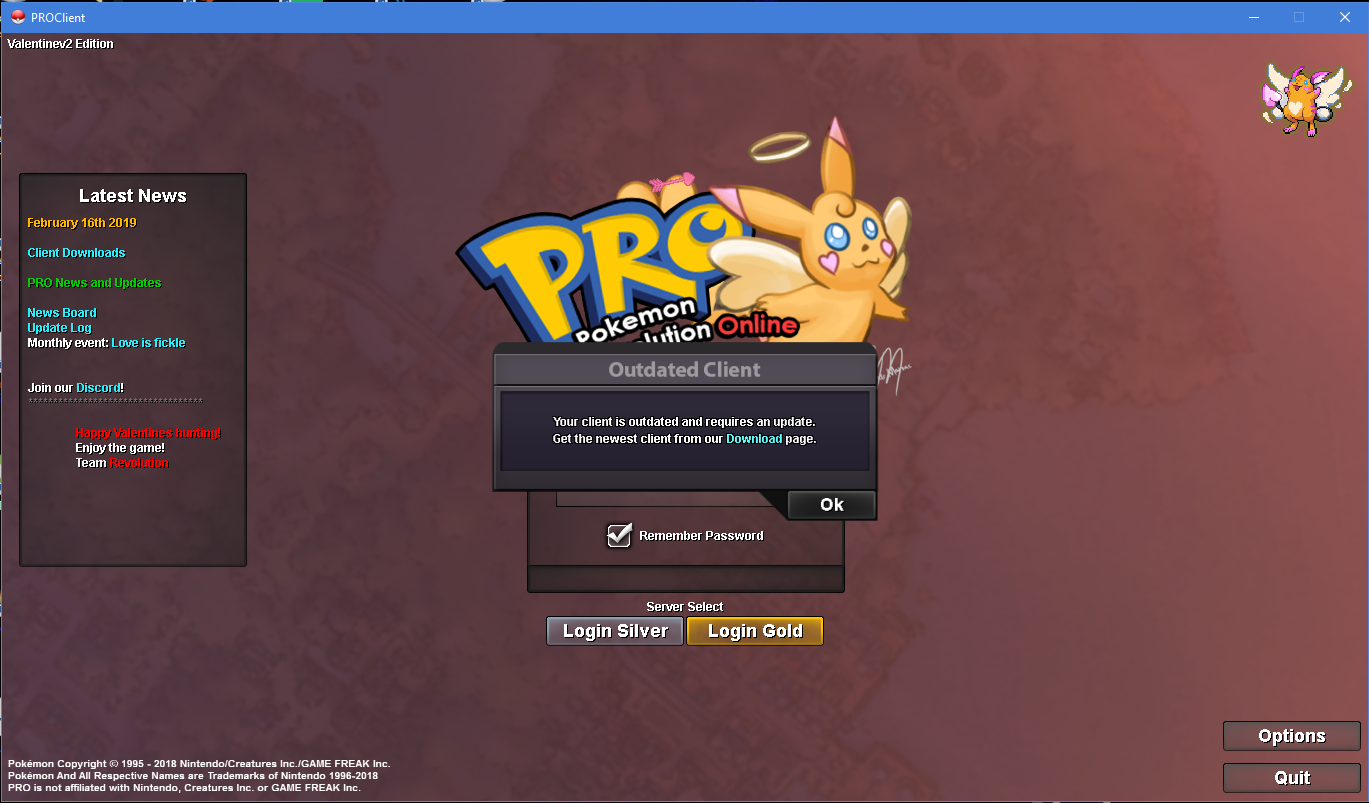
i autoupdated it but when i clic on the server botton to login in, this tell that my client is outdated.
-
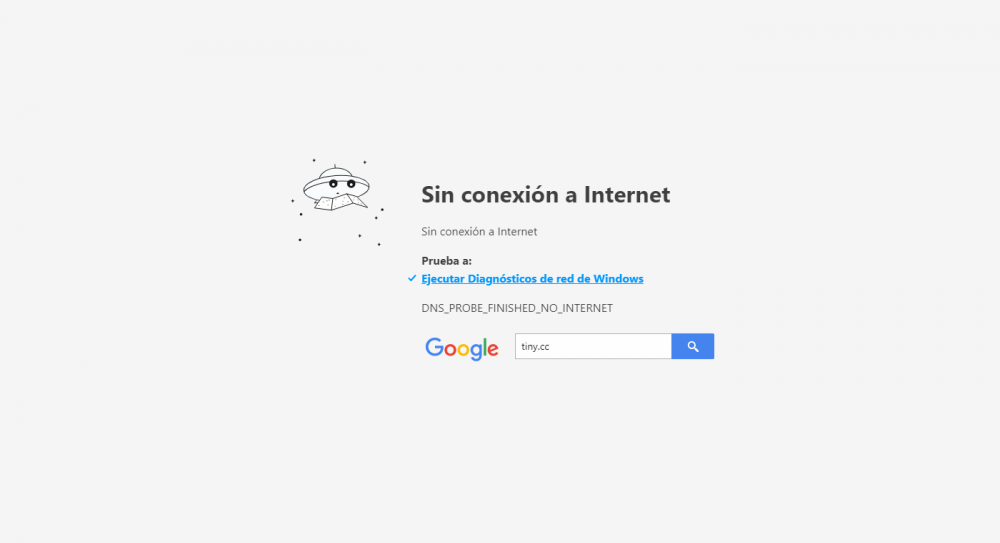
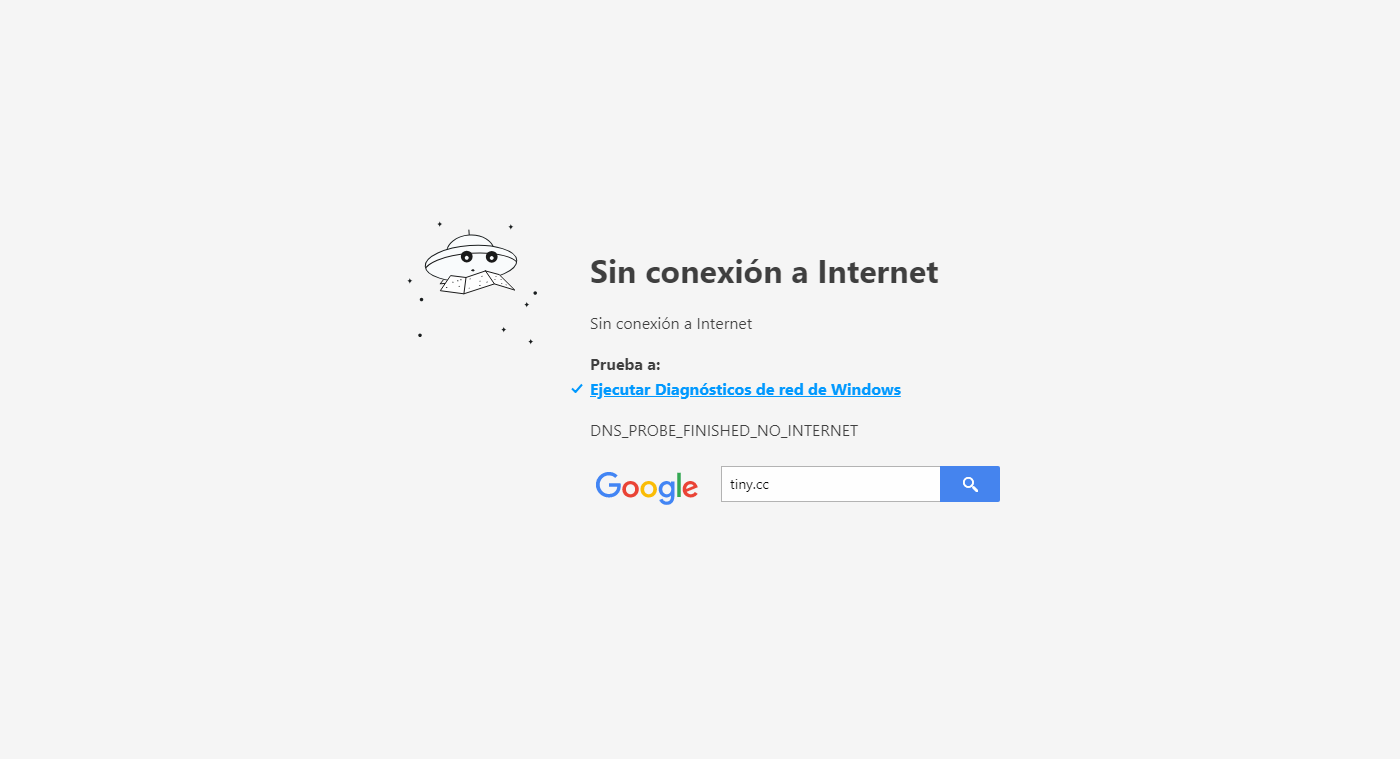
hello team, my problem is when i was trying to download the new client after the last yesterday update, i went to the download page and when i click on the link i want to download this one doesn´t open, in fact, any one of them open. can help me with my problem, please? i thought the client went uptade directly and it did but, when i click on my server (gold server) to play after update, a pop up says that it needs to be updated.