New Trade Zone
Trade Zone is now live
Use the new Trade Zone for auctions and instant-price trades so Pokemon and item offers are easy to find.

Silwerik
Registered User
-
Joined
-
Last visited
Everything posted by Silwerik
-
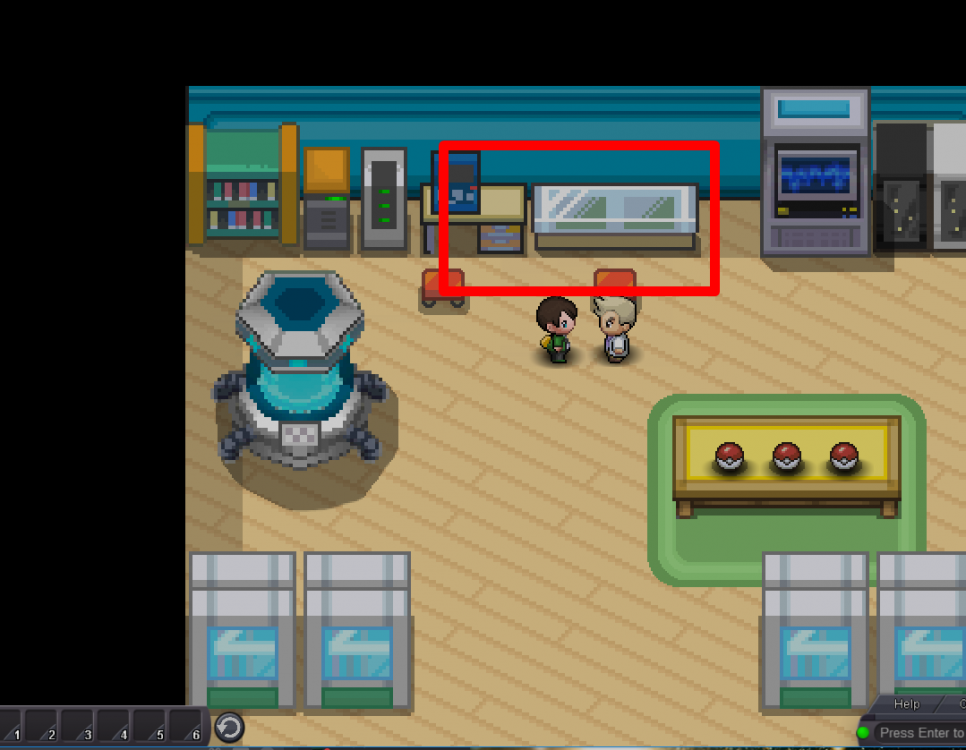
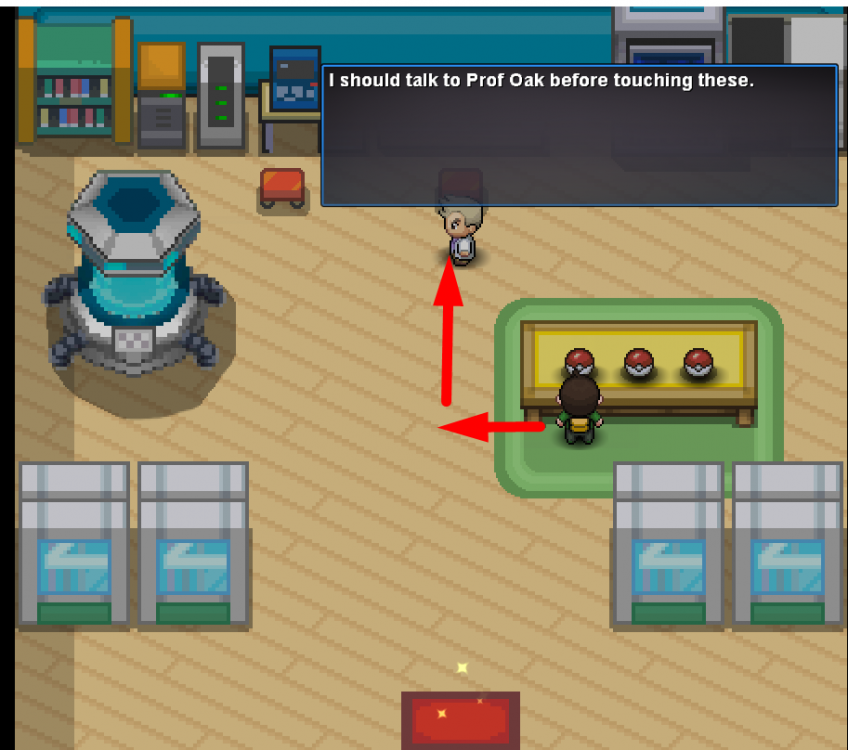
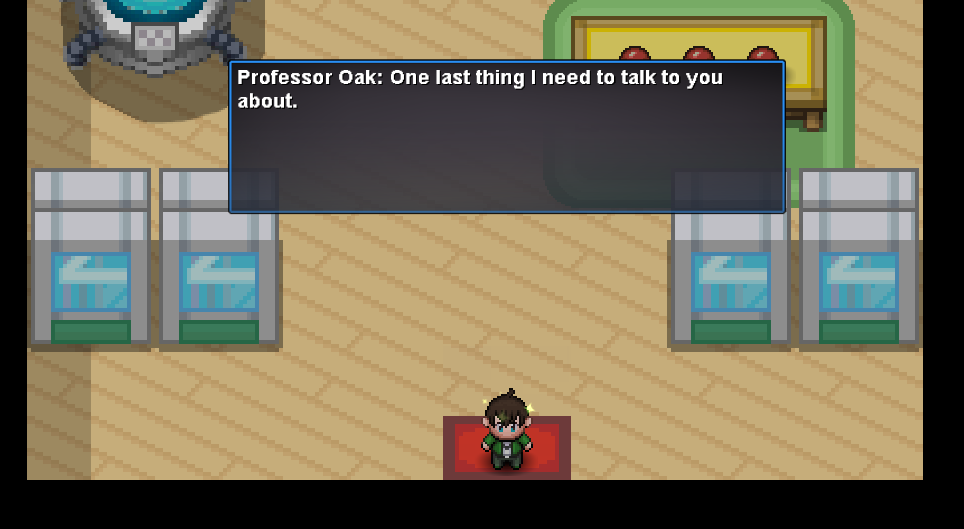
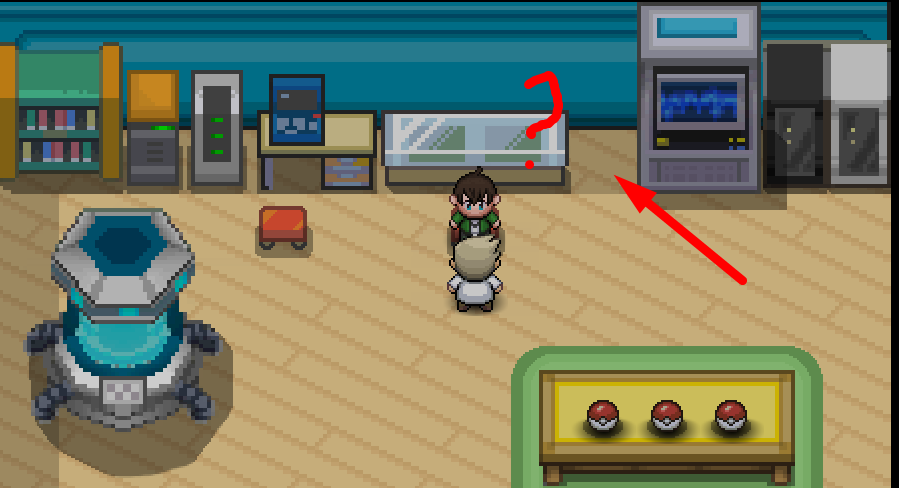
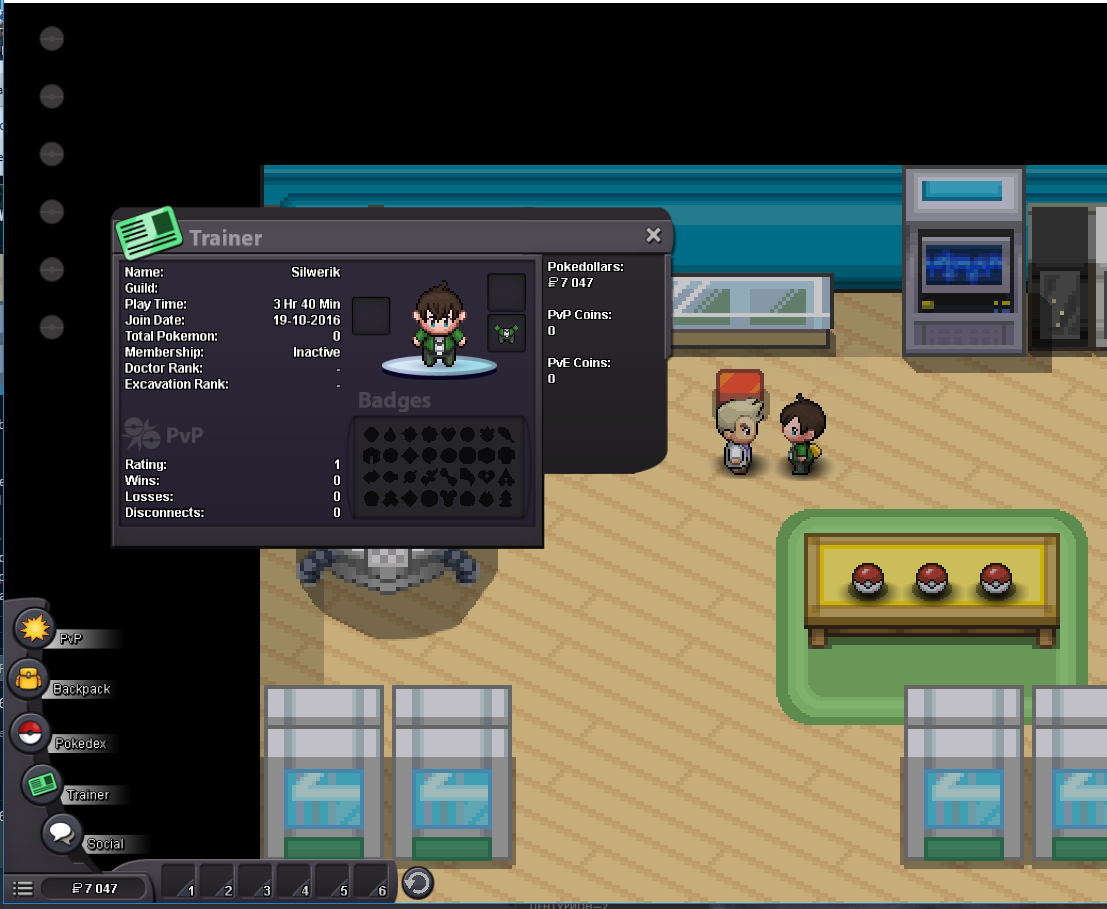
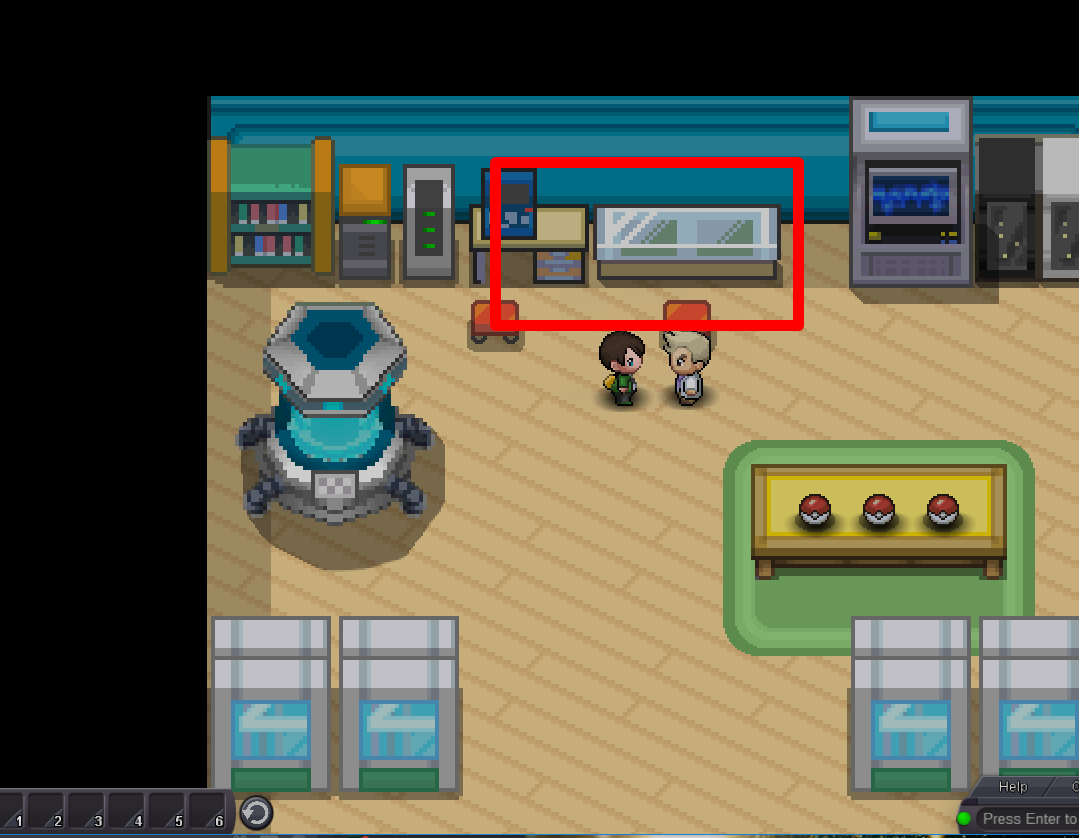
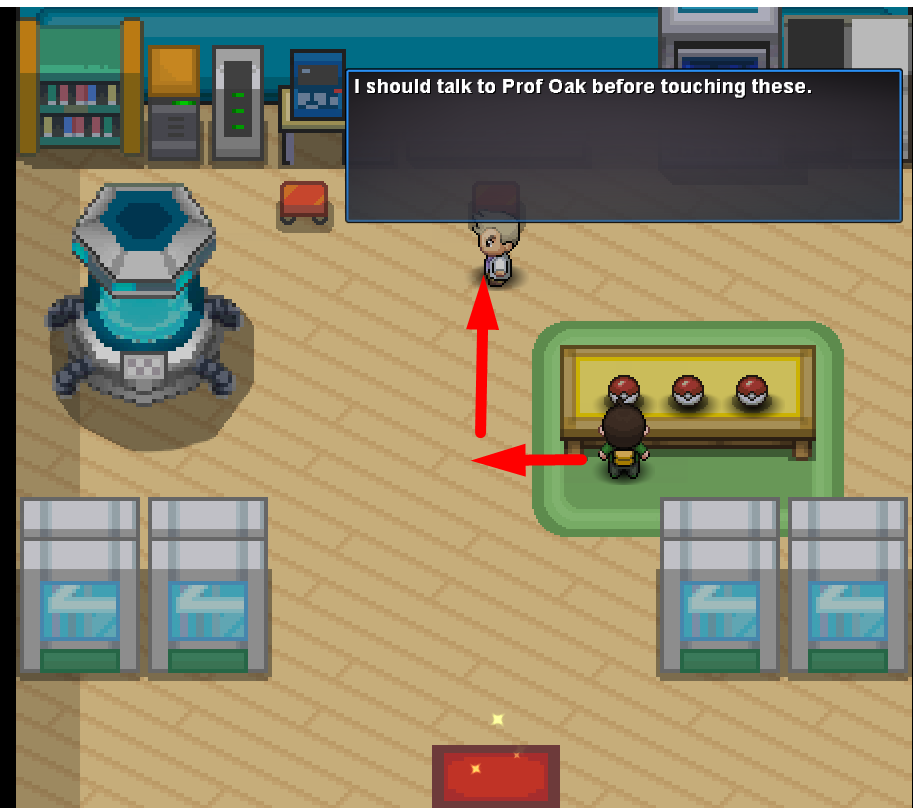
nothing, and and find 1 more bug? this place no have pokeball with pikachu - I played the last time on this account in 2016 - yesterday I returned to play this account - noticed this error - there is no dialogue with professor OAK - on a floor there is no pokebol with pikachu - perhaps at me to a pikachu it was chosen in 2016, but my bag is empty. - I do not want to create the new account because of loss of a name "Silwerik" and the 120 currency in coin shop.
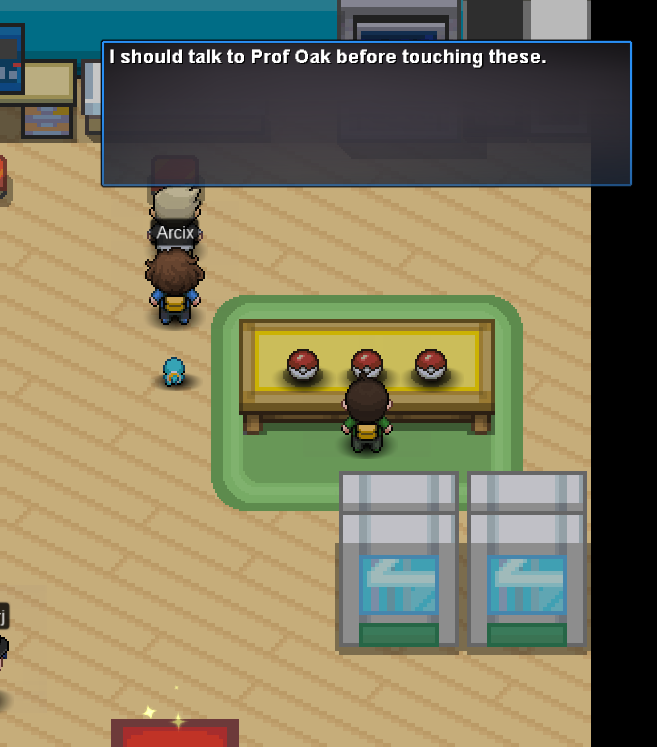
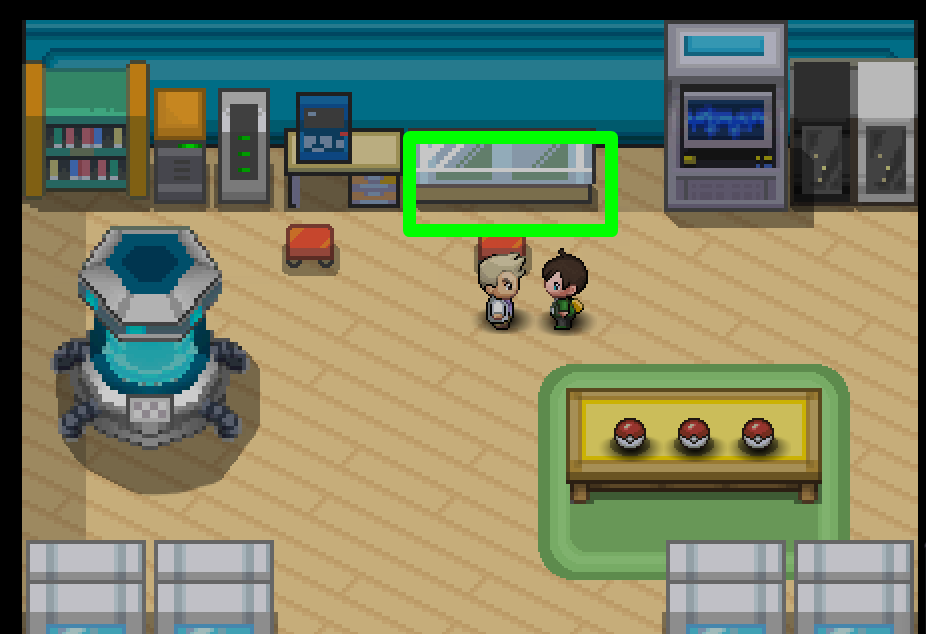
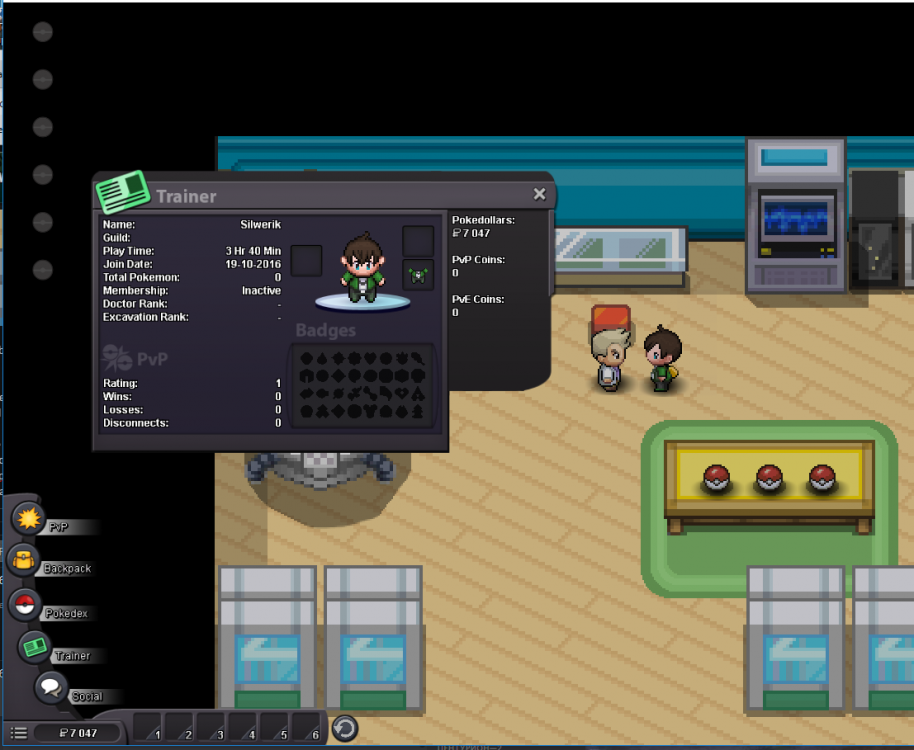 -problem on windows + androidhello i have a problem. pr. OAK no have dialogue with me. i cant get starter pokemon. =( -client new. - sync button not helped -server SILVER - IGN: Silwerik