




New Trade Zone
Trade Zone is now live
Use the new Trade Zone for auctions and instant-price trades so Pokemon and item offers are easy to find.

Azyouu
Registered User
-
Joined
-
Last visited
-
I am the one who ride on latios
-
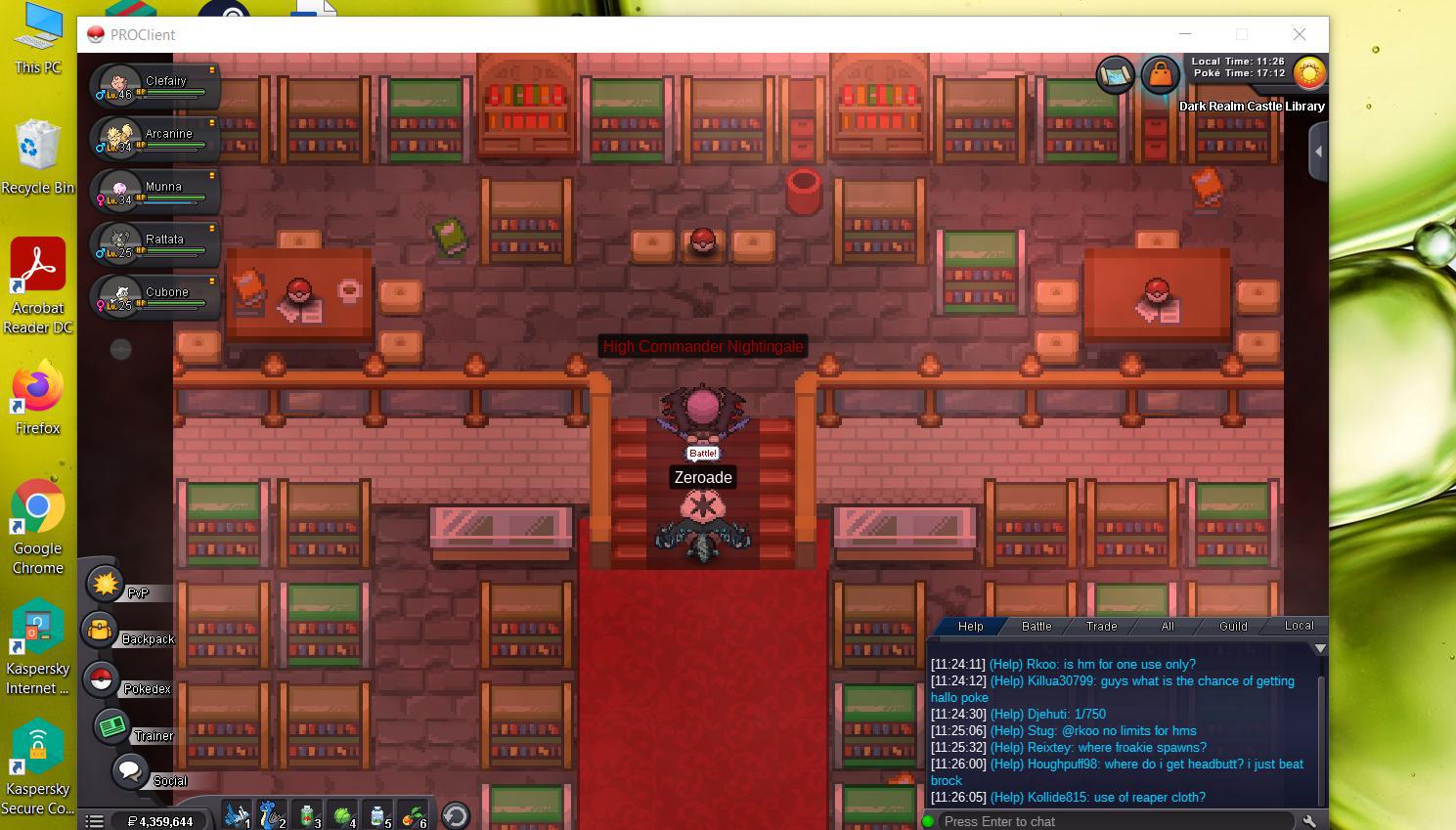
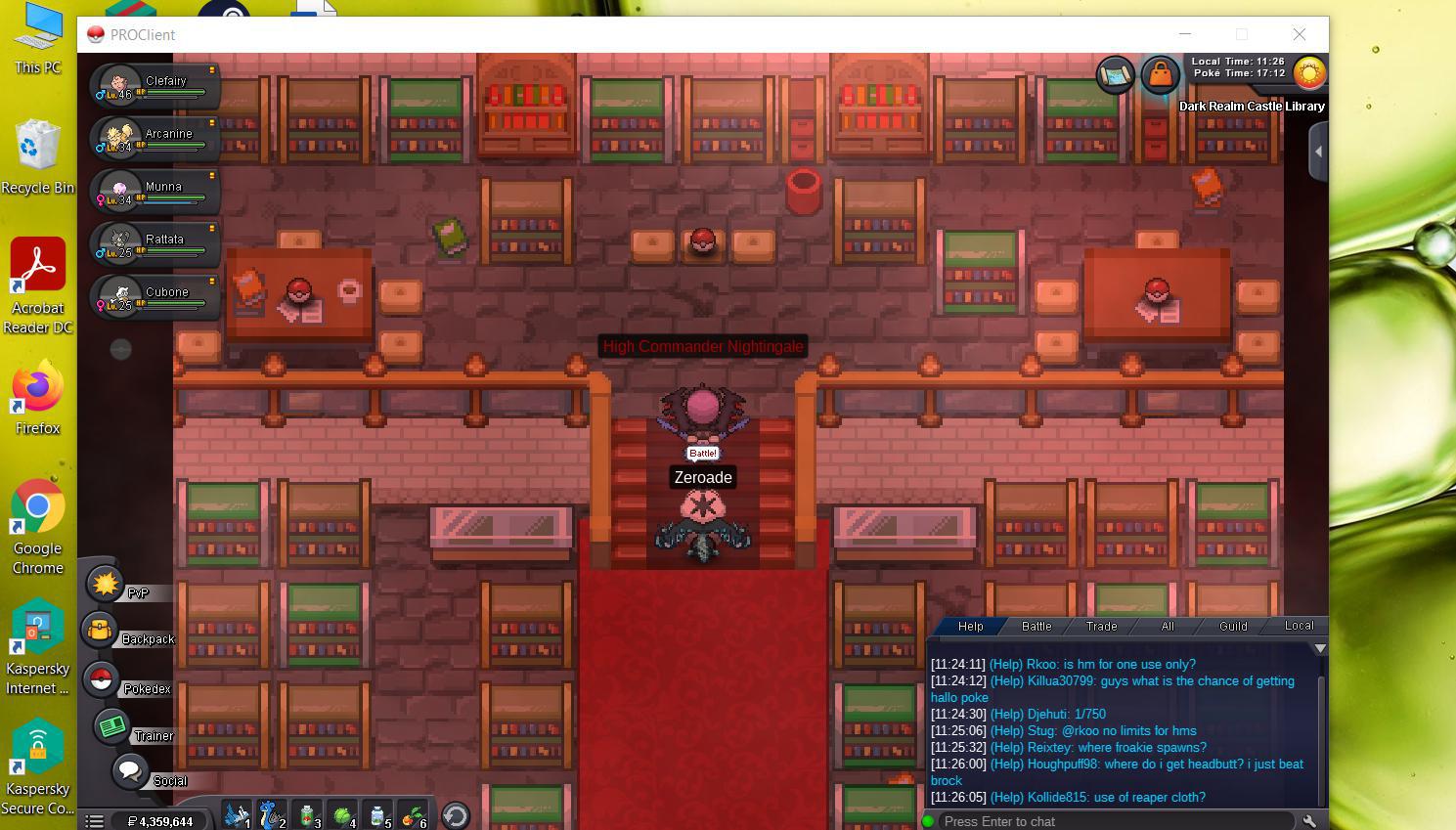
I can't move after talked to the High Commander Nightingale, I tried log in and log out but I go back to the dark place> After that, I talk to him again and the same thing happen again. I still can talk in chat and open backpack. I heard death more than 5 time will not get the clone reward. Am i the only one what have this problem?
-
I can't move after talked to the High Commander Nightingale, I tried log in and log out but I go back to the dark place> After that, I talk to him again and the same thing happen again. I still can talk in chat and open backpack. I heard death more than 5 time will not get the clone reward. Am i the only one what have this problem? [11:36 AM]
-
What is your Discord tag? AZYOUU#9364 How often do you use Discord? Everyday If you could improve PRO's Discord with one suggestion, what would it be? Teach the people who are new in discord to use command such as ".spawn" ".ladder"
-
if u talk to a guy named onkarachi in whoville pc, he will give u one rare candy and if u talk to a guy named Jester Druz at left side of whocville pc ,who wearing a red dragon suit, he will give u 20 red or green candycane(I forgot is which one)