




New Trade Zone
Trade Zone is now live
Use the new Trade Zone for auctions and instant-price trades so Pokemon and item offers are easy to find.

Xeltox
Registered User
-
Joined
-
Last visited
-
The auction for the timid dratini be closed, selling it at 450k in game by IIanf.
-
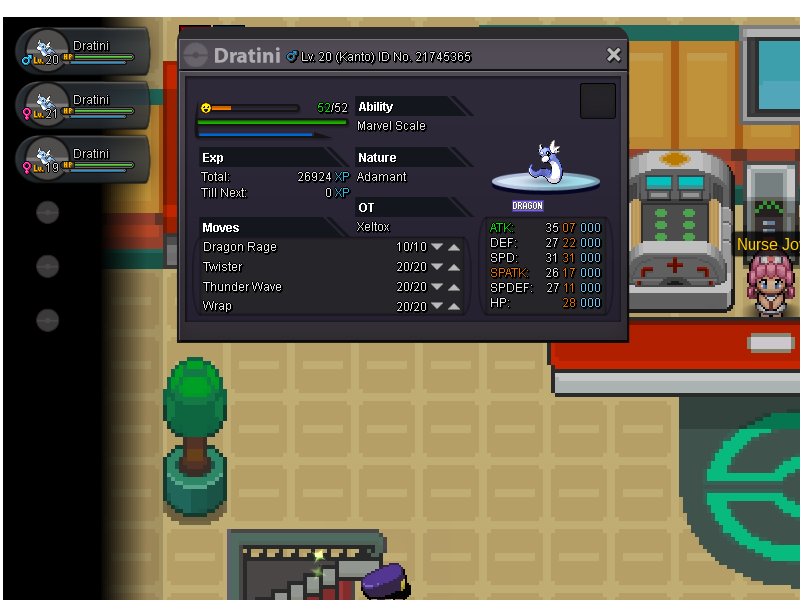
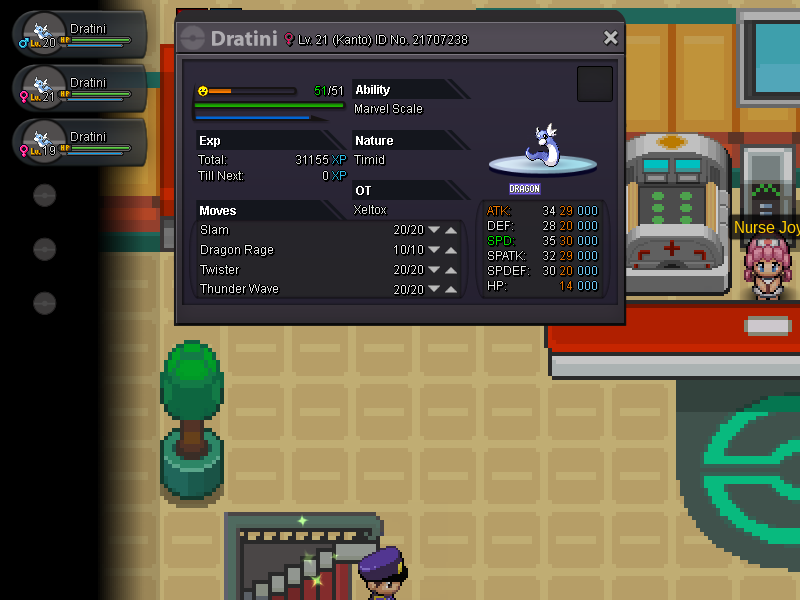
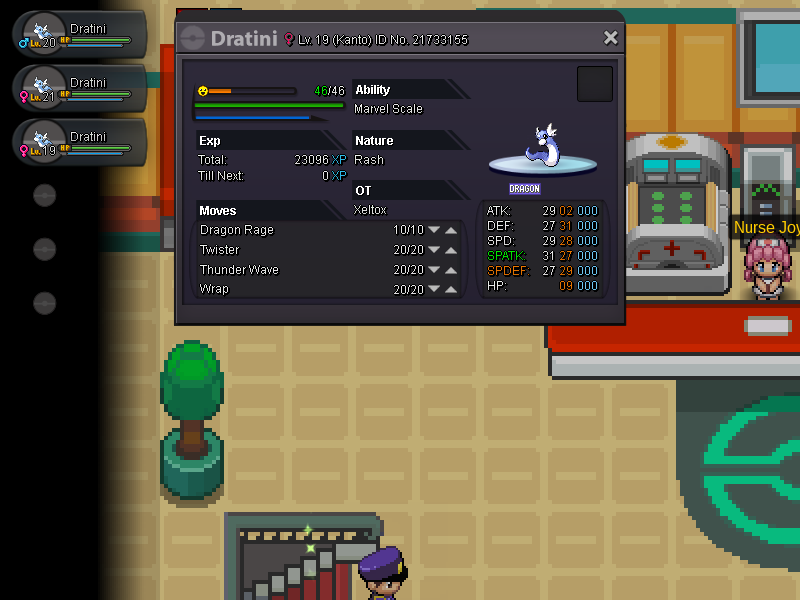
Hello guys ! I start an auction for these 3 dratini h.a. The auction will start after the first offer and will end after 48h of delay number°1 [Max spd ada] --> s.o 400k insta 800k nimber°2 [Rash] --> s.o 600k insta 1m2 number°3 [Timid] --> s.o 500k insta 1m At your prices and gl ! :)
-
hey bro ! gl to resell my magnemite ;D
-
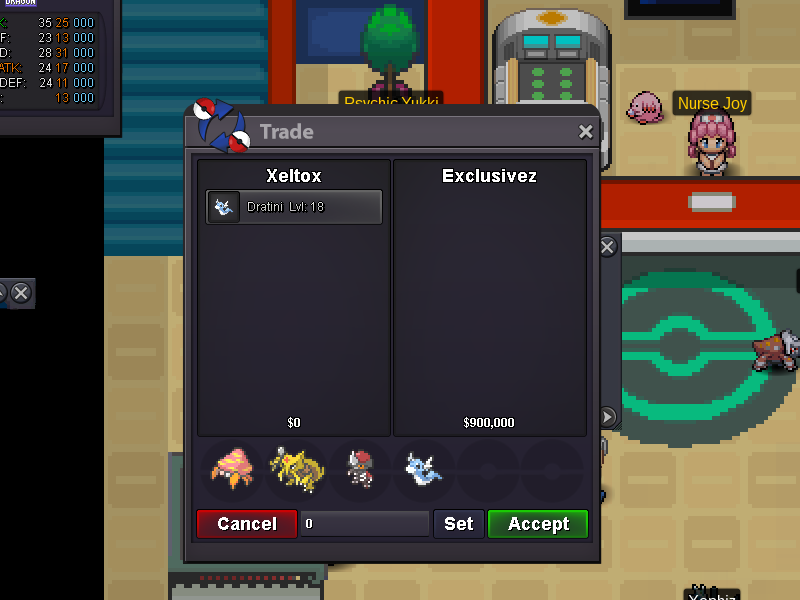
Finally, the auction is closed :)
-
I had a doubt that re-launching an offer is not allowed, but I can reset the insta to 900k and trade it now, it does not pose a problem for me ^^
-
i restart the auction with the new offer by @Katakuri23 at 1m

-
The insta ? 900k dude @Katakuri23
-
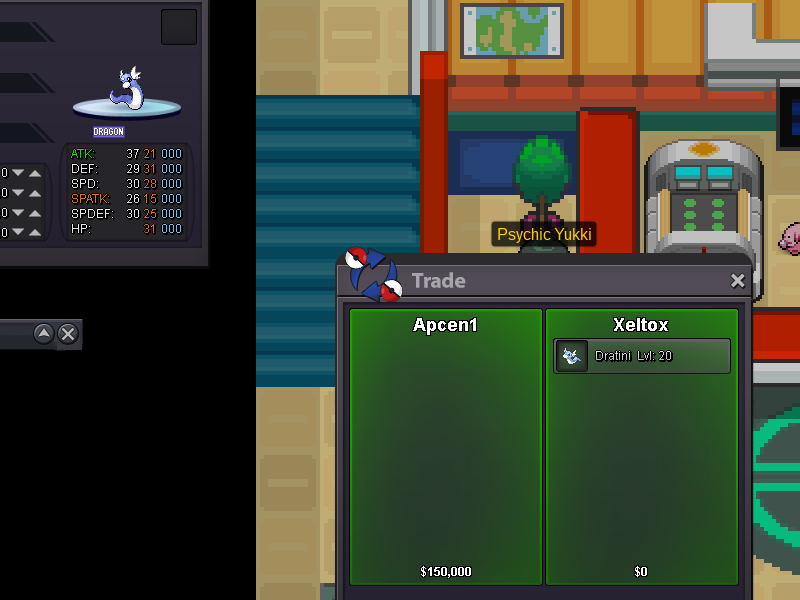
the auction for the Shed epic is closed
-
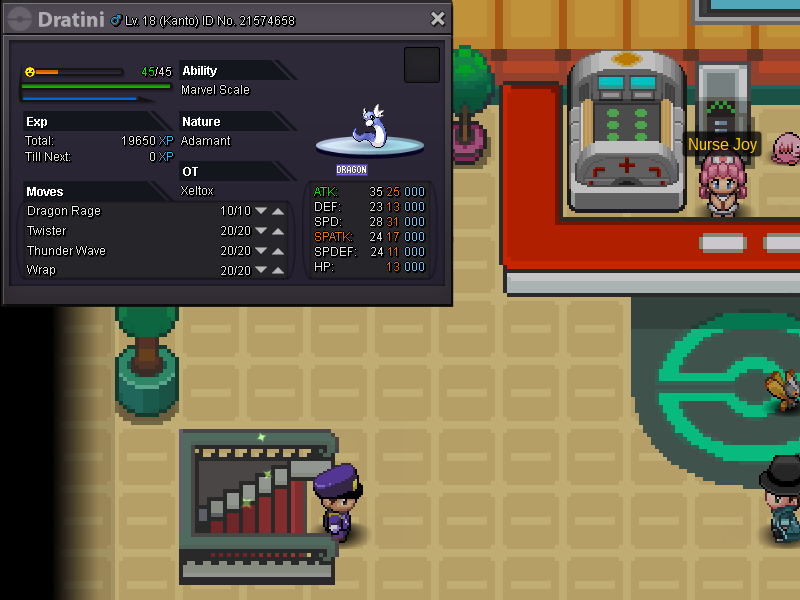
start auction for 2 Dratini h.a max spd --> c.o 400k Shed skin epic --> c.o 150k The auctions will be end after 4 day (Sunday 15h18)

-
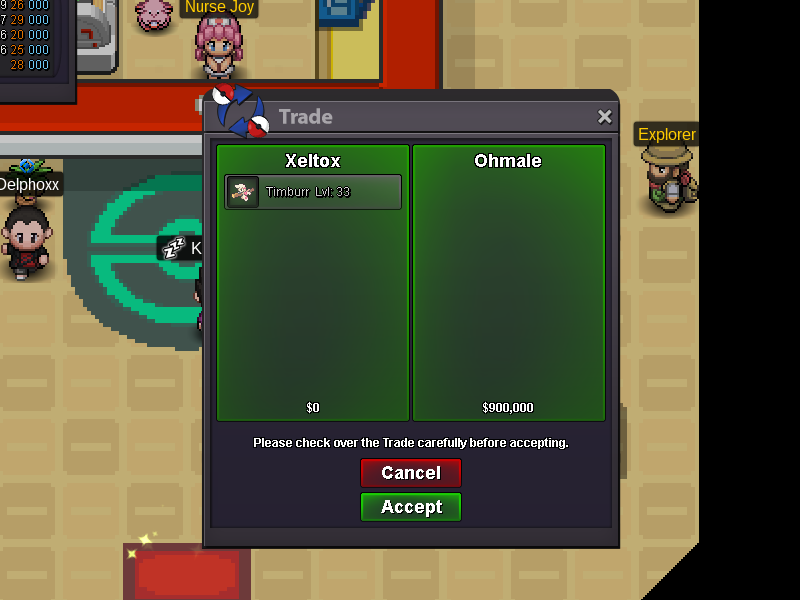
The auction for the third timburr ended ! thx all :)
-
@ohmale yes but I did not care about the date of the message by the first offer I am a little blind xD
-
This is the end for the auction of the third timburr ( I just returned from the taff sorry for the 'delay') what is ur pseudo in game to trade the timburr ? ( i'm online ) @Rainbow12
-
Ah yes actually, as much for me @Rainbow12 ^^
-
ofc i'm serious, and ok if you pref it's ur choice guy ! @ohmale
-
ah ha :DD @Homale I'm sorry but i feel obligated to reject ur offer :3