New Trade Zone
Trade Zone is now live
Use the new Trade Zone for auctions and instant-price trades so Pokemon and item offers are easy to find.

Zajokubas
Registered User
-
Joined
-
Last visited
-
bump
-
bump
-
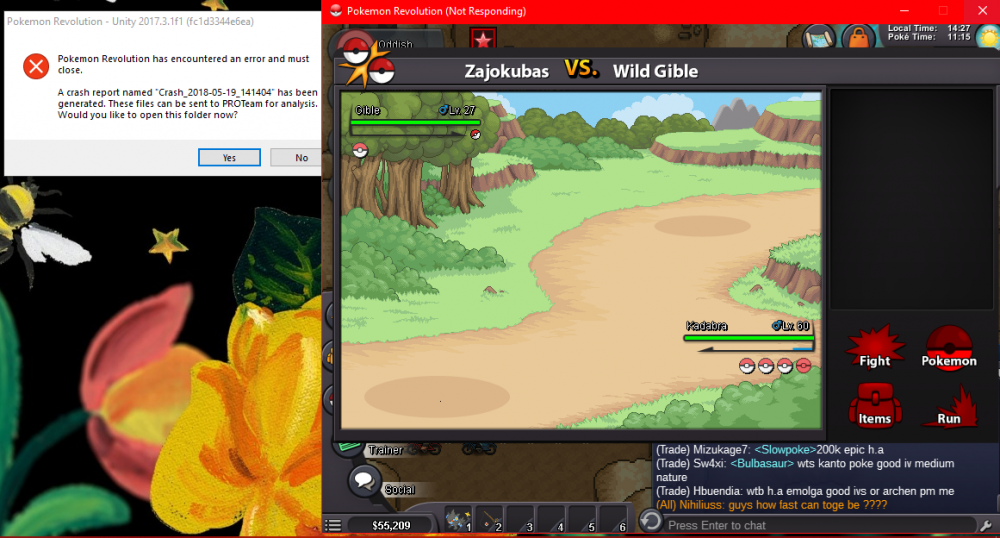
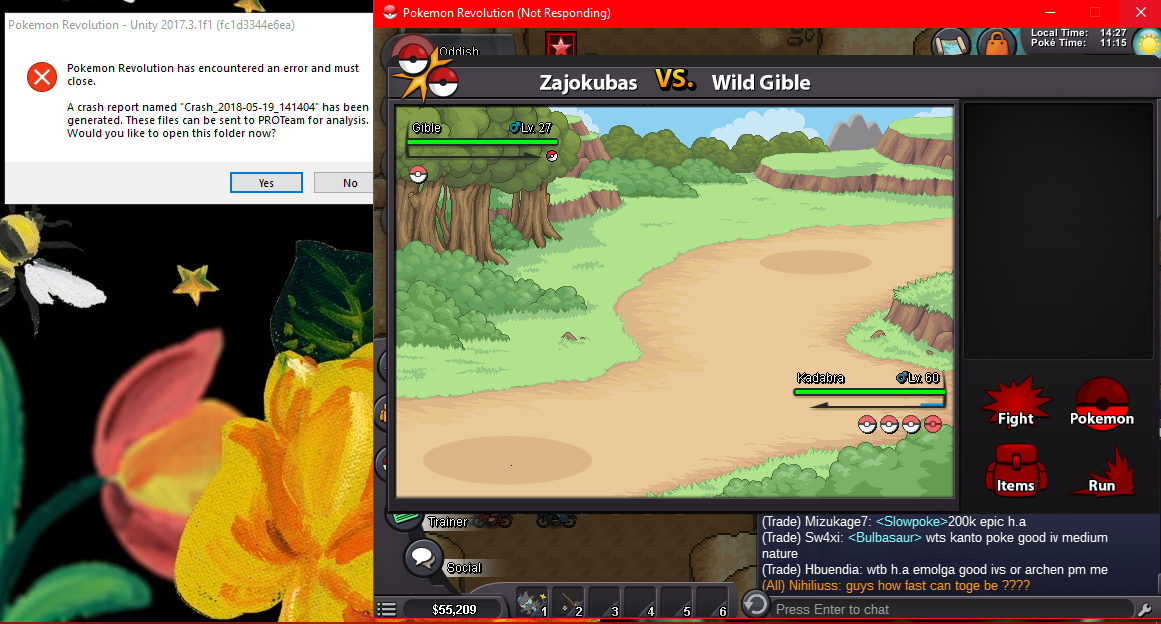
hello people, So today i decided to farm gible in the moon, a single ticket to moon is 15 k, i payed the fee and went to the moon. i was walking for around 5 mins and i encountered a gible, as soon as that happened my game crashed and i got spawned back at the pokecenter. -ok, rip 15 k, -i said to myself without much thinking about it i went back to the moon, 10 mins after, the same happened, i asked for help in discord and someone told me that if this happens again, i should send my crash report files for further investigation. fast forward a few hours, i'm playing pro and get a wild encounter, 1 second after the encounter appeared the game crashed. Any idea what i do wrong? Example picture of what happened: 1st error: Pokemon Revolution [version: Unity 2017.3.1f1 (fc1d3344e6ea)] UnityPlayer.dll caused an Access Violation (0xc0000005) in module UnityPlayer.dll at 0033:fa0be8f4. 2nd error: Pokemon Revolution [version: Unity 2017.3.1f1 (fc1d3344e6ea)] atidxx64.dll caused an Access Violation (0xc0000005) in module atidxx64.dll at 0033:0c61b584. 3rd error: Pokemon Revolution [version: Unity 2017.3.1f1 (fc1d3344e6ea)] atidxx64.dll caused an Access Violation (0xc0000005) in module atidxx64.dll at 0033:0c61b77e. i think i wasn't using my backpack so it shouldn't be the infamous backpack bug. Peace, ZaJokubas