New Trade Zone
Trade Zone is now live
Use the new Trade Zone for auctions and instant-price trades so Pokemon and item offers are easy to find.

Berkeyldrm23
Registered User
-
Joined
-
Last visited
Everything posted by Berkeyldrm23
-
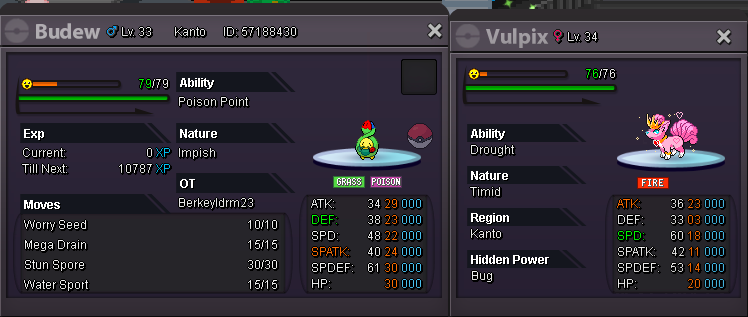
Starting offer: 300k Min bid: 50k CC accepted:380k Auctions ends in 24 hours after the first offer.
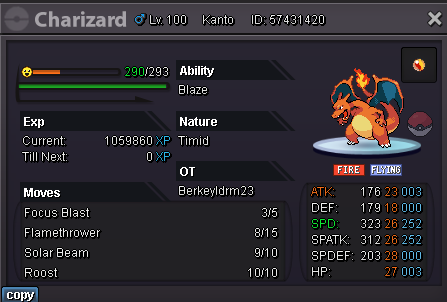
-
just explained it. I accidentally started the auction in the gold server, after I noticed I deleted that one it was my bad..
-
current offer is 1.45m by you.
-
noted
-
3 hours left
-
6 hours left. current offer 1.150.000
-
yup it was a mistake tho. i am in the silver server.
-
not noted
-
started!!
-
Starting offer: 1M Minimum bid: 150k Auction ends in 24 hours after the first offer. CCs and Reroll won't be accepted.
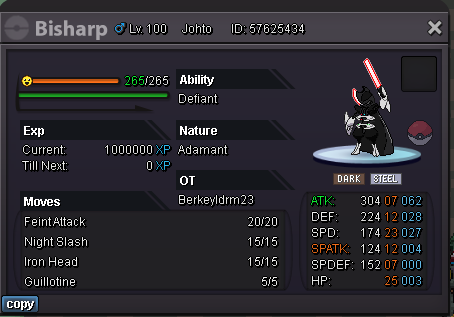
-
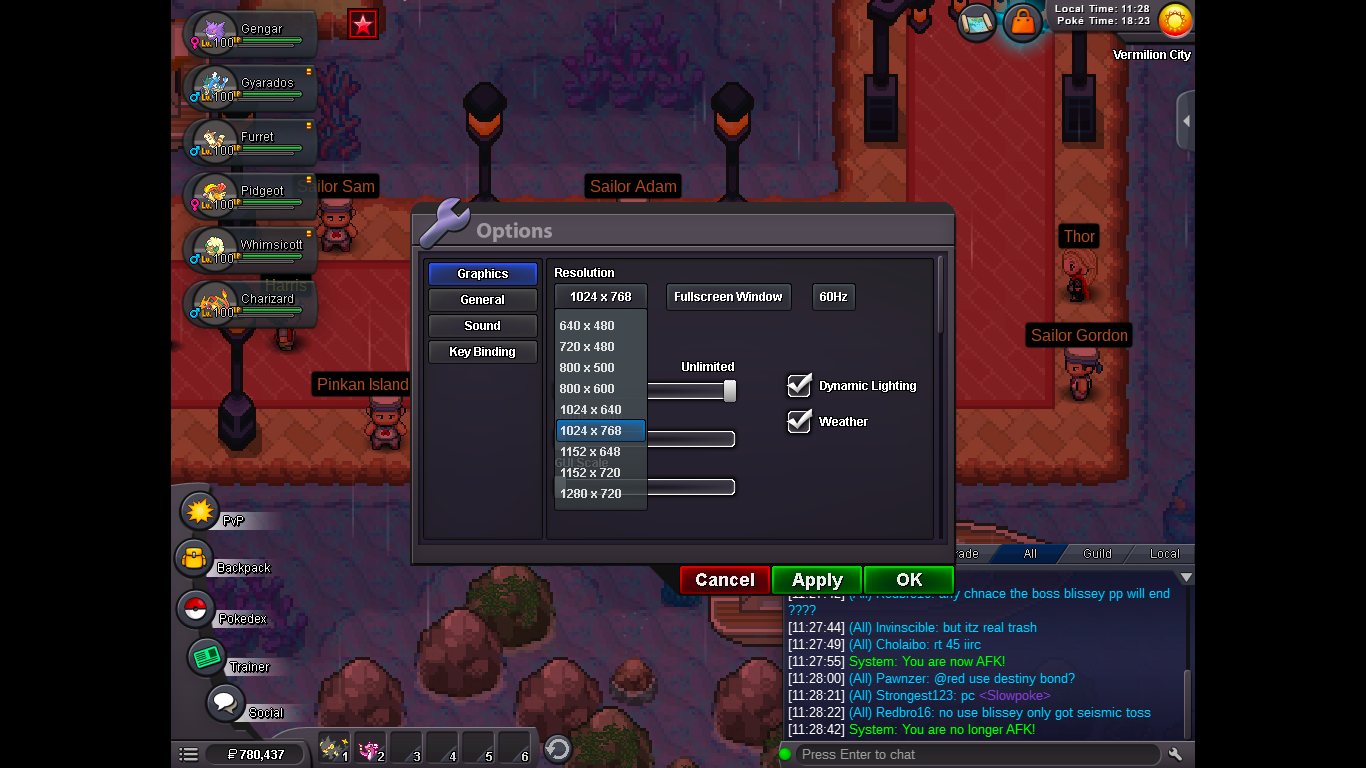
Hello? Any updates??Hey, I am a Mac user and I have been playing the game on 1366x768 since I started to play. But a week ago, I made my game "Windowed" only once and when I turned it back to "Fullscreen Window" I realised that I cannot see 1366x768 anymore. There is a screenshot below for you to understand my problem. I tried re-downloading the game, did not work.
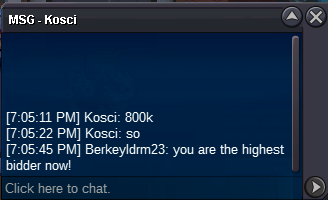
 SOLD800K by Kosci.
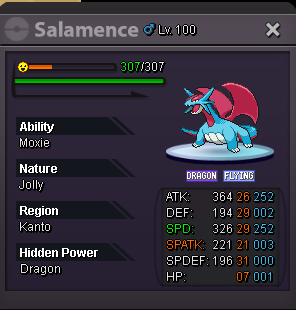
 BumpStart price 800k Min bid 200k Insta 3m WILL BE OVER AT 7 AM GMT(+0), 26 FEBRUARY. Cc=410k RR=720k
 ThankssI was playing in Blue server and the servers gone. What can I do now?