New Trade Zone
Trade Zone is now live
Use the new Trade Zone for auctions and instant-price trades so Pokemon and item offers are easy to find.

Shienn
Registered User
-
Joined
-
Last visited
-
Thx for the help all staff, it work now ^^
-
Video Link
-
Hello, it still doesn't work for me, here i have the record.. VideoLink
-
Yes correct, i already check all places where gems located, and not getting any sort of response while interacting with each of the places
-
So how is this?
-
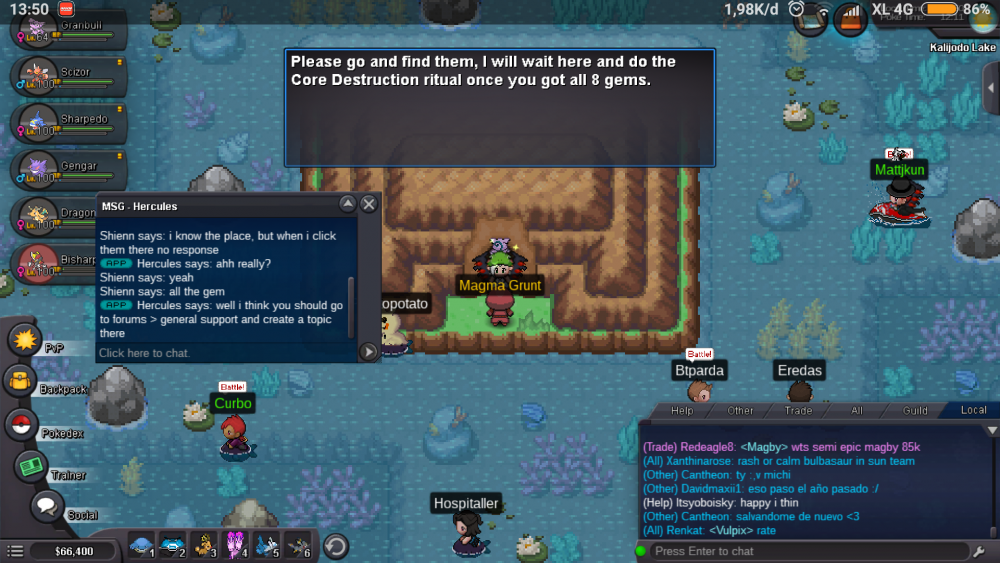
Yes, i already talk to the magma grunt before trying to collect the gems.
-
Help me, i did reset my vulcan quest yesterday to help magma team. And now i need to find 8 gem, i know the place of the gem. But when i click the rock where gem is, there is no response.