New Trade Zone
Trade Zone is now live
Use the new Trade Zone for auctions and instant-price trades so Pokemon and item offers are easy to find.

Ngdevil
Registered User
-
Joined
-
Last visited
Everything posted by Ngdevil
-
-
-
-
-
-
-
-
-
Event form: Halloween Time investment: 4-5h Possibly interest to join staff either as Pixel Artist or Coin Shop icon creator: No Goomy Sliggoo Goodra


-
Event form: Halloween Time investment: 20min Possibly interest to join staff either as Pixel Artist or Coin Shop icon creator: No Zangoose (Wolverine)

-
Event form: Halloween Time investment: 2-3h Possibly interest to join staff either as Pixel Artist or Coin Shop icon creator: No Rockruff (Hellhound) Lycanroc - Midday Form (Anubis) sand-team Lycanroc - Midnight Form (Zombie) Lycanroc - Dusk Form (Fenrir Wolf + Blade) tough claws


-
Event form: Summer Time investment: 30-40min Possibly interest to join staff either as Pixel Artist or Coin Shop icon creator: No pineco / forretress


-
Event form: Summer Time investment: 20min Possibly interest to join staff either as Pixel Artist or Coin Shop icon creator: No
.png.cb5751c415714338134499b4af7262fd.png)

-
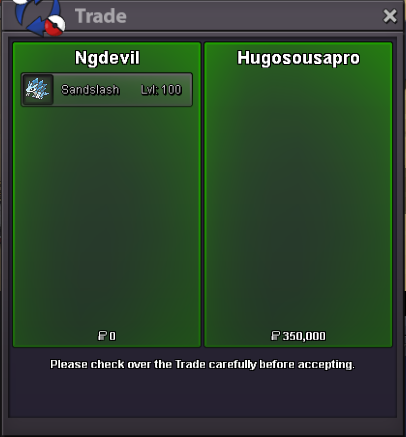
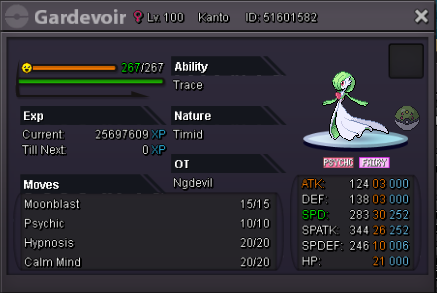
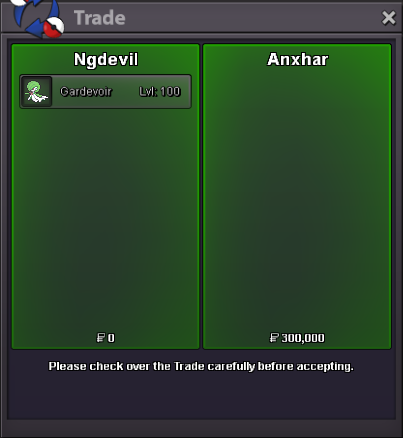
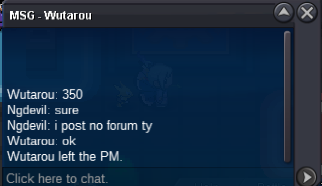
@Wutarou won auction 350k ty.
-
up
-
up
-
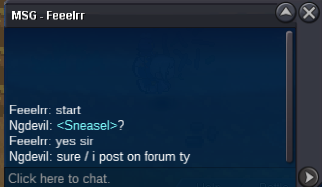
start
-
-
350k by Wutarou
-
Start 300k by Feeelrr
-
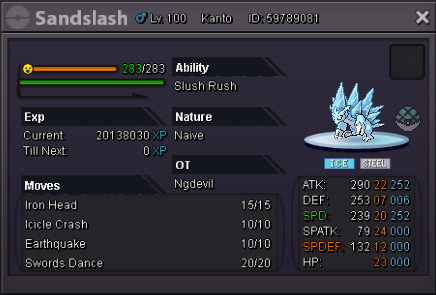
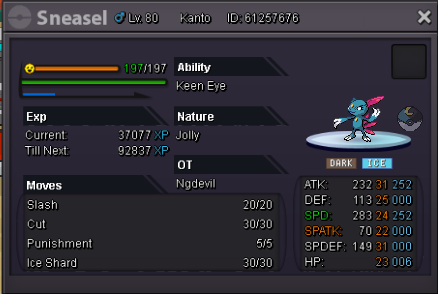
C.O 350k by Wutarou Min Raise : 50k Insta : 2m End in 2 days (48hours) after the first bid CC = 370k // IV-RR = 750k
-
-
-
-
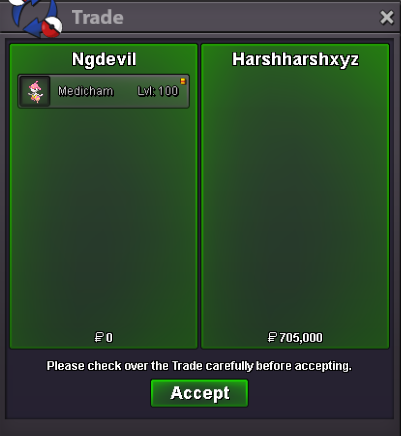
@Harshharshxyz won auction