




New Trade Zone
Trade Zone is now live
Use the new Trade Zone for auctions and instant-price trades so Pokemon and item offers are easy to find.

Gloyalty
Registered User
-
Joined
-
Last visited
-
unfortunately, this account is currently (as far as i remember) locked in the hoenn story, so its hard for me to try that for now. I think i will try trading it directly once i reach hoenn on the new account and reopen a new ticket in case it still doesnt work. Thank you!
-
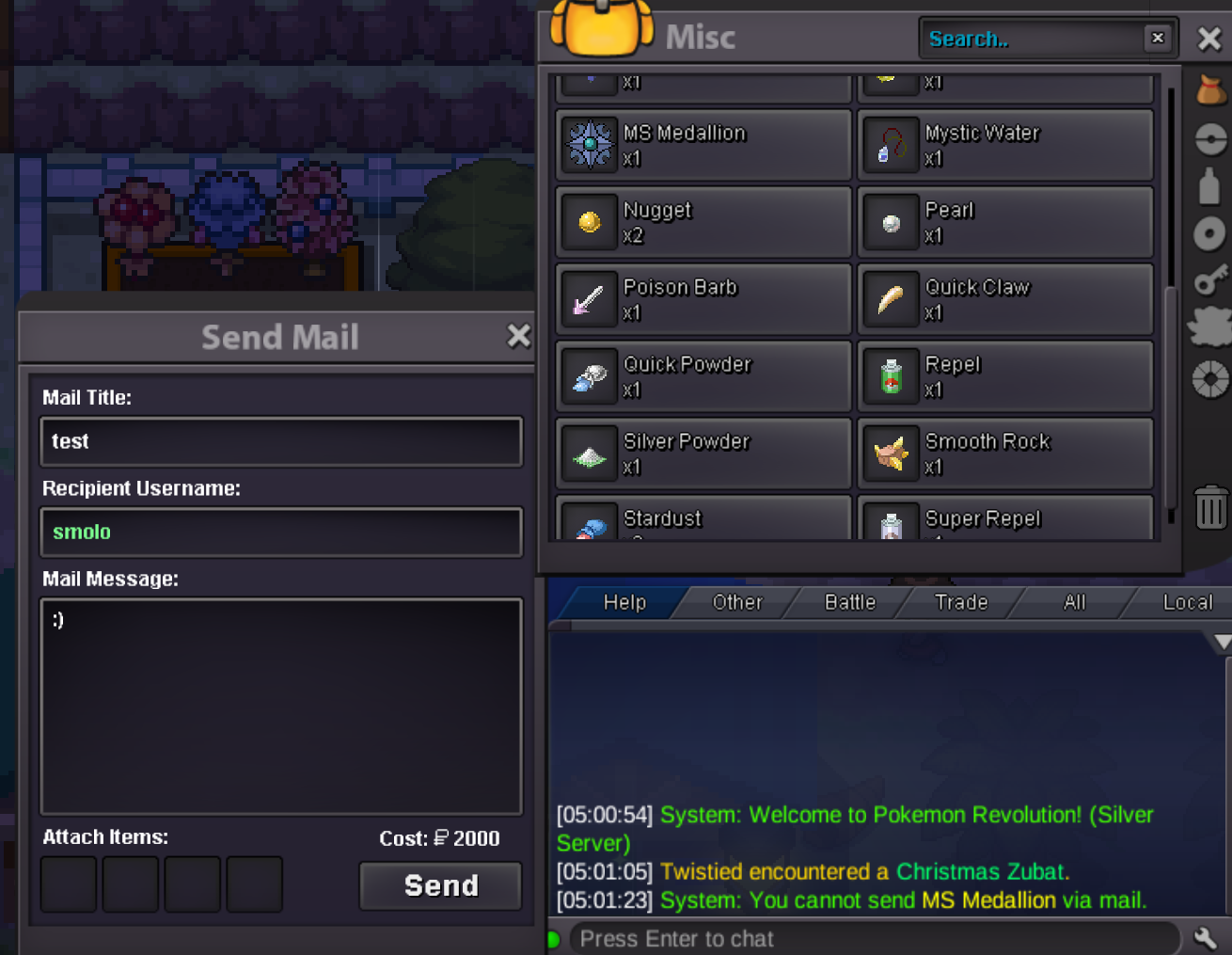
When trying to attach it it tells me in chat that its not sendable via mail
-
Hey there, ive used this account years ago and recently got into PRO again. I still had some coins left and thought i could mail the MS Medallion (30 days) to my new account, but clearly that doesnt work. Can i get a refund on it to buy cosmetics/coin capsule that i can send to my new account with the 150 coins i used for the MS Medallion? Thank you in advance ❤️