New Trade Zone
Trade Zone is now live
Use the new Trade Zone for auctions and instant-price trades so Pokemon and item offers are easy to find.

Nagasak3
Registered User
-
Joined
-
Last visited
Everything posted by Nagasak3
-
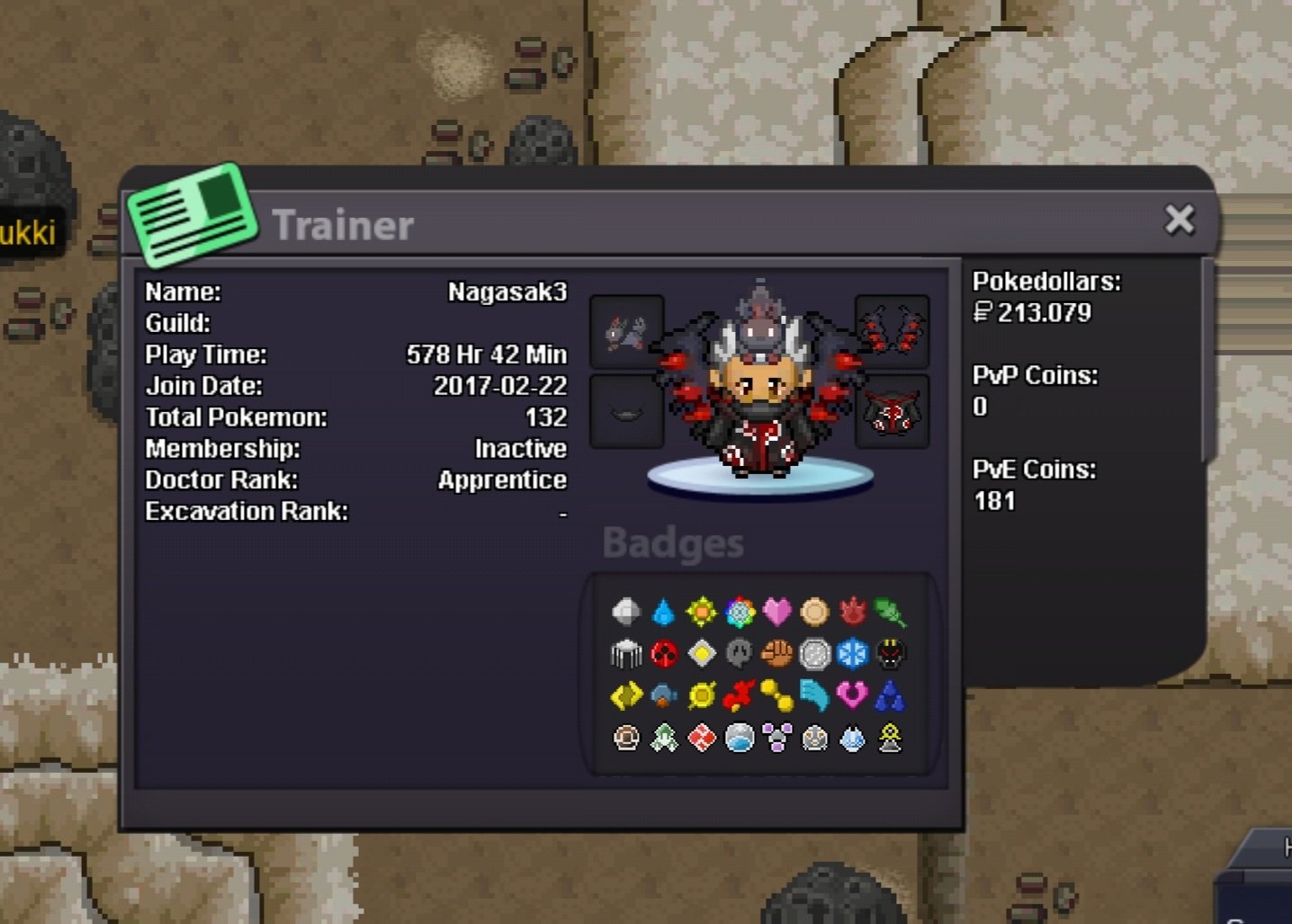
° what can you contribute to Eternity? I am an active player that like to collect pokemon, I love to do quests and I would love to help the others with mons and what I can. I want to be helped with pvp tips and be helped building teams ° what is your real life and ingame name? RLN: Robert IGN: Nagasak3 ° how old are you and where are you from? I am 20 and I am from Romania ° discord tag? how often are you online there? Discord tag: RobertMrc#7907 I am online on Discord everyday, checking everything. ° screenshot of your trainercard
-
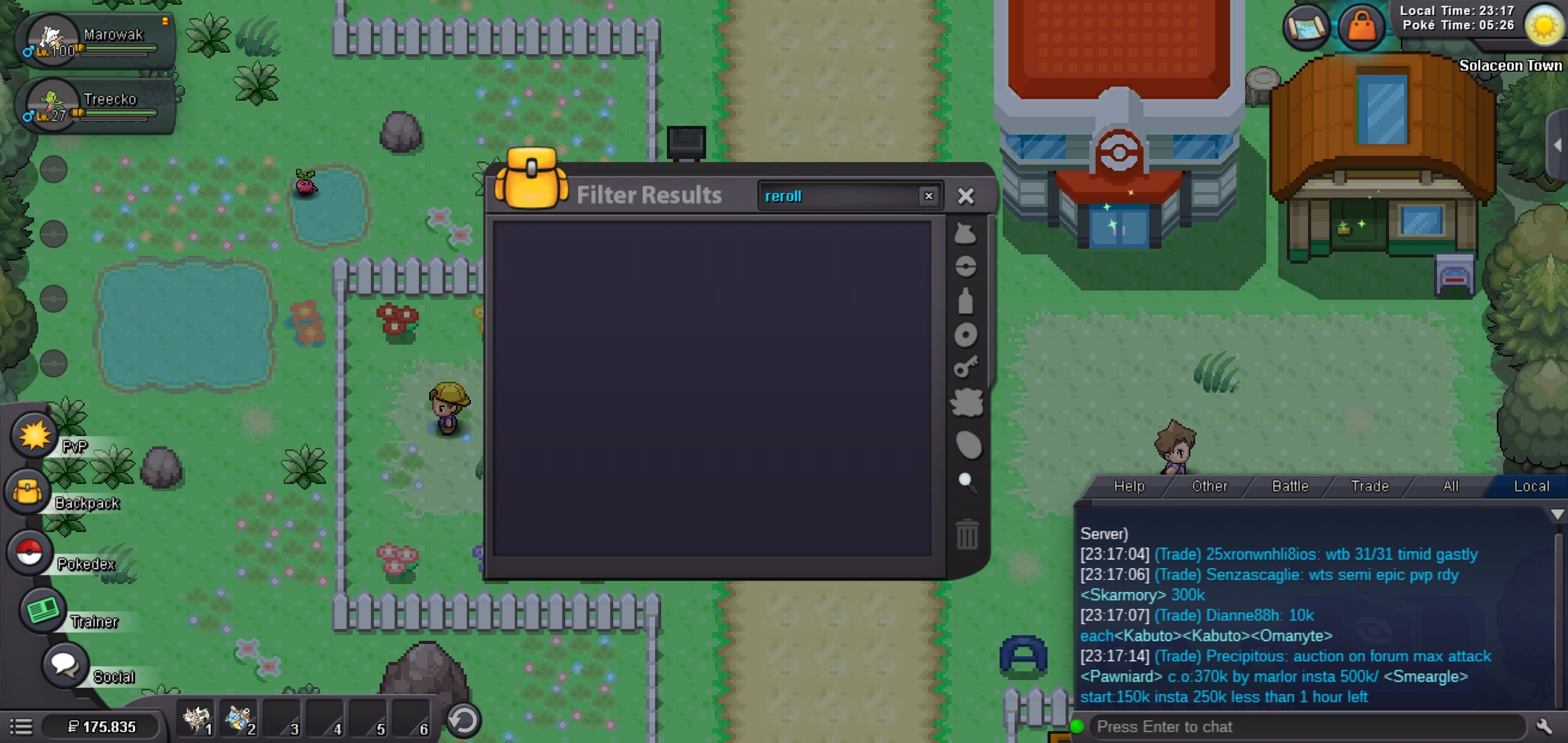
I bringed a treecko today for the newspaper 7 Day streak and got a reroll, and now i'm back where I catched the treecko in the first time, I don't have the reroll anymore and i've lost the streak too, it says i didn't bring the pokemon in time, but i gave it earlier today.