New Trade Zone
Trade Zone is now live
Use the new Trade Zone for auctions and instant-price trades so Pokemon and item offers are easy to find.

Emizuzu
Registered User
-
Joined
-
Last visited
Everything posted by Emizuzu
-
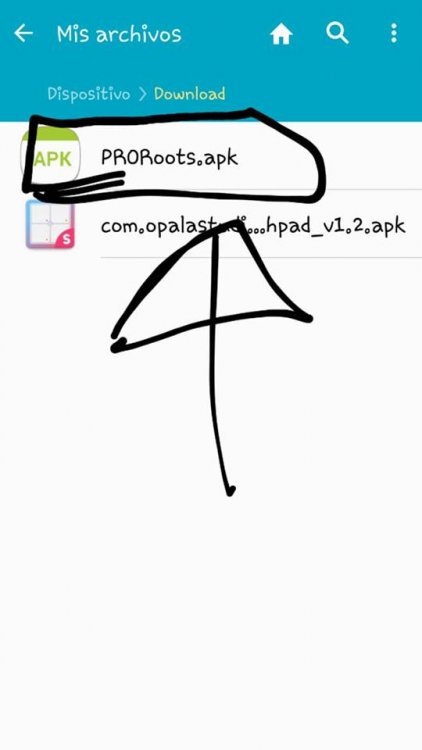
bueno, intente entrar al juego y me dijo que tenía que actualizarlo, así que lo hice pero cuando lo descargué (lo descargué en la pc y lo pasé al cel ya que me da un error de resolución en la pc) , apareció con un ícono diferente al anterior y me da error cuando trato de instalarlo en androi, agradecería que alguien me pueda ayudar Gracias por adelantado
-
Yes, I saw it thanks for getting it back thank you friend, I do not know how to pay you but the truth is that thank you very much :)
-
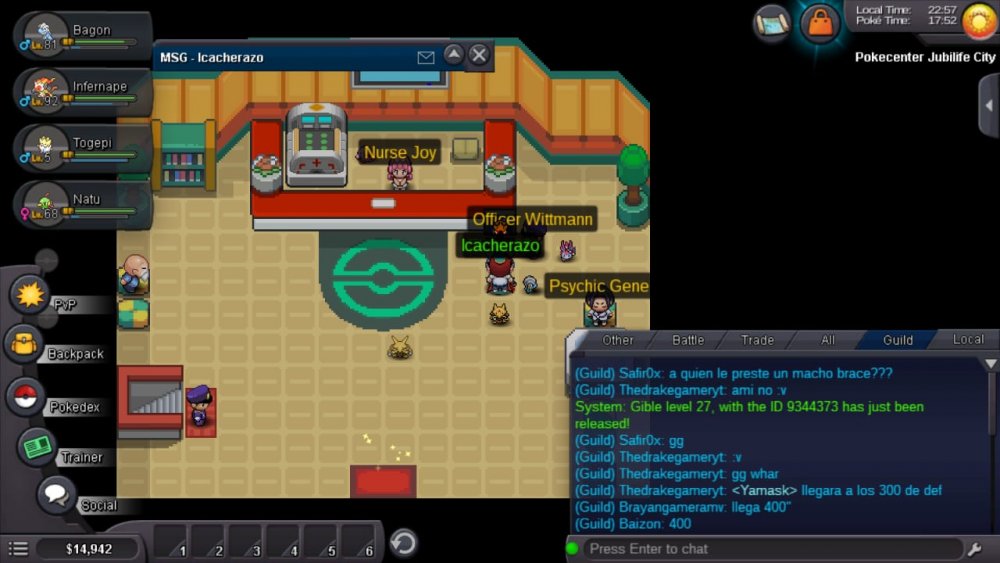
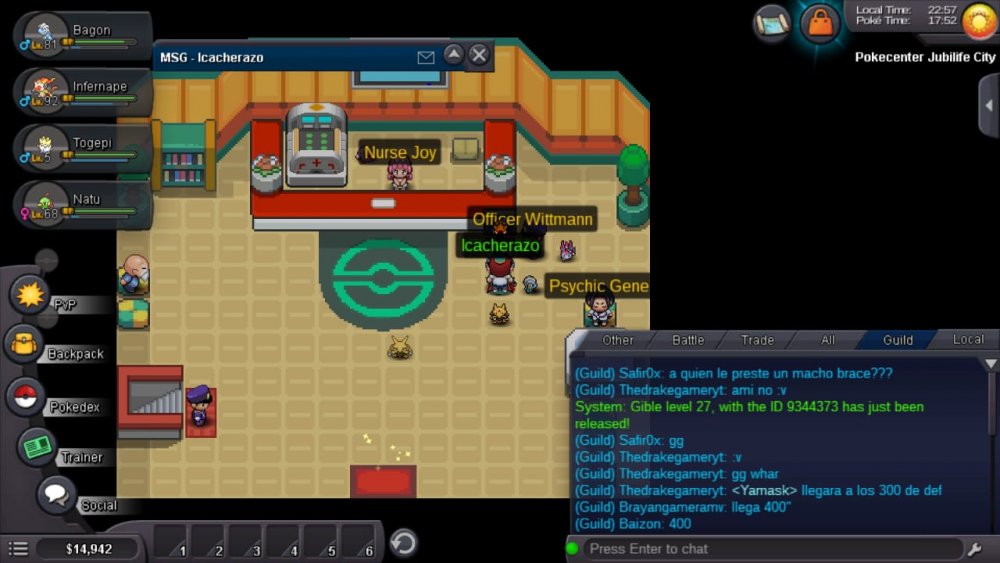
hello and good morning, I have a problem that the truth is tormenting and discouraging me a little. recently I bought a gible (epic in my opinion), game on cell phone which makes entering pokemon to PC more difficult, unintentionally instead of entering it to the PC I threw it in the trash, I was scared and I wanted to deny fast for not erase it and without wanting I gave "yes". If someone can help me, I'd really appreciate it, that pokemon I'm a little bit self-sufficient and I do not want to lose it Thanks in advance....
-
hola,tengo un problema con el juego,lo e esta mirando por vídeo en youtuber y me e interesado,pero cuando lo descargue me aparece un erro que dice. "no se pudo cambiar a la resolución solicitada del monitor detalles: El cambio a la resolución 1280x720 falló, probando el inferior El cambio a la resolución 1280x720 falló, probando el inferior Todos los interruptores de resolución han fallado Pantalla: DX11 no pudo cambiar la resolución (1280x1024 fs = 1 hz = 0) " el juego no entra, pero este error, si alguien sabe cómo resolverlo, me agradece que me haga la solución para poder comensar a jugar de ante mano de doy la gracias. Hello, I have a problem with the game, I'm watching it on YouTube and I'm interested, but when I download it, I see an error that says. "could not be changed to the requested resolution of the monitor details: The change to resolution 1280x720 failed, testing the lower The change to resolution 1280x720 failed, testing the lower All resolution switches have failed Display: DX11 could not change the resolution (1280x1024 fs = 1 hz = 0) " the game does not enter, but this error, if someone knows how to solve it, thanks for making the solution to start playing beforehand I give thanks
-
Hello, I also have that problem of "could not switch to requested monitor resolution" and I do not know how to resorve it I ask you to discuss because I can not help you, but I have the same problem and I would like that if someone can help you with this problem, it helps me. hola,yo tambien tengo ese proble de "couldn't switch to requested monitor resolution" y no se como resolverlo . te pido disculpas porque no te puedo ayudar,pero tengo el mismo problema y me gustaría que si alguien te puede ayudar en ese problemas me ayuda a mi.