




New Trade Zone
Trade Zone is now live
Use the new Trade Zone for auctions and instant-price trades so Pokemon and item offers are easy to find.

Hermusdxd
Suspended
-
Joined
-
Last visited
Everything posted by Hermusdxd
-
Thank youu Im sorry buyt you bid after auction ends, ty
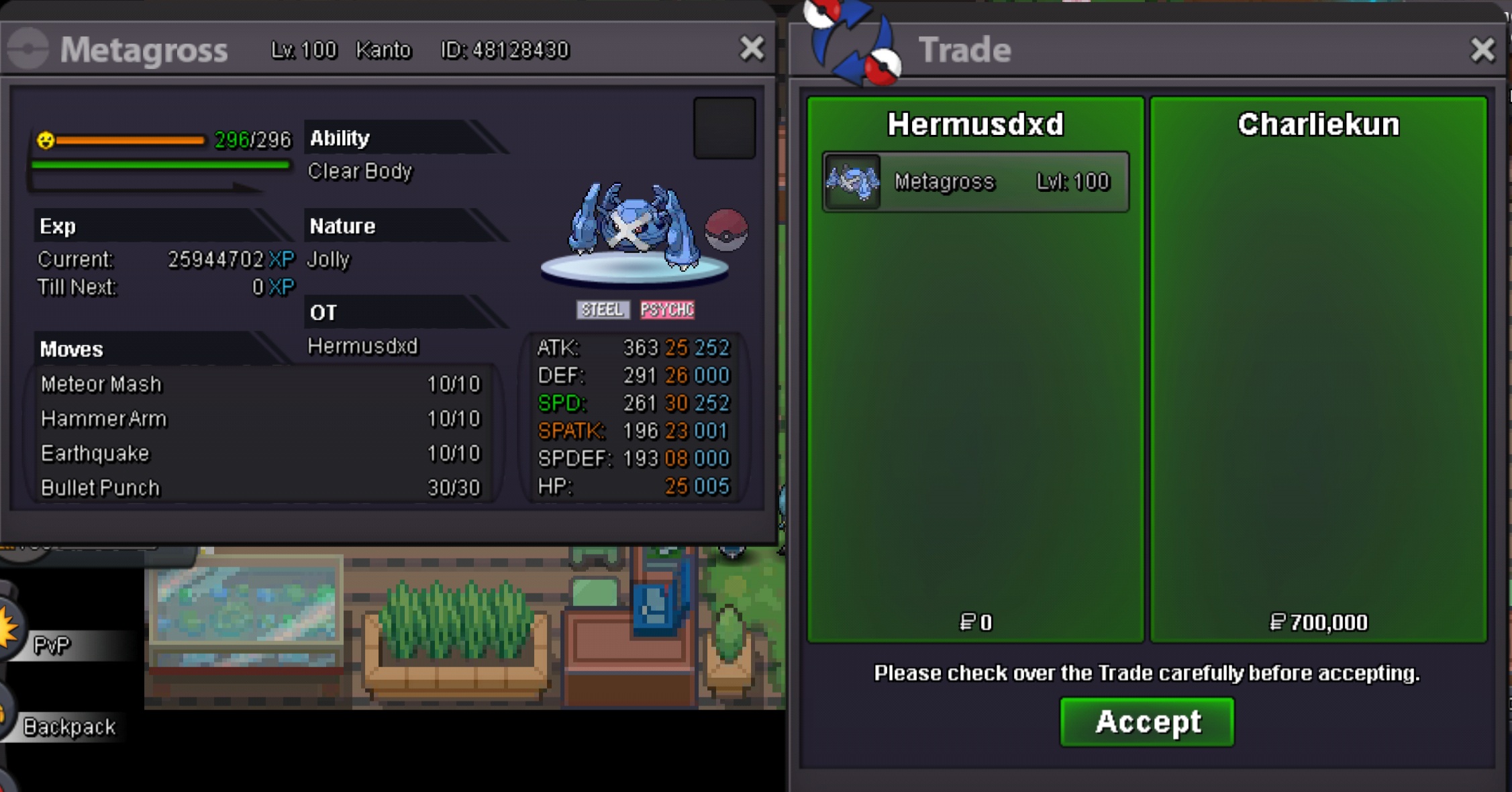
-
bump
-
bumpah ok, ill keep it, tell me when youre ready. thanksauction will be held here. thanks https://pokemonrevolution.net/forum/topic/179414-jolly-3025-metagross-auction/?tab=comments#comment-1005559
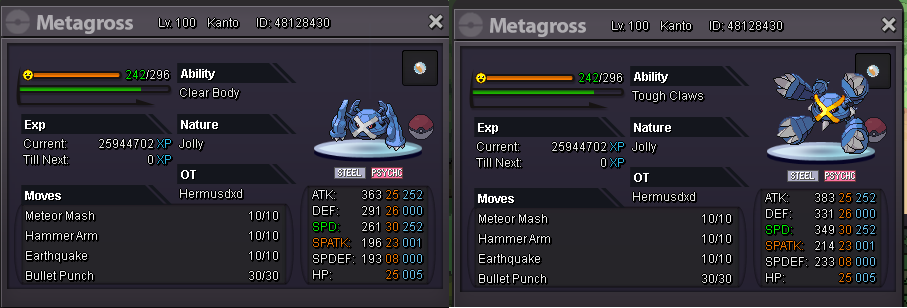
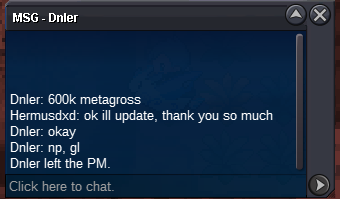
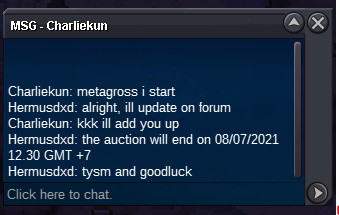 JOLLY 30/25 METAGROSS IGN : HermusDXD (GOLD) Discord : Hai#6752 ACCEPT CC (350K) - IV REROLL (750K) FOLLOW MY SHOP FOR MORE POKEMON https://pokemonrevolution.net/forum/topic/154757-hermusdxds-pokemon-shop-and-auction-house-update-6321/ THANKYOU im on GOLD server, players from silver must pick up poke from gold or pay 350k/1cc for me to transfer to silver. S.O 600K BY DNLER INSTA 3M MIN BID 100K https://www.timeanddate.com/countdown/generic?iso=20210708T1230&p0=108&font=cursive GOODLUCK
ON AUCTION S.O 500K INSTA 3M MIN BID 100K 3 DAY AUCTION GOODLUCK
open console (drag from your top corner device) or f2(or f1?) then type clean reg
JOLLY 30/25 METAGROSS IGN : HermusDXD (GOLD) Discord : Hai#6752 ACCEPT CC (350K) - IV REROLL (750K) FOLLOW MY SHOP FOR MORE POKEMON https://pokemonrevolution.net/forum/topic/154757-hermusdxds-pokemon-shop-and-auction-house-update-6321/ THANKYOU im on GOLD server, players from silver must pick up poke from gold or pay 350k/1cc for me to transfer to silver. S.O 600K BY DNLER INSTA 3M MIN BID 100K https://www.timeanddate.com/countdown/generic?iso=20210708T1230&p0=108&font=cursive GOODLUCK
ON AUCTION S.O 500K INSTA 3M MIN BID 100K 3 DAY AUCTION GOODLUCK
open console (drag from your top corner device) or f2(or f1?) then type clean reg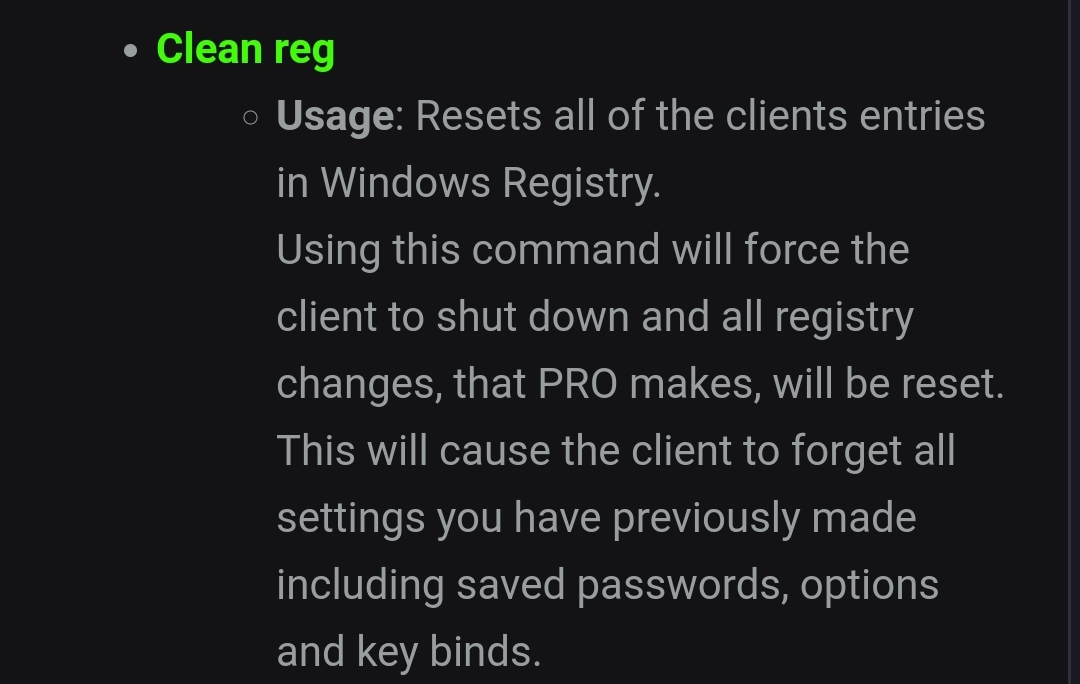 BUMP
BUMP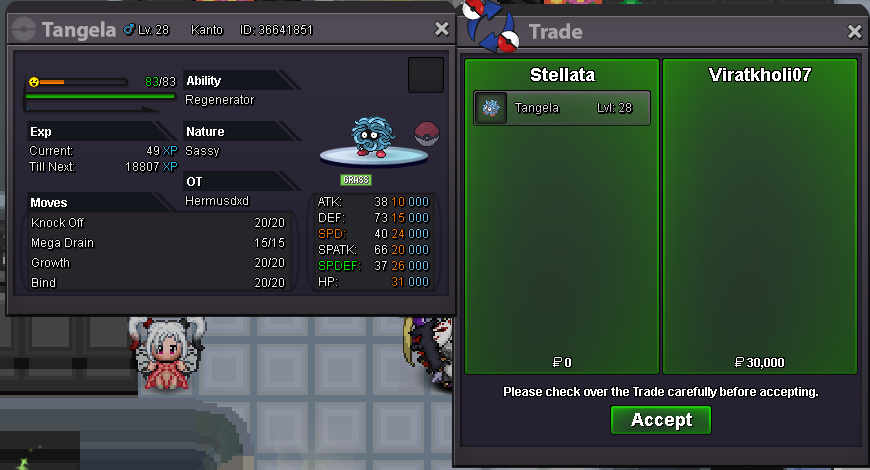
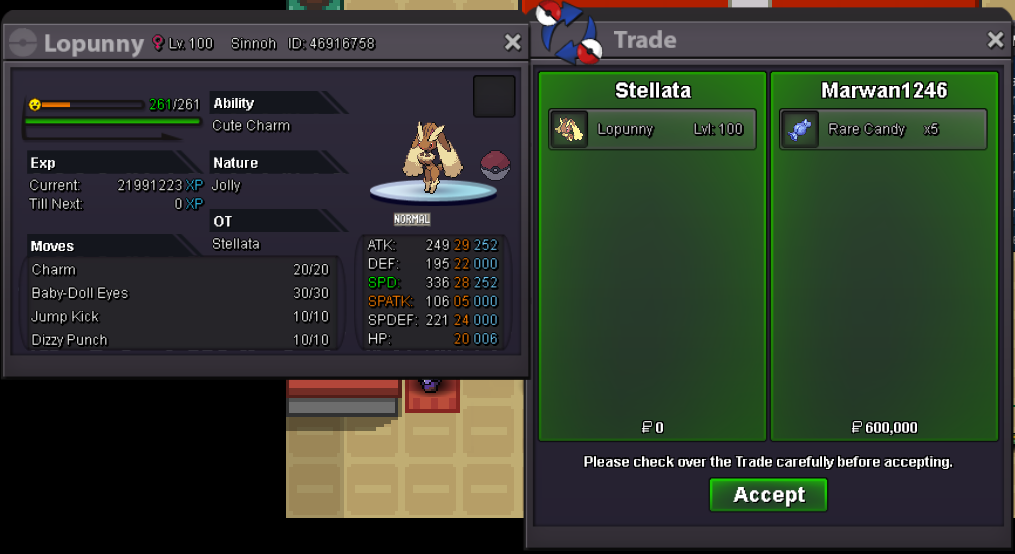
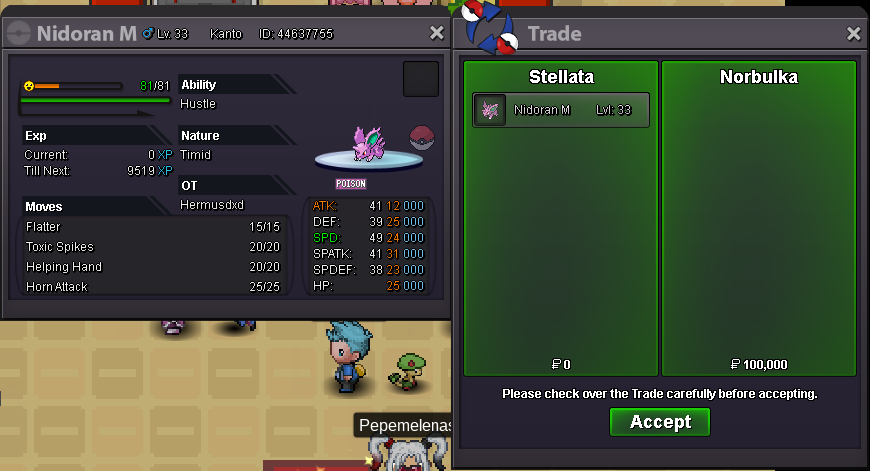
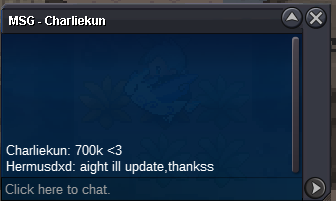
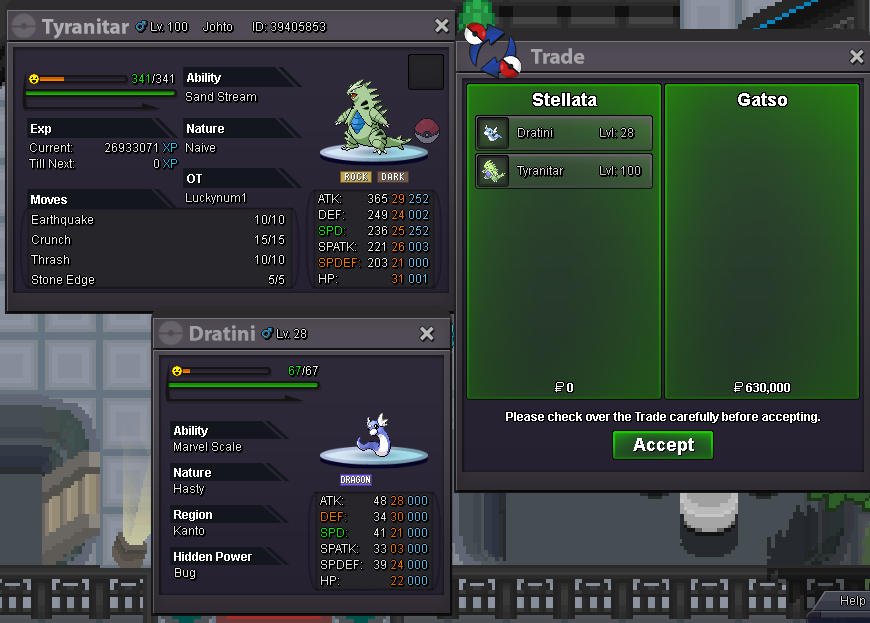
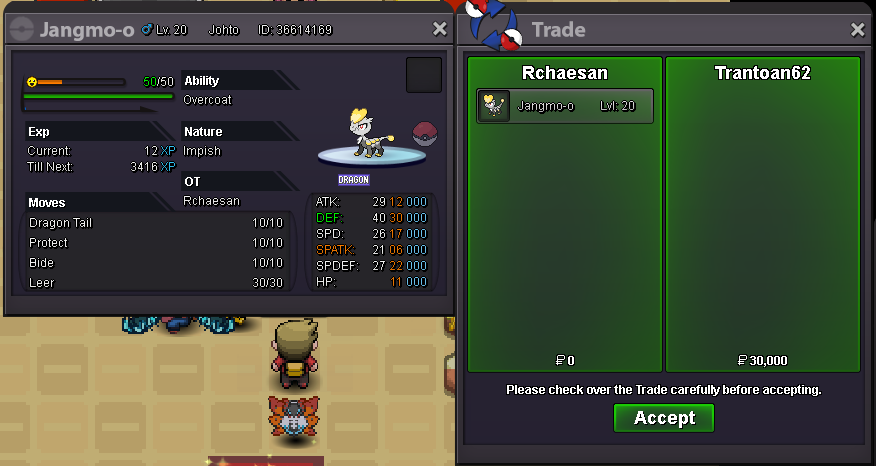
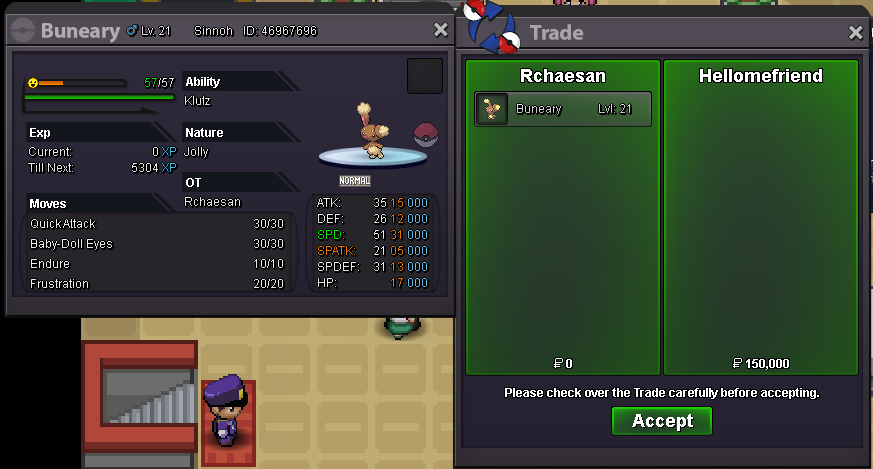 You can dm me on discord when u readyBUMP ALSO ADDED MANY POKE AND SOME TRANSACTION PROOF HEHE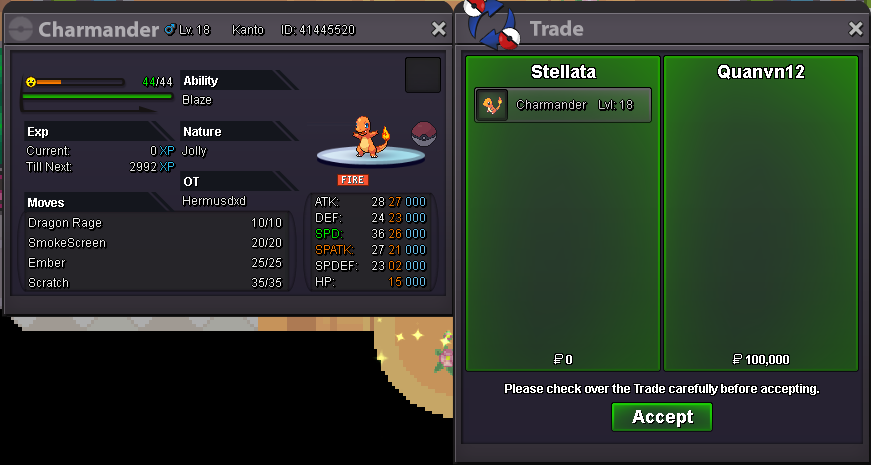
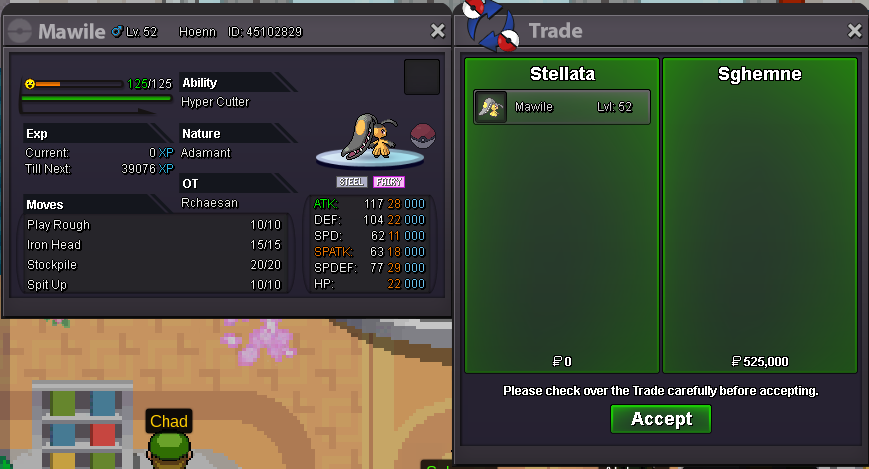
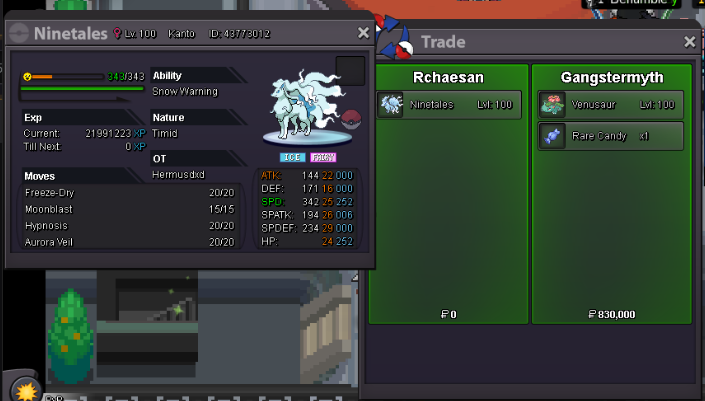
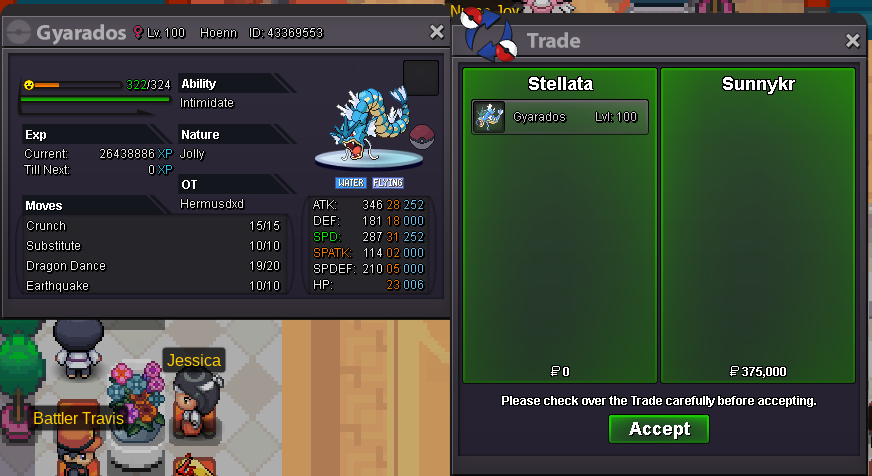
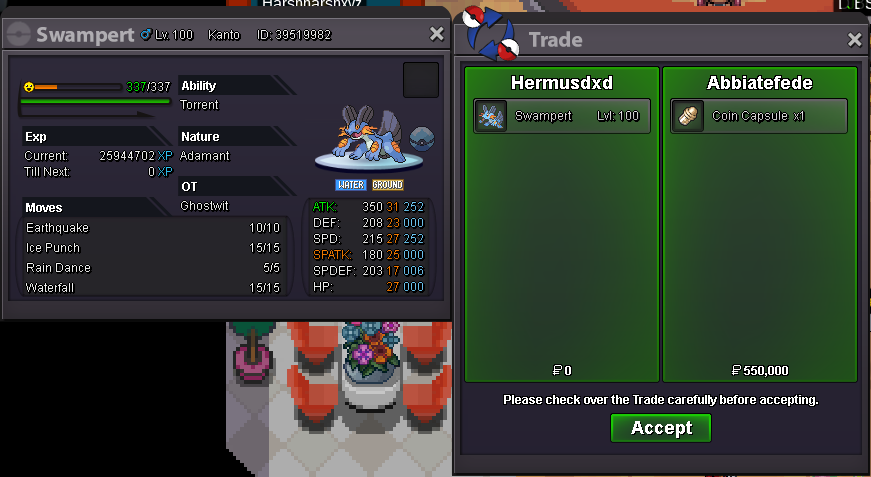
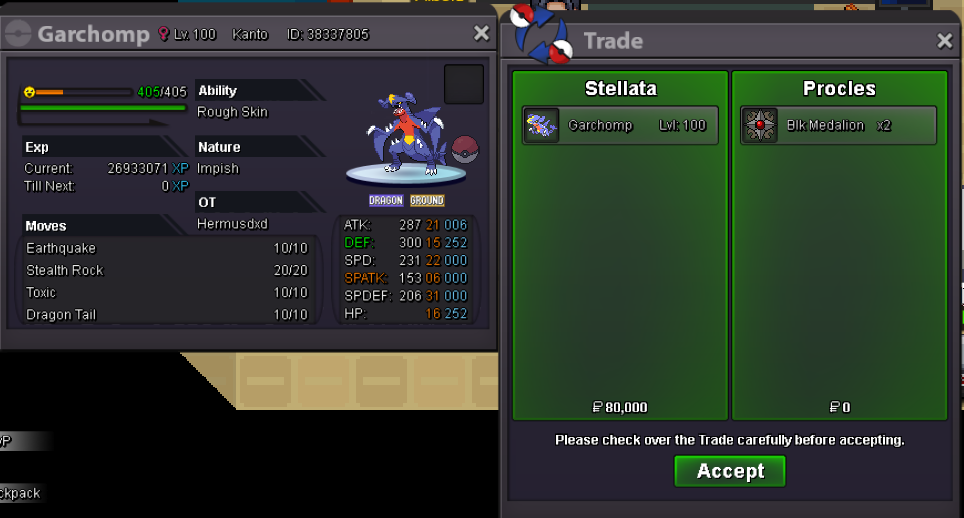
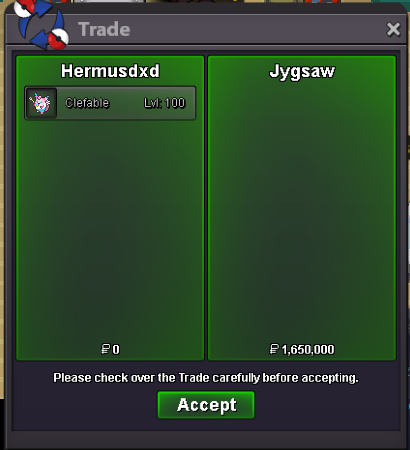
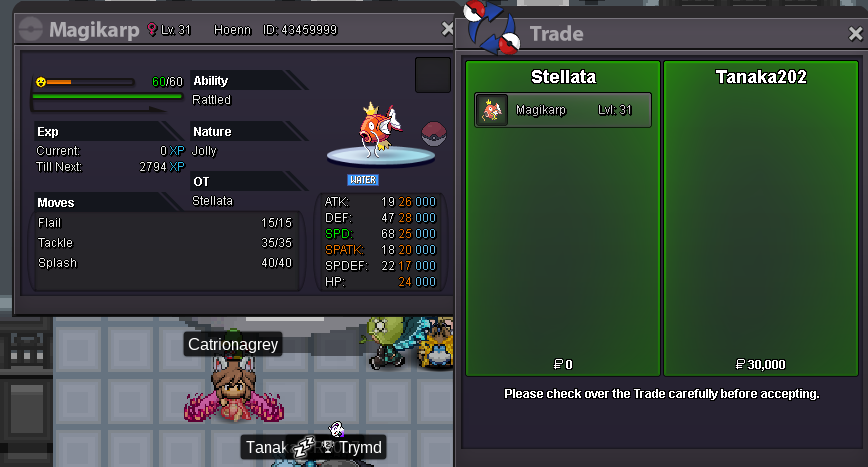
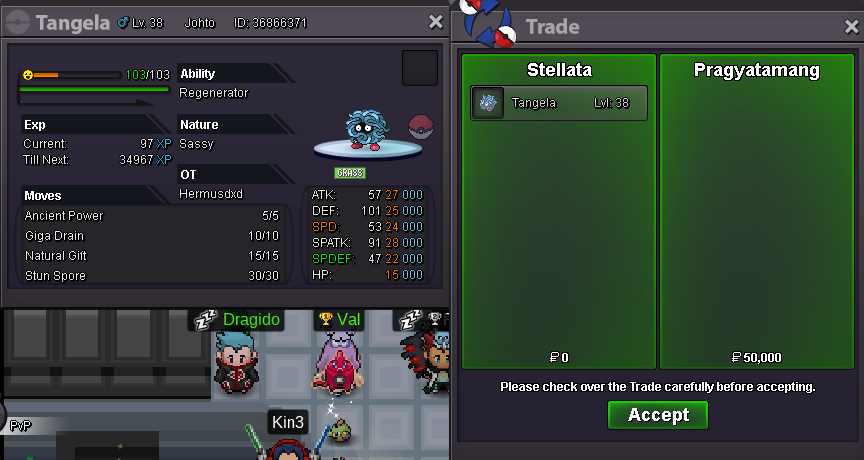
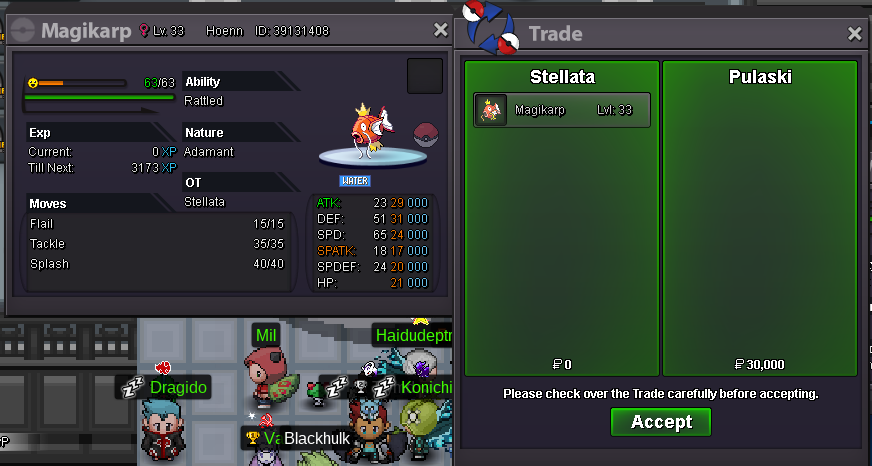
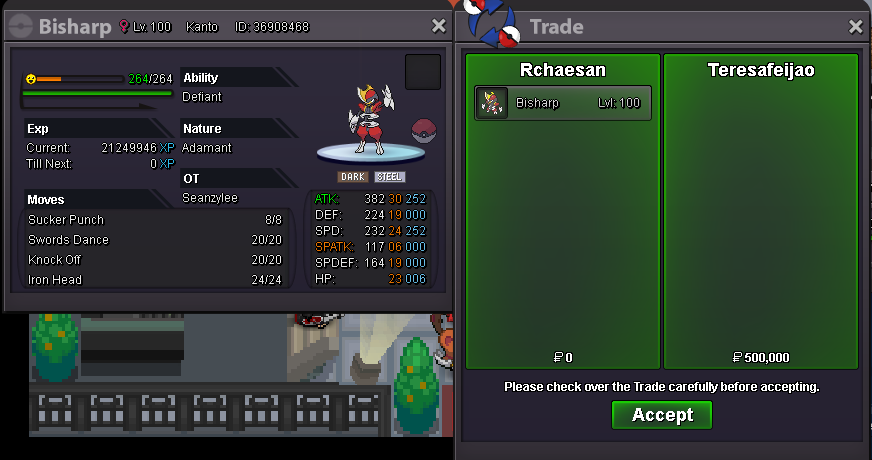
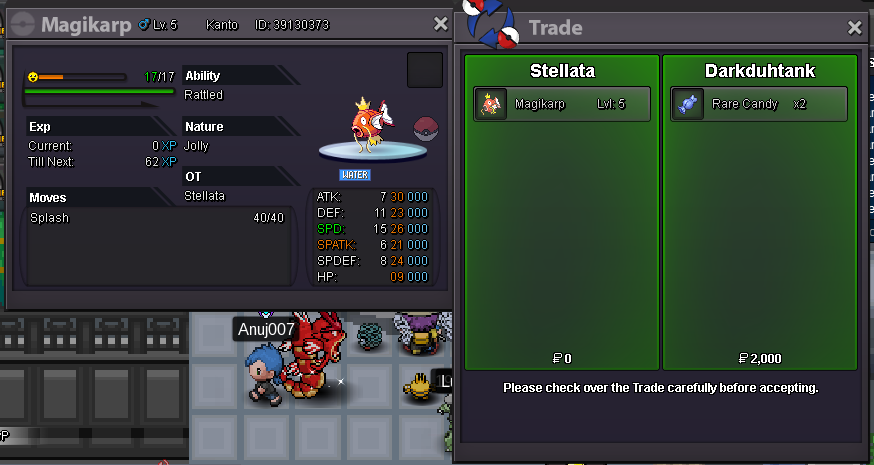
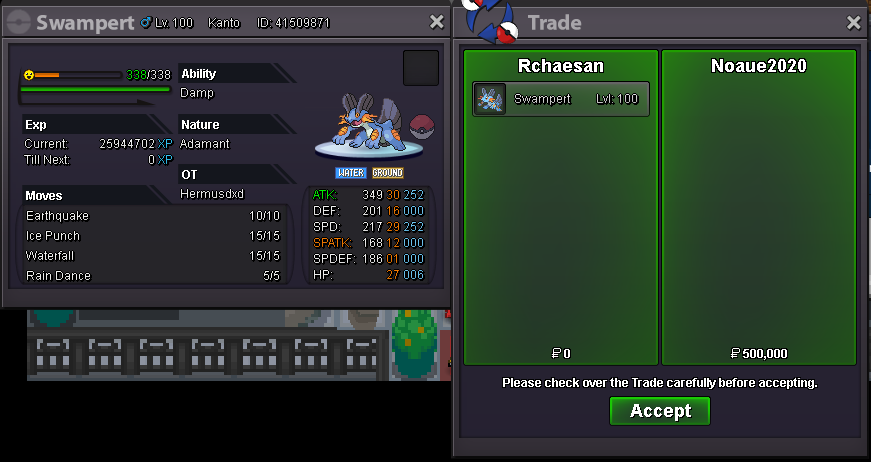 2.32.11.6StartYELLOW SERVER ~OT GANG~ ( i dont have any other OT epics T.T ) \ EHEHEHEHE :(( :((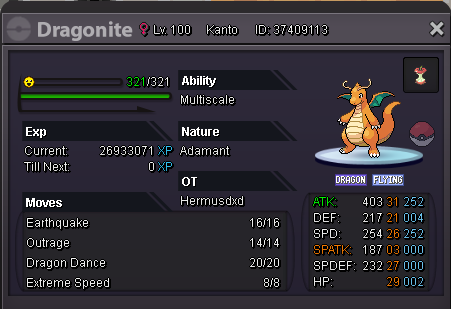
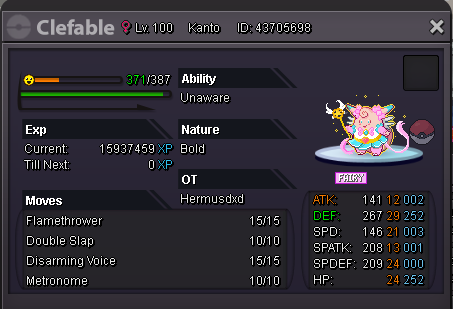
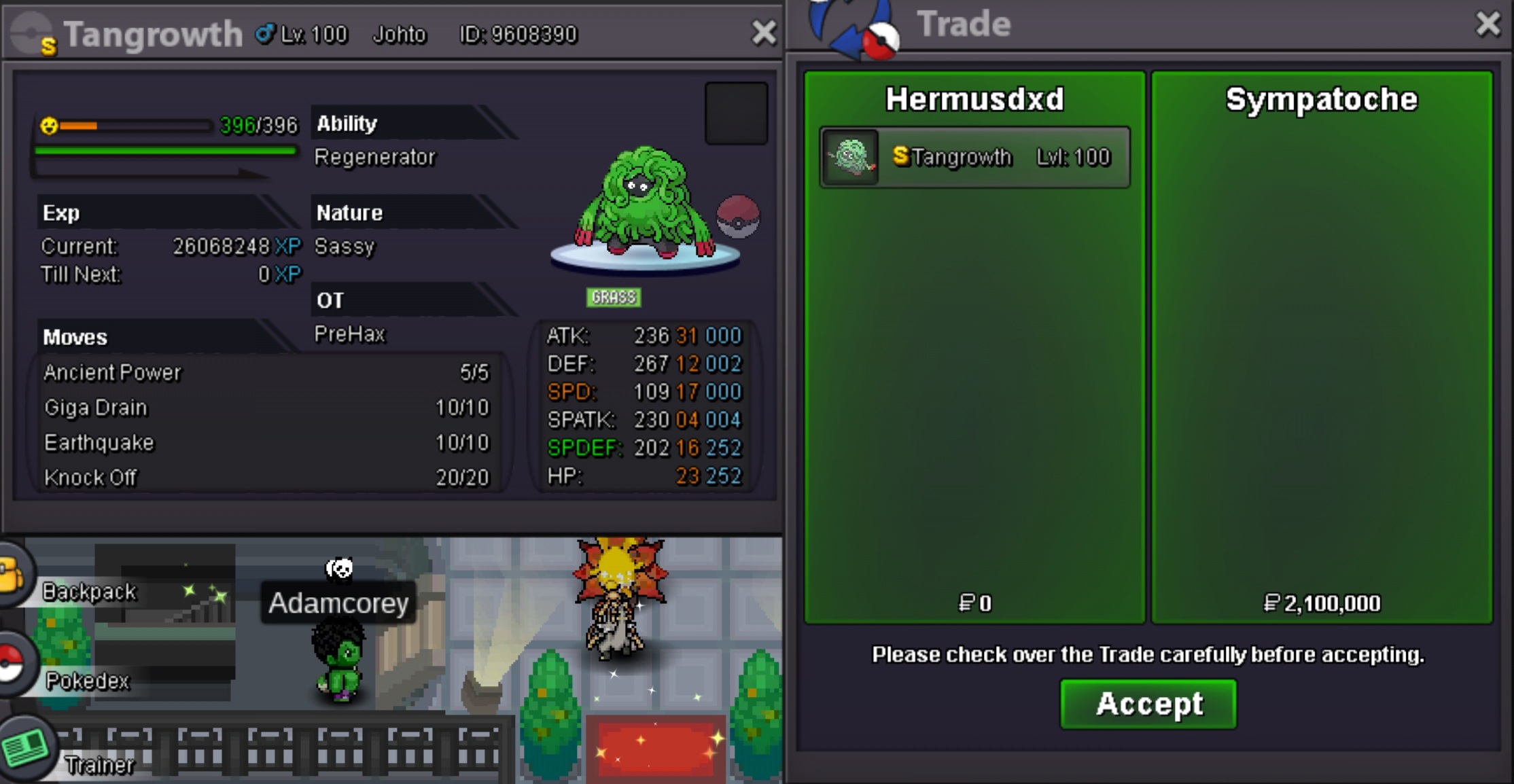
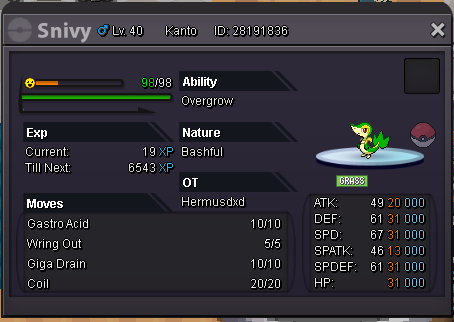 2mwtb jolly beldum/metang 25+ on atk spd, 20+ other stat
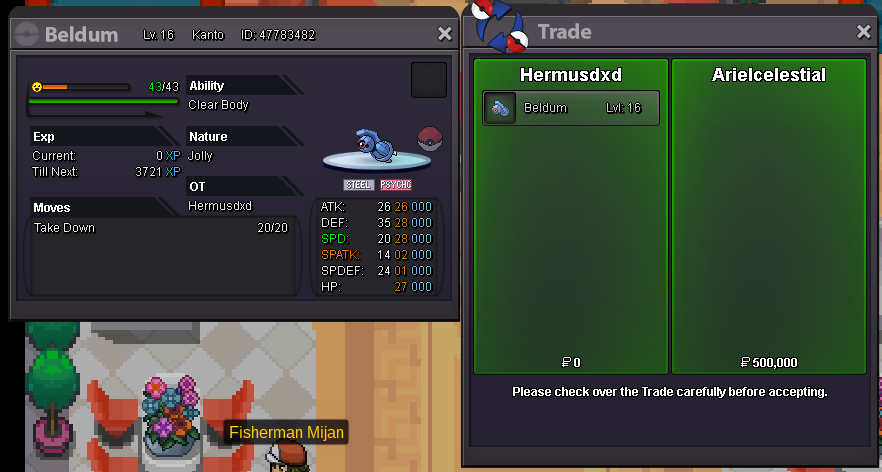
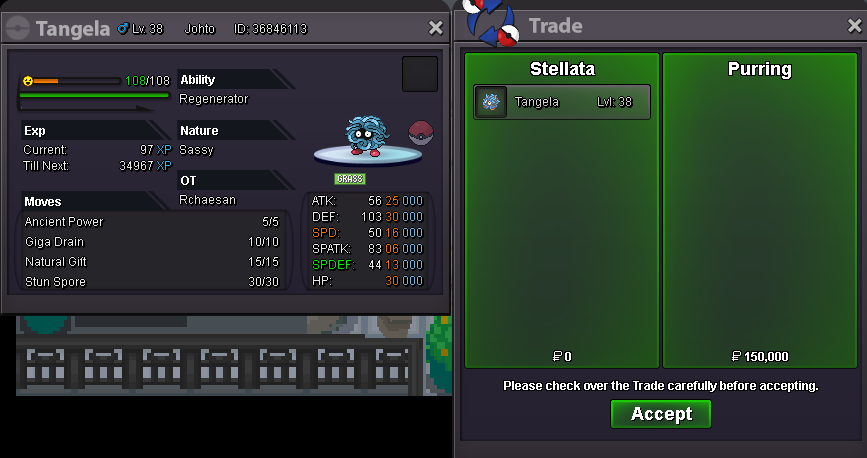
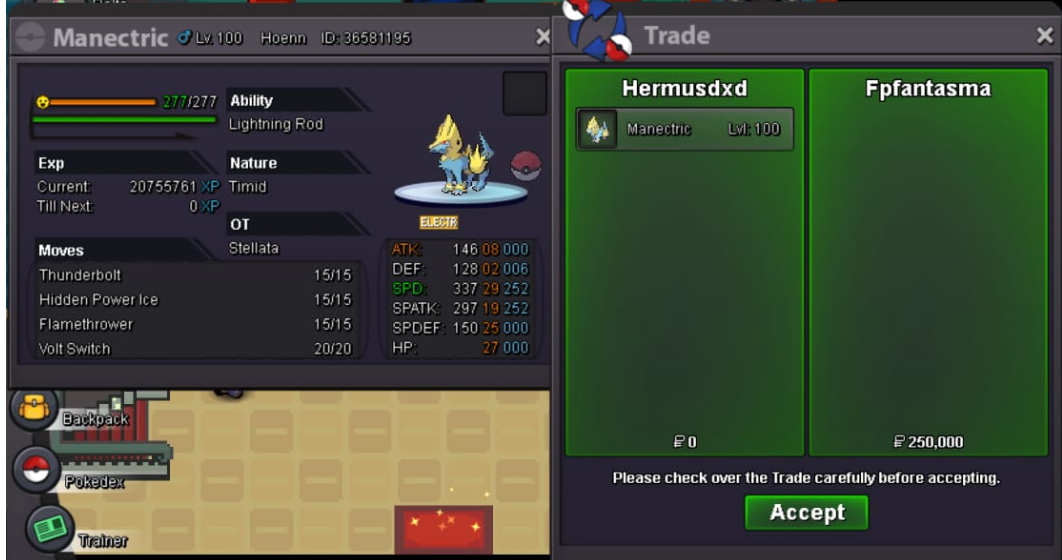
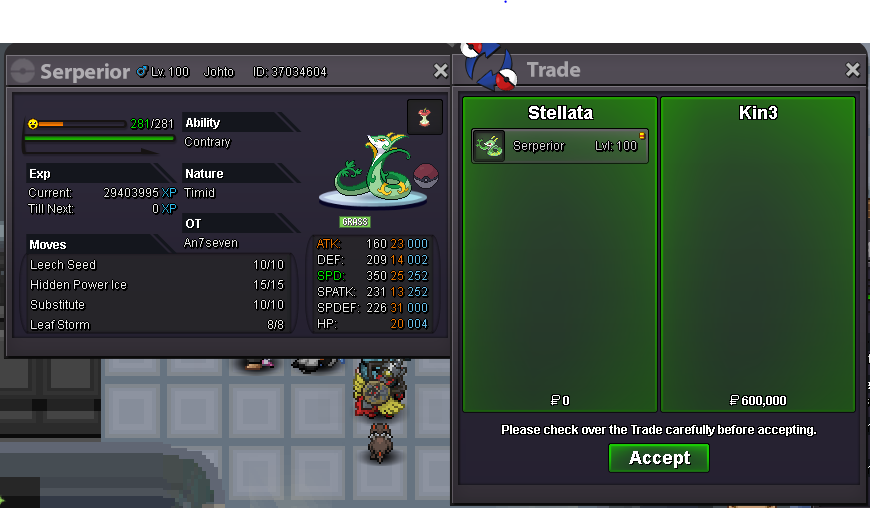

Account
Navigation
Search
Configure browser push notifications
Chrome (Android)
- Tap the lock icon next to the address bar.
- Tap Permissions → Notifications.
- Adjust your preference.
Chrome (Desktop)
- Click the padlock icon in the address bar.
- Select Site settings.
- Find Notifications and adjust your preference.
Safari (iOS 16.4+)
- Ensure the site is installed via Add to Home Screen.
- Open Settings App → Notifications.
- Find your app name and adjust your preference.
Safari (macOS)
- Go to Safari → Preferences.
- Click the Websites tab.
- Select Notifications in the sidebar.
- Find this website and adjust your preference.
Edge (Android)
- Tap the lock icon next to the address bar.
- Tap Permissions.
- Find Notifications and adjust your preference.
Edge (Desktop)
- Click the padlock icon in the address bar.
- Click Permissions for this site.
- Find Notifications and adjust your preference.
Firefox (Android)
- Go to Settings → Site permissions.
- Tap Notifications.
- Find this site in the list and adjust your preference.
Firefox (Desktop)
- Open Firefox Settings.
- Search for Notifications.
- Find this site in the list and adjust your preference.