




New Trade Zone
Trade Zone is now live
Use the new Trade Zone for auctions and instant-price trades so Pokemon and item offers are easy to find.

Hermusdxd
Suspended
-
Joined
-
Last visited
Everything posted by Hermusdxd
-
25 mins
-
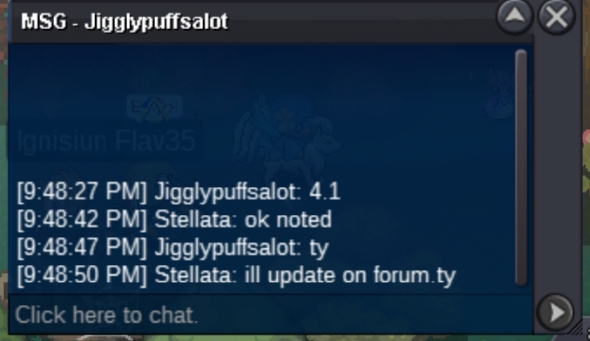
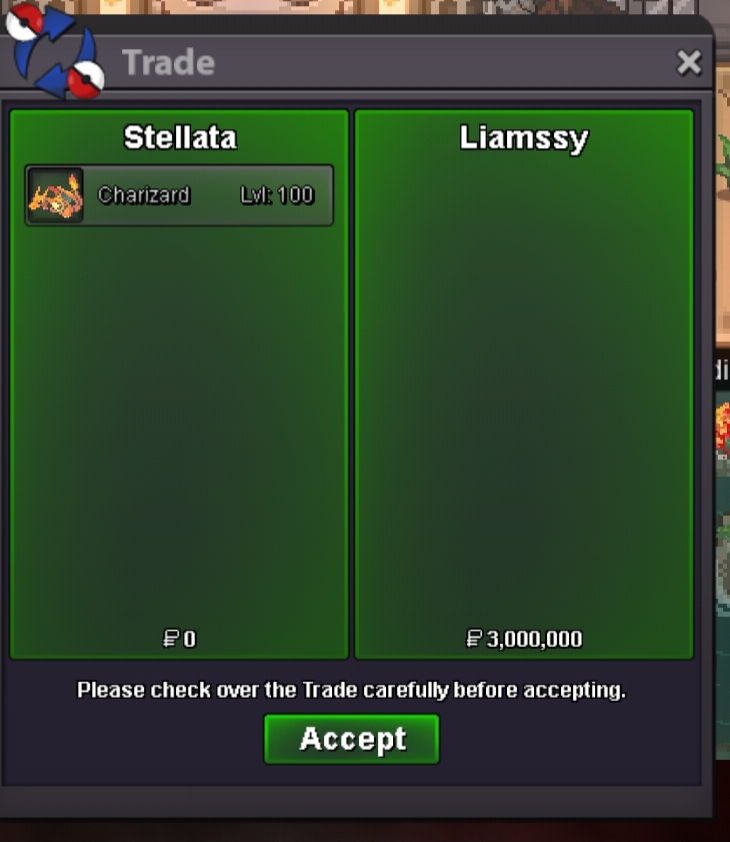
pm me on discord ,ill online secs Hai#6752ok,sold to liamssy insta 3m,thank you for the auction,pm me ingame stellata/hermusdxd.thank youc.o 3.5m
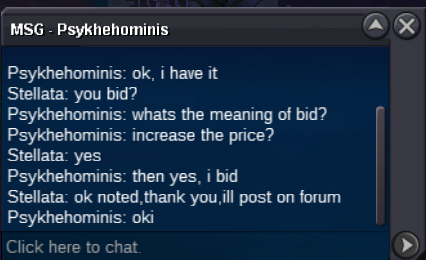
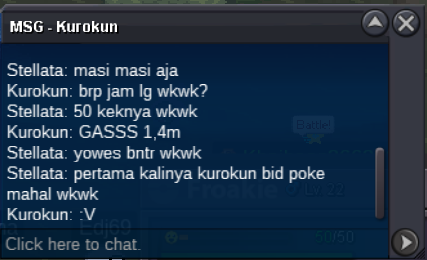
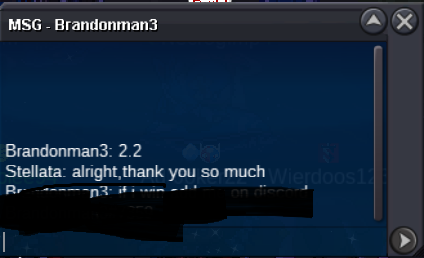
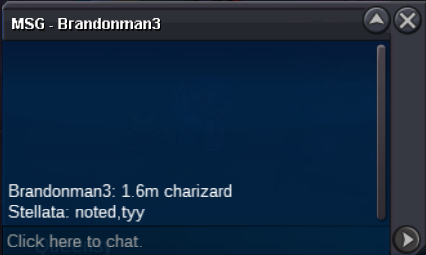
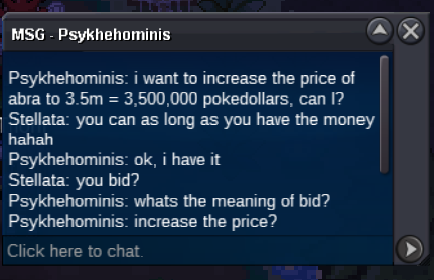 okay noted 3.1m by isildurr2xi got free transfer but need cc to go back1.4m by kurokun 51hr left
 start 3m auction end on saturday 22.15 GMT+7 ty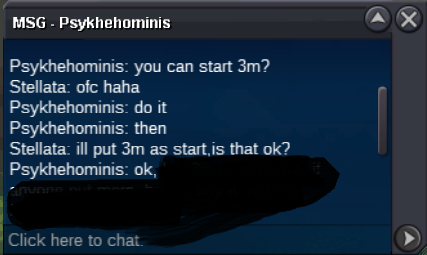
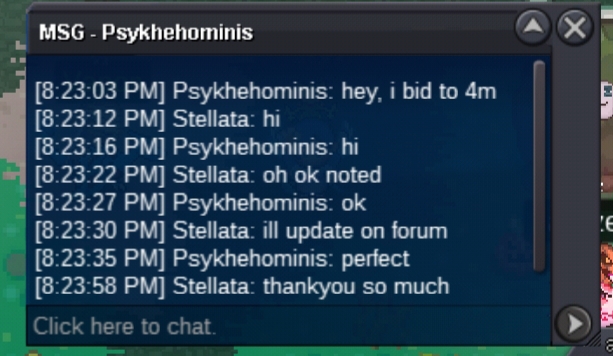
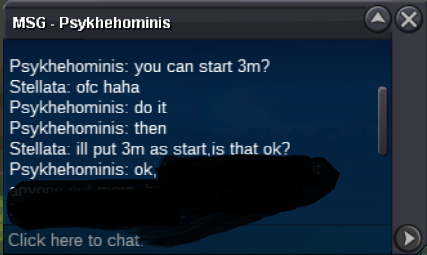 sorry mate, i prefer to auction it first.thank youopen auction for this cute and fast abra accept cc : 400k,reroll: 700k IGN:Hermusdxd/discord : Hai#6752 C.O 4M BY PSYKHEHOMINIS MIN BID 100K INSTA 10 M DURATION 72 HR END ON SATURDAY 22.15 GMT+7 COUNTDOWN: https://www.timeanddate.com/countdown/basketball?iso=20201010T2215&p0=642&font=cursive visit my shop here: https://pokemonrevolution.net/forum/topic/154757-hermusdxds-pokemon-shop-and-auction-house-charizard-iceshiny-abra-on-auc/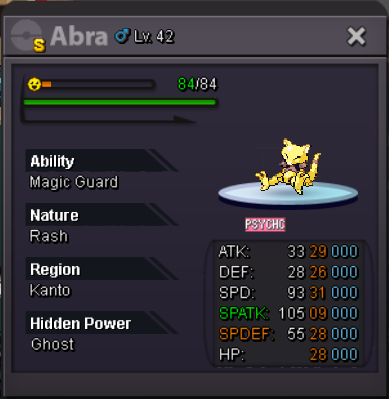
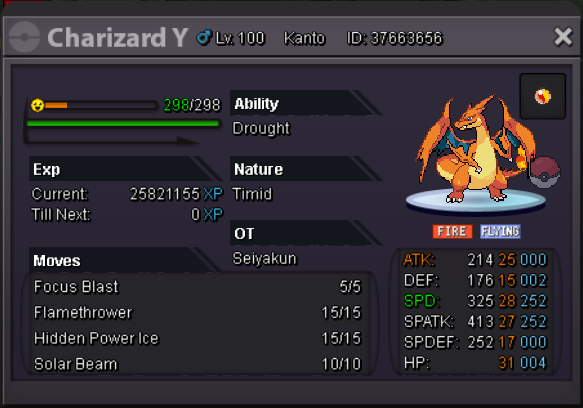
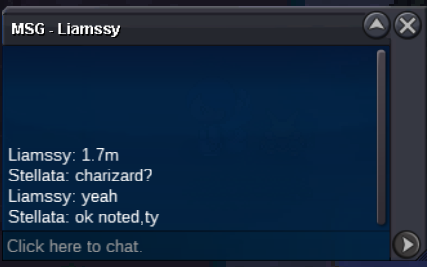
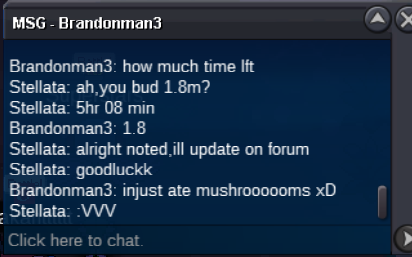
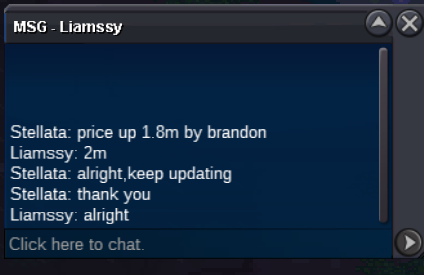
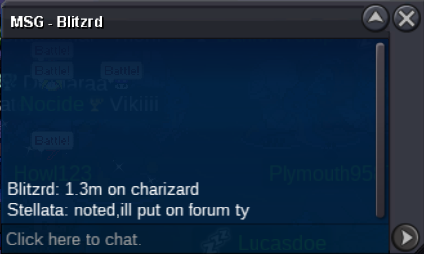
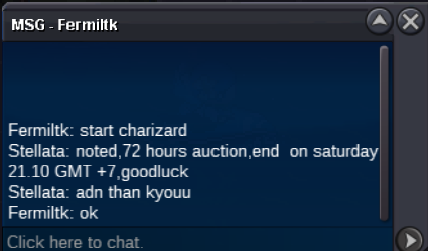
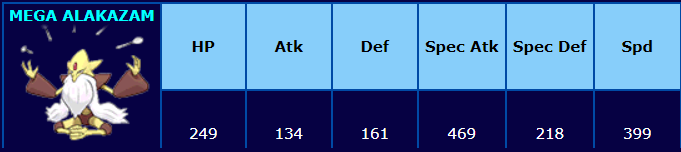 open auction for this strong mega charizard Y accept cc : 400k,reroll: 700k IGN:Hermusdxd/discord : Hai#6752 C.O 2M BY LIAMSSY MIN BID 100K INSTA 3M DURATION 72 HR END ON SATURDAY 10 2020 21.10 GMT + 7 COUNTDOWN : https://www.timeanddate.com/countdown/boxing?iso=20201010T2110&p0=642&msg=auction+end&font=cursive GOODLUCK visit my shop here https://pokemonrevolution.net/forum/topic/154757-hermusdxds-pokemon-shop-and-auction-house-charizard-iceshiny-abra-on-auc/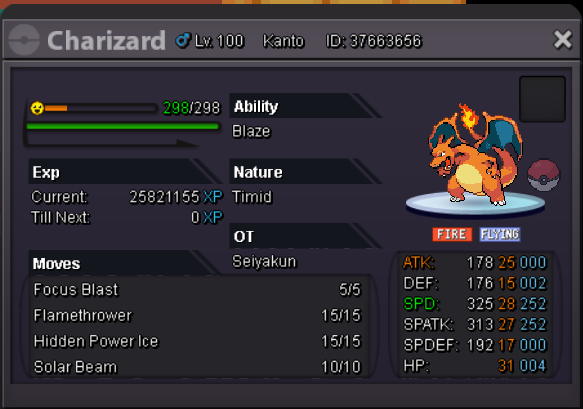
 sold ingame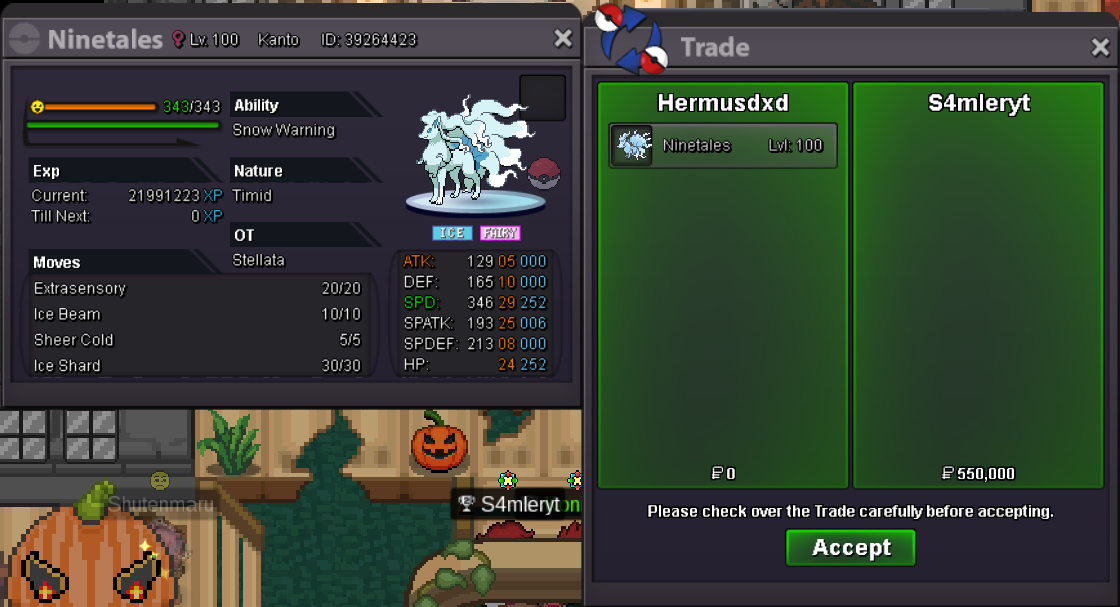
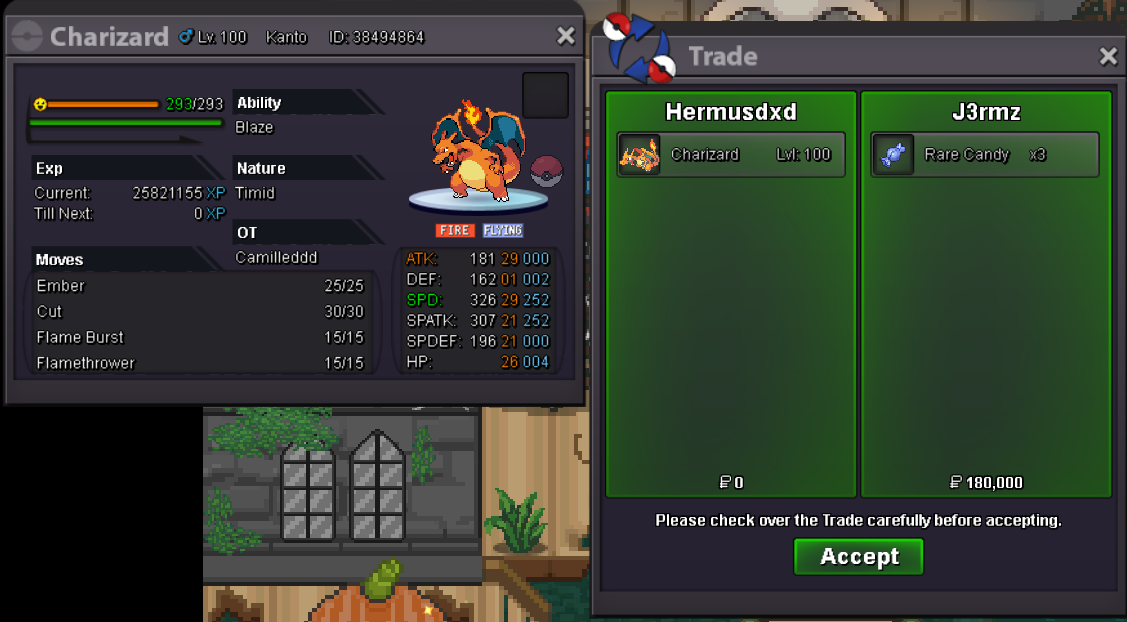
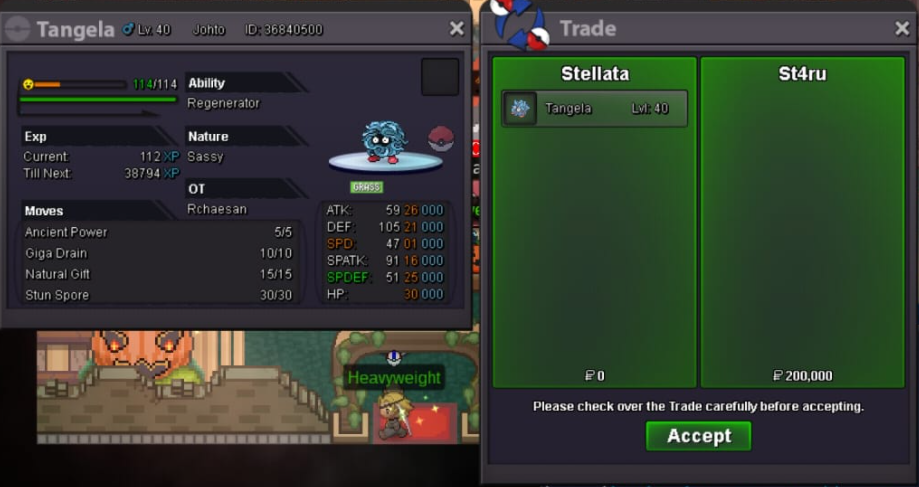 🙂2.6@ST4RUsure,after maintenance end,thanks also ,sold ingame, thank you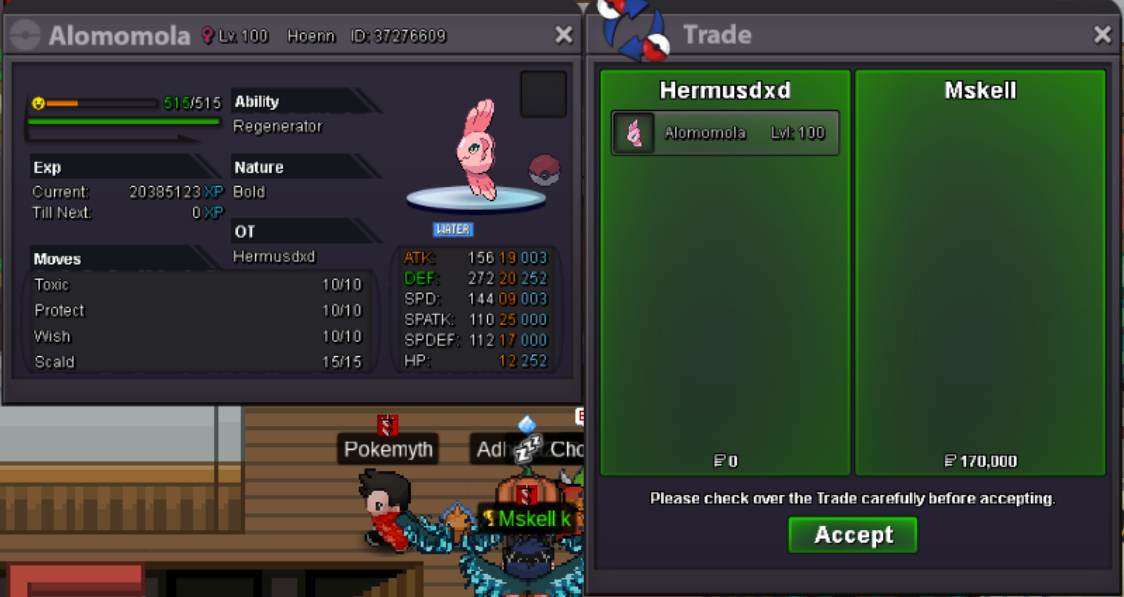

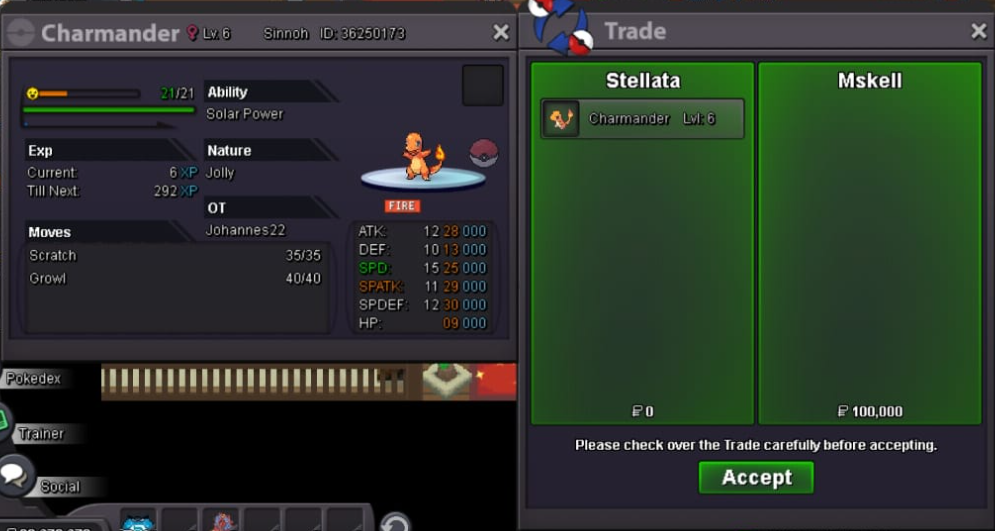
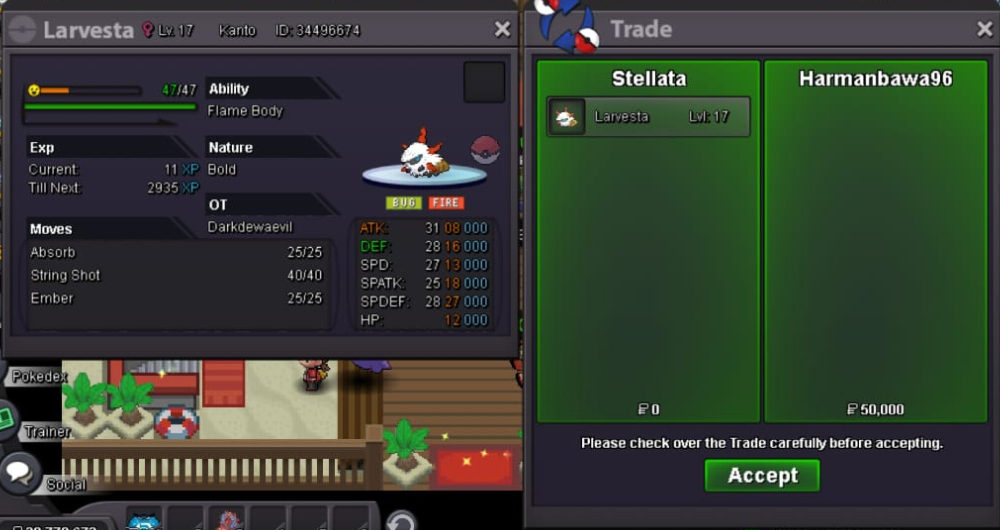 sold ingame,thanks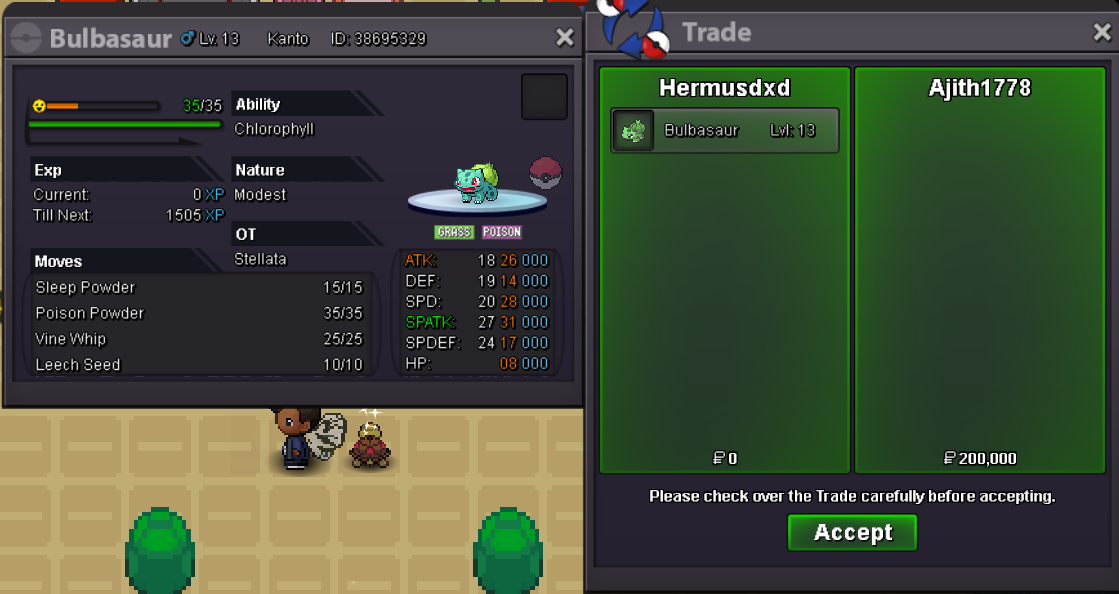


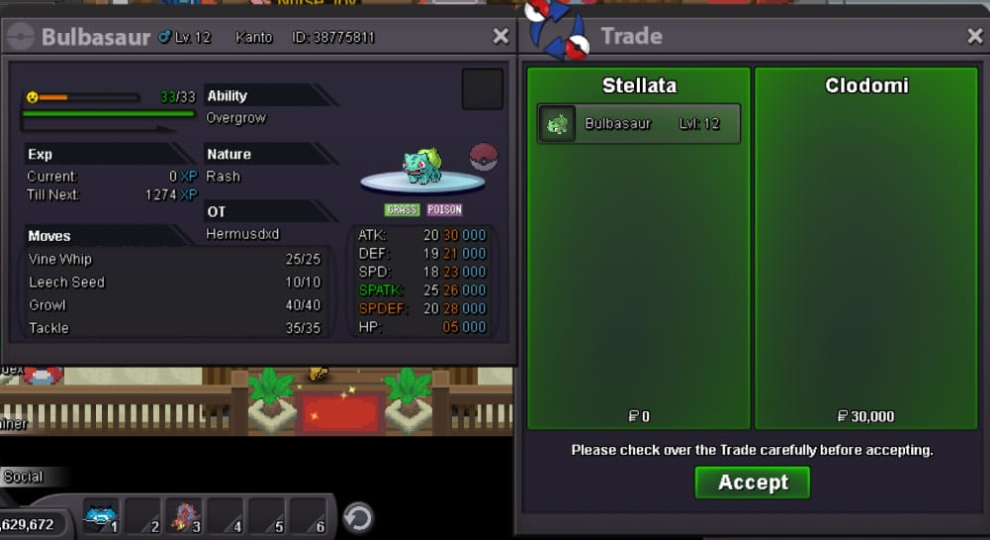
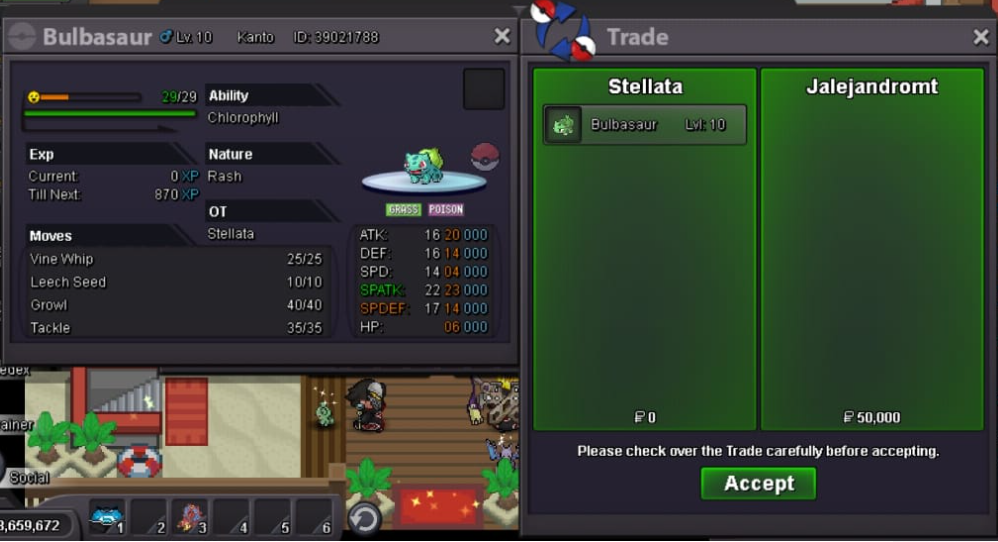
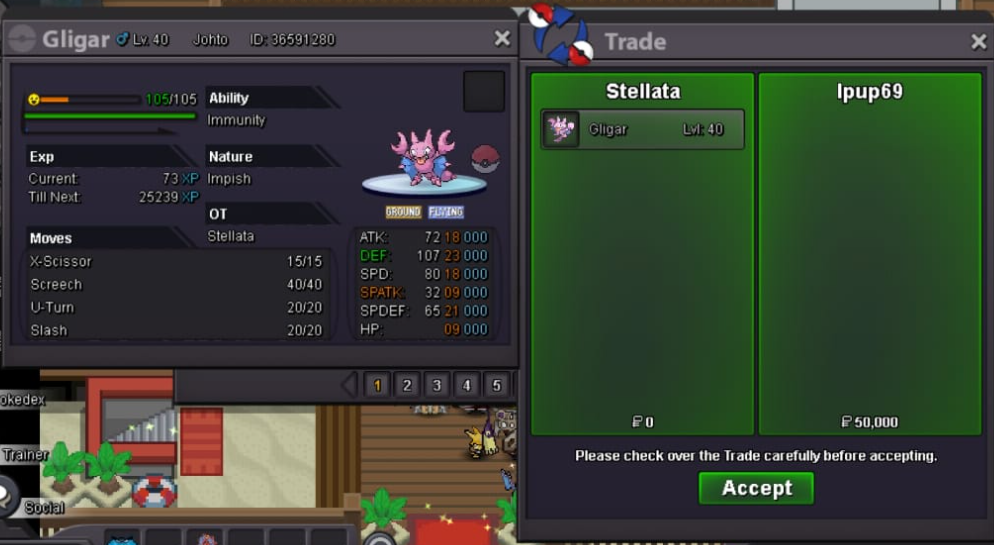

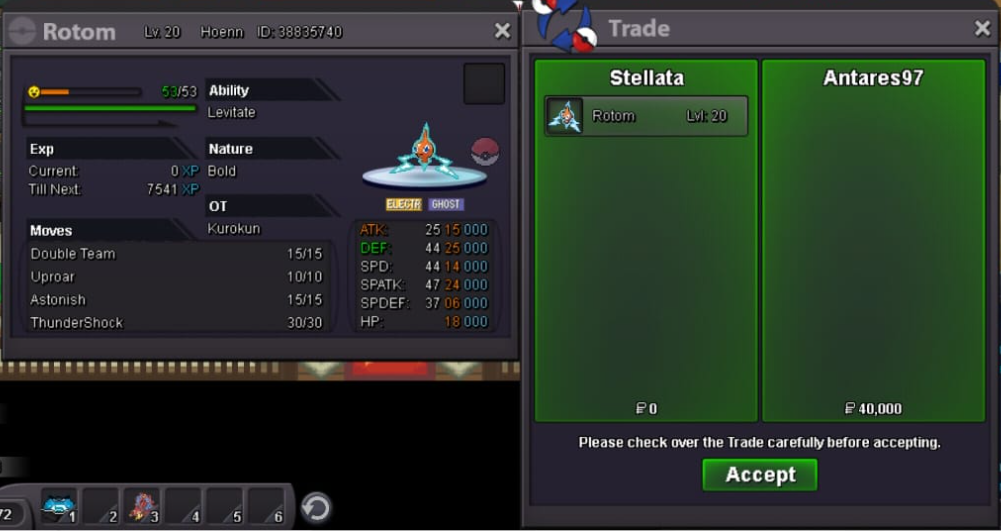
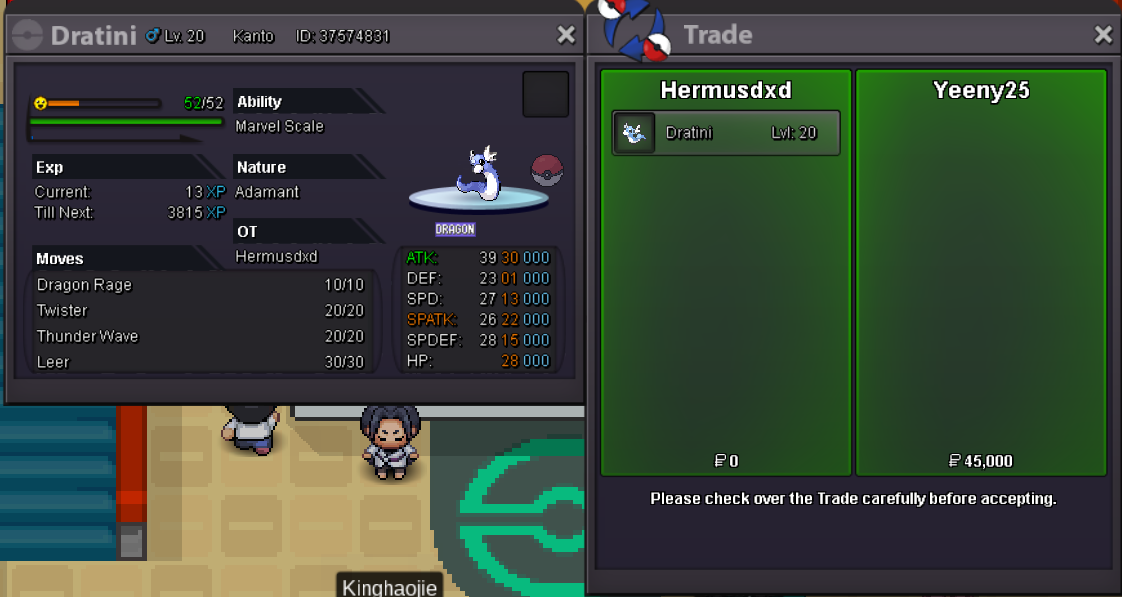 no evolve prompt when leveled to lv 99,delevel it please ign hermusdxd server gold
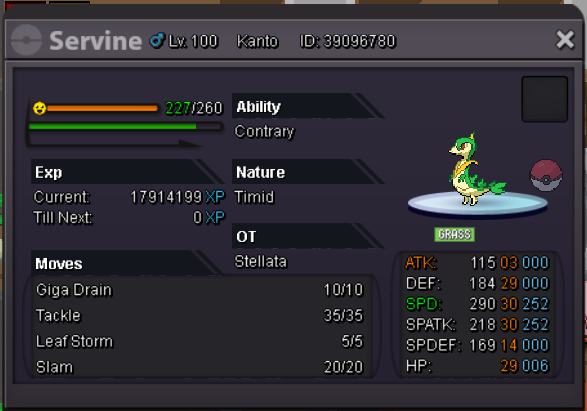 sold ingame thank you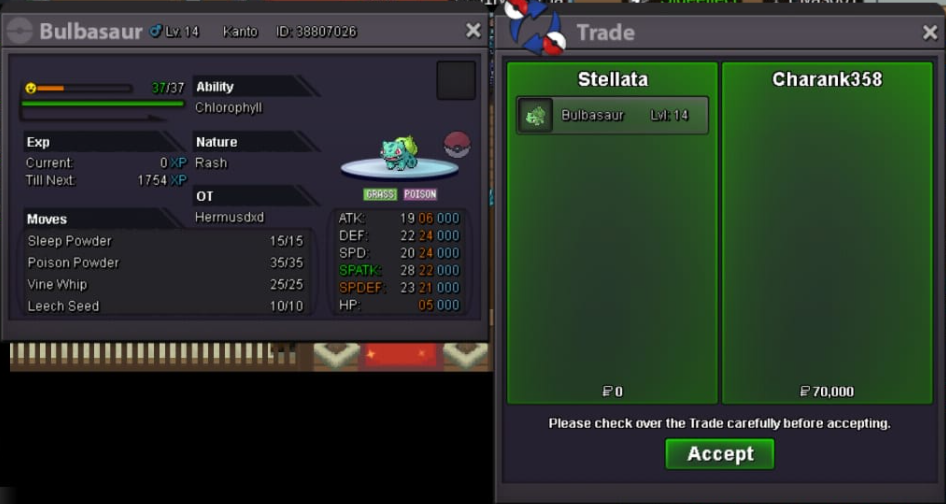
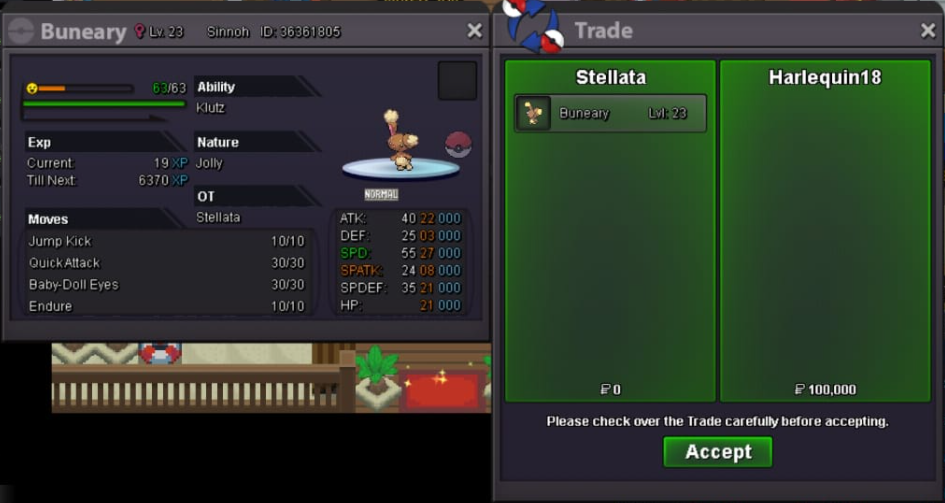
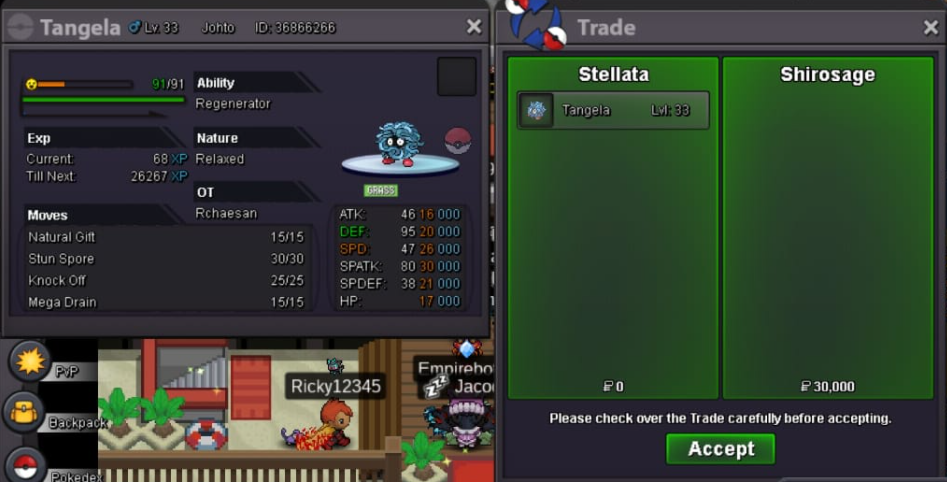
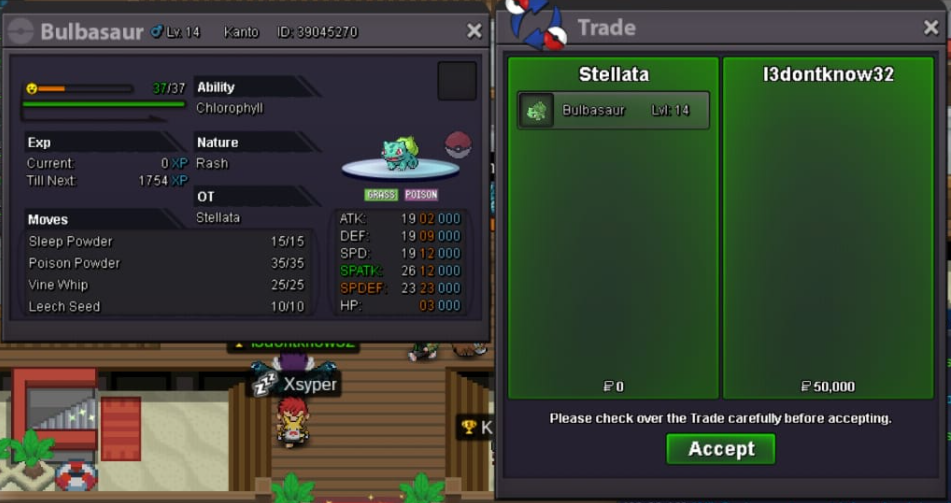
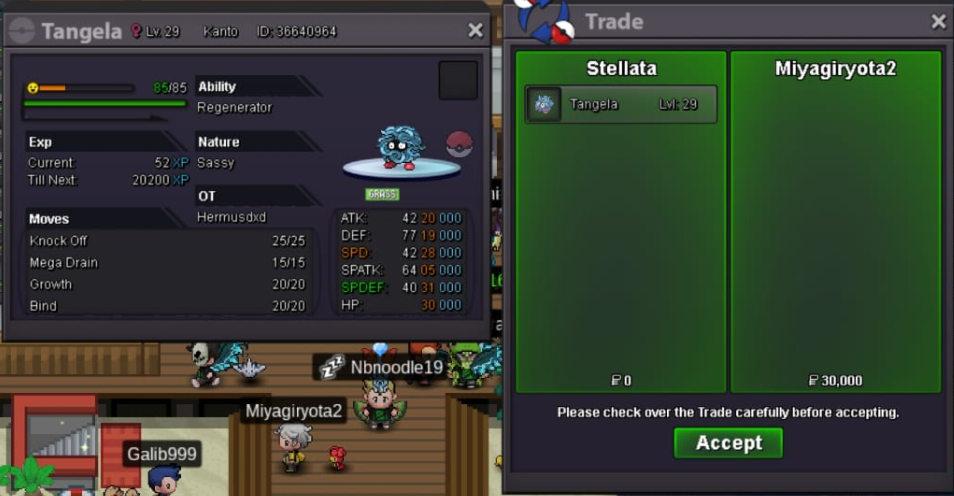
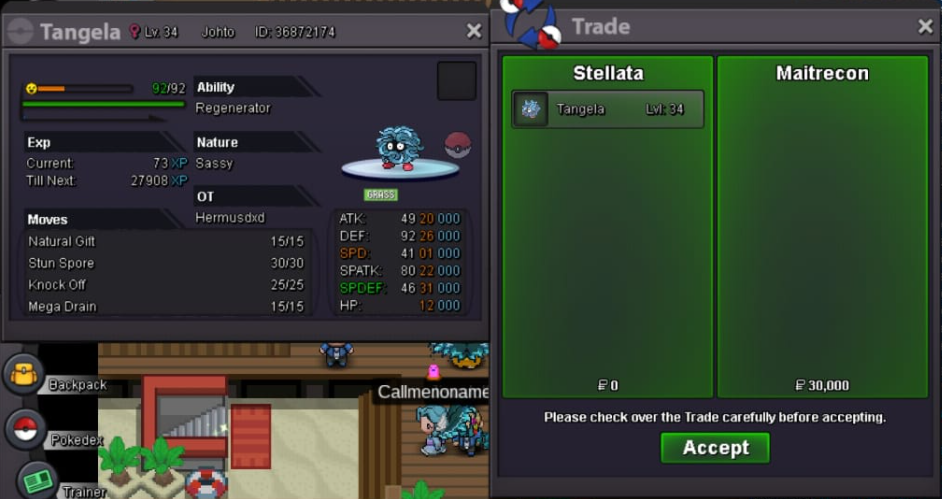
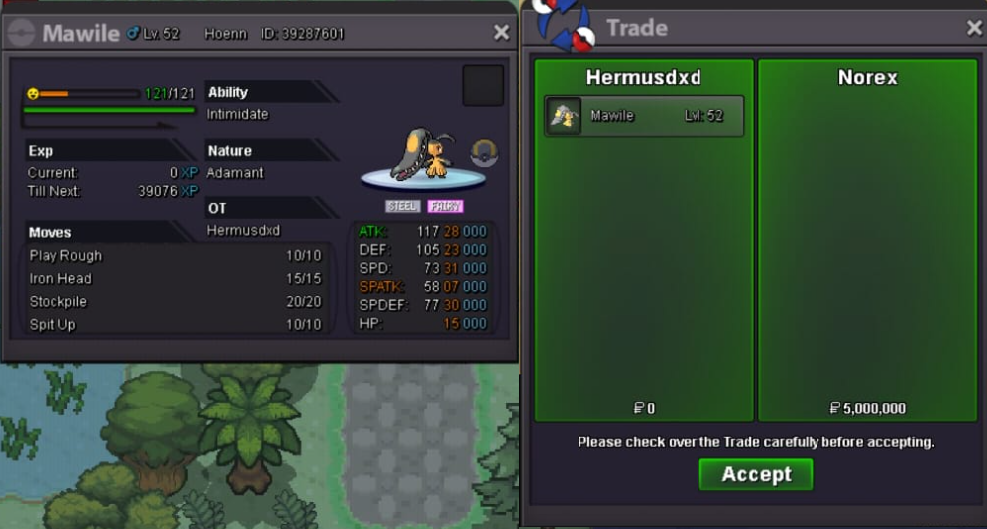
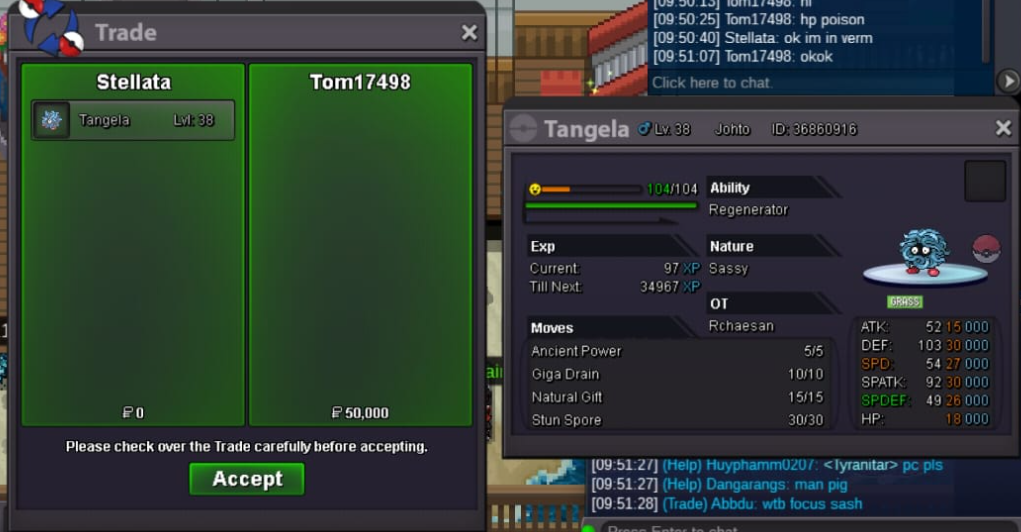
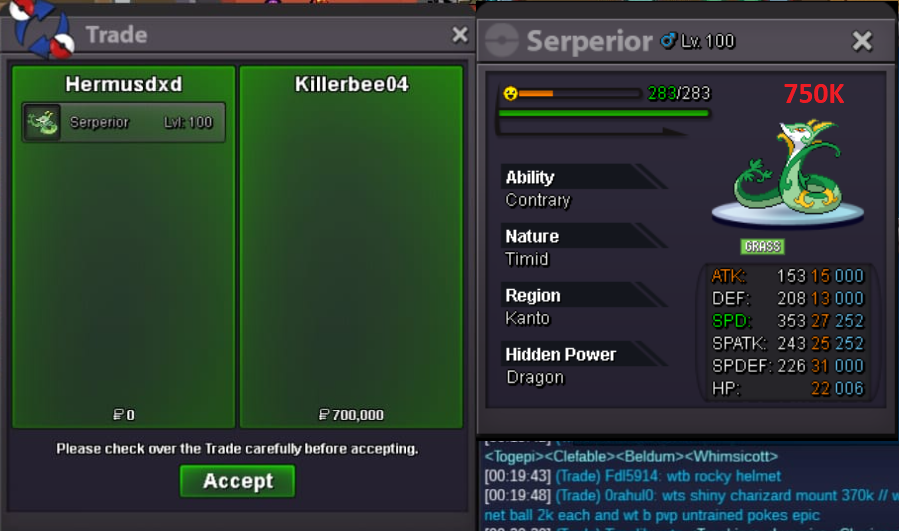 3 Oct update many pokemon added price reduced feel free to nego thank you
Account
Navigation
Search
Configure browser push notifications
Chrome (Android)
- Tap the lock icon next to the address bar.
- Tap Permissions → Notifications.
- Adjust your preference.
Chrome (Desktop)
- Click the padlock icon in the address bar.
- Select Site settings.
- Find Notifications and adjust your preference.
Safari (iOS 16.4+)
- Ensure the site is installed via Add to Home Screen.
- Open Settings App → Notifications.
- Find your app name and adjust your preference.
Safari (macOS)
- Go to Safari → Preferences.
- Click the Websites tab.
- Select Notifications in the sidebar.
- Find this website and adjust your preference.
Edge (Android)
- Tap the lock icon next to the address bar.
- Tap Permissions.
- Find Notifications and adjust your preference.
Edge (Desktop)
- Click the padlock icon in the address bar.
- Click Permissions for this site.
- Find Notifications and adjust your preference.
Firefox (Android)
- Go to Settings → Site permissions.
- Tap Notifications.
- Find this site in the list and adjust your preference.
Firefox (Desktop)
- Open Firefox Settings.
- Search for Notifications.
- Find this site in the list and adjust your preference.