




New Trade Zone
Trade Zone is now live
Use the new Trade Zone for auctions and instant-price trades so Pokemon and item offers are easy to find.
.jpeg.722d8a896c21a3b2130e48f4e1c6d491.jpeg)

Aiyah
Registered User
-
Joined
-
Last visited
-
So I made a nickname change request in the dashboard and it already passed 48 hours, it's already on the third day and my request has not been approved yet, so I just wanna post a forum here just to bump my request thanks
-
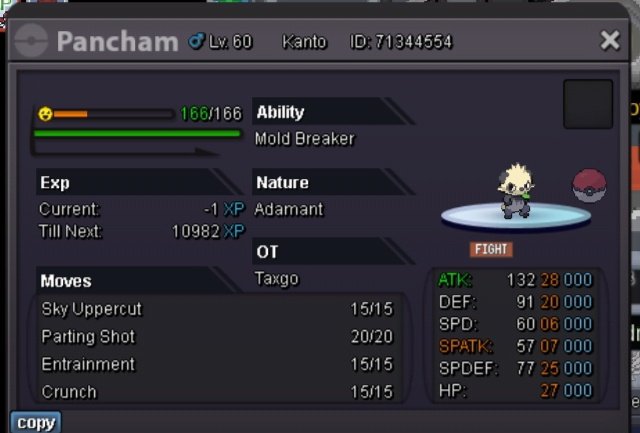
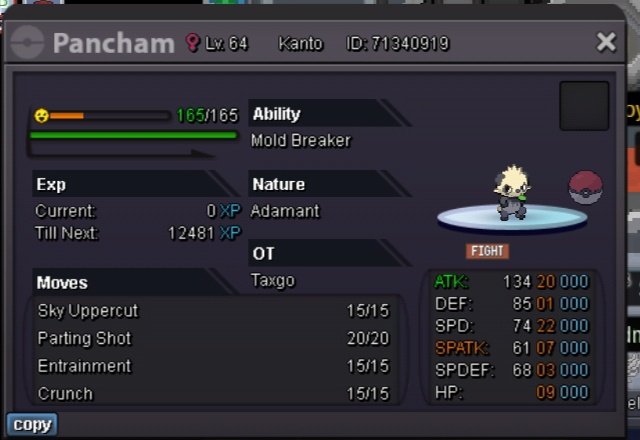
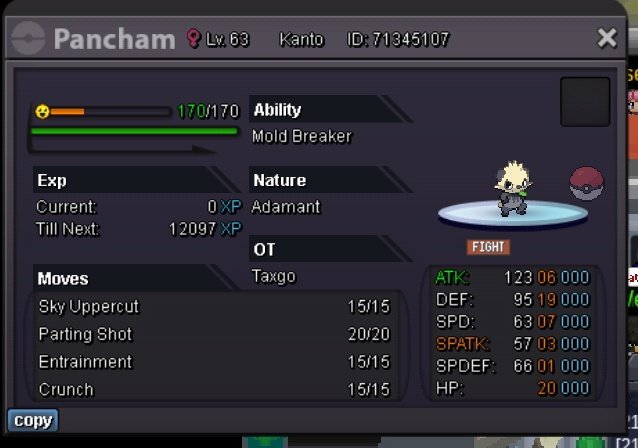
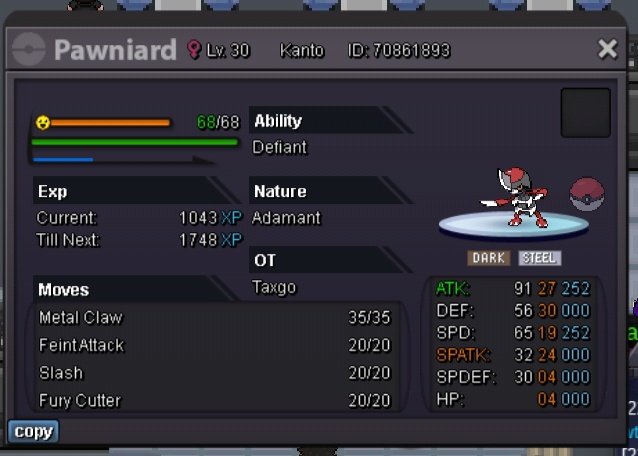
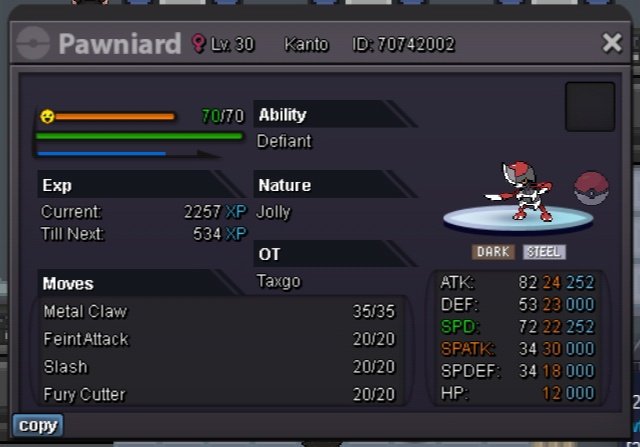
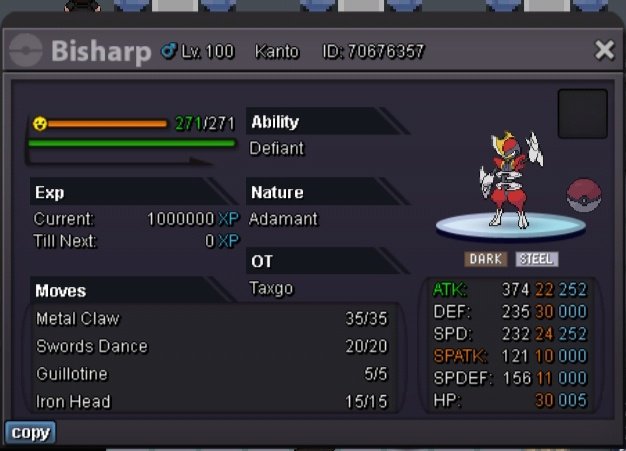
PANCHAMS BISHARP/PAWNIARD COMING SOON
-
Aiyah changed their profile photo
-
Reason for deleting: No offers Maybe i made the starting offer too high, gonna re auction soon
-
-
Count me in i really want to play pokemon revolution on nintendo switch wherever i want cause i have limited to play PRO cause im still a student so i want to play this game on my school when i have a vacant time :D :Heart: :Grin: My Username: taxgo
