




New Trade Zone
Trade Zone is now live
Use the new Trade Zone for auctions and instant-price trades so Pokemon and item offers are easy to find.

Donbozo
Registered User
-
Joined
-
Last visited
Everything posted by Donbozo
-
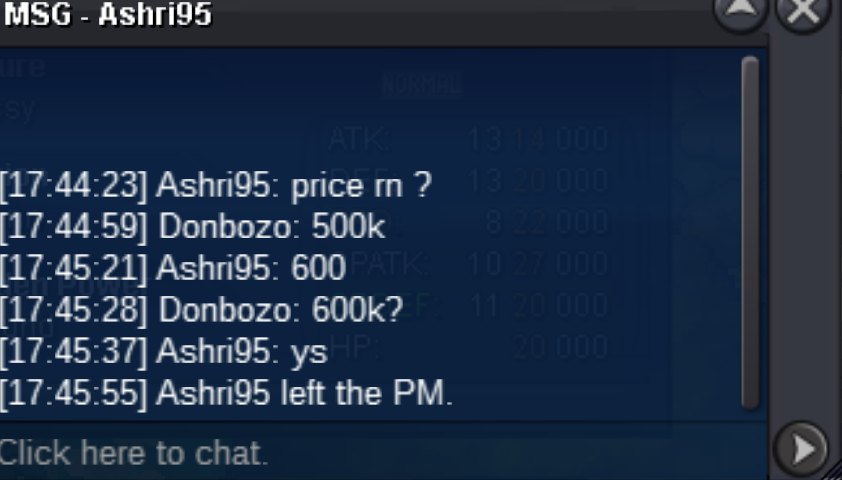
600k by ashri95
-
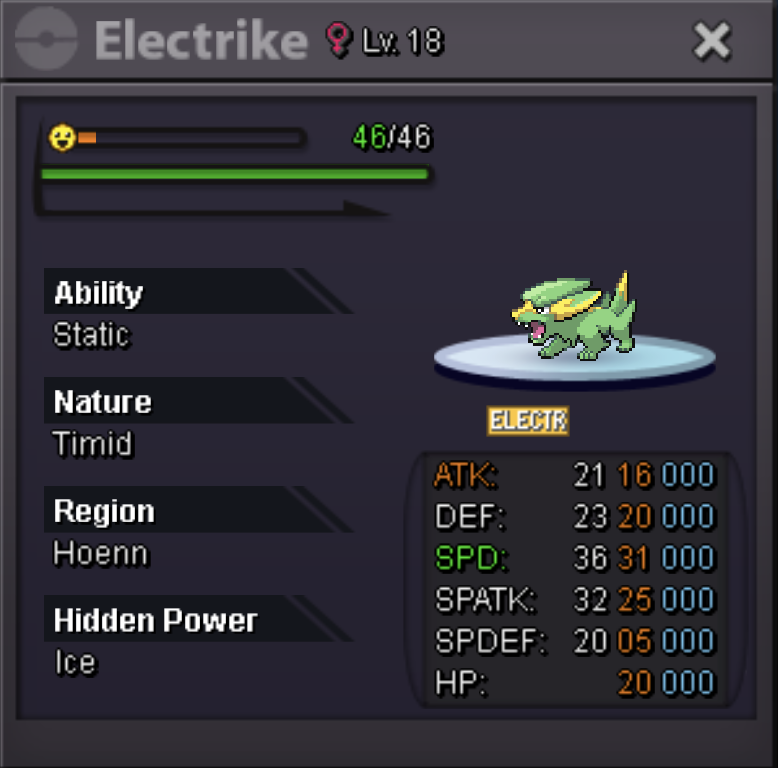
start 400k min bid 100k auction end 48 hours after first bid no insta cc 400k
-
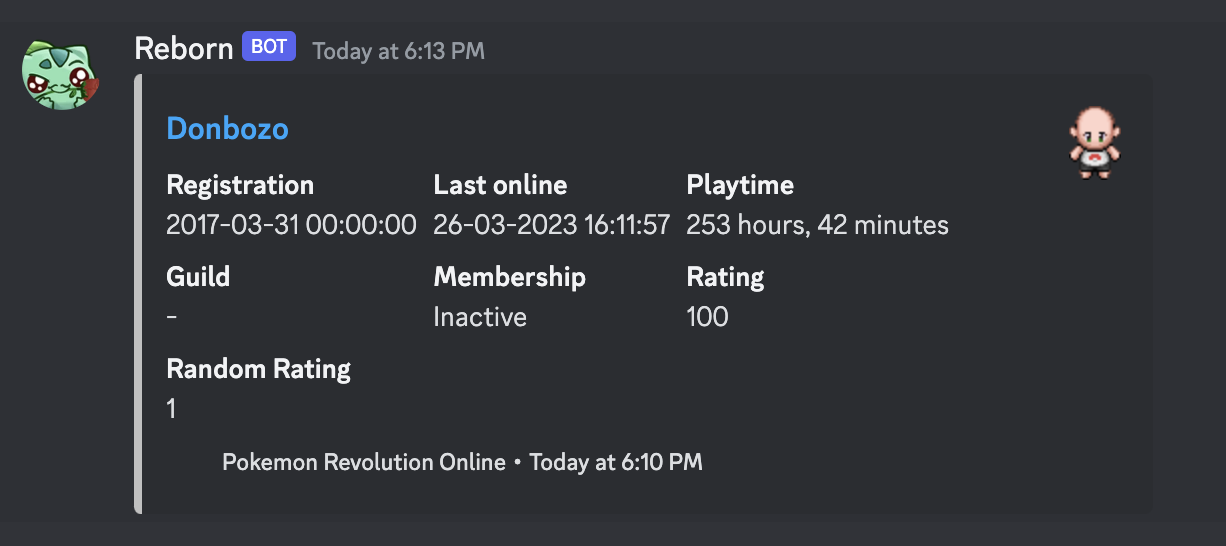
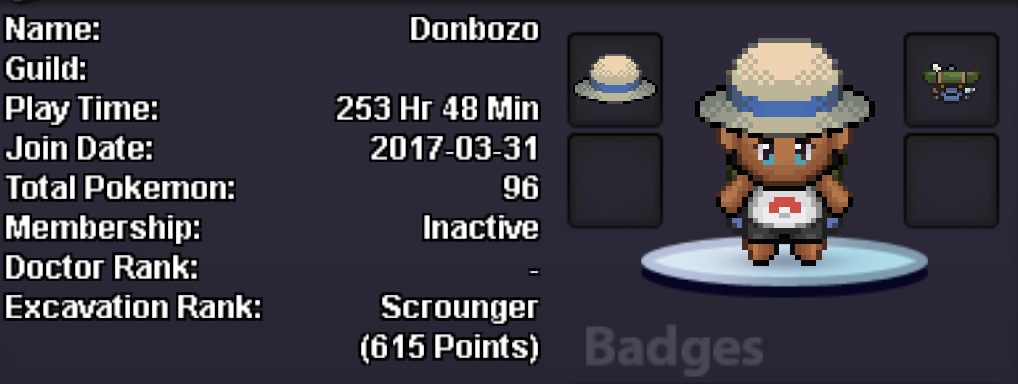
Inspect command on reborn bot and on pro dashboard gives the wrong sprite when azure hiking backpack is equipped (muse be backpack since the red hiking backpack also had the same bug)
-
Start 100k
-
Confirmed, thank you so much. Sorry for complaining.
-
I did now use escape rope to get out of there, since I was stuck and Darkrai not interactable after the server crash and wasn't now either. Returning back Darkrai was gone and I have now no way of getting into the Dark Realm. This inconvenience is bothering me really badly as there was no error from my part. The servers crashed for 2 minutes which made me lose my chance. Why are some quest so sensitive that they can be completely broken by one crash. I think I deserve getting the chance of going into the Dark Realm asap so I can get the quest over with.
-
I can't interact with Darkrai at Alucard Castle 3F after server crashed while I was battling him. The Darkrai that is supposed to defeat you didn't finish me off as the server crashed mid fight. Now that the servers got back online, Darkrai became uninteractable. On top of that, I can't leave Alucard Castle 3F the designated way, as it says when I walk on the teleporter "A strange magic prevents your escape!". Please help.